
ASHATA ASHATAxi0p8towbr-11
ASHATA AI Language Translation Earbuds User Manual
Model: ASHATAxi0p8towbr-11
Brand: ASHATA
Introduction
Thank you for choosing the ASHATA AI Language Translation Earbuds. These advanced earbuds are designed to break down language barriers, offering real-time translation for a wide range of languages. With cutting-edge Bluetooth 5.4 technology, superior noise cancellation, and versatile connectivity, they are ideal for travel, business, academic pursuits, and everyday communication. This manual provides detailed instructions on how to set up, operate, and maintain your new translation earbuds.
Package Contents
Please verify that all items listed below are included in your package:
- 2 x Wireless Bluetooth Earphones (Left and Right)
- 1 x Earphone Charging Case
- 2 x User Manuals
- 1 x Charging Cable (USB-A to USB-C)
- 1 x Lanyard

Image: All components included in the ASHATA AI Language Translation Earbuds package, neatly laid out.
Product Overview
Familiarize yourself with the main components of your ASHATA AI Language Translation Earbuds.
Earbuds and Charging Case
The earbuds are designed for comfortable wear and feature integrated microphones for clear audio capture. The compact charging case not only protects your earbuds but also provides convenient charging on the go.

Image: A view of the ASHATA AI Language Translation Earbuds and their sleek charging case.

Image: The earbuds alongside the charging case, highlighting the digital battery indicator on the case.

Image: A detailed view of the USB-C charging port on the earbud charging case.
Setup
Charging the Earbuds and Case
Before first use, ensure both the earbuds and the charging case are fully charged.
- Place the earbuds into the charging case, ensuring they are correctly seated.
- Connect the provided USB-C charging cable to the charging port on the case and the other end to a USB power adapter (not included) or a computer's USB port.
- The indicator lights on the case will show charging status. A full charge typically takes approximately 1-2 hours for the earbuds and 2-3 hours for the case.
Pairing with Your Device
The earbuds use Bluetooth 5.4 for a stable and efficient connection.
- Ensure the earbuds are in the charging case and the case lid is open.
- On your smartphone or tablet, go to Bluetooth settings and turn Bluetooth on.
- Search for available devices. You should see "ASHATA Earbuds" or a similar name appear in the list.
- Select the earbuds to pair. Once connected, you will hear an audio prompt, and the device will show them as paired.
- For subsequent uses, the earbuds will automatically connect to the last paired device when removed from the case.
Operating Instructions
Real-Time Face-to-Face Translation
These earbuds facilitate seamless communication by supporting real-time translation between Mandarin Chinese and 144 other languages. As your conversation partner speaks in a foreign language, you'll instantly hear the translated Mandarin in your earbuds, enabling smoother and face-to-face interactions.

Image: Visual representation of the earbuds' capability for real-time face-to-face translation.
High Accuracy Transcription
The earbuds boast a translation accuracy of up to 98%, with support for recognizing and transcribing 11 languages, 12 dialects, and 10 industry-specific terminologies. They seamlessly integrate with phone calls, voice and video conferencing, and popular apps while accurately distinguishing between speakers in real time.
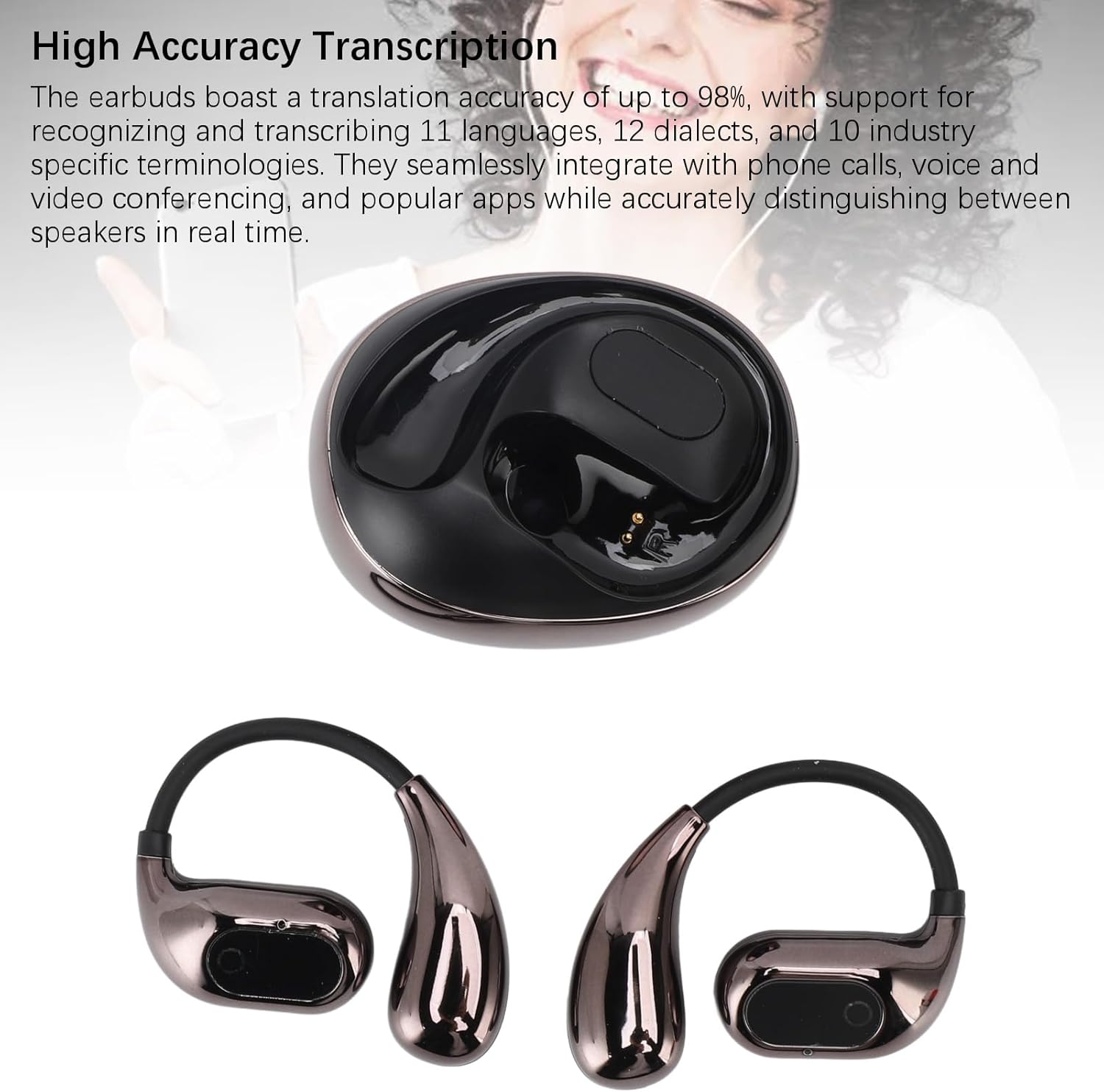
Image: The earbuds demonstrating their high transcription accuracy for various languages and terminologies.
Academic and International Meetings Mode
Ideal for academic lectures and international conferences, the translation earphones can translate spoken content in real time as long as your phone is near the sound source. The translated content is delivered to your earbuds and displayed on your phone, showing both original and translated texts. Currently, the earbuds support translation between Mandarin Chinese and 10 other languages in this mode.
Superior Noise Cancellation (ENC)
Equipped with ENC dual microphone noise reduction technology, these earbuds effectively eliminate background noise, ensuring clear audio for both translation and communication. This feature is particularly useful in noisy environments, allowing you to focus on the conversation.

Image: A visual illustrating the dual microphone noise reduction technology for enhanced call clarity.
Versatile Connectivity and Seamless Usage
With upgraded connectivity, these earbuds offer seamless transitions between single and dual ear modes. Both sides transmit simultaneously, and both ears can function as the main earphone, providing flexibility in how you use them.

Image: The earbuds and case demonstrating their versatile connectivity options, including single and dual ear modes.
Maintenance
Proper care will extend the life and performance of your earbuds.
- Cleaning: Gently wipe the earbuds and charging case with a soft, dry, lint-free cloth. Do not use abrasive cleaners, alcohol, or chemical solvents.
- Storage: When not in use, store the earbuds in their charging case to protect them from dust and damage. Keep them in a cool, dry place away from direct sunlight and extreme temperatures.
- Avoid Water: These earbuds are not waterproof. Avoid exposure to water, rain, or excessive moisture.
Troubleshooting
If you encounter any issues, please refer to the following common solutions:
| Problem | Possible Solution |
|---|---|
| Earbuds not charging | Ensure the charging cable is securely connected to both the case and the power source. Verify the power source is active. Clean the charging contacts on the earbuds and inside the case. |
| Earbuds not pairing | Make sure Bluetooth is enabled on your device. Ensure the earbuds are in pairing mode (usually by opening the case). Try forgetting the device in your phone's Bluetooth settings and re-pairing. |
| No sound or poor audio quality | Check the volume level on your device and the earbuds. Ensure the earbuds are properly seated in your ears. Reconnect the Bluetooth connection. |
| Translation not working or inaccurate | Ensure your phone has an active internet connection. Verify the correct languages are selected in the translation application. Speak clearly and at a moderate pace. Ensure the phone is close to the sound source for academic/meeting mode. |
Specifications
| Feature | Detail |
|---|---|
| Model Name | ASHATAxi0p8towbr-11 |
| Bluetooth Version | V5.4 |
| Earbud Battery Capacity | 40mAh (single earphone) |
| Case Battery Capacity | 300mAh |
| Material | PC+ABS |
| Supported System Languages | 14 (Chinese, Traditional Chinese, English, French, Russian, Thai, Japanese, Korean, German, Spanish, Arabic, Czech, Turkish, Vietnamese) |
| Supported Translation Languages | 144 (74 languages supported, 70 spoken languages) |
| Transcription Accuracy | Up to 98% (11 languages, 12 dialects, 10 industry-specific terminologies) |
| Noise Reduction Technology | ENC Dual Microphone Noise Reduction |
| Item Weight | 2.93 ounces (83 Grams) |
| Package Dimensions | 4.72 x 4.33 x 1.57 inches |
| Country of Origin | China |
Warranty and Support
ASHATA products are manufactured to the highest quality standards. For warranty information or technical support, please refer to the contact details provided on the product packaging or visit the official ASHATA website. Please retain your proof of purchase for any warranty claims.
Ask a question about this manual
Ask about setup, troubleshooting, compatibility, parts, safety, or missing instructions. Manuals+ will review the question and use this page’s manual context to help answer it.