1. Introduction
Thank you for purchasing the LG 50UA75006LA 4K UHD AI Television. This manual provides essential information for the safe and efficient use of your new TV. Please read it thoroughly before operating the device and keep it for future reference.
The LG UA75 UHD TV offers an immersive entertainment experience with its 4K LCD screen featuring LED Edge technology and the powerful α7 Gen8 4K AI processor. This combination ensures optimal picture and sound quality. Enjoy cinematic content with Filmmaker Mode™ and navigate effortlessly using webOS 25, which includes a 4-year upgrade guarantee, and the intuitive AI Magic Remote. The TV also supports HGiG for realistic HDR representation in gaming.
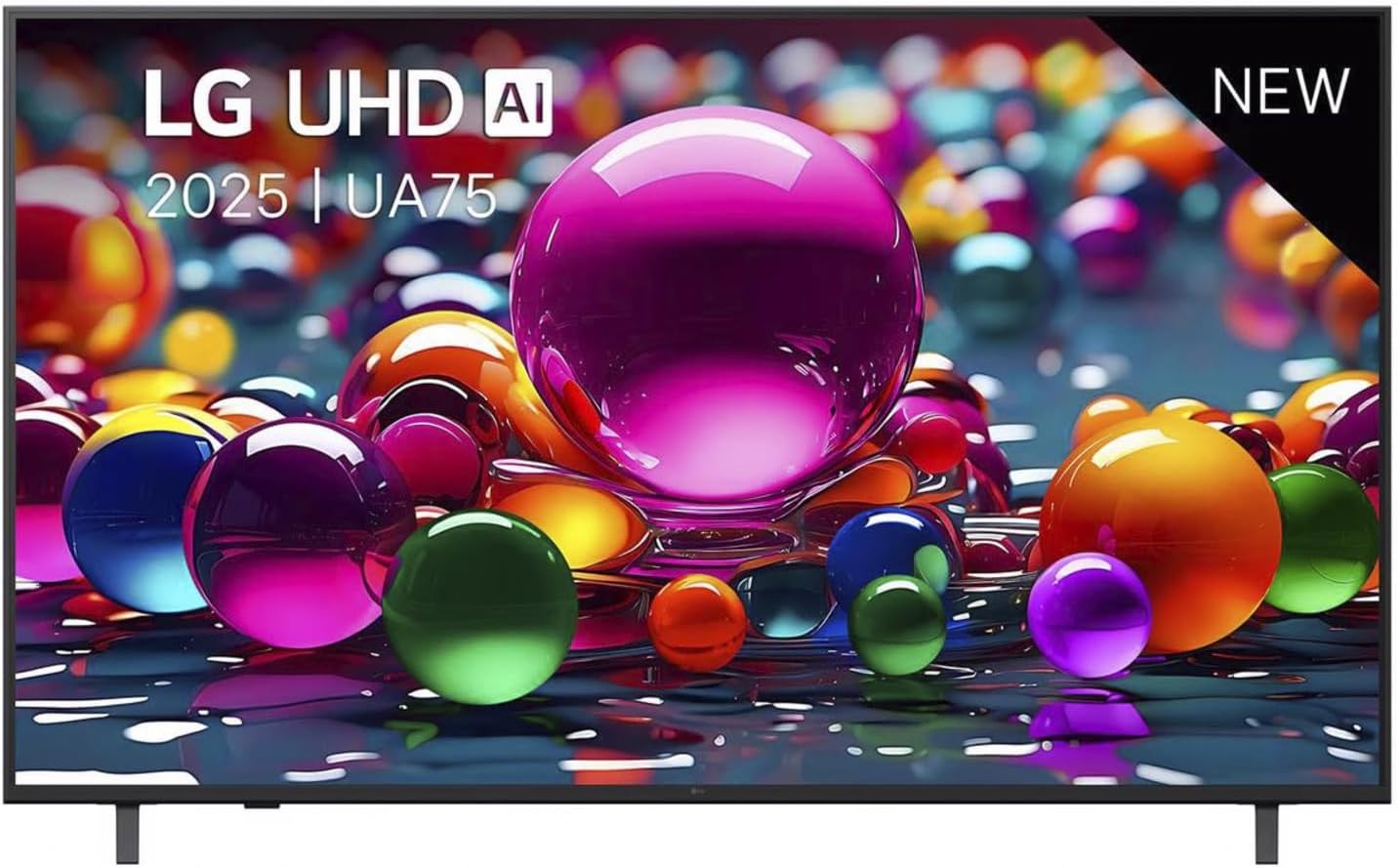
Figure 1.1: Front view of the LG 50UA75006LA Television, showcasing its sleek design and vibrant display.
2. Setup
2.1 Unpacking and Inspection
Carefully remove the TV and all accessories from the packaging. Ensure all included components are present:
- LG 50UA75006LA Television
- Standard remote control (with 2 AAA batteries)
- Power cable
- TV Stand components
Inspect the TV for any damage. If any damage is found, do not proceed with installation and contact your retailer.
2.2 Stand Installation
To install the TV stand:
- Place the TV screen-down on a soft, flat surface to prevent scratches.
- Align the stand components with the mounting holes on the bottom of the TV.
- Secure the stand using the provided screws. Ensure the stand is firmly attached.
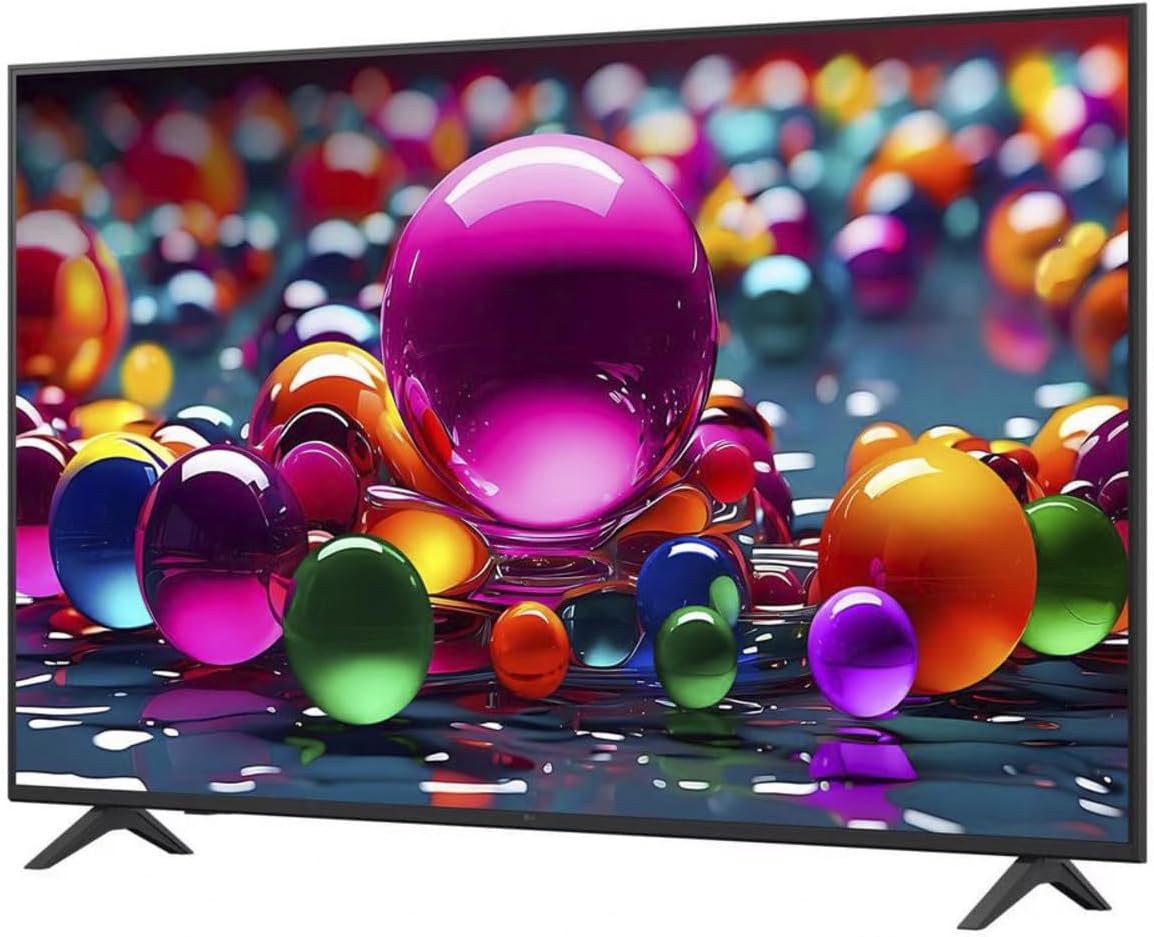
Figure 2.1: Angled view of the LG 50UA75006LA Television, showing the attached stand for stable placement.
2.3 Connecting External Devices
Connect your external devices (e.g., Blu-ray player, game console, soundbar) to the appropriate ports on the back of the TV. The LG 50UA75006LA supports HDMI, USB, and Ethernet connections.
- HDMI: For high-definition audio and video.
- USB: For connecting USB storage devices.
- Ethernet: For a wired internet connection.

Figure 2.2: Rear view of the LG 50UA75006LA Television, highlighting the various input and output ports for external device connections.
2.4 Power Connection and Initial Setup
- Connect the power cable to the TV and then to a wall outlet.
- Press the power button on the remote control or the TV to turn it on.
- Follow the on-screen instructions to complete the initial setup, including language selection, network connection (Wi-Fi or Ethernet), and channel scanning.
3. Operating the TV
3.1 Basic Controls
Use the AI Magic Remote to control your TV. Insert the two AAA batteries into the remote control, ensuring correct polarity.
- Power Button: Turns the TV on or off.
- Volume Buttons: Adjusts the sound level.
- Channel Buttons: Changes TV channels.
- Navigation Pad: Moves the cursor or selection on screen.
- OK/Enter Button: Confirms selections.
- Home Button: Accesses the webOS 25 Home screen.
3.2 webOS 25 Smart Features
Your LG TV runs on webOS 25, providing a user-friendly interface for accessing smart features:
- App Launcher: Quickly access your favorite streaming services and applications.
- AI Recommendations: Get personalized content suggestions based on your viewing habits.
- Voice Control: Use the AI Magic Remote's voice function to search for content, change settings, and more.
3.3 Picture and Sound Modes
The TV offers various picture and sound modes to optimize your viewing experience:
- Filmmaker Mode™: Preserves the original aspect ratios, colors, and frame rates of content, delivering the director's intended vision.
- HGiG Support: Ensures realistic HDR gaming experiences by accurately displaying HDR game graphics.
- Explore other picture modes (e.g., Standard, Vivid, Eco) and sound modes (e.g., AI Sound, Cinema, Clear Voice) through the TV settings menu.
4. Maintenance
4.1 Cleaning the TV
To maintain the appearance and performance of your TV:
- Screen: Gently wipe the screen with a soft, dry microfiber cloth. For stubborn marks, lightly dampen the cloth with water or a specialized screen cleaner (avoid harsh chemicals).
- Body: Wipe the TV frame and stand with a soft, dry cloth.
- Always unplug the TV from the power outlet before cleaning.
4.2 Software Updates
Your webOS 25 TV includes a 4-year upgrade guarantee, ensuring you receive software updates for an extended period. Regularly check for and install software updates to enhance performance, add new features, and improve security. You can usually find this option in the TV's settings menu under 'Support' or 'Software Update'.
5. Troubleshooting
If you encounter issues with your TV, refer to the following common problems and solutions:
| Problem | Possible Cause | Solution |
|---|---|---|
| No power | Power cable disconnected; power outlet issue | Check power cable connection; try a different outlet. |
| No picture, but sound is present | Incorrect input source; external device issue | Verify input source; check external device connections. |
| No sound, but picture is present | Volume muted or too low; external audio system issue | Unmute or increase volume; check external audio connections. |
| Remote control not working | Dead batteries; obstruction | Replace batteries; remove obstructions between remote and TV. |
| Cannot connect to Wi-Fi | Incorrect password; router issue; TV too far from router | Re-enter password; restart router; move TV closer or use Ethernet. |
If the problem persists after trying these solutions, please refer to the Warranty & Support section for further assistance.
6. Specifications
Below are the technical specifications for the LG 50UA75006LA Television:
| Feature | Specification |
|---|---|
| Brand | LG |
| Model Number | 50UA75006LA |
| Screen Size | 50 Inches (127 cm) |
| Display Technology | LED-LCD |
| Resolution | 4K UHD |
| Refresh Rate | 60 Hz |
| Processor | AI α7 Gen8 4K Processor |
| Operating System | webOS 25 |
| Connectivity Technology | Ethernet, HDMI, Wi-Fi |
| Total USB Ports | 1 |
| Aspect Ratio | 16:9 |
| Color | Black |
| Product Dimensions (D x W x H) | 6.8 x 112.2 x 65.4 cm |
| Included Components | Standard remote control (with 2 AAA batteries), power cable, stand |
7. Warranty and Support
7.1 Software Upgrade Guarantee
Your LG 50UA75006LA Television with webOS 25 comes with a 4-year software upgrade guarantee, ensuring your TV's smart features remain up-to-date.
7.2 Customer Support
For detailed warranty information, technical assistance, or service requests, please contact LG Customer Support. You can find contact details on the official LG website or in the warranty card included with your product.
When contacting support, please have your TV model number (50UA75006LA) and serial number ready.