
UGREEN WS218
Contents
UGREEN Open Ear Wireless Headphones
User Manual
Model: WS218
Introduction
Thank you for choosing the UGREEN Open Ear Wireless Headphones. These headphones are designed to provide a comfortable, high-quality audio experience while maintaining environmental awareness. This manual will guide you through the setup, operation, and maintenance of your new headphones.

Image: UGREEN Open Ear Wireless Headphones and their charging case.
Product Features
- Open Ear Comfort: Designed for true painless and harmless wear, avoiding the ear canal for all-day comfort. Ergonomic ear-fit design adjusts clamping force.
- Surround Stereo Sound: Equipped with 12mm speakers and composite diaphragms for powerful bass and clear mids. Supports dual-device connection.
- Bluetooth 5.4: Advanced technology for stable, low-latency (80ms) wireless connection. Automatic connection upon opening the charging case.
- Extended Playtime: Up to 30 hours of total playtime with the charging case. A 15-minute charge provides up to 120 minutes of listening.
- Smart Touch Controls: Intuitive touch controls for volume, track navigation, calls, voice assistant, and game mode switching.
- IPX5 Waterproof: Nano-coating provides resistance against water and sweat, suitable for sports and outdoor activities.
- ENC Noise Reduction: Built-in microphones with ENC for clear phone calls.

Image: Comparison of headphone types, emphasizing the comfort of open-ear design.
Getting Started
Package Contents
Please ensure all items are present:
- UGREEN Open Ear Wireless Headphones (Left and Right)
- Charging Case
- USB-C Charging Cable
- User Manual
Charging the Headphones
Before first use, fully charge the headphones and charging case.
- Place the headphones into the charging case, ensuring they are correctly seated.
- Connect the USB-C charging cable to the charging port on the case and a power source (e.g., USB wall adapter, computer USB port).
- The indicator light on the charging case will show charging status. A full charge typically takes about 5 hours for the case and headphones combined.

Image: Long-lasting battery and fast charging details.
Wearing the Headphones
For optimal comfort and sound quality, ensure the headphones are worn correctly.
- Step 1: Identify the headphone vent.
- Step 2: Gently clamp the headphone against your auricle (outer ear) and adjust the angle until it feels secure and comfortable. The ergonomic design allows for slight adjustments to fit various ear shapes.

Image: Instructions for correctly wearing the headphones.
Pairing and Connection
The headphones automatically enter pairing mode when taken out of the charging case.
- Open the charging case cover and take out both headphones. They will automatically power on and enter pairing mode.
- On your device (smartphone, tablet, etc.), enable Bluetooth and search for "UGREENHiTuneS3" in the list of available devices.
- Select "UGREENHiTuneS3" to connect. Once connected, you will hear a confirmation tone.
The headphones support dual-device connection, allowing seamless switching between two paired devices.

Image: Advanced Bluetooth 5.4 technology for stable connection.
Operating the Headphones
The UGREEN Open Ear Wireless Headphones feature intuitive touch controls on each earbud.
| Action | Left (L) / Right (R) Earbud |
|---|---|
| Play/Pause Music | Click 1 time (L/R) |
| Answer/End Call | Click 2 times (L/R) |
| Previous Track | Hold 1 second (L) |
| Next Track | Hold 1 second (R) |
| Decline Incoming Call | Hold 1 second (L) |
| Activate Voice Assistant | Click 2 times (L) |
| Music/Game Mode Switch | Click 2 times (R) |

Image: Detailed touch control guide.
Sound and Call Quality
Experience clear audio for both music and calls with advanced sound technologies.
Immersive Sound Quality
The 12mm speakers and N48 Neodymium magnets deliver rich, dynamic audio with enhanced bass.

Image: Components contributing to immersive sound quality.
AI Call Noise Cancellation (ENC)
Built-in ENC technology reduces environmental noise by up to 98% during calls, ensuring your voice is heard clearly.

Image: AI Call Noise Cancellation effectiveness.
Directional Sound Transmission
The design minimizes sound leakage while enhancing audio fidelity, providing a private listening experience without completely isolating you from your surroundings.
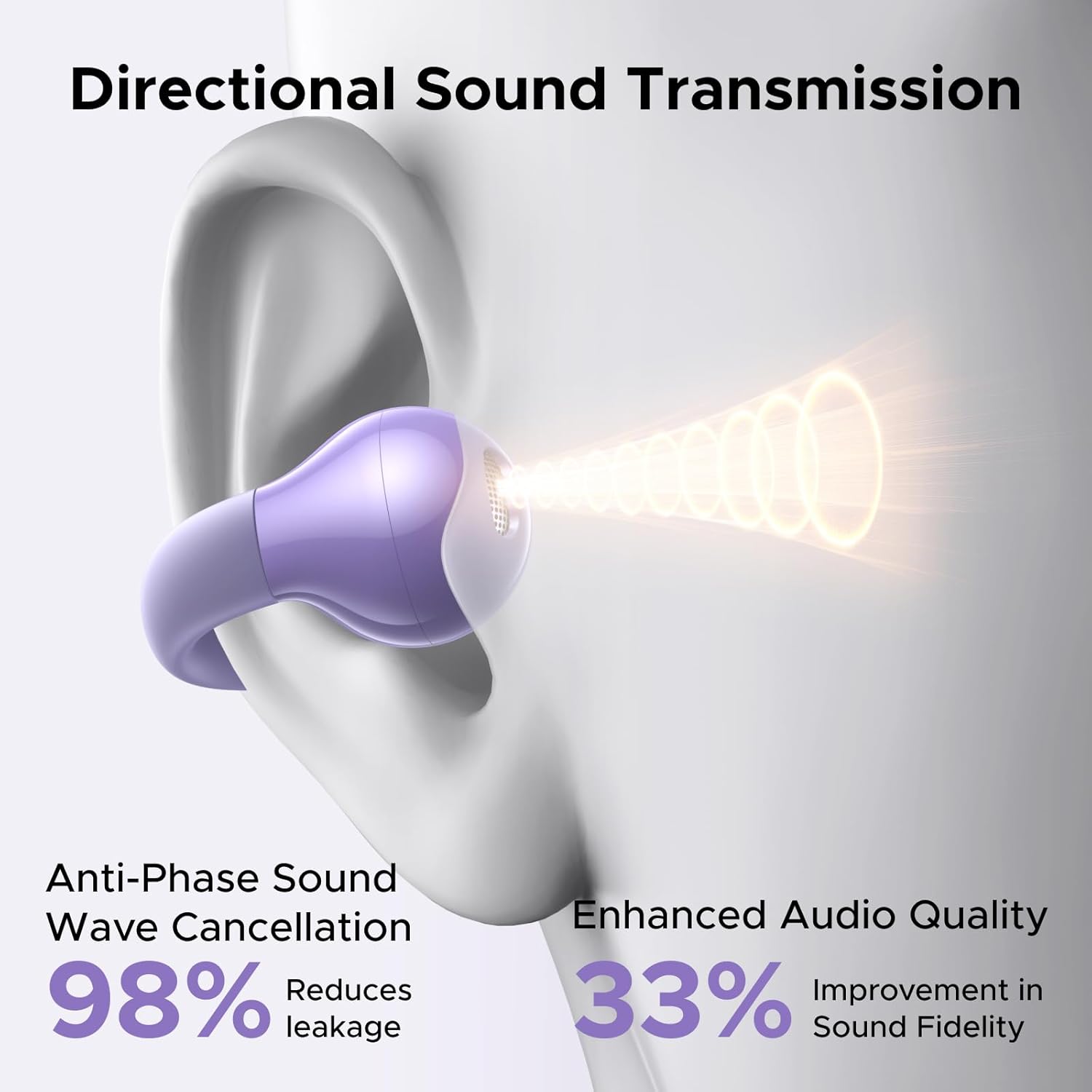
Image: How directional sound transmission works.
Maintenance and Care
Proper care will extend the lifespan of your headphones.
Water Resistance (IPX5)
Your headphones are IPX5 water-resistant, meaning they can withstand sweat and light splashes. They are suitable for fitness, hiking, cycling, and running.
- Do not submerge the headphones in water.
- Avoid exposing them to strong jets of water.
- Ensure the charging port is dry before charging.

Image: IPX5 water resistance for sports and daily use.
Cleaning and Storage
- Wipe the headphones and charging case with a soft, dry, lint-free cloth.
- Do not use abrasive cleaners or solvents.
- Store the headphones in their charging case when not in use to protect them and keep them charged.
- Keep away from extreme temperatures and humidity.
Troubleshooting
If you encounter issues, please refer to the following common solutions:
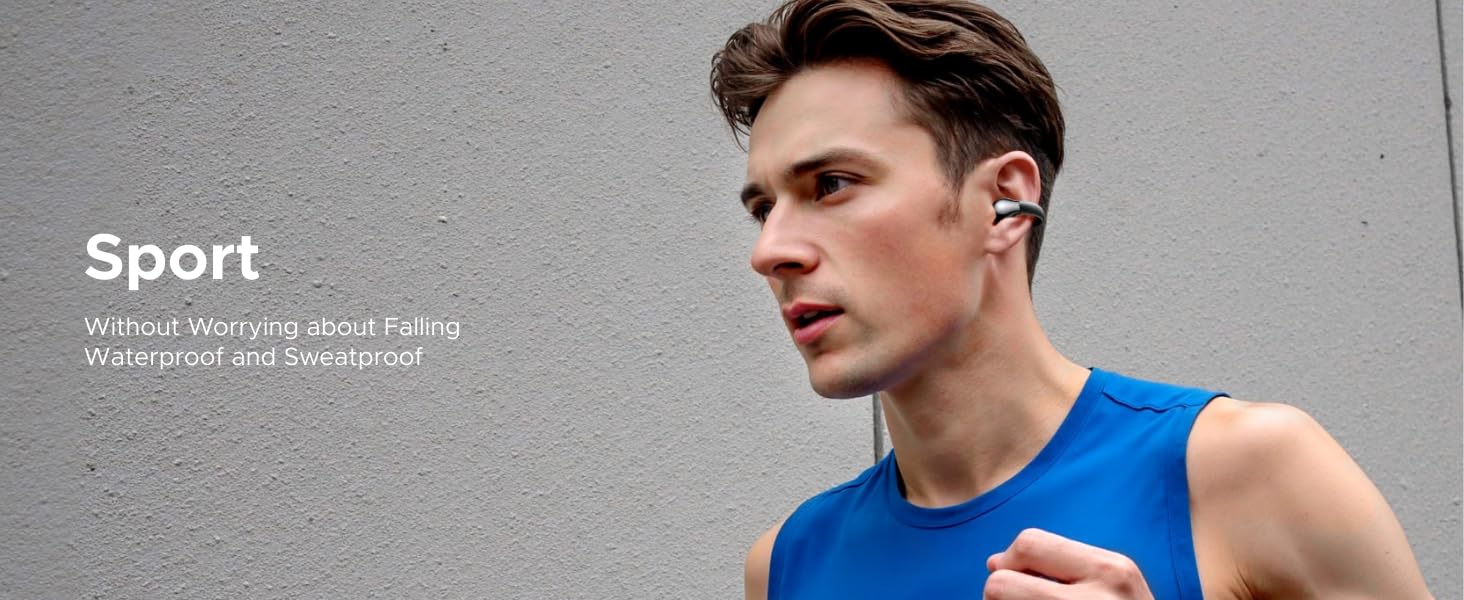
Image: Common troubleshooting questions and answers.
Q1: How to connect the earphones?
A: Open the charging box cover, take out the earphones, and they will enter the pairing state by default. Click to connect "UGREENHiTuneS3" on your Bluetooth device.
Q2: There is a Bluetooth pairing name, but I can't connect to the phone?
A: Delete the pairing name of the original earphones on the device, restart the Bluetooth function, take the earphones out of the charging box, and triple-click the left and right touch areas of the earphones at the same time to connect the earphones again.
Q3: The earphones are already connected, but there is no sound when playing songs?
A:
- Check whether the media audio volume is adjusted to the lowest in the phone's sound settings. Adjusting the sound to a normal level can solve the problem.
- Reset the earphones, delete the Bluetooth pairing name of the earphones in the device, and re-pair.
Specifications
| Feature | Detail |
|---|---|
| Model | WS218 |
| Brand | UGREEN |
| Connectivity Technology | Wireless (Bluetooth 5.4) |
| Wireless Communication Technology | Bluetooth 5.4 |
| Specific Uses for Product | Calls, Music, Walk |
| Charging Time | 15 minutes for 120 minutes playtime |
| Battery Average Life (Total) | 30 Hours (with charging case) |
| Battery Average Life (Per Earbud) | 7.5 Hours |
| Water Resistance Rating | IPX5 |
| Compatible Devices | Cellphones and Bluetooth Devices |
| Manufacturer | Ugreen Group Limited |
| Item Model Number | WS218 |
| Parcel Dimensions | 15.2 x 10.1 x 3.9 cm |
| Item Weight | 140 g |
| Colour | Purple |
Warranty and Support
UGREEN products are designed with quality and reliability in mind. For warranty information and customer support, please refer to the official UGREEN website or contact your local distributor.
For specific inquiries or technical assistance, please visit the UGREEN support page or contact their customer service team.
Return Policy: This product is subject to a 30-day return policy from the date of purchase, as per the seller's terms.
Ask a question about this manual
Ask about setup, troubleshooting, compatibility, parts, safety, or missing instructions. Manuals+ will review the question and use this page’s manual context to help answer it.