
SUNKTA US-EF10-D
SUNKTA EF10 Smart Watch User Manual
Model: US-EF10-D
Brand: SUNKTA
1. Introduction
The SUNKTA EF10 Smart Watch is designed to be a versatile companion for your daily life, offering a large display, long battery life, extensive sports tracking, and comprehensive health monitoring. This manual provides detailed instructions to help you get the most out of your device.
What's in the Box
- Smart Watch
- Metal strap + 2 silicone straps
- Strap accessories
- User manual
- Charger

Figure 1: Overview of the SUNKTA EF10 Smart Watch and its key features.
2. Setup
2.1 Charging the Device
Before first use, fully charge your smart watch. Connect the magnetic charger to the charging points on the back of the watch. A full charge takes approximately 3 hours. The watch features an 800 mAh battery, providing up to 10 days of normal use and up to 30 days in low-power mode.

Figure 2: The 800mAh battery provides extended usage. Use a 5V-1A or lower adapter for charging.
Video 1: Demonstrates the long battery life of the SUNKTA EF10 smart watch.
2.2 App Download and Pairing
To unlock the full potential of your smart watch, download the 'DaFit' app from your device's app store (compatible with iOS 11.0+ and Android 5.0+). Ensure Bluetooth is enabled on your phone. Open the app, search for your device (e.g., 'V69 MAX' or 'EF10'), and connect. Follow the on-screen prompts to complete the pairing process.

Figure 3: Step-by-step guide for connecting the smart watch to your smartphone using the DaFit app.
3. Operating the Smart Watch
3.1 Display and Navigation
The EF10 features a 1.85-inch OLED ultra-high-definition large screen for clear visibility and smooth interaction. Navigate through menus by swiping across the touch screen. The side button can be used to wake the display or return to the previous screen.
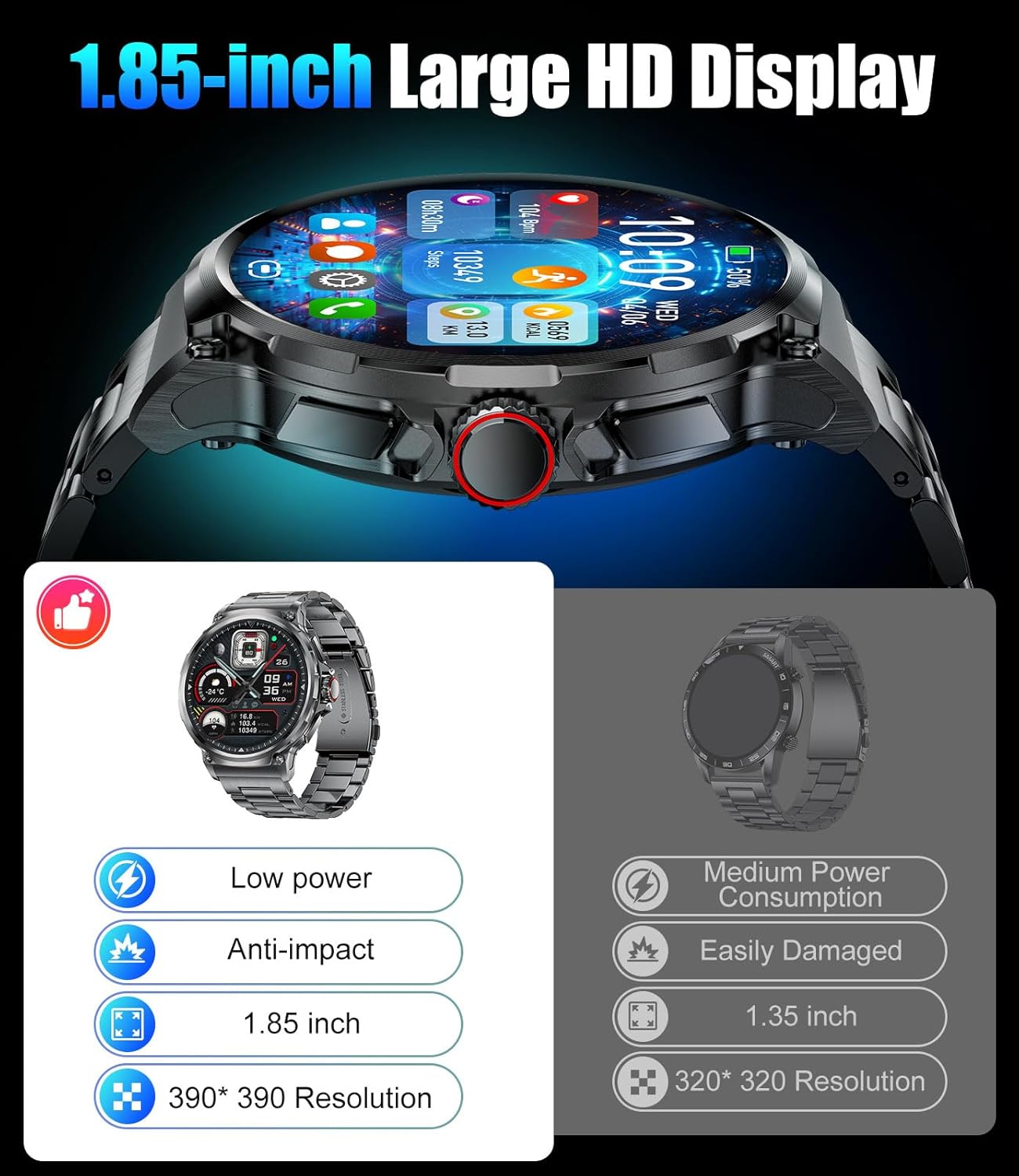
Figure 4: The 1.85-inch HD display offers a wider field of view and clearer visuals.
Video 2: Showcases the 1.85-inch large HD screen and various watch faces.
3.2 Bluetooth Calling & Message Notifications
With its high-performance Bluetooth chip, the watch allows for one-click answering of calls directly from your wrist. It includes a high-definition noise-canceling microphone and speaker for clear communication. The watch also synchronizes app notifications, ensuring you stay informed without needing to check your phone.

Figure 5: Bluetooth calling and message notification features on the smart watch.
3.3 Health Monitoring
The EF10 smart watch is equipped with a new generation chip for 24-hour health monitoring. It tracks heart rate, blood oxygen, and sleep patterns (deep sleep, light sleep, REM). You can set alerts for high or low heart rates. Note: Health data is for general fitness reference only and cannot be used for professional medical diagnosis.

Figure 6: Health monitoring features including heart rate and blood oxygen tracking.

Figure 7: Detailed sleep analysis helps you understand your sleep quality.
3.4 Sports Modes
The watch supports over 100 sports modes, including running, swimming, mountaineering, cycling, yoga, and jump rope. It records exercise duration, calorie expenditure, step frequency, and heart rate changes to help improve athletic performance.
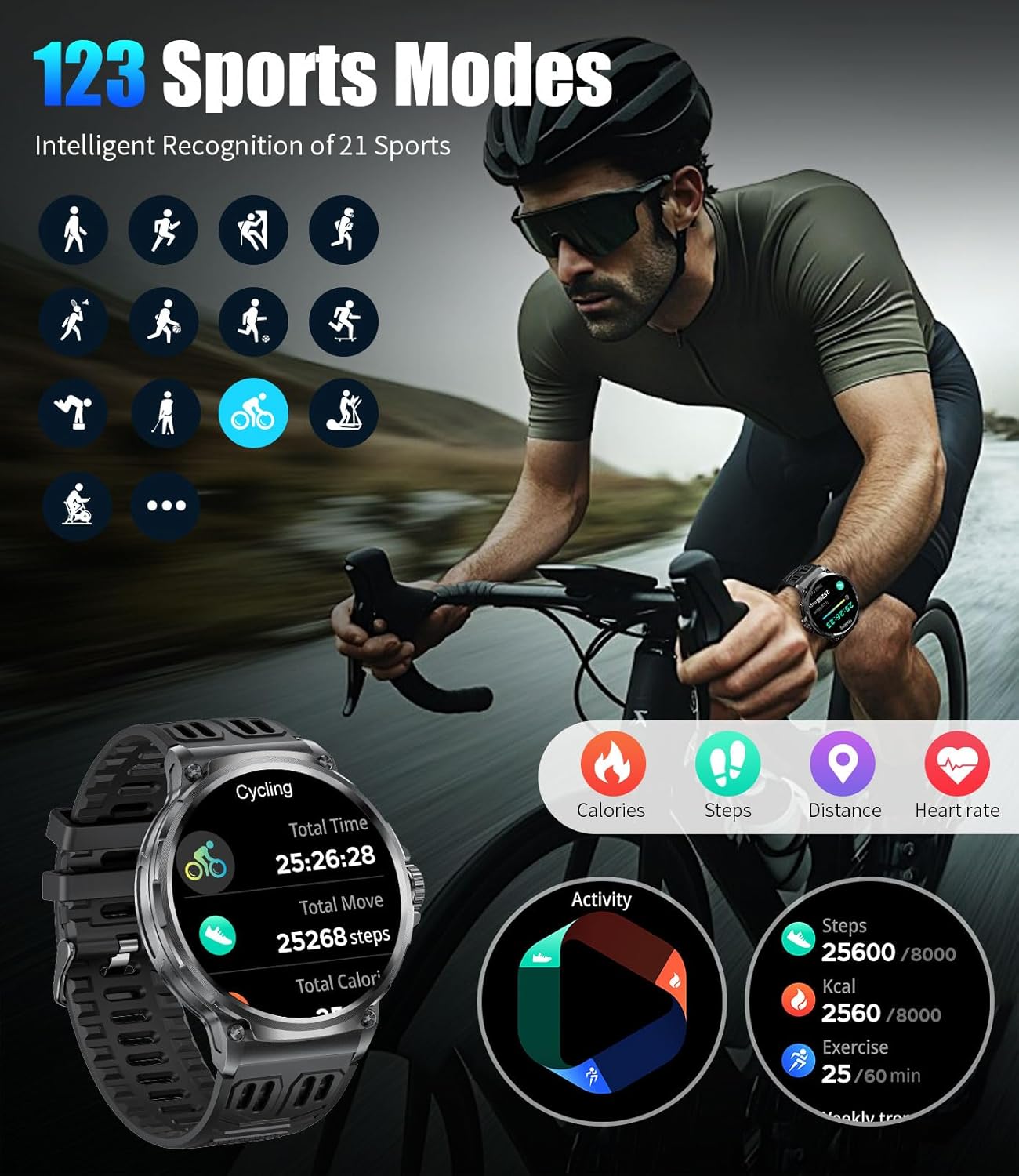
Figure 8: The watch supports over 100 sports modes for comprehensive activity tracking.
3.5 Other Functions
The EF10 smart watch includes various practical functions such as a calculator, pedometer, alarm clock, weather forecast, sedentary reminder, music control, and remote photography. These features enhance daily efficiency and convenience.
4. Maintenance
4.1 Waterproofing and Durability
The watch has an IP68 waterproof rating, making it suitable for daily activities like hand washing and swimming. It has also passed military-grade durability testing, offering resistance to dust, falls, and extreme temperatures. The high-strength stainless steel body and wear-resistant reinforced glass ensure its robustness.

Figure 9: The EF10 Smart Watch boasts military-grade durability and IP68 waterproofing.
Video 3: Demonstrates the sturdy and durable construction of the SUNKTA EF10 smart watch.
4.2 Cleaning and Care
To maintain the watch's appearance and functionality, regularly wipe it with a soft, dry cloth. Avoid using harsh chemicals or abrasive materials. If the watch gets wet, dry it thoroughly before charging or prolonged storage.
5. Specifications
| Feature | Detail |
|---|---|
| Model Number | US-EF10-D |
| Screen Size | 1.85 Inches OLED |
| Battery Capacity | 800 mAh |
| Battery Life (Normal Use) | Up to 10 days |
| Battery Life (Low Power Mode) | Up to 30 days |
| Waterproof Rating | IP68 |
| Connectivity | Bluetooth 4.0 |
| Compatibility | iOS 11.0+ (calls require iOS 13+), Android 5.0+ |
| Health Monitoring | Heart Rate, Blood Oxygen, Sleep Tracking |
| Sports Modes | 100+ modes |
| Item Weight | 10.2 ounces |
| Dimensions | 8.07 x 3.82 x 0.94 inches (Package) |
6. Troubleshooting
Common Issues and Solutions
- Watch not turning on: Ensure the watch is fully charged. Connect it to the charger and wait a few minutes before attempting to power it on.
- Cannot pair with phone:
- Ensure Bluetooth is enabled on your phone and the watch.
- Make sure the 'DaFit' app is installed and open.
- Check if the watch is within Bluetooth range of your phone.
- Restart both your phone and the watch.
- Inaccurate step count/health data:
- Ensure the watch is worn snugly on your wrist.
- Calibrate the pedometer in the app if available.
- Note that environmental factors and individual movement patterns can affect accuracy.
- Notifications not appearing:
- Verify that app notifications are enabled in the 'DaFit' app settings.
- Check your phone's notification settings to ensure the 'DaFit' app has permission to send notifications.
- Ensure the watch is connected via Bluetooth.
- Short battery life:
- Frequent use of Bluetooth calling, continuous health monitoring, and high screen brightness can reduce battery life.
- Adjust settings in the app to optimize power consumption.
- Ensure you are using a 5V-1A or lower charger.
7. Warranty and Support
The SUNKTA EF10 Smart Watch comes with a 24-month warranty. For any issues regarding accessories, quality, operation, or charging, please contact our customer service team. We provide 24-hour online support to assist you.
For assistance, please refer to the contact information provided with your purchase or visit the official SUNKTA support website.
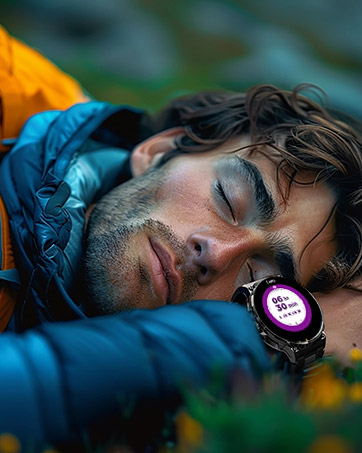
Figure 10: SUNKTA customer service and warranty details.
Related documentsUS-EF10-D


Ask a question about this manual
Ask about setup, troubleshooting, compatibility, parts, safety, or missing instructions. Manuals+ will review the question and use this page’s manual context to help answer it.