Introduction
Thank you for choosing the RunStar High-Precision Digital Bathroom Scale, Model BG2403. This scale is designed to provide accurate weight measurements with ease of use and durability. Equipped with four high-precision sensors and a clear LED display, it offers reliable readings up to 180 kg (400 lbs). This manual will guide you through the proper setup, operation, and maintenance to ensure optimal performance and longevity of your device.

Image: The RunStar Digital Bathroom Scale, Model BG2403, displaying a weight reading on its LED screen. The scale features a sleek black and gold design with a tempered glass surface.
Setup
- Battery Installation: Your scale requires 3 AAA batteries, which are included. Open the battery compartment on the underside of the scale and insert the batteries, ensuring correct polarity (+/-). Close the compartment securely.
- Placement: For accurate readings, place the scale on a hard, flat surface. Avoid carpets or uneven flooring, as this can affect precision.
- Initial Calibration: After installing batteries or moving the scale, it will perform an automatic calibration. Step onto the scale briefly, then step off. The display will show "0.0" or a similar indication, confirming it is ready for use.

Image: The underside of the RunStar Digital Scale, highlighting the battery compartment, anti-slip feet, and the unit conversion switch for changing between pounds (lb) and kilograms (kg).
Operating Instructions
- Taking a Measurement: Gently step onto the center of the scale with bare feet. Stand still until your weight is displayed and stabilizes. The reading will flash a few times before locking.
- Unit Conversion: To switch between pounds (lb) and kilograms (kg), locate the unit conversion button on the underside of the scale. Press it to toggle between the desired units.
- Automatic On/Off: The scale features an automatic on/off function. It will turn on when you step on it and automatically turn off after a few seconds of inactivity to conserve battery life.
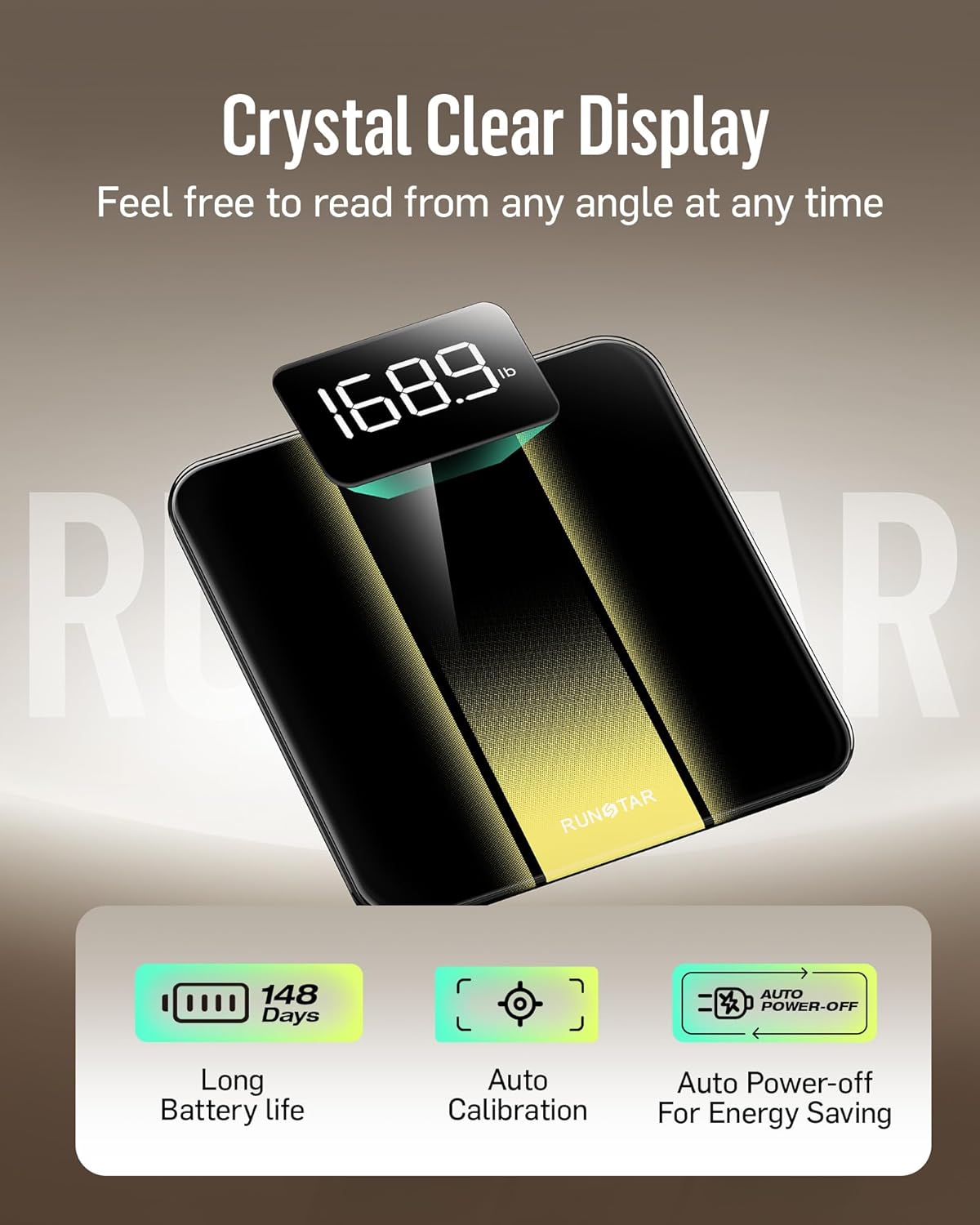
Image: The RunStar Digital Scale's LED display, illustrating its crystal-clear readability. Icons indicate long battery life, auto-calibration, and auto power-off features for energy saving.
Maintenance
- Cleaning: Wipe the scale's surface with a soft, damp cloth. Avoid using abrasive cleaners or submerging the scale in water.
- Storage: Store the scale in a cool, dry place. Do not store it vertically or place heavy objects on it when not in use.
- Battery Replacement: When the low battery indicator appears on the display, replace all 3 AAA batteries with new ones to ensure continued accuracy.
Troubleshooting
- "Lo" or Low Battery Indicator: This indicates that the batteries are low and need to be replaced. Replace all 3 AAA batteries.
- "Err" or Overload Indicator: This means the scale's maximum weight capacity (180 kg / 400 lbs) has been exceeded. Step off the scale immediately to prevent damage.
- Inaccurate Readings:
- Ensure the scale is placed on a hard, flat, and level surface.
- Step onto the scale gently and stand still.
- If recently moved, allow the scale to re-calibrate by stepping on and off once.
- No Display: Check if the batteries are correctly installed and not depleted. If the issue persists after replacing batteries, contact customer support.
Specifications
| Model Number | BG2403 |
| Brand | RunStar |
| Weight Limit | 180 Kilograms (400 lbs) |
| Measurement Precision | 0.05 kg (0.1 lb) |
| Display Type | LED |
| Material | 6mm Tempered Glass |
| Power Source | 3 x AAA Batteries (included) |
| Product Dimensions | Approximately 31.8 x 30.5 x 3.6 cm (12.5 x 12 x 1.4 inches) |
| Item Weight | 1.2 kilograms (2.65 lbs) |
| Country of Origin | China |

Image: The RunStar Digital Scale, emphasizing its durability and safety features, including the 6mm tempered glass platform and overall dimensions of 280 x 280 x 20 mm (approx. 11 x 11 x 0.8 inches for the visible surface).
Warranty and Support
For warranty information and customer support, please refer to the documentation included with your product packaging or visit the official RunStar website. If you encounter any issues not covered in this manual, please contact RunStar customer service for assistance.


