1. Introduction
Thank you for choosing the UGREEN 30W 3-Port GaN Charger. This manual provides essential information for the safe and efficient use of your charger. Please read it thoroughly before operation and retain it for future reference.
2. What's in the Box
- 1 x UGREEN 30W 3-Port GaN Charger (Model X515)
- 1 x 6.6ft USB-C to USB-C Cable
- 1 x User Manual

Image: The UGREEN 30W 3-Port GaN Charger and its accompanying USB-C cable.
3. Setup and Connection
3.1 Connecting the Charger
- Insert the UGREEN 30W 3-Port GaN Charger into a standard wall outlet.
- Connect your device's charging cable to one of the available ports on the charger (USB-C1, USB-C2, or USB-A).
- Connect the other end of the charging cable to your device.
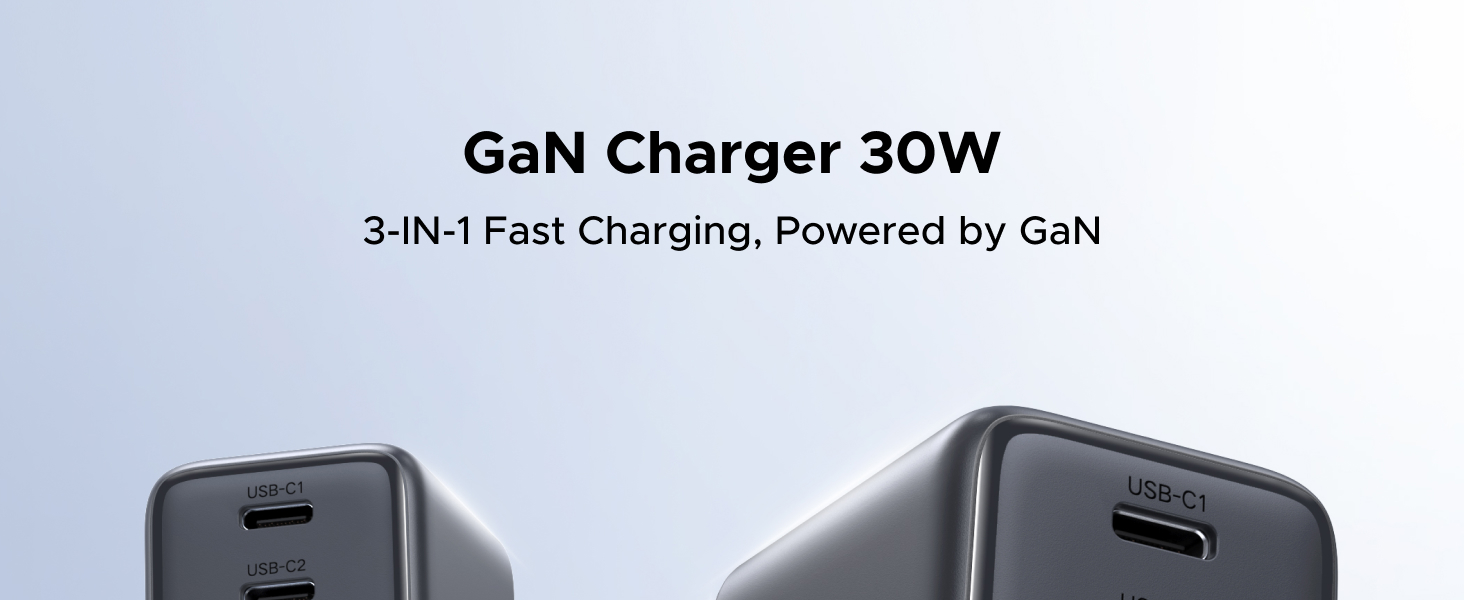
Image: The charger connected to a wall outlet, demonstrating simultaneous charging of three devices.
4. Operating Instructions
4.1 Charging Your Devices
The UGREEN 30W 3-Port GaN Charger features two USB-C ports and one USB-A port, allowing for versatile charging options.
- Single Port Charging: When using a single USB-C port (USB-C1 or USB-C2), the charger can deliver up to 30W of power. The USB-A port can deliver up to 22.5W when used alone.
- Multi-Port Charging: When multiple ports are used simultaneously, the total power output is dynamically distributed, with a maximum combined output of 15W.

Image: Illustration of power distribution for single port charging.

Image: Illustration of power distribution for three-port simultaneous charging.
4.2 Fast Charging Technology
This charger utilizes GaN (Gallium Nitride) technology, enabling a compact design while maintaining high power output and efficient heat dissipation. It supports various fast charging protocols including Power Delivery (PD), Quick Charge (QC), and Programmable Power Supply (PPS) for safe and efficient power delivery to compatible devices.
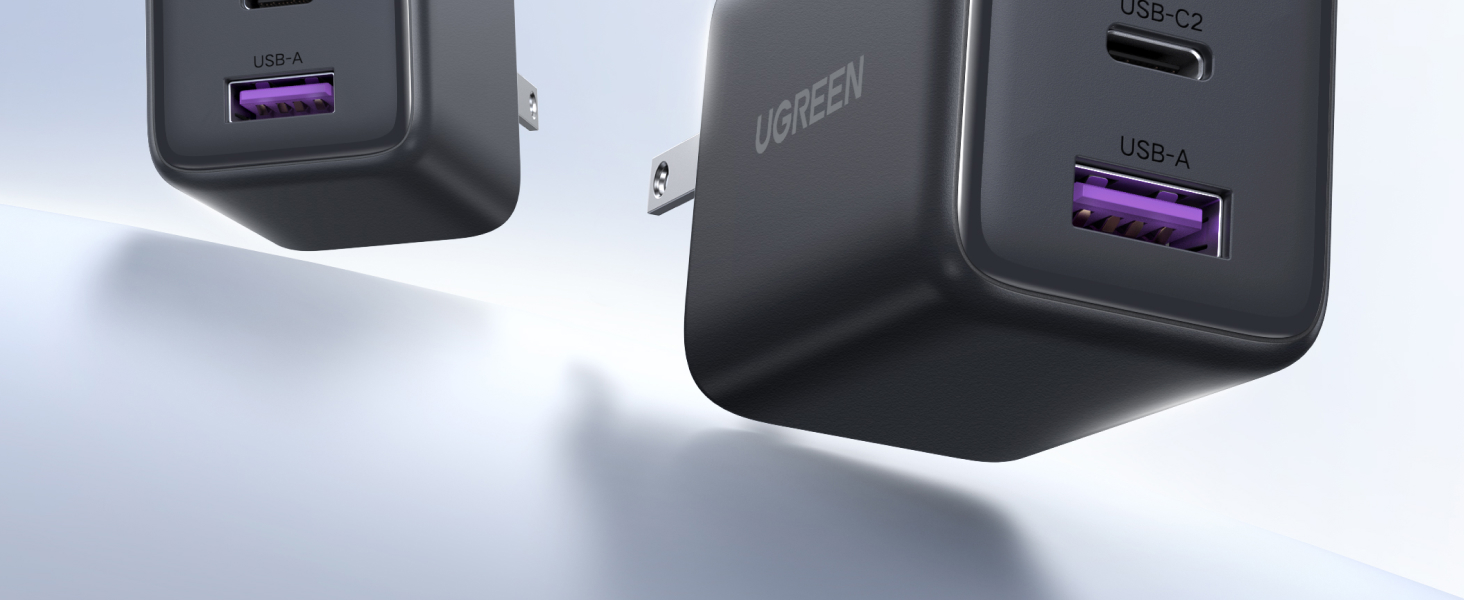
Image: The charger emphasizing 30W maximum fast charge capability for a single USB-C port.
4.3 Universal Compatibility
The charger is compatible with a wide range of devices, including but not limited to:
- iPhones: iPhone 17, iPhone Air, iPhone 17 Pro, iPhone 17 Pro Max, iPhone 16, iPhone 16 Plus, iPhone 16 Pro, iPhone 16 Pro Max, iPhone 15, iPhone 15 Plus, iPhone 15 Pro, iPhone 15 Pro Max, iPhone 14, iPhone 13 series, iPhone 12 series, iPhone 11 series, iPhone SE 2020, iPhone XS, iPhone XS Max, iPhone XR, iPhone X, iPhone 8, iPhone 8 Plus.
- Samsung Galaxy: S25, S24 Ultra, S24, S24 Plus, S23 Ultra, S22 series, S21 series, S20 series, Note 20 series, Note 10 series, S10, S9, S8, Z Fold series, Z Flip series.
- Google Pixel: Pixel 10, Pixel 9, Pixel 8, Pixel 7, Pixel 6, Pixel 6 Pro, Pixel 5, Pixel 4a, 4XL, 4.
- Tablets: iPad Pro, iPad Air, iPad, iPad mini.
- Other Devices: AirPods, AirPods Pro, AirPods Max, MagSafe Wireless Charger, MagSafe Duo, Apple Watch (S8, Ultra), Bluetooth Earbuds, compatible notebooks (e.g., MacBook Air 13', MacBook 12', MacBook Pro 13', MacBook Pro 15', Dell XPS 13, Chromebook).

Image: Visual representation of the charger's broad compatibility with different device types.
5. Safety and Maintenance
5.1 Safety Features
The UGREEN 30W 3-Port GaN Charger is equipped with a GaN chip and ThermalGuard technology to ensure comprehensive safety during charging. These features include:
- Overvoltage Protection: Prevents damage from excessive voltage.
- Overheating Protection: Manages internal temperature to prevent heat buildup.
- Overcurrent Protection: Safeguards against excessive current flow.
- Short Circuit Protection: Protects against electrical shorts.
The sturdy PC flame-retardant housing is impact-resistant and fire-resistant, ensuring safe and reliable use.

Image: Diagram highlighting the charger's multiple protection mechanisms.
5.2 General Maintenance
- Keep the charger away from water, fire, and high temperatures.
- Do not attempt to disassemble, repair, or modify the charger.
- Clean the charger with a dry, soft cloth. Avoid using harsh chemicals or abrasive materials.
- Store the charger in a cool, dry place when not in use.
6. Troubleshooting
| Problem | Possible Cause | Solution |
|---|---|---|
| Device not charging. | Loose connection, incompatible cable, faulty outlet, device issue. | Ensure all connections are secure. Try a different cable or outlet. Test with another device. |
| Slow charging. | Cable not supporting fast charging, multiple devices connected, device not supporting fast charging. | Use a high-quality, fast-charging compatible cable. Disconnect other devices for maximum speed. Ensure your device supports fast charging protocols (PD, QC, PPS). |
| Charger feels warm. | Normal operation, heavy load. | A slight warmth during charging is normal. If it becomes excessively hot, disconnect immediately and contact support. |
7. Specifications
| Feature | Detail |
|---|---|
| Model Number | X515 |
| Product Dimensions | 1.73 x 1.42 x 1.3 inches |
| Item Weight | 3.53 ounces |
| Input Voltage | 240 Volts (AC 100-240V, 50/60Hz) |
| Total USB Ports | 3 (2 x USB-C, 1 x USB-A) |
| Wattage | 30 Watts (Max Single Port) |
| Special Features | Fast Charging, Lightweight Design, Multi-Device Charging, Short Circuit Protection, Travel-Friendly |
| Color | Matt Black |
| Technology | GaN (Gallium Nitride) |
8. Warranty and Support
UGREEN products come with a standard warranty. For detailed warranty information, product support, or technical assistance, please refer to the warranty card included with your product or visit the official UGREEN website. You may also contact UGREEN customer service directly through the retailer where you purchased the product.
Please have your model number (X515) and purchase details ready when contacting support.


