1. Introduction
This manual provides comprehensive instructions for the safe and effective use of your WE-VIBE Melt 2 Clitoral Stimulator. Please read this manual thoroughly before first use and retain it for future reference. The Melt 2 is designed to provide clitoral stimulation through Pleasure Air Technology, offering a range of intensities and patterns.

Image 1: WE-VIBE Melt 2 device alongside a smartphone showing the We-Vibe application interface.
2. Product Overview
2.1 Key Features
- Pleasure Air Technology: Provides contactless air pressure waves for clitoral stimulation.
- 12 Intensity Levels: Offers a wide range of adjustable stimulation intensities.
- 6 Sucking Patterns: Features various pre-set patterns for diverse sensations.
- App Control: Compatible with the We-Vibe app for enhanced control and customization.
- Smart Silence: Activates only upon skin contact to minimize noise and conserve battery.
- Waterproof (IPX7): Fully submersible for easy cleaning and use in wet environments.
- Rechargeable: Equipped with a built-in lithium-ion battery for convenient charging.
- Material: Made from body-safe silicone.
2.2 Components
The WE-VIBE Melt 2 consists of the main device and a USB charging cable. The device features control buttons for power and intensity adjustment, and a charging port.

Image 2: Labeled diagram highlighting the key features and components of the Melt 2 device.
3. Setup
3.1 Initial Charge
- Before first use, fully charge your Melt 2.
- Connect the magnetic USB charging cable to the charging port on the device.
- Plug the USB end into a compatible USB power source (e.g., computer, wall adapter).
- The indicator light will show charging status. A full charge takes approximately 90 minutes and provides up to 2 hours of use.
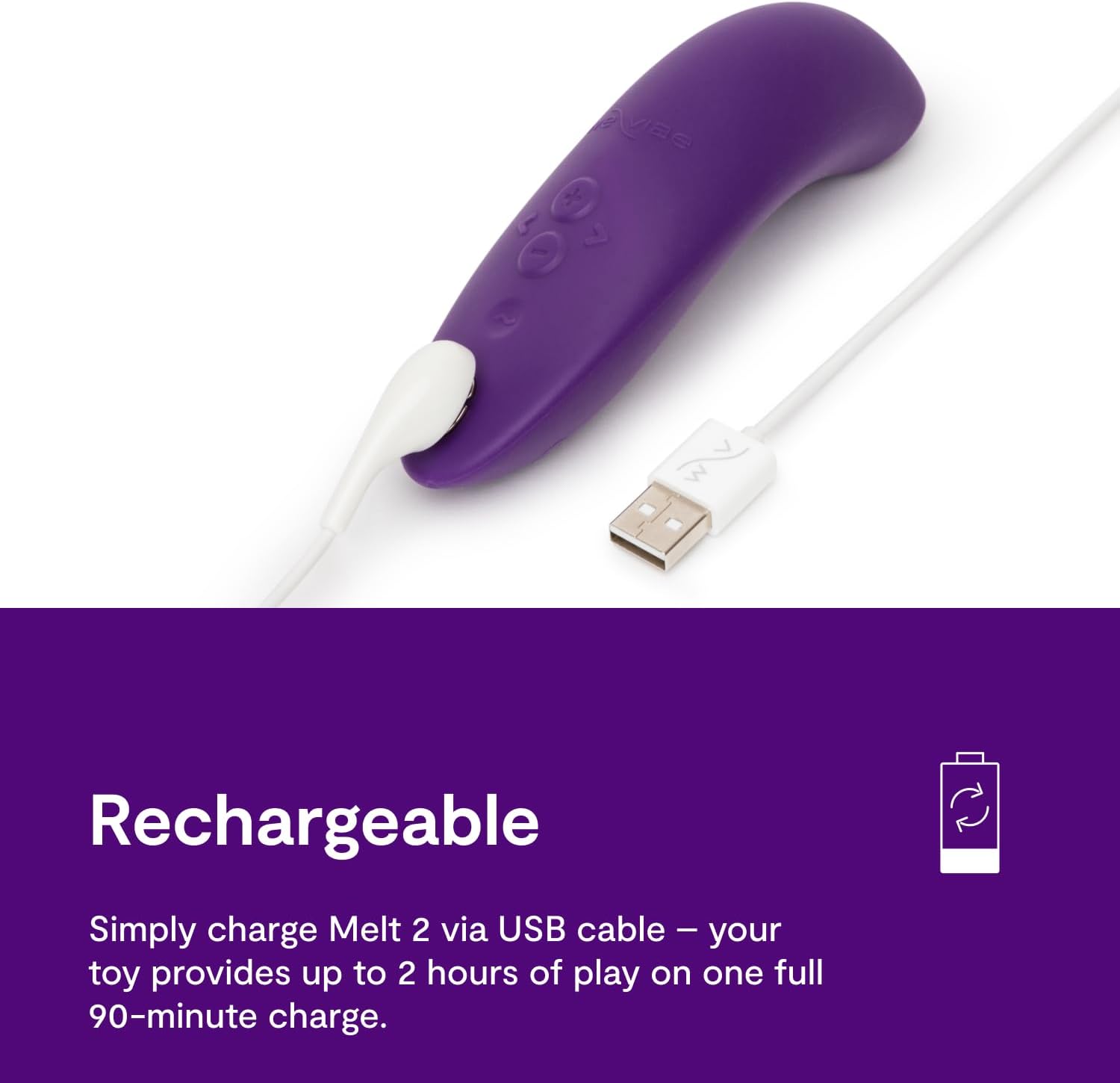
Image 3: The Melt 2 device connected to its magnetic USB charging cable.
3.2 App Connection (Optional)
- Download the official We-Vibe app from your device's app store.
- Ensure your Melt 2 is charged and powered on.
- Open the We-Vibe app and follow the on-screen instructions to pair your device via Bluetooth.
- The app allows for remote control, custom patterns, and long-distance play.
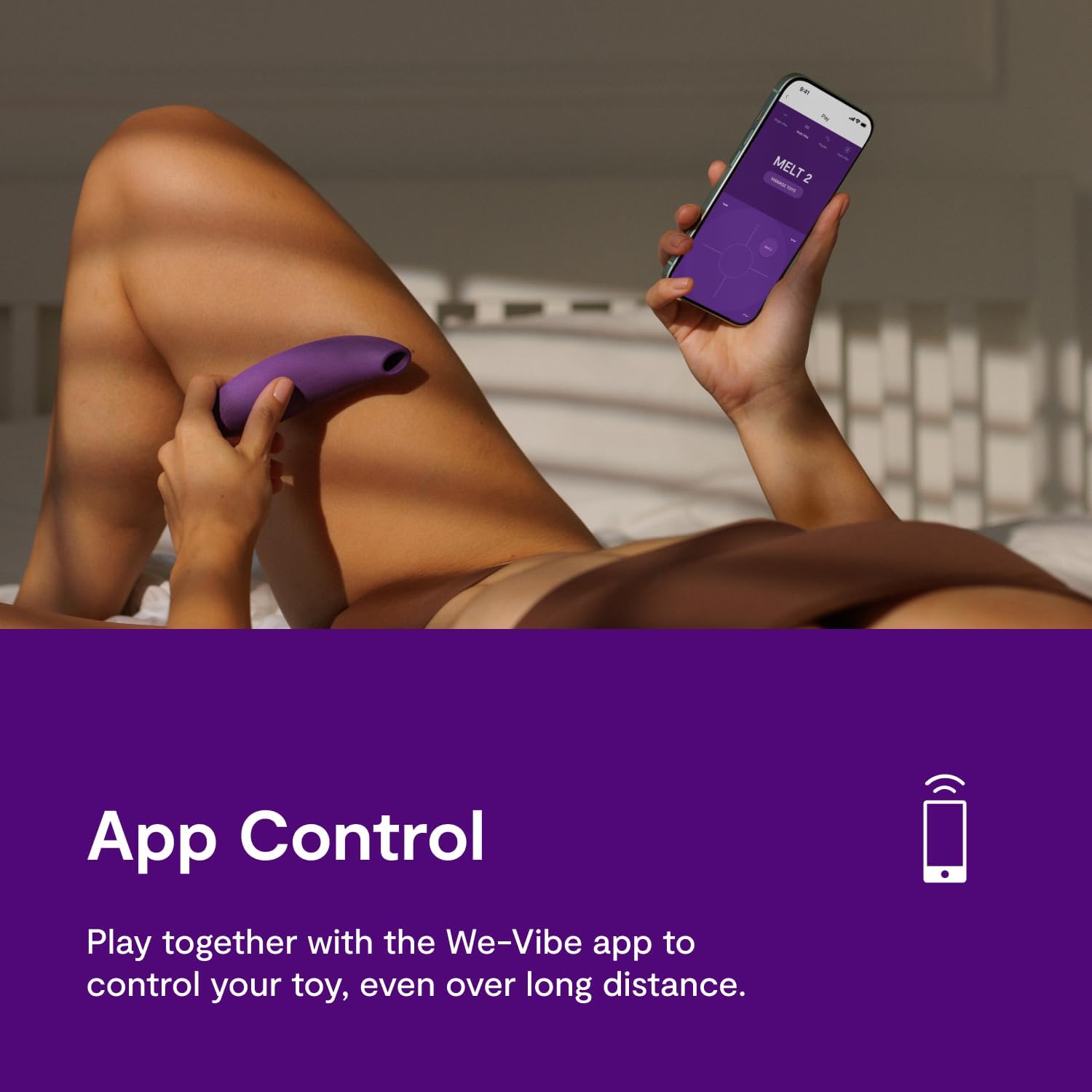
Image 4: Demonstrates app control, with the Melt 2 device and a smartphone running the We-Vibe app.
4. Operation
4.1 Basic Use
- Ensure the device is charged.
- Press and hold the power button to turn the device on.
- Place the Pleasure Air stimulator head comfortably over the desired area. The Smart Silence feature will activate the device upon skin contact.
- Use the '+' and '-' buttons on the device to adjust through the 12 intensity levels.
- To cycle through the 6 sucking patterns, briefly press the pattern button.
- To turn off the device, press and hold the power button.

Image 5: Visual guide on how to position the Melt 2, adjust settings, and its suitability for partner use.
4.2 Partner Play
The ergonomic design of the Melt 2 allows it to be positioned between partners during intimacy, enhancing shared experiences. Experiment with different positions to find what is most comfortable and stimulating.

Image 6: The Melt 2 device being used by a couple, demonstrating its design for shared experiences.
5. Maintenance
5.1 Cleaning
Clean your Melt 2 thoroughly after each use. As the device is waterproof (IPX7), it can be rinsed under warm running water with a mild soap or a specialized toy cleaner. Ensure all residue is removed. Do not use cleaners containing alcohol, petroleum, or acetone, as these can damage the silicone.

Image 7: The Melt 2 device shown in water, highlighting its waterproof design for easy cleaning.
5.2 Storage
Store your Melt 2 in a clean, dry place away from direct sunlight and extreme temperatures. Keep it separate from other toys made of different materials to prevent potential damage or reactions.
6. Troubleshooting
- Device not turning on: Ensure the device is fully charged. If the issue persists, try connecting it to a different USB power source.
- No or weak stimulation: Verify the device is fully charged. Ensure the Pleasure Air stimulator head is in full contact with the skin. Adjust intensity levels using the '+' button or the app.
- App connectivity issues: Make sure Bluetooth is enabled on your smartphone and the Melt 2 is powered on and within range. Try restarting both the device and the app.
- Unusual noise: While the device is designed for quiet operation, if you notice excessive or unusual noise, ensure it is clean and free of debris. If the noise persists, contact customer support.
7. Specifications
| Feature | Detail |
|---|---|
| Model Name | Melt 2 |
| Brand | WE-VIBE |
| Material | Silicone |
| Color | Purple |
| Dimensions | 6.28 x 3.8 x 2.81 inches |
| Weight | 11.29 ounces |
| Battery | 1 Lithium Ion battery (rechargeable) |
| Charge Time | Approx. 90 minutes |
| Run Time | Up to 2 hours |
| Waterproof Rating | IPX7 |
| Manufacturer | WOW Tech |
8. Safety Information
Legal Disclaimer:
Statements regarding this product have not been evaluated by the FDA and are not intended to diagnose, treat, cure, or prevent any disease or health condition. This product is intended for adult use only.
- Do not use if the silicone material appears damaged or torn.
- Discontinue use if irritation or discomfort occurs.
- Keep out of reach of children.
- Consult a healthcare professional if you have any health concerns before using this product.
9. Warranty and Support
For warranty information, product support, or to report any issues, please contact WE-VIBE customer service directly. Details can typically be found on the official WE-VIBE website or through your point of purchase.


