
De'Longhi PACAP98
De'Longhi Pinguino AP98 Gentle Jet Portable Air Conditioning Unit User Manual
Model: PACAP98 | Brand: De'Longhi
1. Introduction
This manual provides essential information for the safe and efficient operation, maintenance, and troubleshooting of your De'Longhi Pinguino AP98 Portable Air Conditioning Unit. Please read it thoroughly before using the appliance and keep it for future reference.
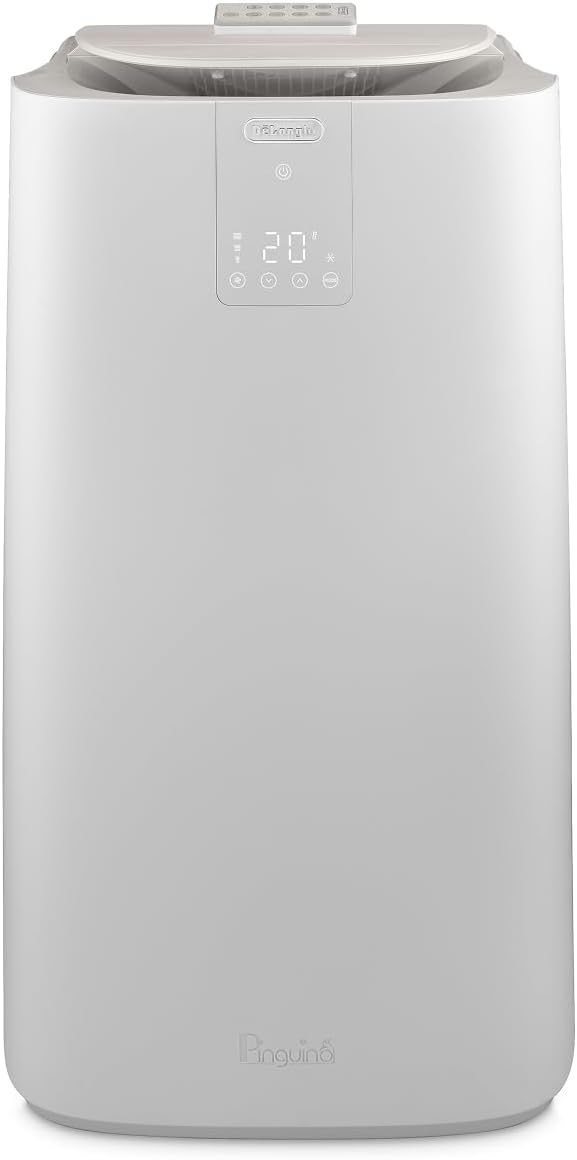
Figure 1: Front view of the De'Longhi Pinguino AP98 Portable Air Conditioning Unit, showcasing its sleek design and digital display.
2. Safety Instructions
Always follow basic safety precautions when using electrical appliances to reduce the risk of fire, electric shock, and injury to persons.
- Ensure the unit is connected to a properly grounded power outlet.
- Do not operate the unit with a damaged cord or plug.
- Keep the air intake and exhaust grilles clear of obstructions.
- Do not insert objects into the air grilles.
- Unplug the unit before cleaning or performing any maintenance.
- This appliance is not intended for use by persons (including children) with reduced physical, sensory or mental capabilities, or lack of experience and knowledge, unless they have been given supervision or instruction concerning use of the appliance by a person responsible for their safety.
3. Setup and Installation
Proper setup is crucial for optimal performance and safety.
- Unpacking: Carefully remove the unit and all accessories from the packaging. Retain the packaging for future storage or transport.

Figure 2: All components included with the De'Longhi Pinguino AP98, including the air exhaust hose, hose adapter, remote control, and window bracket.
- Placement: Place the unit on a flat, stable surface, ensuring there is at least 30 cm (12 inches) of space around the unit for proper airflow. Position it near a window for exhaust hose installation.
- Exhaust Hose Installation:
- Attach the hose adapter to one end of the air exhaust hose.
- Connect the other end of the hose to the air outlet on the back of the unit.
- Extend the hose to the nearest window.
- Install the window bracket in the window opening, ensuring a tight seal to prevent warm air from entering the room. Insert the hose adapter into the opening of the window bracket.
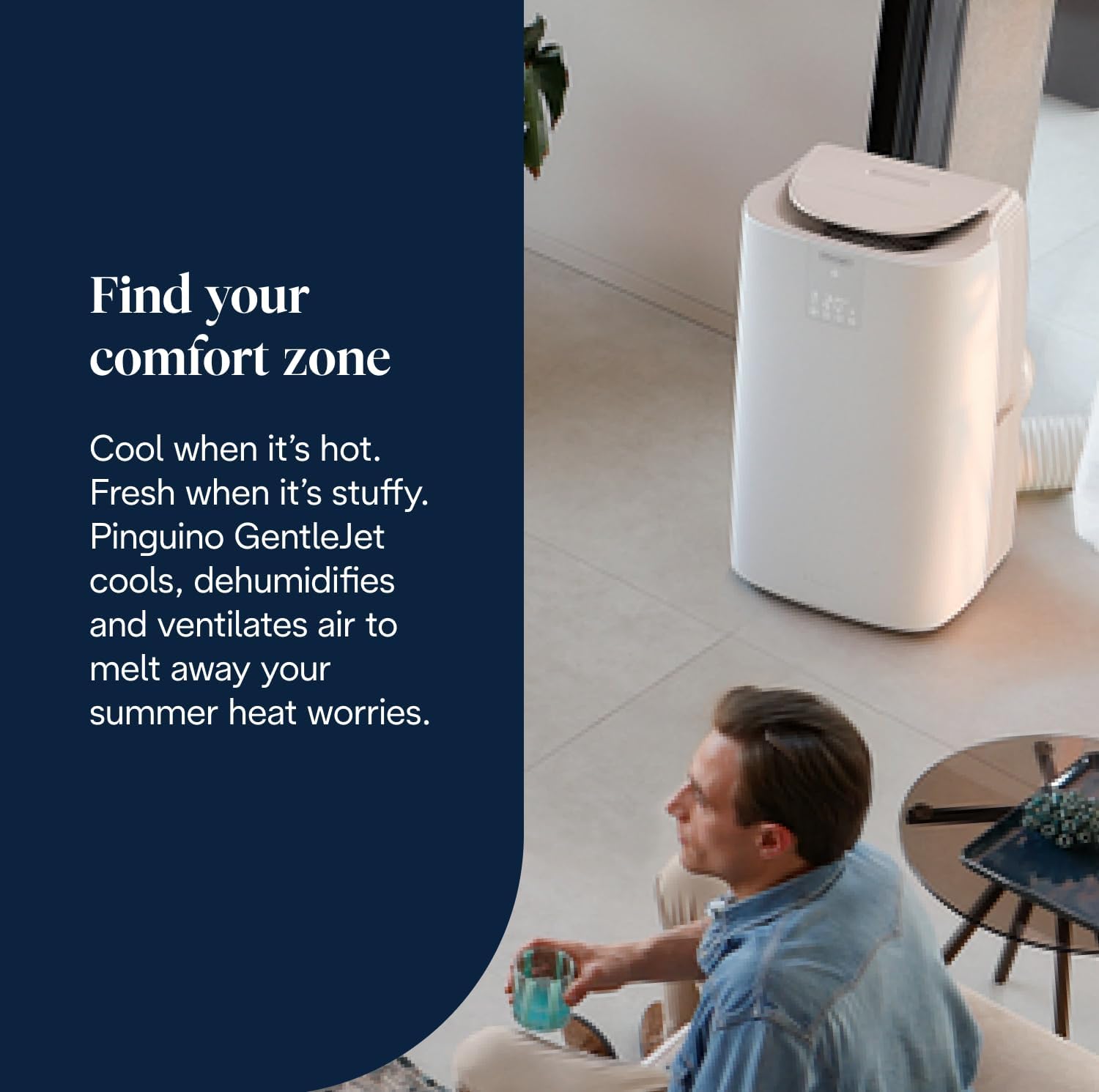
Figure 3: The De'Longhi Pinguino AP98 unit positioned in a living space, demonstrating the connection of the exhaust hose to a window for effective heat dissipation.
- Power Connection: Plug the power cord into a suitable electrical outlet.
4. Operating the Unit
Your De'Longhi Pinguino AP98 offers multiple operating modes for personalized comfort.
4.1 Control Panel and Remote Control
The unit can be operated using the control panel on the top of the unit or the included remote control.

Figure 4: The intuitive remote control and the clear front-facing display of the unit, allowing for easy adjustment of settings from a distance.
The remote control allows you to adjust temperature, mode, and fan speed conveniently from across the room. The front-facing display on the unit provides real-time feedback on current settings.
4.2 Operating Modes
- Cooling Mode: Provides powerful cooling for rooms up to 100m³. The Arctic Gentle Surround technology optimizes air distribution, decreasing the time to cool down the room by 30%.
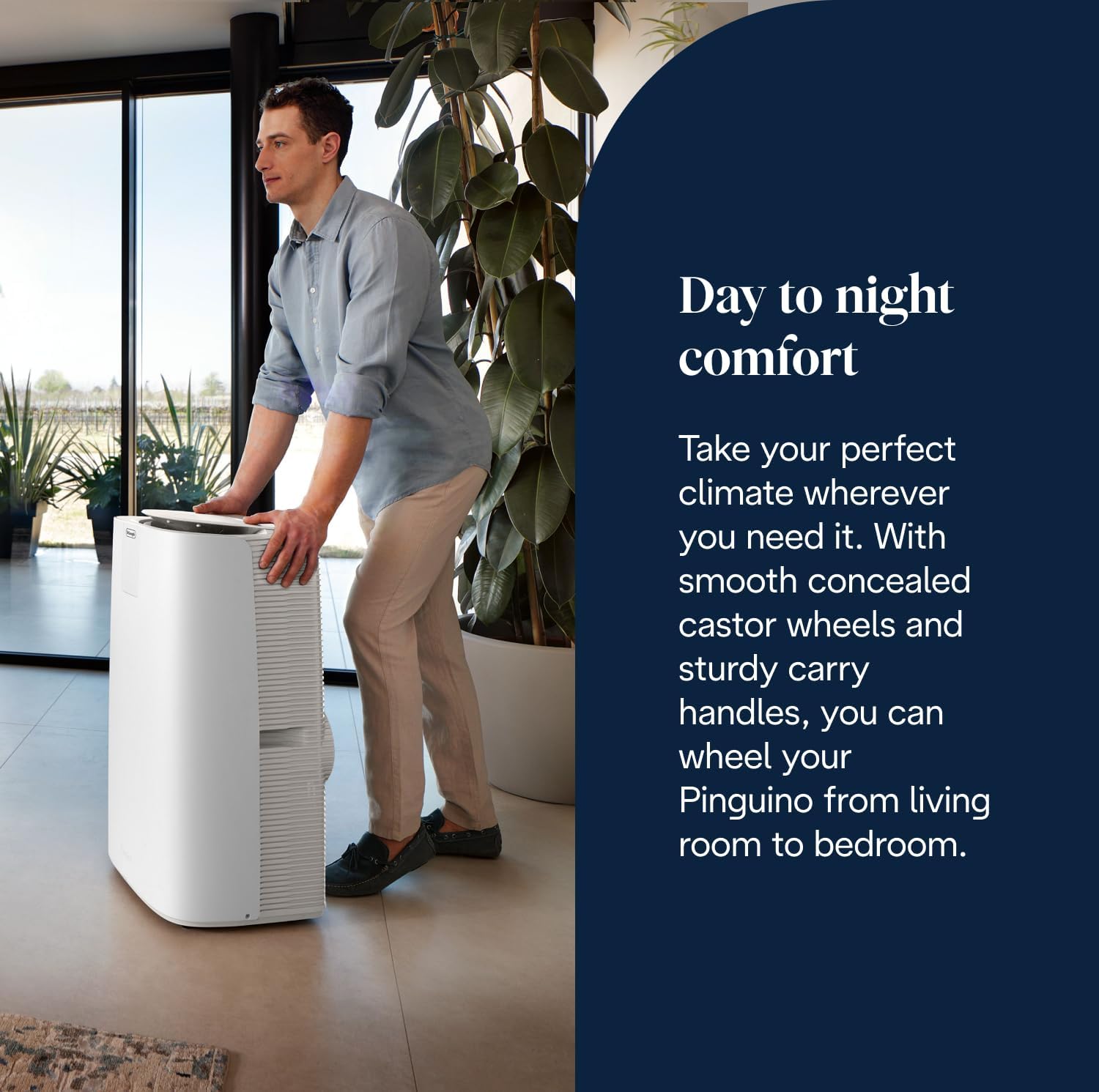
Figure 5: The unit demonstrating its 180° Arctic Gentle Surround technology, which creates a refreshing cocoon of air, eliminating hot spots and cold drafts.
- Dehumidifying Mode: Removes excess moisture from the air, improving comfort in humid conditions.
- Ventilating Mode: Circulates air without cooling, providing fresh air circulation.
4.3 Special Features
- EcoRealFeel: This intelligent feature measures and adjusts both temperature and humidity to automatically reach and maintain your desired comfort level, while using up to 30% less energy.

Figure 6: The unit's display highlighting the EcoRealFeel function, which optimizes comfort by balancing temperature and humidity.
- Silent Technology: The unit features a Silent mode, which operates up to 50% more quietly than its maximum output, making it suitable for use in bedrooms or quiet environments. The sound level is rated at 62 dB.

Figure 7: The De'Longhi Pinguino AP98 operating in a living space, demonstrating its quiet mode for peaceful operation.
5. Maintenance
Regular maintenance ensures the longevity and efficiency of your air conditioning unit.
- Filter Cleaning: The air filter should be cleaned regularly (e.g., every two weeks or more often depending on usage) to maintain optimal performance. Refer to the full manual for instructions on how to access and clean the filter.
- Draining: The unit is designed to self-evaporate most of the condensate. However, for long-term storage or in very humid conditions, manual draining may be required. A drain hose is included for this purpose to ensure the unit is completely empty before storage.
- Exterior Cleaning: Wipe the exterior of the unit with a soft, damp cloth. Do not use abrasive cleaners or solvents.
- Storage: Before storing the unit for an extended period, ensure it is completely drained and clean. Store it in a dry, cool place, ideally in its original packaging.
6. Troubleshooting
If you encounter issues with your unit, refer to the following common problems and solutions.
| Problem | Possible Cause | Solution |
|---|---|---|
| Unit does not turn on. | No power, power cord unplugged, circuit breaker tripped. | Check power connection, ensure outlet is functional, reset circuit breaker if necessary. |
| Unit is running but not cooling. | Exhaust hose not properly installed, window not sealed, air filter clogged, room too large. | Ensure exhaust hose is securely connected and window is sealed. Clean air filter. Verify room size is within unit's capacity (up to 100m³). |
| Unit is too noisy. | Fan speed too high, unit not on a level surface. | Select a lower fan speed or activate Silent mode. Ensure the unit is on a flat, stable surface. Note that some operational noise is normal for portable AC units. |
| Water leakage. | Condensate tank full (if applicable), unit not level. | Drain the unit if necessary. Ensure the unit is on a level surface. |
If the problem persists after attempting these solutions, please contact De'Longhi customer support.
7. Specifications
Key technical specifications for the De'Longhi Pinguino AP98 Portable Air Conditioning Unit:
- Manufacturer: De'Longhi
- Part Number: PACAP98
- Product Dimensions: 36.3 x 45.7 x 81.4 cm
- Item Model Number: PACAP98
- Colour: White
- Style: AP98
- Voltage: 230 Volts
- Wattage: 875 watts
- Installation Method: Window
- Item Package Quantity: 1
- Sound Level: 62 dB
- Included Components: Portable Air Conditioner, Remote Control
- Item Weight: 34 kg
- Date First Available: 24 March 2025
Figure 8: Detailed dimensions of the De'Longhi Pinguino AP98 unit, indicating its height, width, and depth.
8. Warranty and Support
De'Longhi is committed to providing quality products and customer satisfaction.
- Returns: This item is returnable within 30 days of purchase. Please refer to your retailer's return policy for specific details.
- Customer Support: For technical assistance, warranty claims, or any other inquiries, please contact De'Longhi's specialized customer support. Contact information can typically be found on the official De'Longhi website or in your product packaging.
Related Documents - PACAP98
 |
De'Longhi Pinguino Gentle Jet PAC AP-serie Gebruiksinstructies Gebruikershandleiding voor de De'Longhi Pinguino Gentle Jet PAC AP-serie airconditioner. Bevat instructies voor installatie, bediening, onderhoud en probleemoplossing. |
 |
De'Longhi Pinguino EX Series Portable Air Conditioner User Manual Comprehensive user manual for the De'Longhi Pinguino EX Series portable air conditioner, covering installation, operation, maintenance, troubleshooting, and self-diagnosis. |
 |
De'Longhi Pinguino S1000 Portable Air Conditioner User Manual This user manual provides comprehensive instructions for operating, maintaining, and troubleshooting the De'Longhi Pinguino S1000 portable air conditioner. Learn about its features, functions, safety precautions, and technical specifications. |
 |
Connect De'Longhi Pinguino Smart Speaker to Alexa and Google Home Step-by-step guide to connect your De'Longhi Pinguino smart speaker to Amazon Alexa and Google Home voice assistants for easy control. |
 |
De'Longhi Pinguino/SuperPinguino Portable Air Conditioner User Manual Comprehensive guide for De'Longhi Pinguino and SuperPinguino portable air conditioners, covering safety warnings, product description, preparation, installation, operation modes, remote control usage, troubleshooting, cleaning, and technical specifications. |
 |
De'Longhi Pinguino Portable Air Conditioner User Manual Comprehensive user manual for the De'Longhi Pinguino portable air conditioner, covering installation, operation, modes, troubleshooting, and maintenance. Includes details on control panel functions, remote operation, Wi-Fi connectivity, and self-diagnosis. |
Ask a question about this manual
Ask about setup, troubleshooting, compatibility, parts, safety, or missing instructions. Manuals+ will review the question and use this page’s manual context to help answer it.