
ZMDCAM W10
ZMDCAM W10 2K WiFi Mini Wireless Security Camera
User Manual
Introduction
The ZMDCAM W10 is a compact and versatile 2K WiFi Mini Wireless Security Camera designed for various monitoring needs, including home security, baby monitoring, pet surveillance, and business oversight. Its small size and wireless capabilities allow for discreet placement and flexible usage in both indoor and outdoor environments.
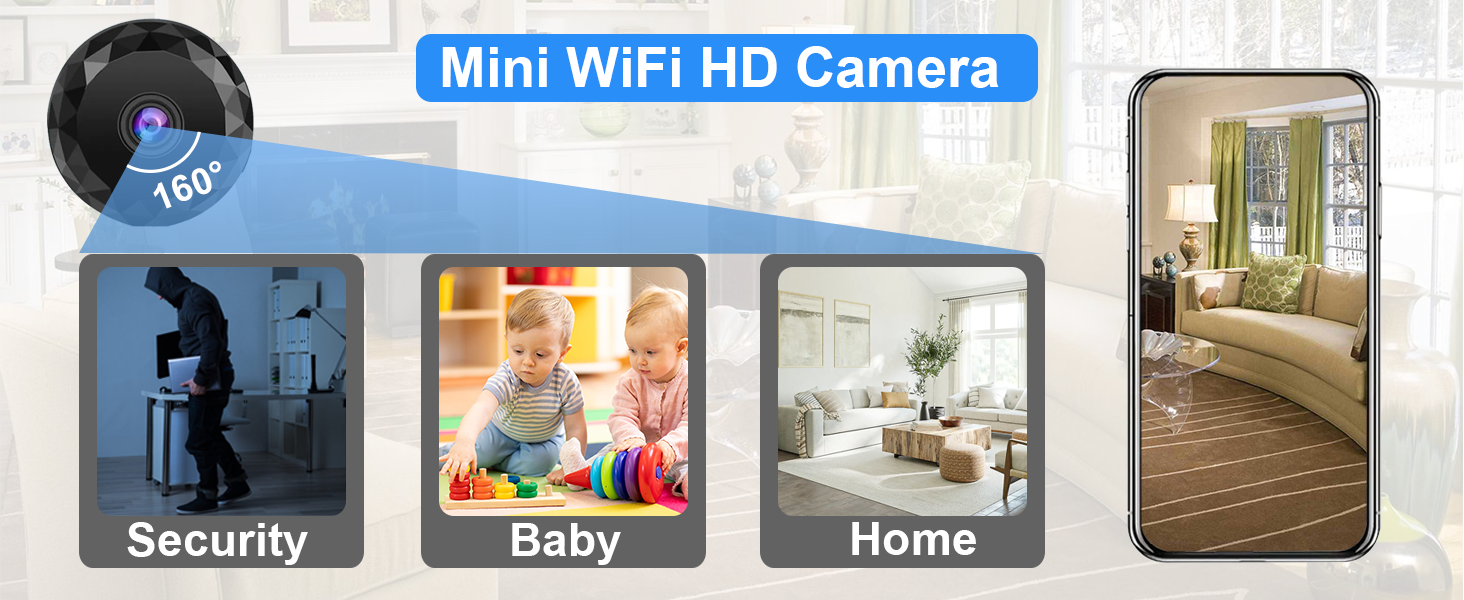
Image: The ZMDCAM W10 Mini WiFi HD Camera, highlighting its 160-degree wide-angle view and suitability for security, baby monitoring, and general home surveillance.

Image: An illustration of the camera's key features: WiFi connectivity, mobile remote access, multi-user viewing, video playback, extended battery life, and HD night vision.
What's Included
Please check the package contents to ensure all items are present:
- 1 x ZMDCAM W10 2K Camera
- 1 x Stable Stand
- 1 x USB Cable
Setup Guide
Follow these steps to set up your ZMDCAM W10 camera:
- Initial Charging: Before first use, fully charge the camera using the provided USB cable. Connect the USB cable to the camera's USB port and a standard USB power adapter (not included). A full charge provides up to 2 hours of continuous use. For extended surveillance, keep the camera connected to a USB power source.
- Insert Micro SD Card (Optional): For local storage and loop recording, insert a Micro SD card (up to 256GB, not included) into the designated slot. Ensure the card is inserted correctly.
- Download the Companion App: Search for the official ZMDCAM companion app on your smartphone's app store (e.g., App Store for iOS or Google Play Store for Android). Install the app.
- Power On the Camera: Press and hold the ON/OFF button on the camera until the indicator light illuminates.
- Connect to the Camera: The camera offers two primary connection methods:
- WiFi Network Connection: Open the companion app, select to add a new device, and follow the in-app instructions to connect the camera to your home or office 2.4GHz WiFi network. This allows for remote viewing from anywhere. Note: This camera supports 2.4GHz WiFi networks only.
- Direct Bluetooth Connection: Enable Bluetooth on your smartphone. In the app, select the Bluetooth connection option and pair with the camera. This method is suitable for local monitoring when your smartphone is near the camera.
- Mounting the Camera: The camera features strong magnetic adsorption for easy placement on metallic surfaces. It also comes with a stable stand for versatile positioning on flat surfaces, walls, or bookshelves.
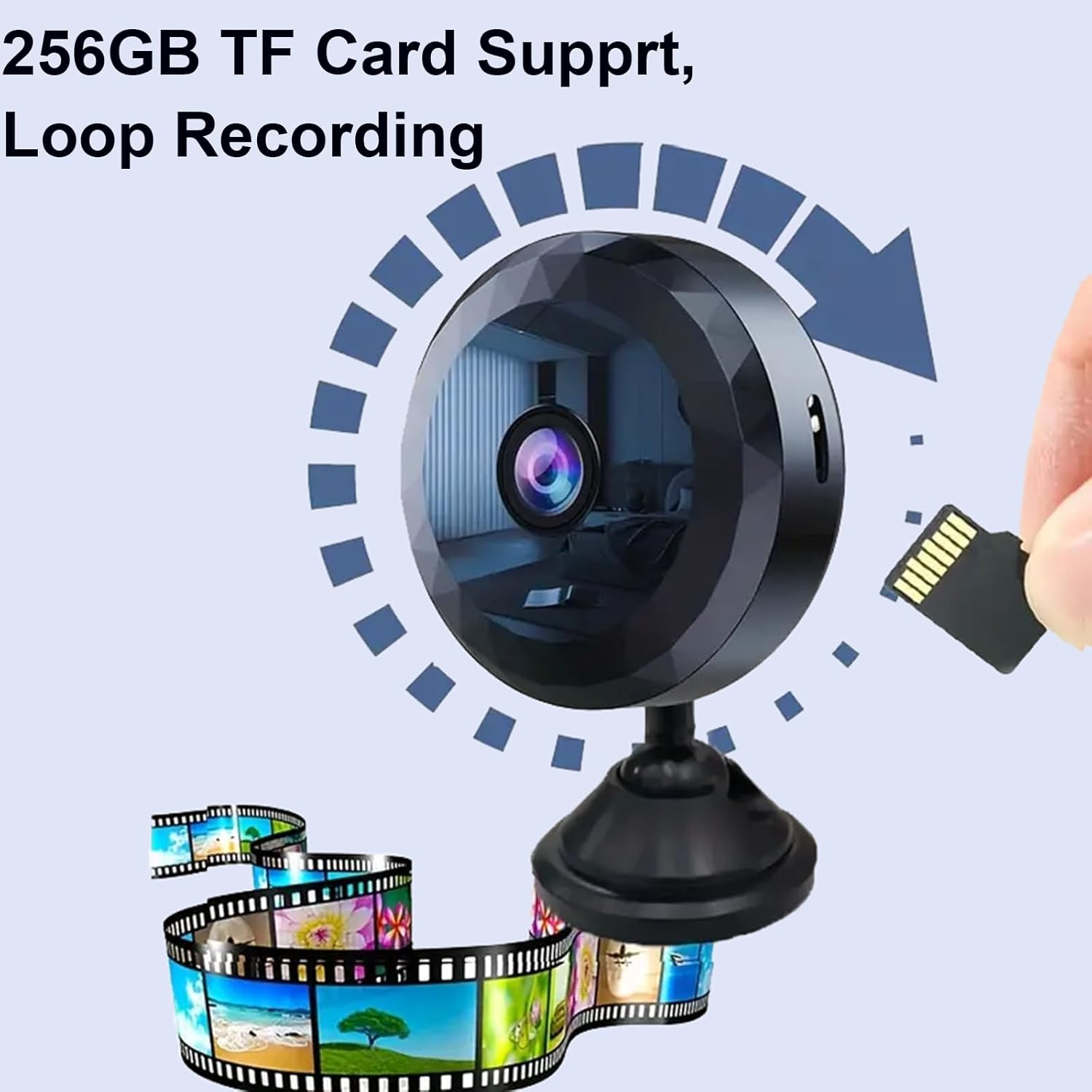
Image: A visual guide demonstrating the insertion of a Micro SD card into the camera, enabling up to 256GB of storage and loop recording.
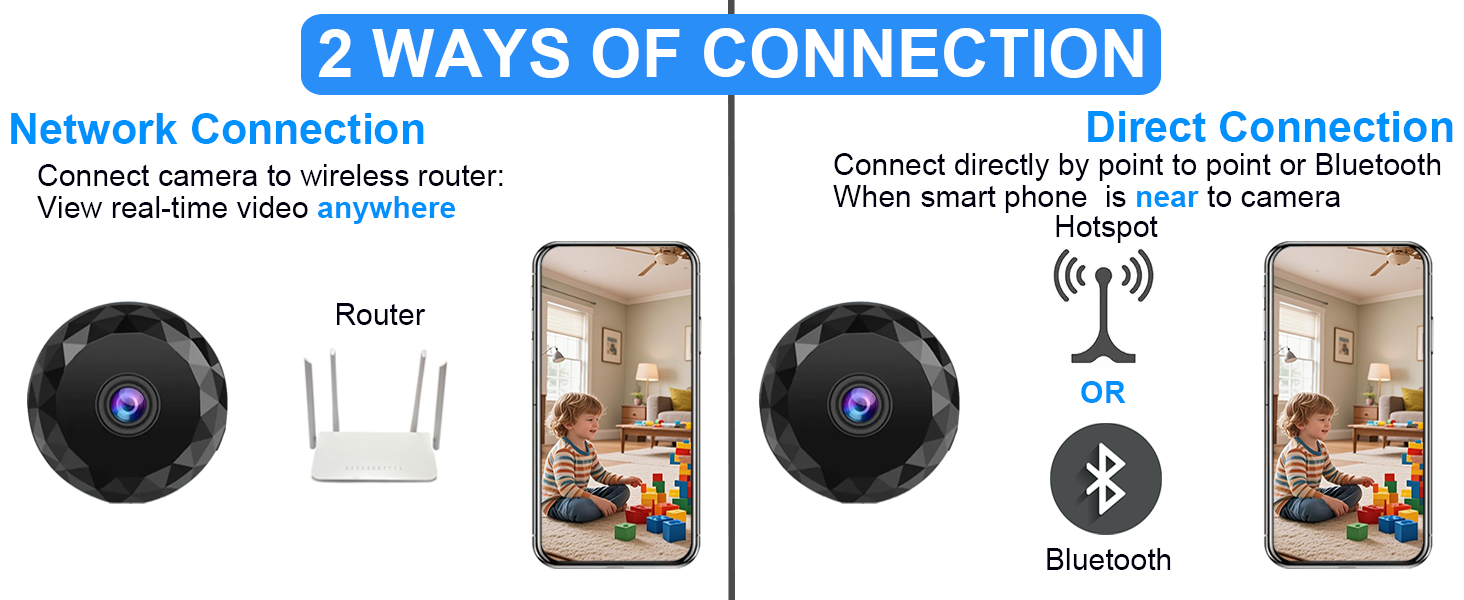
Image: A diagram explaining the two connection methods: connecting to a WiFi router for remote access, or directly via Bluetooth for local monitoring.

Image: Visual representation of the camera's magnetic base, allowing it to be easily attached to various surfaces like walls, bookshelves, or bedside tables.
Operation
Once set up, you can utilize the camera's features through the companion app:
- Live View and Recording: Access the live video feed from your smartphone. You can initiate manual recordings or set up motion-activated recording within the app. The camera captures video in 2K resolution, ensuring clear and detailed footage.
- Loop Recording: When a Micro SD card is inserted and the camera is connected to a continuous power source (e.g., via USB), the camera supports loop recording, automatically overwriting the oldest footage when the card is full.
- Wide-Angle View: The 150° wide-angle lens provides extensive coverage, minimizing blind spots in rooms, nurseries, or outdoor areas.
- Night Vision: The camera is equipped with HD night vision capabilities, allowing for clear monitoring even in low-light or dark conditions.
- Device Sharing: Share access to the camera's feed with family members or trusted individuals. The app supports multiple devices viewing the feed simultaneously, making it convenient for families to monitor activities.
- Versatile Applications: The camera is suitable for a wide range of uses, including business security, home surveillance, baby monitoring, pet monitoring, and ensuring the safety of elders.
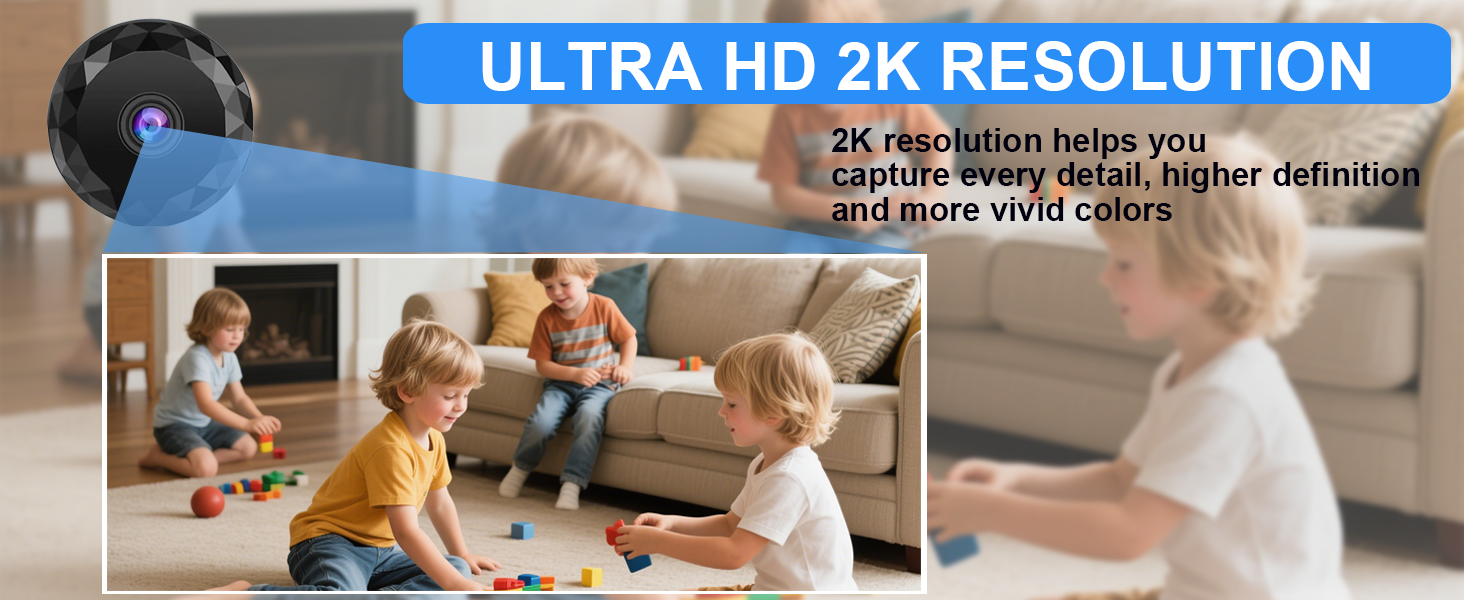
Image: An illustration emphasizing the camera's Ultra HD 2K resolution, capable of capturing fine details and vivid colors.
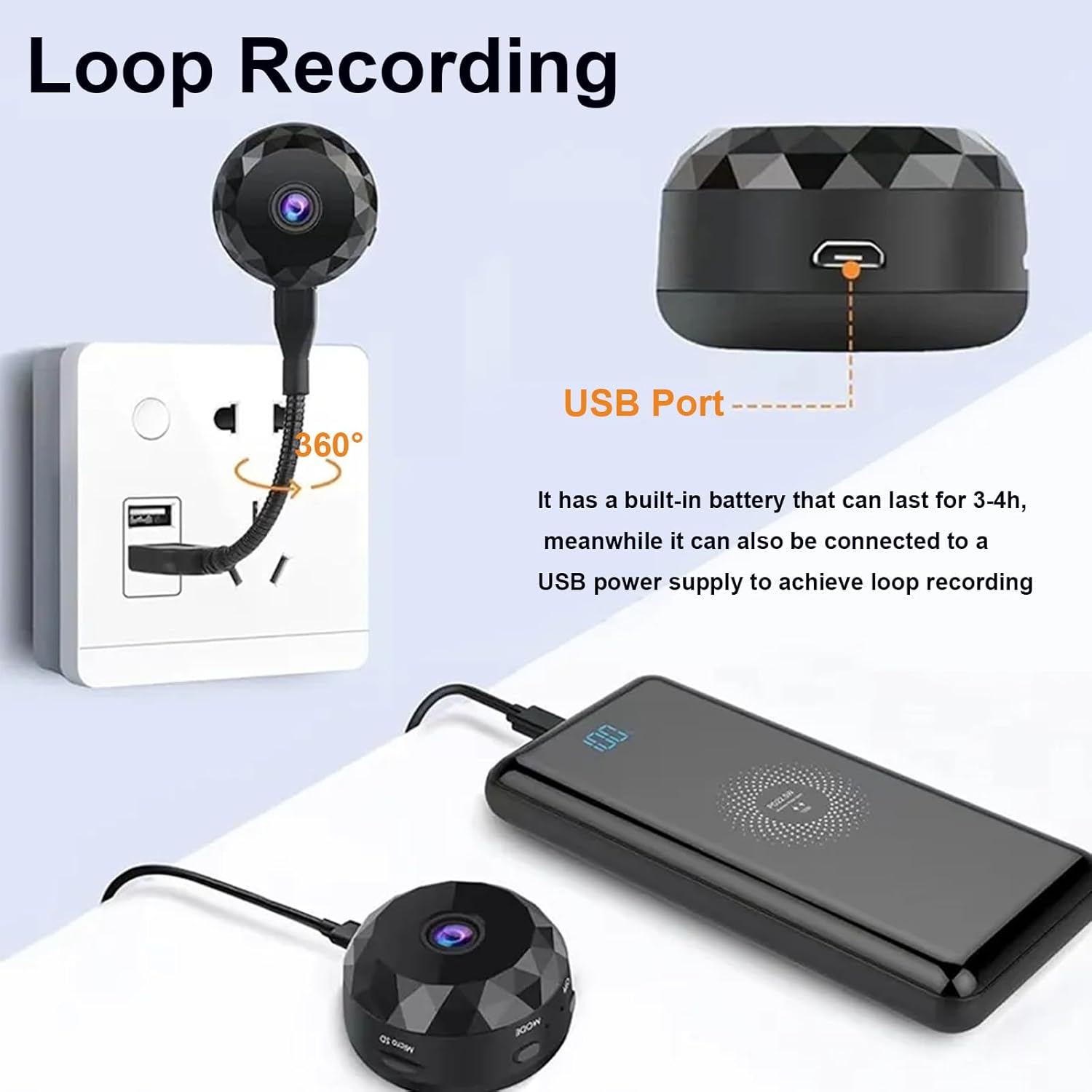
Image: A diagram illustrating how the camera can be connected to a USB power source to enable continuous loop recording, ideal for extended surveillance.
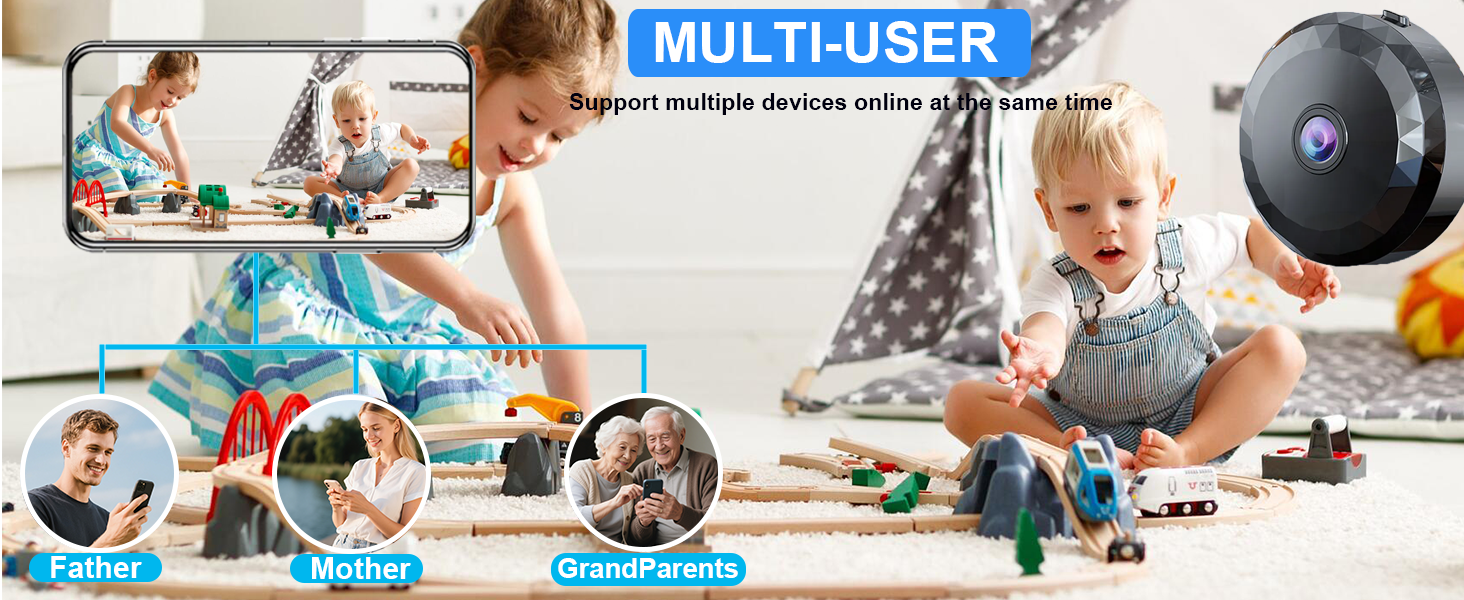
Image: An illustration depicting the multi-user feature, allowing various family members to simultaneously view the camera's live feed on their respective smartphones.
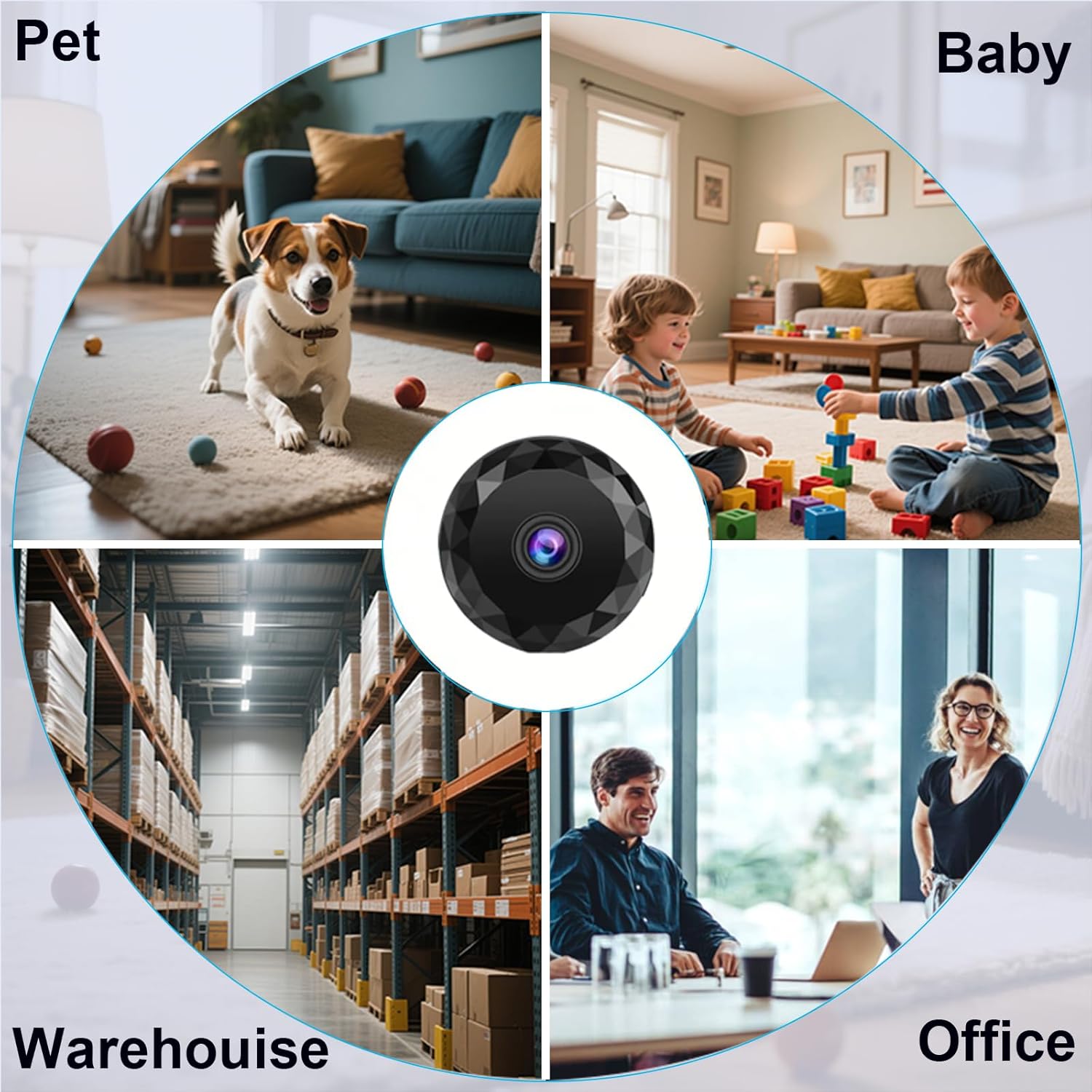
Image: A collage showcasing the camera's diverse applications, including monitoring pets, babies, warehouses, and office spaces.
Maintenance
- Cleaning: Use a soft, dry cloth to clean the camera lens and body. Avoid using liquid cleaners or abrasive materials.
- Storage: When not in use for extended periods, store the camera in a cool, dry place away from direct sunlight and extreme temperatures. Ensure the battery is partially charged before storage.
- Software Updates: Periodically check the companion app for firmware updates for your camera to ensure optimal performance and access to new features.
Troubleshooting
| Problem | Possible Cause / Solution |
|---|---|
| Camera won't power on. | Battery may be depleted. Connect to a USB power source and charge for at least 30 minutes. Ensure the ON/OFF button is pressed firmly. |
| Cannot connect to WiFi. | Ensure your WiFi network is 2.4GHz. This camera does not support 5GHz networks. Check WiFi password. Move camera closer to the router. Restart both camera and router. |
| Bluetooth connection issues. | Ensure Bluetooth is enabled on your smartphone and the camera is within range. Try unpairing and re-pairing the device. |
| Poor video quality. | Ensure the camera lens is clean. Check network stability for remote viewing. Ensure sufficient lighting for optimal image quality. |
| SD card not recording. | Ensure the SD card is inserted correctly and formatted (if required by the app). Check if the card is full (loop recording should manage this, but verify settings). Ensure the camera is powered continuously for loop recording. |
Specifications
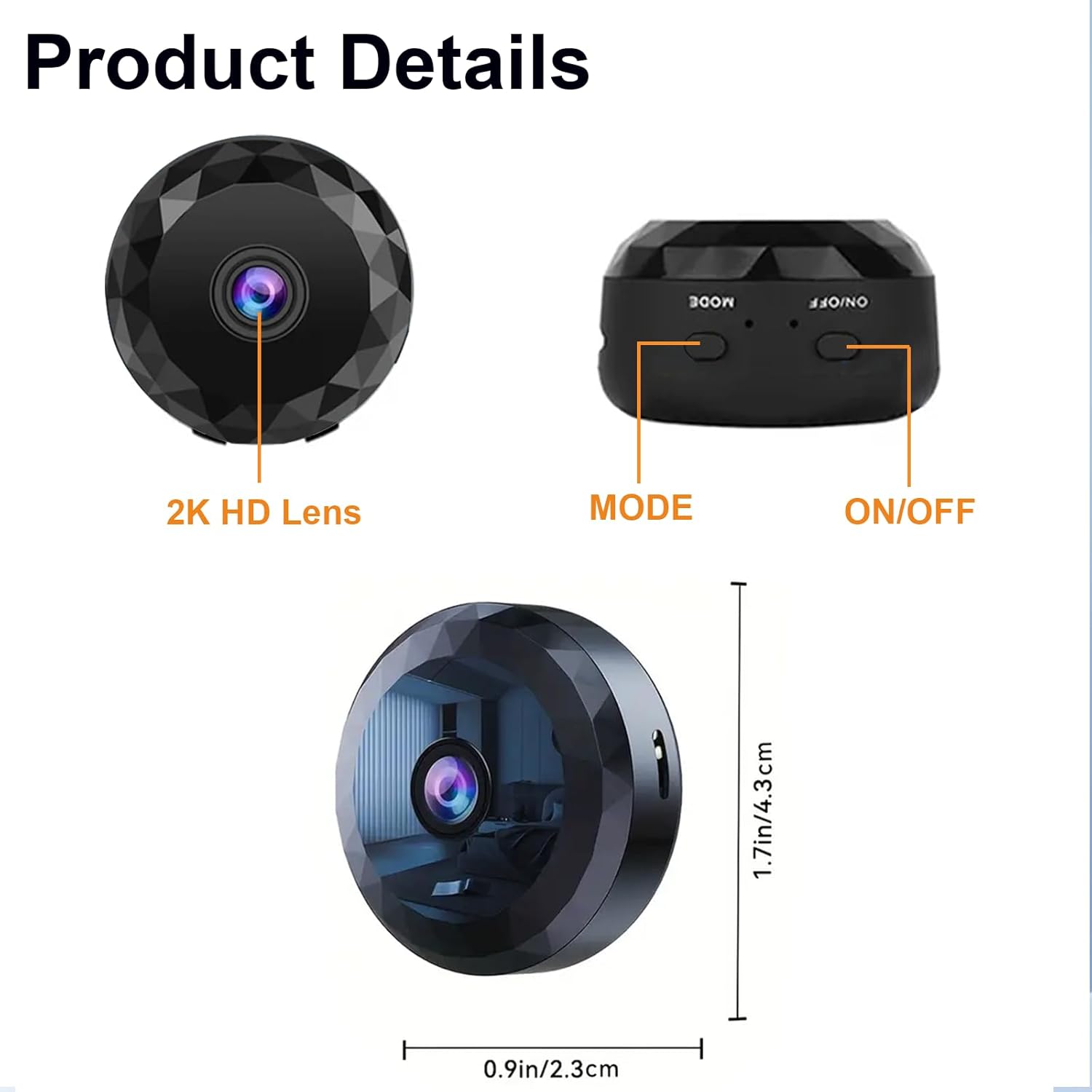
Image: Detailed view of the camera's components and dimensions, including the 2K HD lens, mode button, and power button.
| Feature | Detail |
|---|---|
| Model Name | W10 |
| Video Capture Resolution | 2K |
| Viewing Angle | 150 Degrees |
| Connectivity Technology | Bluetooth, WiFi (2.4GHz only) |
| Power Source | Battery Powered (up to 2 hours), USB Power for continuous use |
| Compatible Devices | Smartphone (via companion app) |
| Indoor/Outdoor Usage | Outdoor, Indoor |
| Mounting Type | Wall Mount (Magnetic Adsorption) |
| Item Dimensions (L x W x H) | 1 x 1.5 x 0.7 inches (2.54 x 3.81 x 1.78 cm) |
| Item Weight | 2.08 ounces |
| Max SD Card Support | 256GB (TF Card) |
| Special Features | 2K HD, Hidden Camera, WiFi/Bluetooth Connection, Compact & Portable Design, Share with Family |
Warranty and Support
For warranty information and technical support, please refer to the contact details provided with your product packaging or visit the official ZMDCAM website. Keep your purchase receipt for warranty claims.
Ask a question about this manual
Ask about setup, troubleshooting, compatibility, parts, safety, or missing instructions. Manuals+ will review the question and use this page’s manual context to help answer it.