
1MORE S20
1MORE S20 Open Ear Headphones User Manual
Model: S20
Introduction
The 1MORE S20 Open Ear Headphones are designed to provide a comfortable, secure, and immersive audio experience for various activities. Featuring an ultra-light clip-on design, Hi-Res LDAC-certified spatial audio, and crystal-clear call quality with 4-Mic ENC, these headphones are built for all-day wear and active lifestyles. This manual will guide you through the setup, operation, and maintenance of your new headphones.
What's in the Box
- 1MORE S20 Clip-On Earbuds x1
- USB-C Charging Cable x1
- User Manual x1

Image: The 1MORE S20 Open Ear Headphones and their compact charging case.
Setup and Pairing
Follow these steps to set up and pair your 1MORE S20 Open Ear Headphones:
- Charge the Case: Before first use, fully charge the charging case using the provided USB-C cable. The indicator light on the case will show charging status.
- Power On: Open the charging case. The earbuds will automatically power on and enter pairing mode.
- Pair with Device: On your smartphone, tablet, or other Bluetooth-enabled device, go to Bluetooth settings and select "1MORE S20" from the list of available devices.
- Download 1MORE App: For enhanced features and customization, download the official 1MORE app from your device's app store.
Video: An overview of the 1MORE S20 Clip-On Wireless Open Ear Headphones, demonstrating their features and design.
Operating Your Headphones
Comfort and Fit
The 1MORE S20 earbuds feature an ultra-light 7g clip-on design, engineered for pressure-free wearing. The 270° rotating 3D ergonomic design ensures a secure fit that stays in place during various activities, from runs to commutes.

Image: A woman comfortably wearing the 1MORE S20 earbuds, emphasizing their feather-light open-ear design.
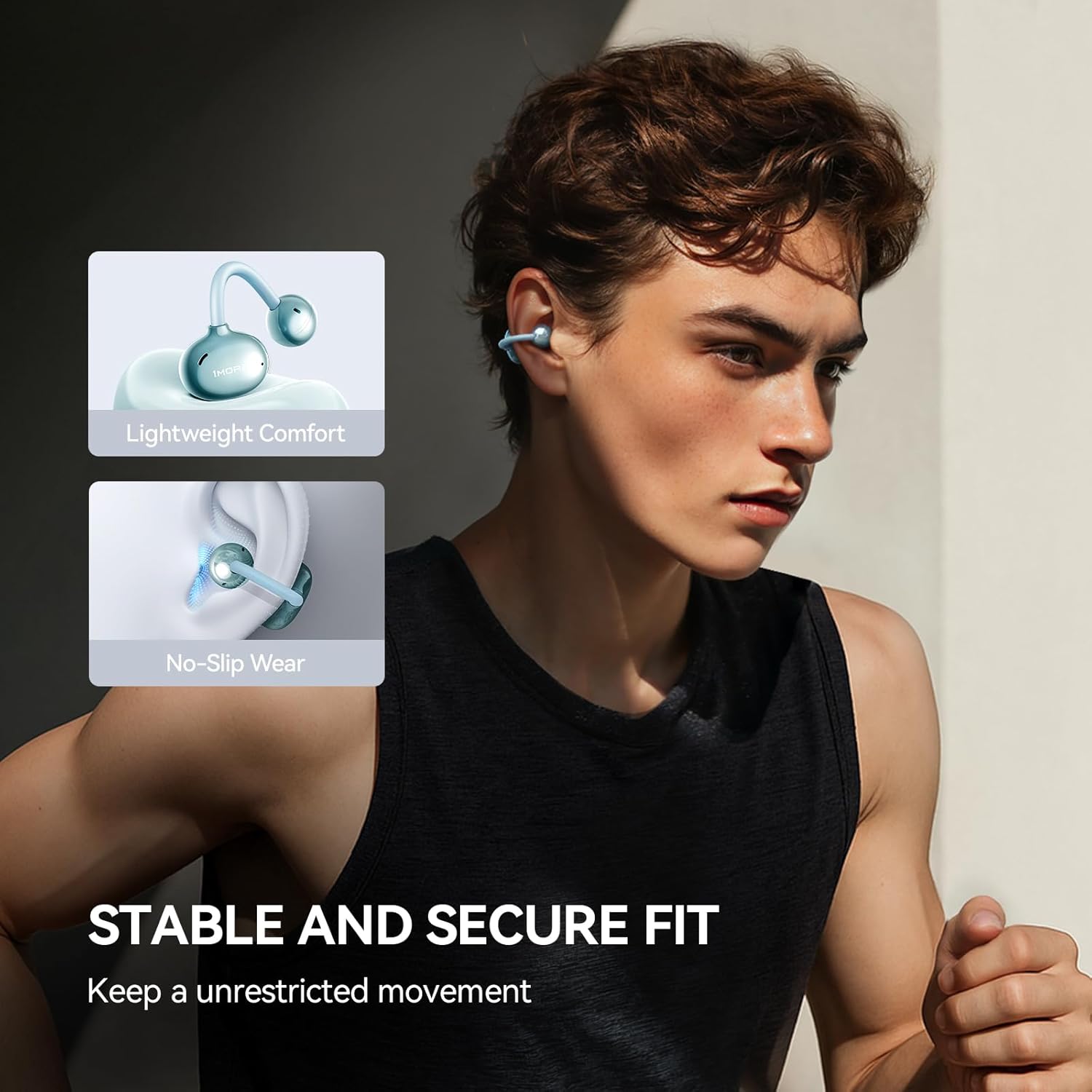
Image: A man running while wearing the 1MORE S20 earbuds, demonstrating their stable and secure fit during movement.
Audio Experience
Enjoy theater-like sound with Hi-Res LDAC-certified audio. BassMore+ technology delivers deep, punchy lows, while 11mm dynamic drivers create a 360° panoramic soundstage, perfect for music, movies, and gaming.

Image: A visual representation of the immersive spatial audio experience provided by the 1MORE S20 headphones.
Call Quality
The 4-Mic ENC system effectively eliminates 90% of ambient noise, ensuring crystal-clear calls even in noisy environments. Dual magnetic diaphragms and SDT acoustic transmission minimize sound leakage, maintaining call privacy and immersive music.
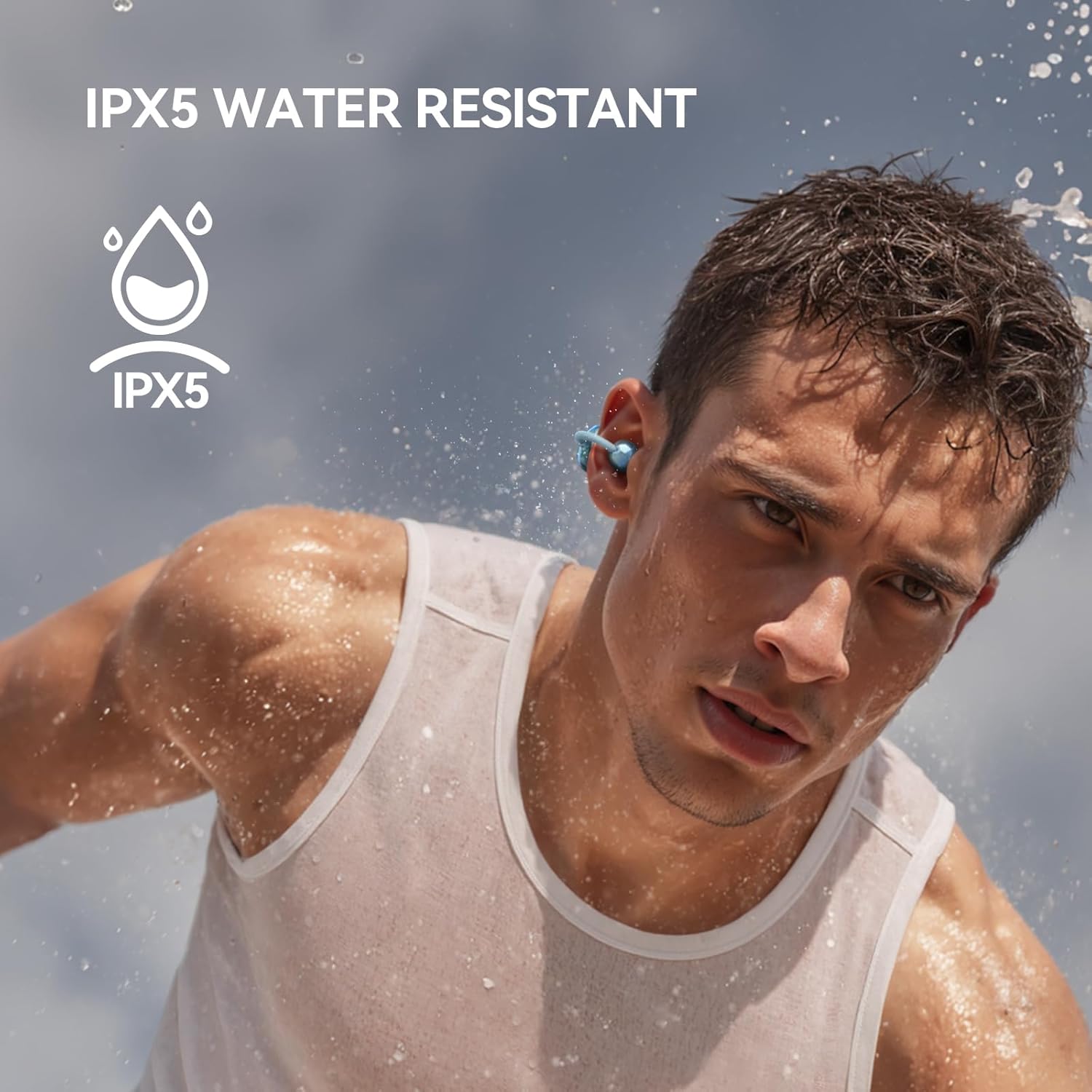
Image: A woman using the 1MORE S20 earbuds for a call, illustrating the effectiveness of the ENC 4-Mic AI Noise Cancellation.
Battery Life
With a 30-hour battery life, your 1MORE S20 headphones are designed to last through long flights or workdays, providing extended listening pleasure without frequent recharging.

Image: The 1MORE S20 earbuds in their charging case, with an overlay indicating their impressive 30-hour battery life.
Water Resistance
Built for active lifestyles, these IPX5-rated sport earbuds resist sweat, rain, and splashes. The Air-Fit moisture-wicking coating ensures they stay put during intense movement.

Image: A man with water splashing on his face, demonstrating the IPX5 water resistance of the 1MORE S20 headphones.
Adaptive Use
The 1MORE S20 headphones are versatile and adapt to various scenarios, whether you're working out, commuting, or working from home.

Image: A collage showing the 1MORE S20 earbuds being used in different settings: during sports, at work, and while commuting.
Maintenance
To ensure the longevity and optimal performance of your 1MORE S20 Open Ear Headphones, follow these maintenance guidelines:
- Cleaning: Regularly wipe the earbuds and charging case with a soft, dry, lint-free cloth. For stubborn dirt, slightly dampen the cloth with water. Avoid using harsh chemicals or abrasive materials.
- Storage: When not in use, store the earbuds in their charging case to protect them from dust, dirt, and physical damage.
- Water Exposure: While IPX5 rated for sweat and splashes, avoid submerging the headphones in water. If they get wet, dry them thoroughly before placing them back in the charging case or using them.
- Charging: Use only the provided USB-C cable or a certified equivalent for charging. Avoid extreme temperatures during charging.
Troubleshooting
If you encounter issues with your 1MORE S20 Open Ear Headphones, try the following solutions:
- No Sound or Low Volume:
- Ensure the earbuds are properly paired and connected to your device.
- Check the volume levels on both your device and the earbuds.
- Make sure the earbuds are clean and free of debris that might block the sound output.
- Uncomfortable Fit:
- Adjust the ear hooks to find the most comfortable and secure position on your ear.
- Ensure the earbuds are placed correctly, with the sound output directed towards your ear canal.
- Call Quality Issues (Muffled/Unclear):
- Ensure the microphones on the earbuds are not obstructed.
- Try moving to an area with less ambient noise.
- Check your device's call settings.
- Connectivity Problems (Frequent Disconnections):
- Ensure your device is within the Bluetooth range (up to 32.8 feet).
- Restart both the earbuds (by placing them in the case and closing/opening) and your Bluetooth device.
- Clear the Bluetooth pairing history on your device and re-pair the earbuds.
Specifications
| Feature | Detail |
|---|---|
| Model Name | S20 |
| Brand | 1MORE |
| Connectivity Technology | Wireless (Bluetooth 5.4) |
| Bluetooth Range | 32.8 Feet |
| Noise Control | Environmental Noise Cancellation (ENC) |
| Audio Driver Type | Dynamic Driver |
| Audio Driver Size | 11 Millimeters |
| Audio Latency | 80 Milliseconds |
| Water Resistance Level | IPX5 (Sweatproof, Rain Resistant) |
| Ear Placement | In Ear (Clip-On) |
| Item Weight | 6.7 ounces |
| Material | Plastic |
| Carrying Case Battery Capacity | 400 Milliamp Hours |
| Carrying Case Battery Average Life | 2 Hours (for case charging) |
| UPC | 190280002655 |
Warranty and Support
For detailed warranty information and customer support, please refer to the official 1MORE website or contact their customer service directly. Keep your proof of purchase for warranty claims.
Related documentsS20


Ask a question about this manual
Ask about setup, troubleshooting, compatibility, parts, safety, or missing instructions. Manuals+ will review the question and use this page’s manual context to help answer it.