1. Introduction
Thank you for choosing the Echolabs 2025 Edition Wireless Earbuds. This manual provides detailed instructions on how to set up, operate, and maintain your new earbuds. Please read this manual carefully before use to ensure optimal performance and longevity of your device.
2. Package Contents
The package includes the following items:
- 1 Pair Echolabs 2025 Edition Wireless Earbuds
- 1 Charging Case
- User Manual (this document)
- Charging Cable
3. Product Overview
The Echolabs 2025 Edition Wireless Earbuds are designed for convenience and high-quality audio. They feature Bluetooth 5.2 for stable connectivity, a compact design, and a charging case for extended battery life.
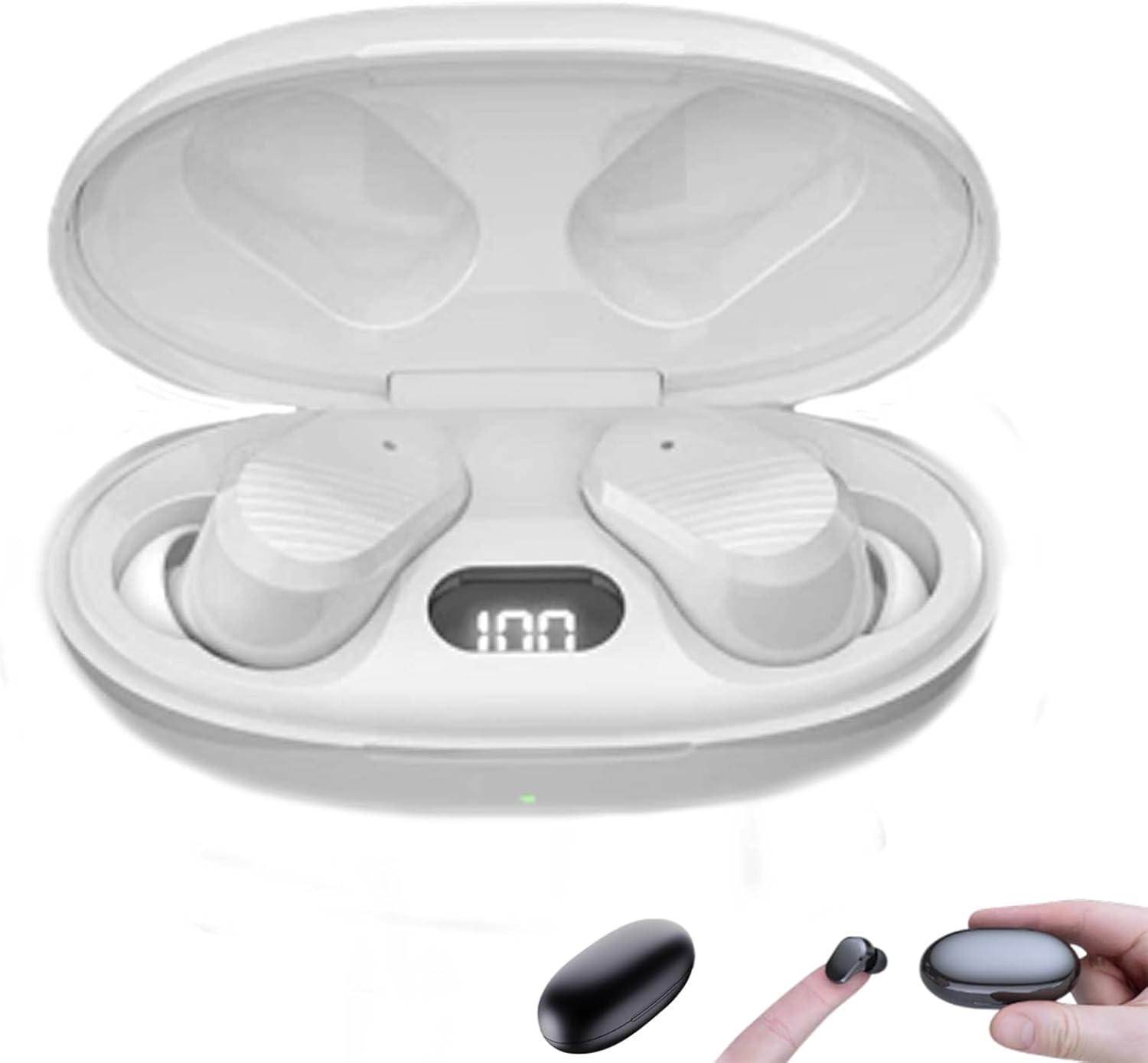
Figure 3.1: Echolabs 2025 Edition Wireless Earbuds in their open charging case, displaying a digital battery indicator.

Figure 3.2: The compact design of the Echolabs earbuds, shown held between fingers and next to the charging case.
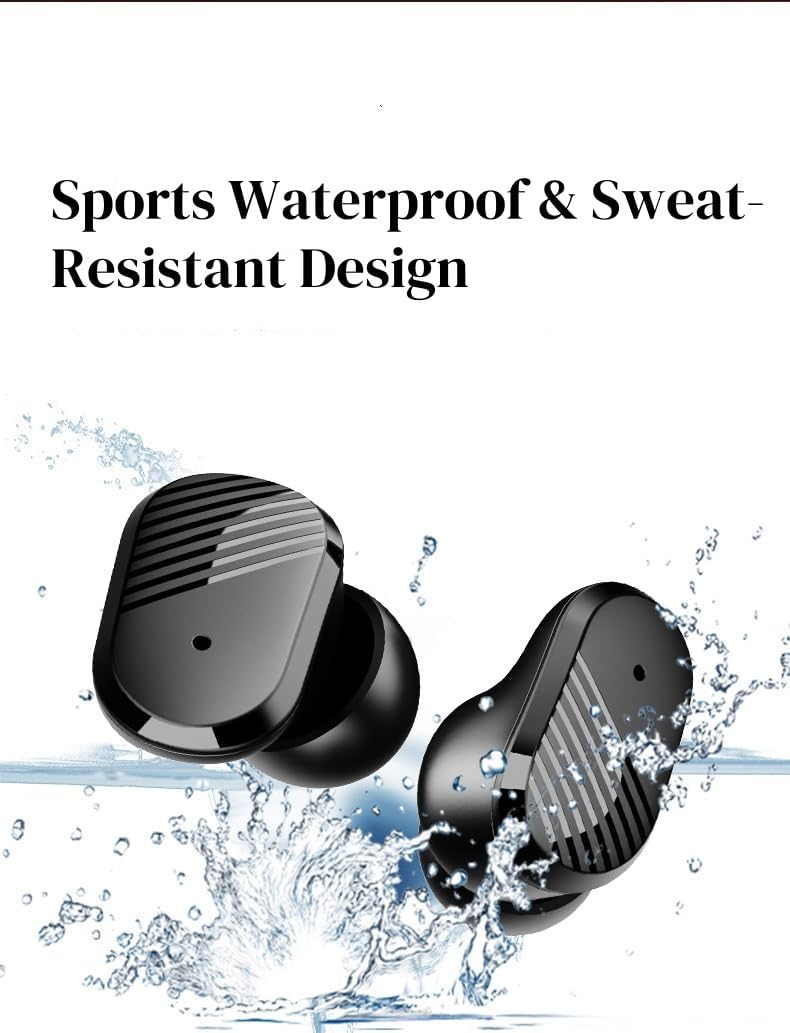
Figure 3.3: The earbuds are designed to be sports waterproof and sweat-resistant, suitable for active use.
4. Setup and Pairing
4.1 Initial Charge
Before first use, fully charge the earbuds and the charging case. Place the earbuds into the charging case and connect the charging case to a power source using the provided charging cable. The indicator lights on the case will show the charging status.
4.2 Powering On/Off
- Power On: Open the charging case, and the earbuds will automatically power on. Alternatively, press and hold the touch control area on both earbuds for 3 seconds.
- Power Off: Place the earbuds back into the charging case and close the lid. They will automatically power off and begin charging. Alternatively, press and hold the touch control area on both earbuds for 5 seconds.
4.3 Bluetooth Pairing
- Ensure the earbuds are charged and powered on.
- Open the charging case. The earbuds will enter pairing mode, indicated by a flashing light (specific indicator not provided, assume standard).
- On your device (smartphone, tablet, etc.), enable Bluetooth.
- Search for available Bluetooth devices and select "Echolabs 2025 Edition" from the list.
- Once connected, a voice prompt will confirm successful pairing.
Note: The earbuds will automatically reconnect to the last paired device when taken out of the case, if Bluetooth is enabled on the device.
5. Operating Instructions
5.1 Touch Controls (Assumed Standard Functionality)
The Echolabs 2025 Edition Wireless Earbuds feature touch-sensitive controls. The following functions are typically available:
- Play/Pause: Single tap on either earbud.
- Next Track: Double tap on the right earbud.
- Previous Track: Double tap on the left earbud.
- Answer/End Call: Single tap on either earbud.
- Reject Call: Press and hold on either earbud for 2 seconds.
- Activate Voice Assistant: Triple tap on either earbud.
Note: Specific touch control functions may vary slightly. Refer to the product packaging or official Echolabs website for precise details if these do not match your experience.
5.2 Charging the Earbuds and Case
- Charging Earbuds: Place the earbuds into the charging case. They will automatically begin charging. The digital display on the case indicates the battery level of the case and individual earbuds.
- Charging Case: Connect the charging case to a USB power adapter (5V/1A recommended) using the provided charging cable. The digital display will show the charging progress. A full charge for the case takes approximately 1 hour.

Figure 5.1: The charging case with earbuds inserted, displaying the battery percentage on its digital screen.
6. Maintenance
- Cleaning: Use a soft, dry, lint-free cloth to clean the earbuds and charging case. Do not use harsh chemicals or abrasive materials.
- Water Exposure: While the earbuds are sweat-resistant, avoid prolonged exposure to water or submerging them. Ensure they are dry before placing them back in the charging case.
- Storage: Store the earbuds in their charging case when not in use to protect them and keep them charged. Store in a cool, dry place away from extreme temperatures.
- Battery Care: To preserve battery life, avoid fully discharging the earbuds and charging case frequently. Charge them regularly, even if not in constant use.
7. Troubleshooting
7.1 Earbuds Not Pairing
- Ensure both earbuds are charged.
- Turn off Bluetooth on your device and turn it back on.
- Forget "Echolabs 2025 Edition" from your device's Bluetooth list and attempt to pair again.
- Place earbuds back in the case, close the lid, wait 10 seconds, then open to re-initiate pairing mode.
7.2 No Sound or Intermittent Audio
- Check the volume level on both your device and the earbuds.
- Ensure the earbuds are within the Bluetooth range of your device (typically 10 meters/33 feet).
- Try disconnecting and reconnecting the earbuds from your device.
- Restart your audio source device.
7.3 Earbuds Not Charging
- Ensure the charging cable is securely connected to both the case and the power source.
- Verify the power source is active.
- Clean the charging contacts on both the earbuds and inside the case with a dry cotton swab.
8. Specifications
| Feature | Specification |
|---|---|
| Model Name | DBJFNKMFD-FER |
| Bluetooth Version | 5.2 |
| Receiving Distance | >10m (unobstructed) |
| Listening/Talk Time | Approximately 5 hours |
| Charging Case Battery Capacity | 250mAh |
| Earbud Recharges from Case | Approximately 3 times |
| Charging Case Charging Time | Approximately 1 hour |
| Water Resistance | Sports Waterproof & Sweat-Resistant |
| Color | White |
9. Warranty and Support
Echolabs products are designed for reliability and performance. For any questions, technical support, or warranty inquiries, please refer to the contact information provided with your purchase or visit the official Echolabs support website. Please retain your proof of purchase for warranty claims.


