
Product Overview
The ChunHee Dog Door Bell system is an innovative solution designed to facilitate potty training and enhance communication between you and your canine companion. This system includes a plug-in receiver and two durable, battery-free buttons, making it a convenient and eco-friendly choice for pet owners. It is particularly well-suited for larger dogs, generally those weighing 20 lbs or more, due to the pressure required to activate the buttons.
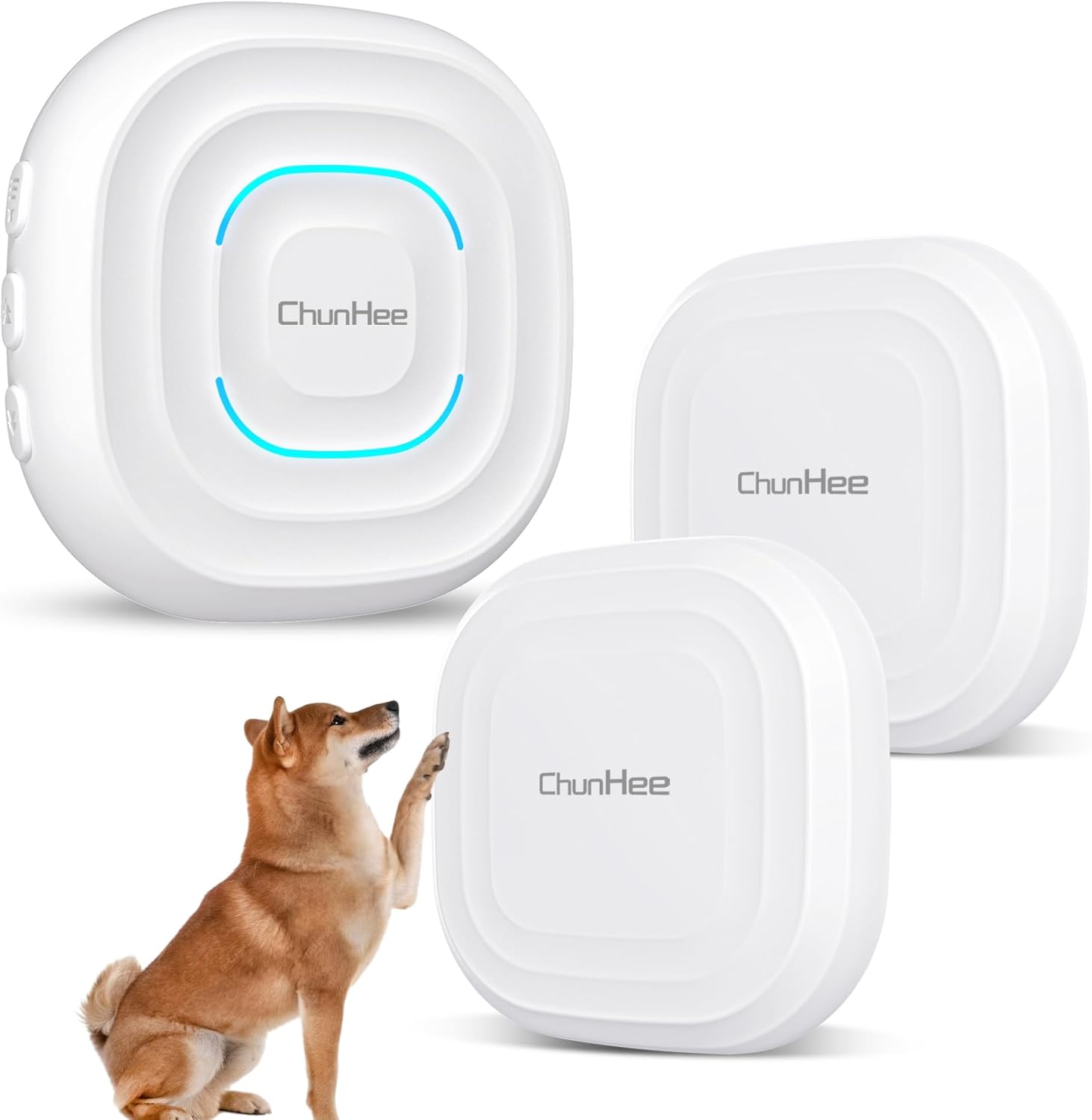
Image: The complete ChunHee Dog Door Bell system, showing the receiver and two pressure-activated buttons, with a dog demonstrating interaction.
Package Contents
- 1 x ChunHee Dog Door Bell Receiver
- 2 x ChunHee Dog Door Buttons (No Batteries Required)
- Installation Hardware (e.g., adhesive pads)
- Instruction Manual
Setup Instructions
- Unpack: Carefully remove all components from the packaging.
- Receiver Placement: Plug the receiver into a standard electrical outlet in a central location within your home, ensuring the sound can be easily heard throughout the desired area.
- Button Placement:
- Identify suitable locations for the two dog buttons. These can be on a door frame, glass, or floor, depending on your dog's size and preferred method of interaction.
- Ensure the buttons are placed where your dog can easily press them with their paw or nose.
- Use the provided installation hardware (e.g., adhesive pads) to securely mount the buttons.
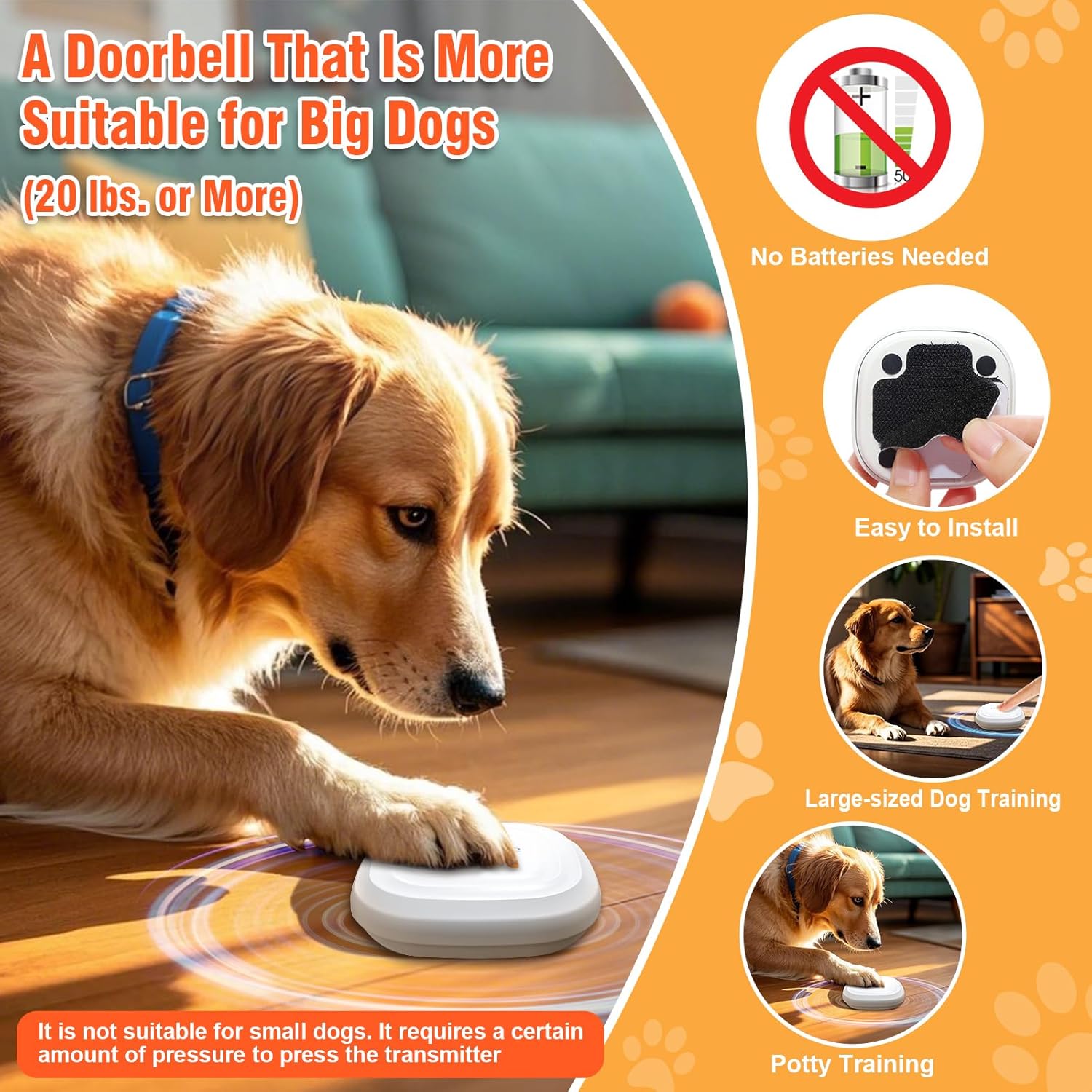
Image: A dog demonstrating how to press the button. The buttons are designed for easy installation and do not require batteries.
- Initial Pairing (Pre-paired): The buttons are pre-paired with the receiver from the factory. No manual pairing is typically required for initial use.
Operating Instructions
The ChunHee Dog Door Bell system offers adjustable volume, multiple ringtones, and voice options to suit your preferences and aid in training.
Adjusting Volume and Ringtones
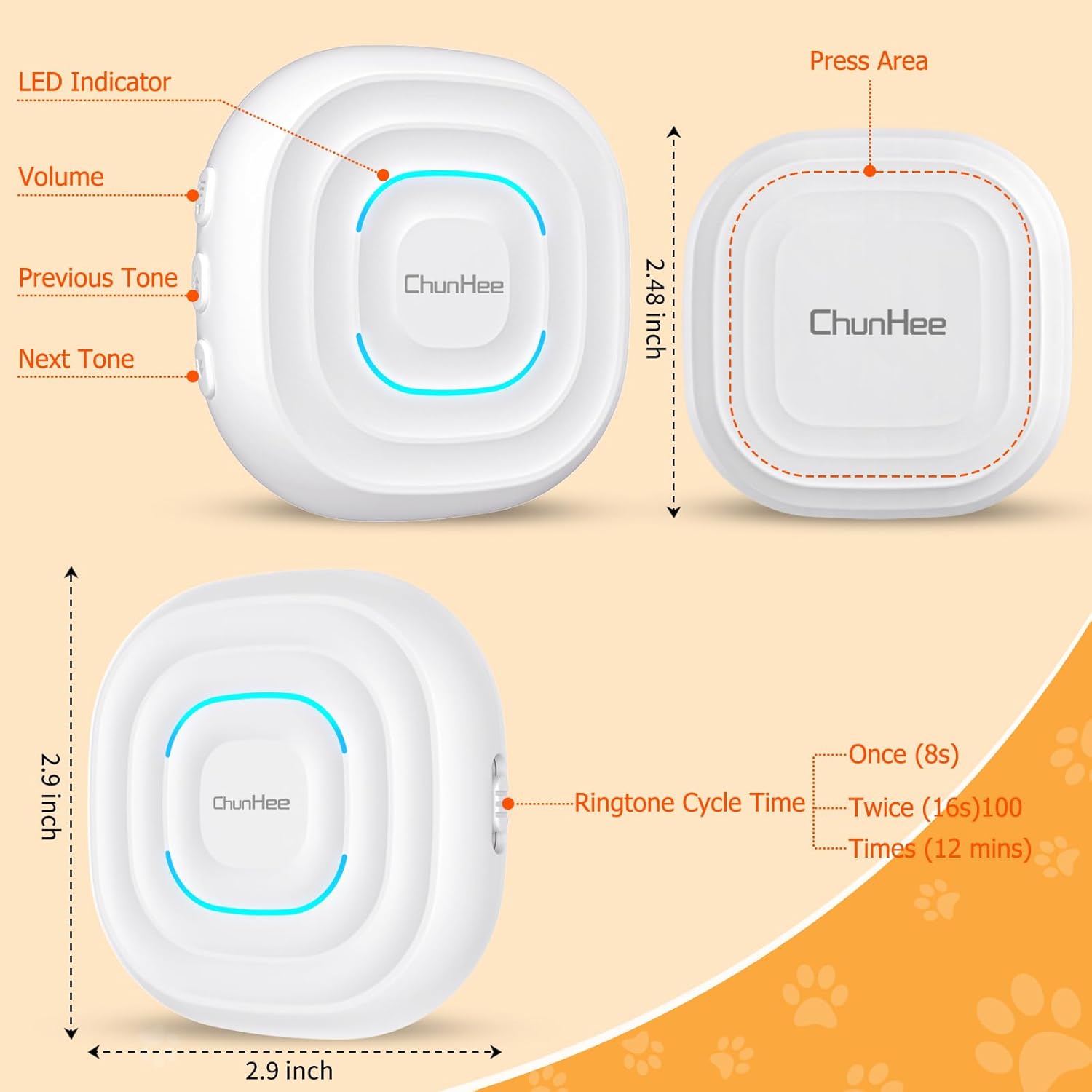
Image: Detailed diagram showing the controls on the receiver and the button's press area, along with dimensions and ringtone cycle time settings.
- Volume Control: The receiver has a dedicated volume button. Each press cycles through 5 levels of volume, ranging from silent (0 dB) to loud (110 dB).
- Ringtone Selection: Use the "Previous Tone" and "Next Tone" buttons on the receiver to cycle through the 32 available ringtones and voice options.
- Voice Options: Available voice options include practical commands such as "outside," "come back," "play," and "hungry." These can be particularly useful for specific training commands.
- Indicator Light: The receiver features an LED indicator light that illuminates when a button is pressed, providing a visual alert.
- Ringtone Cycle Time: The system allows for adjustment of how long the ringtone plays (e.g., once for 8 seconds, twice for 16 seconds, or 100 times for 12 minutes). Refer to the provided diagram for specific settings.
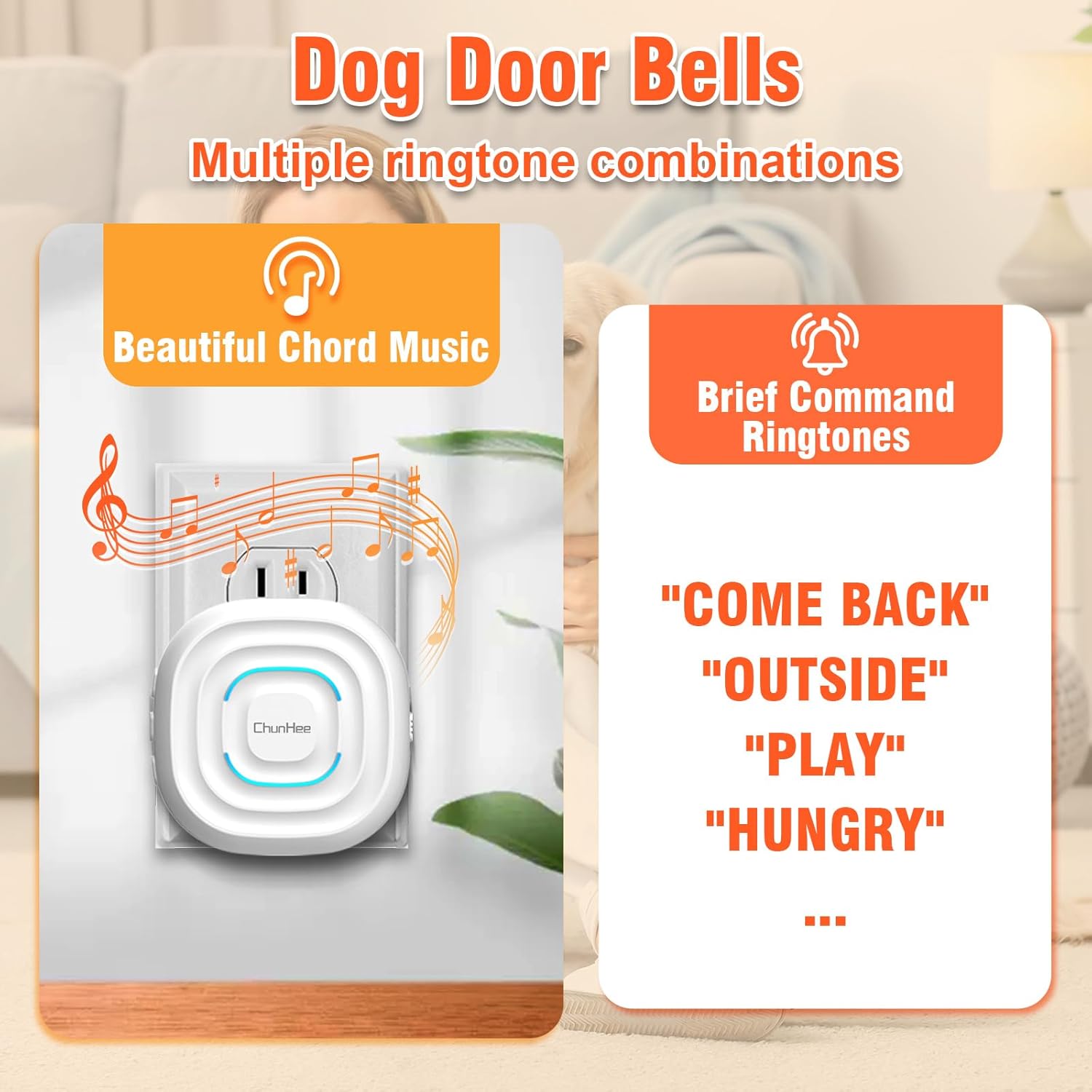
Image: The receiver displaying musical notes and a list of available voice commands, highlighting the variety of sounds.
Potty Training Guide
This system is an effective tool for teaching your dog to communicate their need to go outside. Consistency and positive reinforcement are crucial for successful training.
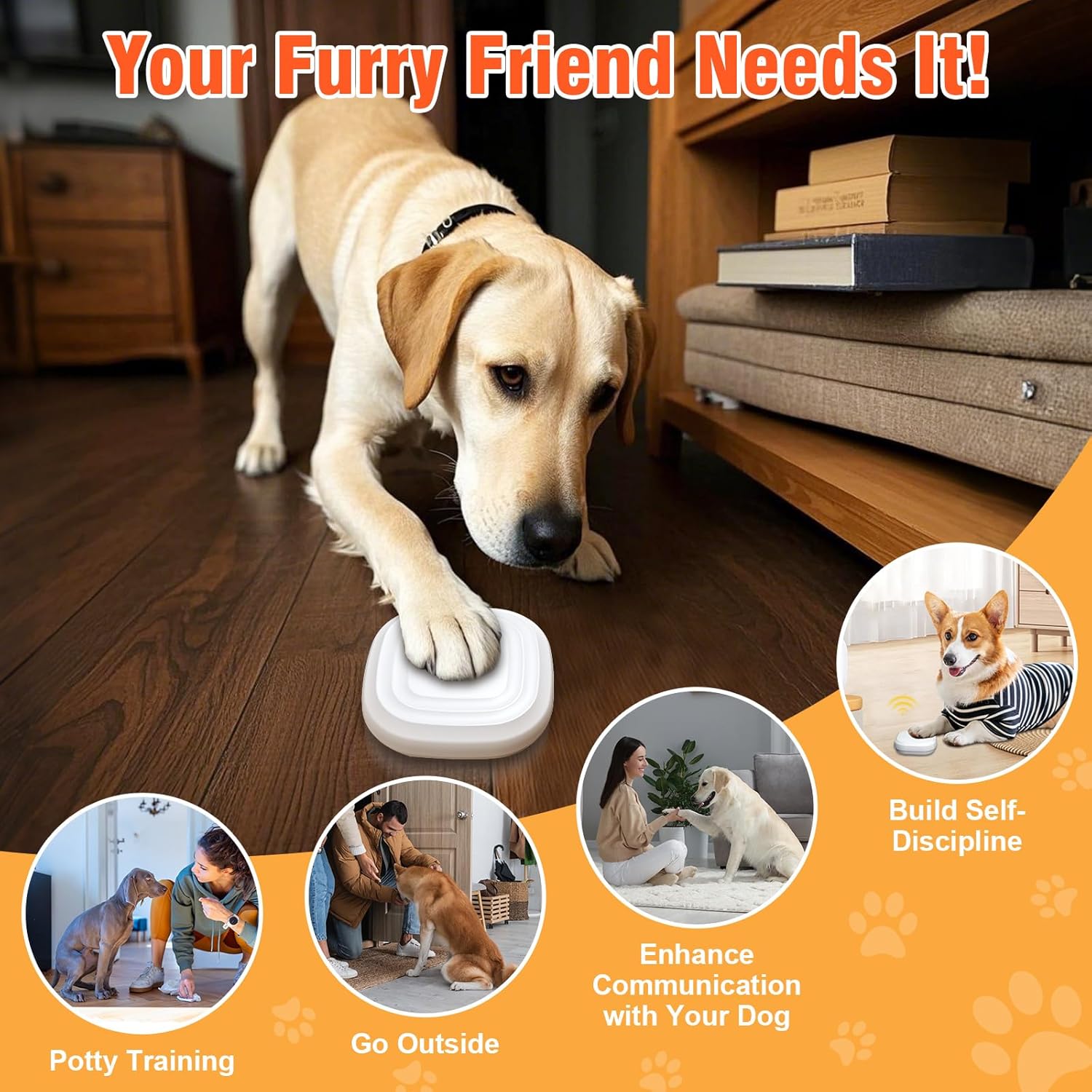
Image: A dog using the doorbell, illustrating its benefits for potty training and communication.
- Introduce the Button: Place the button near the door your dog typically uses to go outside for potty breaks.
- Associate with Going Out: Every time you take your dog out for a potty break, gently guide their paw to press the button. As they press it, clearly say a command like "Outside" or "Potty."
- Immediate Reward: As soon as the button is pressed and the sound plays, immediately open the door and take your dog outside. Praise them enthusiastically and offer a treat once they relieve themselves outside.
- Consistency: Repeat this process consistently. Your dog will begin to associate pressing the button with going outside.
- Encourage Independent Use: Once your dog starts to understand, wait for them to initiate pressing the button on their own. If they nudge it or show interest, encourage them to press it fully.
- Coming Back In: You can also use a second button for your dog to signal they want to come back inside. Follow a similar training process.
- Patience: Training takes time and patience. Some dogs learn faster than others. Avoid scolding if mistakes happen.
- Suitable for Larger Dogs: Please note that the buttons require a certain amount of pressure to activate, making them more suitable for dogs weighing 20 lbs or more.
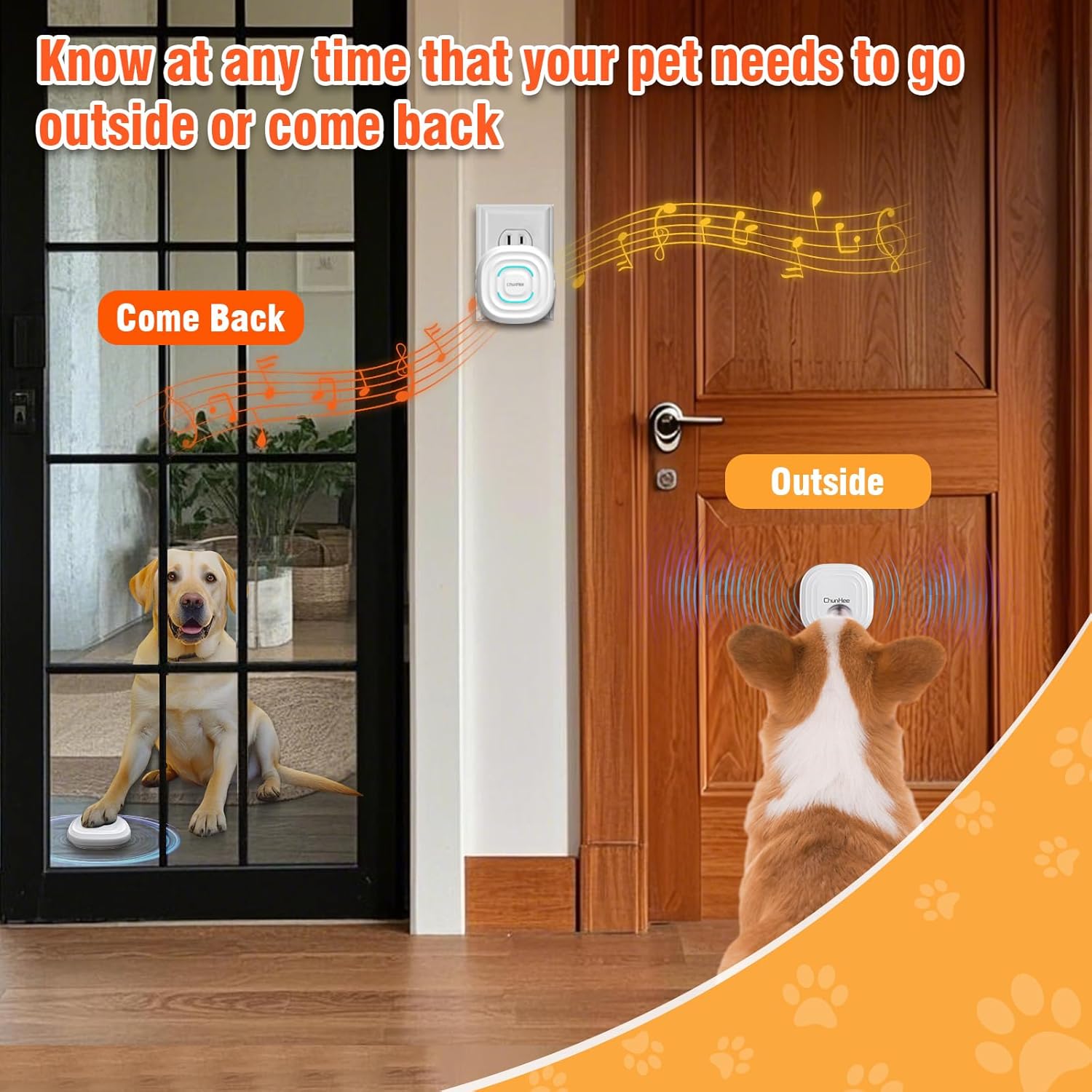
Image: The system allows dogs to signal both when they need to go outside and when they want to come back in.
Maintenance
- Cleaning: Wipe the receiver and buttons with a soft, dry cloth. Do not use harsh chemicals or abrasive cleaners.
- Button Care: While the buttons are IP55 rated waterproof and weatherproof, avoid prolonged exposure to direct sunlight or heavy rain to ensure longevity.
- No Battery Replacement: The dog buttons are designed to be battery-free and do not require battery replacement.
Troubleshooting
| Problem | Possible Cause | Solution |
|---|---|---|
| Doorbell not ringing | Receiver unplugged or power outage | Ensure receiver is securely plugged into a working electrical outlet. |
| Doorbell not ringing | Button not pressed firmly enough | Ensure your dog applies sufficient pressure to the button. This system is designed for dogs over 20 lbs. |
| Doorbell not ringing | Button out of range of receiver | Ensure the button is within effective range of the receiver. Large obstacles or thick walls may reduce signal range. |
| Sound is too loud/quiet | Volume setting is incorrect | Press the volume button on the receiver to adjust to your desired level. |
| Incorrect ringtone playing | Ringtone selection is incorrect | Use the "Previous Tone" or "Next Tone" buttons on the receiver to select the desired ringtone or voice option. |
Specifications
- Model: CC27 (CH-CC27WH-AT01WH 2-1)
- Brand: ChunHee
- Item Weight: 6.7 ounces
- Package Dimensions: 4.29 x 3.15 x 3.03 inches
- Volume Levels: 5 (0-110 dB)
- Ringtones/Voice Options: 32
- Button Type: Pressure-activated, battery-free
- Waterproof Rating (Buttons): IP55
- Target Audience: Dogs (recommended for dogs over 20 lbs)
Warranty and Support
This ChunHee Dog Door Bell system comes with a 1 Year Manufacturer Warranty.
For technical support, troubleshooting assistance, or warranty claims, please contact ChunHee customer service through the retailer where you purchased the product. Please retain your proof of purchase for warranty purposes.