
1. Introduction
Thank you for choosing the 2one Smartwatch ZL. This device is designed to enhance your daily life with smart features and comprehensive health monitoring. It features a 2.02-inch TFT touch screen, Bluetooth 5.2 for calls and notifications, over 120 sport modes, and continuous tracking of heart rate, blood oxygen, blood pressure, steps, and calories. With an IP68 water resistance rating, it is suitable for various activities. Please read this manual carefully to ensure proper use and maintenance of your smartwatch.
2. Setup
2.1. What's in the Box
- 2one Smartwatch ZL
- Watch Strap
- Charging Cable
2.2. Charging the Smartwatch
Before first use, fully charge your smartwatch. Connect the magnetic charging cable to the charging points on the back of the watch and to a USB power source. A full charge takes approximately 2.5 hours. The battery provides 5 to 7 days of typical use and 10 to 15 days of standby time.
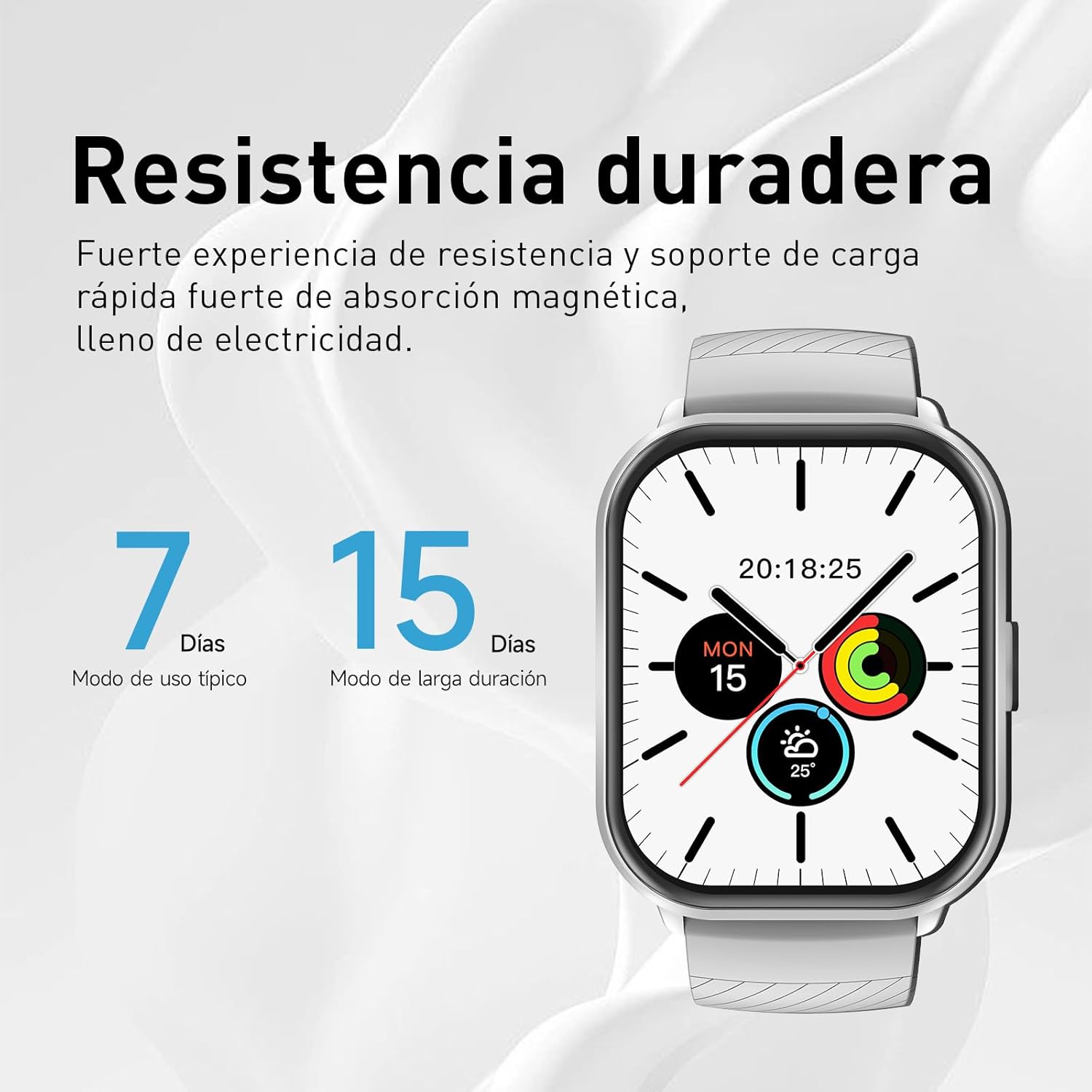
Image: Smartwatch battery life indication, showing 7 days for typical use and 15 days for long-duration mode.
2.3. App Installation and Pairing
- Download the companion app: Search for the official 2one app on your smartphone's app store. The app is compatible with iOS 9.0 or later and Android 5.0 or later.
- Install and open the app: Follow the on-screen instructions to complete the installation.
- Enable Bluetooth: Ensure Bluetooth is enabled on your smartphone.
- Pair the device: Open the app, navigate to the device pairing section, and select your 2one Smartwatch ZL from the list of available devices. Follow the prompts to complete the pairing process.

Image: Diagram illustrating the Bluetooth 5.3 chip, emphasizing perfect connection, reduced delay, and improved signal.
3. Operating Instructions
3.1. Basic Navigation
The smartwatch features a 2.02-inch TFT touch screen. Swipe left, right, up, or down to navigate through menus and functions. Tap to select items.

Image: A close-up of the smartwatch screen showing the time, date, and various health-related icons, highlighting its clear display.
3.2. Bluetooth Calls and Notifications
- Making/Receiving Calls: With Bluetooth 5.2, you can make and receive calls directly from your wrist. Ensure your watch is connected to your phone.
- Message Notifications: The smartwatch supports notifications from social media apps (Facebook, WhatsApp, SMS, email, etc.). Notifications will appear on the screen and the watch will vibrate.

Image: A user's hand with the smartwatch displaying an incoming call, demonstrating the immediate response feature.
3.3. Health Monitoring
The smartwatch provides 24/7 comprehensive health monitoring:
- Heart Rate Monitor: Tracks your heart rate in real-time.
- Blood Oxygen (SpO2): Measures your blood oxygen levels.
- Blood Pressure: Monitors your blood pressure.
- Sleep Monitor: Records deep sleep, light sleep, and awake times to analyze sleep quality.
- Pedometer: Counts your steps, distance, and calories burned.
- Stress Measurement: Helps monitor your stress levels.
- Female Health Tracking: Provides dedicated tracking for female health cycles.

Image: A smartwatch screen showing detailed sleep data, including total sleep duration and a breakdown of sleep stages (awake, REM, light, restful).

Image: The back of the smartwatch, highlighting the integrated sensors for heart rate, blood oxygen, and blood pressure monitoring.
3.4. Sport Modes
Access over 120 professional sport modes, including running, tennis, cycling, jump rope, football, fitness, yoga, and swimming. Select your desired activity to track specific metrics and optimize your workouts.

Image: A smartwatch screen showing icons for over 100 exercise modes, indicating its versatility for different sports and activities.
3.5. Other Features
- Camera Control: Remotely control your smartphone camera.
- Sedentary Reminder: Get alerts to move after periods of inactivity.
- Alarm Clock: Set alarms directly from your watch.
- Custom Watch Faces: Personalize your watch face with your favorite photos via the app.
4. Maintenance
4.1. Cleaning
Regularly clean your smartwatch and strap with a soft, dry cloth. For stubborn dirt, use a slightly damp cloth and mild soap, then rinse and dry thoroughly. Avoid harsh chemicals or abrasive materials.
4.2. Water Resistance (IP68)
The 2one Smartwatch ZL has an IP68 water resistance rating, meaning it is resistant to sweat, rain, and can be submerged in water up to 1.5 meters deep for a limited time. It is suitable for swimming in shallow water. Do not use it in hot water, saunas, or for diving. Avoid prolonged exposure to water or high-pressure water jets.
4.3. Battery Care
To prolong battery life, avoid exposing the device to extreme temperatures. Charge the device fully before long periods of inactivity. Use only the provided charging cable.
5. Troubleshooting
- Watch not turning on: Ensure the watch is fully charged. Connect it to the charger for at least 30 minutes.
- Cannot pair with smartphone:
- Ensure Bluetooth is enabled on your phone and the watch.
- Make sure the watch is within the Bluetooth range of your phone.
- Restart both the watch and your phone.
- Check if the app is updated to the latest version.
- Inaccurate health data: Ensure the watch is worn snugly on your wrist, about one finger's width from your wrist bone. Avoid excessive movement during measurements.
- Short battery life:
- Reduce screen brightness.
- Disable unnecessary notifications.
- Limit continuous heart rate monitoring if not needed.
- Ensure the watch is fully charged (2.5 hours).
- Notifications not appearing: Check app permissions on your phone to ensure the 2one app has access to notifications. Verify that notifications are enabled within the app settings.
6. Specifications
| Feature | Specification |
|---|---|
| Model Name | ZL |
| Model Number | 99J-004 |
| Display | 2.02-inch TFT Touch Screen |
| Operating System | Android Wear 5.0 |
| Memory Storage Capacity | 64 MB |
| Battery Capacity | 280 mAh |
| Battery Life | 5-7 days (typical use), 10-15 days (standby) |
| Connectivity | Bluetooth 5.2 |
| Water Resistance | IP68 (up to 1.5 meters depth) |
| Strap Material | Silicone |
| Compatible Devices | Smartphones (iOS 9.0+, Android 5.0+) |
| Health Monitoring | Heart Rate, Blood Oxygen, Blood Pressure, Sleep, Stress |
| Sport Modes | 120+ (running, cycling, swimming, etc.) |
7. Warranty and Support
7.1. Product Warranty
This 2one Smartwatch ZL comes with a 1-year product warranty from the date of purchase. Please retain your proof of purchase for warranty claims. The warranty covers manufacturing defects but does not cover damage caused by misuse, accidents, unauthorized modifications, or normal wear and tear.
7.2. Customer Support
For any questions, technical assistance, or warranty claims, please contact our customer support team. We are committed to providing excellent after-sales service.
- Online Support: Visit the official 2one website for FAQs and support resources.
- Email Support: Refer to your product packaging or the official website for contact email.