1. Introduction
Thank you for choosing the aowoka Portable Wireless Bluetooth Speaker. This speaker is designed to provide high-quality audio with enhanced bass, dynamic RGB lighting, and robust portability features, including IPX7 waterproofing. This manual will guide you through the setup, operation, and maintenance of your new speaker to ensure optimal performance and longevity.

Figure 1: aowoka Bluetooth Speaker, showcasing its IPX7 waterproof capability.
Key features include:
- Powerful Bass with full-range driver and CD grain metal bass cone.
- Up to 24-hour battery life (1800 mAh Li-ion battery).
- Advanced Bluetooth 5.4 for fast and stable connections.
- IPX7 Waterproof and durable design.
- RGB Lighting with multiple ambient effects.
- True Wireless Stereo (TWS) pairing for immersive sound.
- Built-in microphone for hands-free calls.
- Support for TF/SD card and AUX input.
2. Getting Started
2.1 Package Contents
Please check the package for the following items:
- aowoka Portable Wireless Bluetooth Speaker
- USB Charging Cable
- User Manual
- Detachable Lanyard
2.2 Charging the Speaker
Before first use, fully charge the speaker. Connect the provided USB charging cable to the speaker's DC5V port and the other end to a USB power adapter (not included) or a computer's USB port. The charging indicator light will show the charging status and turn off when fully charged.
A full charge typically takes approximately 3-4 hours.
3. Operation
3.1 Power On/Off
- To Power On: Press and hold the Power button for 2 seconds. You will hear an audible prompt.
- To Power Off: Press and hold the Power button for 2 seconds. You will hear an audible prompt.
3.2 Bluetooth Pairing
The speaker uses Bluetooth 5.4 for a stable connection.
- Ensure the speaker is powered on and in Bluetooth pairing mode (indicated by a flashing blue light). If not, short press the Mode button to switch to Bluetooth mode.
- On your device (smartphone, tablet, laptop), enable Bluetooth and search for available devices.
- Select "aowoka Speaker" from the list of devices.
- Once connected, the blue indicator light will become solid, and you will hear a confirmation sound.

Figure 2: The speaker is widely compatible with various Bluetooth-enabled devices.
3.3 True Wireless Stereo (TWS) Pairing
You can pair two aowoka speakers together for a true wireless stereo experience.
- Ensure both speakers are powered on and not connected to any Bluetooth device.
- On one speaker (this will be the primary speaker), double-press the Bluetooth button (often indicated by a TWS icon). The speaker will enter TWS pairing mode.
- The second speaker will automatically search for and connect to the primary speaker.
- Once paired, you will hear a confirmation sound, and the indicator lights on both speakers will change.
- Now, connect your device to the primary speaker via Bluetooth as described in Section 3.2. Audio will play through both speakers in stereo.

Figure 3: TWS Wireless Pairing allows two speakers to create immersive stereo audio.
3.4 Button Controls
The speaker features intuitive button controls for various functions:

Figure 4: Smart Button Control layout and functions.
| Button/Action | Function |
|---|---|
| Power Button (Press 2s) | Power On/Off |
| Light Button (Short Press x1) | Change Light Mode |
| Light Button (Short Press x3) | Turn Lights Off |
| Volume Up (+) (Short Press x1) | Increase Volume |
| Volume Down (-) (Short Press x1) | Decrease Volume |
| Previous Track (<<) (Press 2s) | Go to Previous Track |
| Next Track (>>) (Press 2s) | Go to Next Track |
| TWS Button (Double Press x2) | Initiate TWS Pairing |
| Call Button (Short Press x1) | Answer/End Call |
| Call Button (Press 2s) | Reject Call |
| Play/Pause Button (Short Press x1) | Play/Pause Music |
3.5 RGB Lighting Modes
The speaker features seven kinds of dazzling colorful glowing effects that synchronize with the music rhythm.
- Short press the Light button to cycle through different lighting modes.
- To turn off the lights, short press the Light button three times.
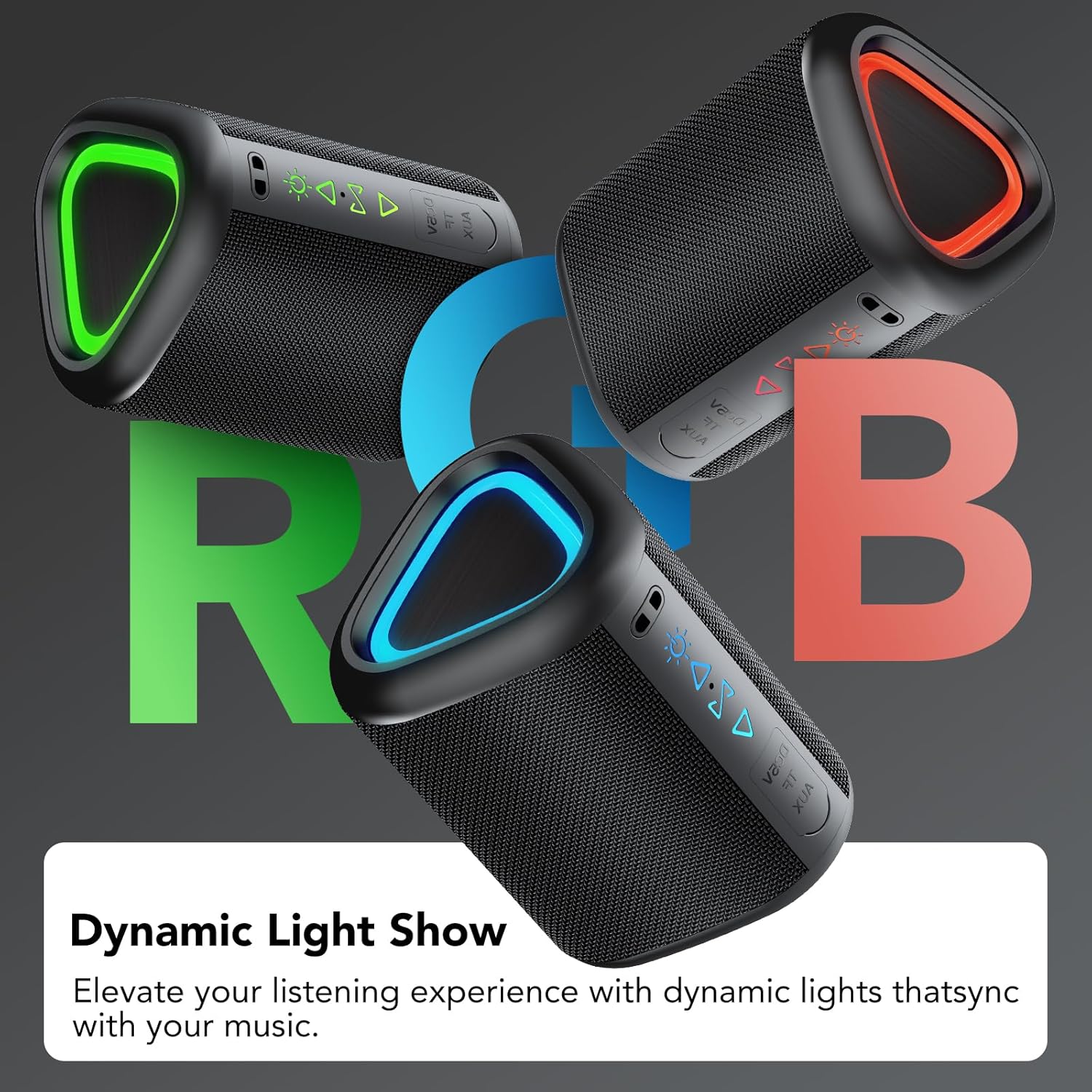
Figure 5: Dynamic Light Show with various RGB ambient lighting effects.
3.6 Audio Playback Modes
In addition to Bluetooth, the speaker supports other audio input methods:
- TF/SD Card Mode: Insert a TF (microSD) card with audio files into the designated slot. The speaker will automatically switch to TF card mode and begin playback.
- AUX Mode: Connect an audio device using a 3.5mm AUX cable (not included) to the speaker's AUX port. The speaker will automatically switch to AUX mode.
Short press the Mode button to cycle between Bluetooth, TF/SD card, and AUX modes.
4. Maintenance
4.1 Cleaning
To clean the speaker, use a soft, dry cloth. For stubborn dirt, a slightly damp cloth can be used. Do not use abrasive cleaners, alcohol, or other chemical solvents, as these may damage the surface or internal components.
4.2 Storage
When not in use for extended periods, store the speaker in a cool, dry place away from direct sunlight and extreme temperatures. It is recommended to charge the speaker at least once every three months to maintain battery health.
4.3 IPX7 Waterproof Care
The speaker is IPX7 waterproof, meaning it can be submerged in water up to 1 meter for 30 minutes. However, to maintain its waterproof integrity:
- Ensure the charging port cover is securely closed before exposing the speaker to water.
- Do not expose the speaker to saltwater or chlorinated water for extended periods. Rinse with fresh water after exposure to such liquids.
- Avoid exposing the speaker to high-pressure water jets.
- Do not charge the speaker if the charging port or cable is wet.
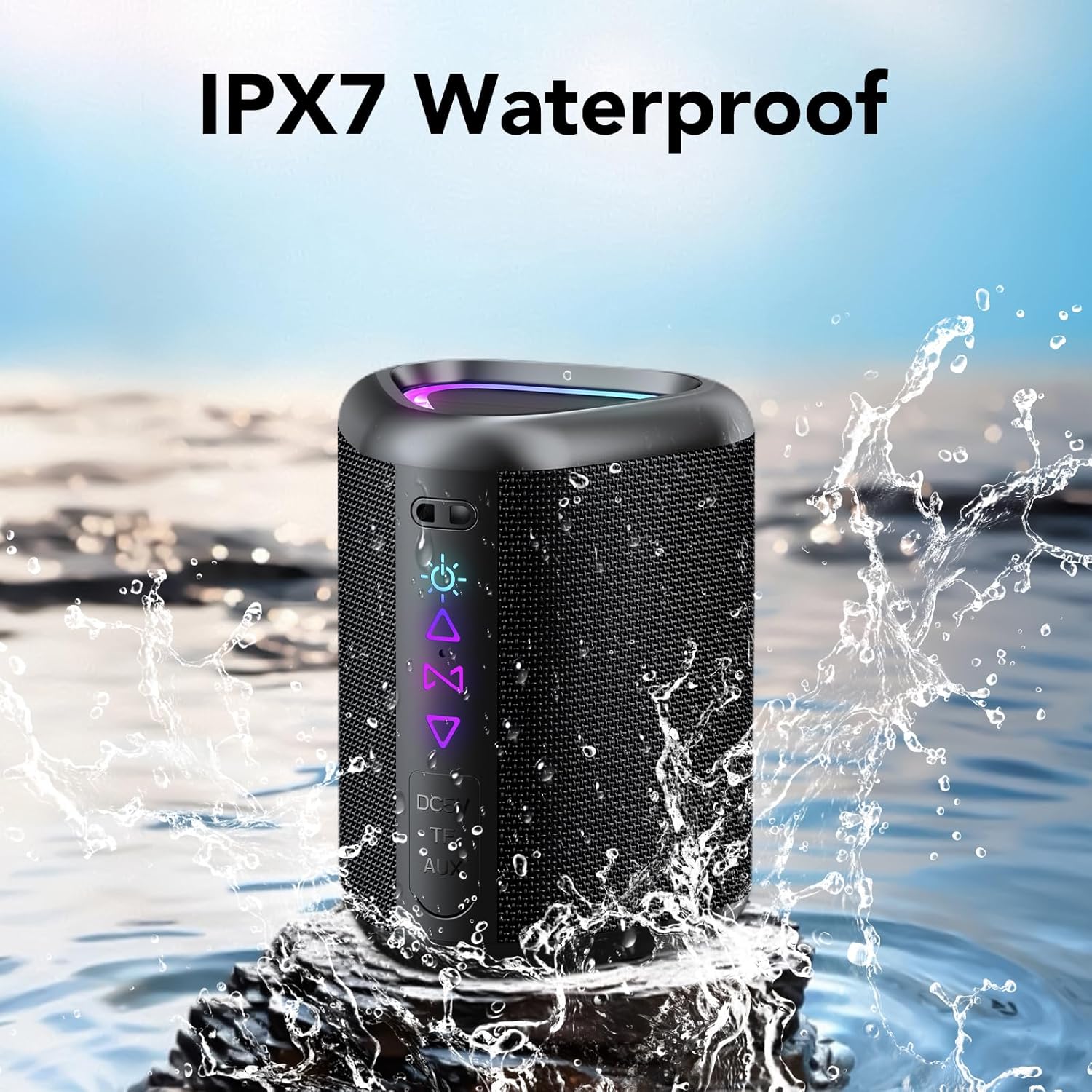
Figure 6: The speaker is designed to withstand water exposure.
5. Troubleshooting
If you encounter issues with your speaker, please refer to the following common problems and solutions:
| Problem | Possible Solution |
|---|---|
| Speaker does not power on. | Ensure the speaker is charged. Connect it to a power source and try again. |
| No sound from the speaker. | Check the volume level on both the speaker and your connected device. Ensure the speaker is correctly paired via Bluetooth or AUX/TF card mode. |
| Bluetooth pairing fails. | Ensure the speaker is in pairing mode. Turn off Bluetooth on your device and turn it back on. Forget the speaker from your device's Bluetooth list and try pairing again. Move the speaker closer to your device. |
| TWS pairing fails. | Ensure both speakers are not connected to any other Bluetooth device. Try resetting both speakers by powering them off and on, then re-attempt TWS pairing. |
| Sound distortion. | Reduce the volume on both the speaker and your device. Ensure the audio source is of good quality. |
| Lights are not working. | Press the Light button to cycle through modes or turn them on. Ensure the speaker has sufficient battery. |
6. Specifications
| Feature | Detail |
|---|---|
| Brand | aowoka |
| Model | 2025 (ASIN: B0F9DSTM96) |
| Bluetooth Version | 5.4 |
| Battery Capacity | 1800 mAh Li-ion |
| Playtime | Up to 24 hours (varies with LED light, volume, and music type) |
| Waterproof Rating | IPX7 |
| Audio Input | Bluetooth, TF/SD Card, AUX |
| Speaker Output | 24W (Stereo Sound) |
| Item Weight | 13.1 ounces |
| Package Dimensions | 4.65 x 3.5 x 3.39 inches |
| Color | Carbon Black |
7. Warranty and Support
This product comes with a standard manufacturer's warranty. Please refer to the warranty card included in your package for specific terms and conditions, or contact the retailer where you purchased the product for warranty details.
For technical support or further inquiries, please contact aowoka customer service through the contact information provided on the product packaging or the official aowoka website.