
1. Introduction
This manual provides detailed instructions for the installation, operation, and maintenance of your KUNGKIC Leather Protector Smart Key Case. Designed to offer superior protection and maintain full functionality, this key case is an essential accessory for your vehicle's smart key.
Compatibility: This key case is specifically designed for Mini Cooper S F65, F66, F67, Countryman U25, and ACEMAN J05 models from 2023, 2024, and 2025. Please ensure your vehicle's key matches the compatible models before installation.
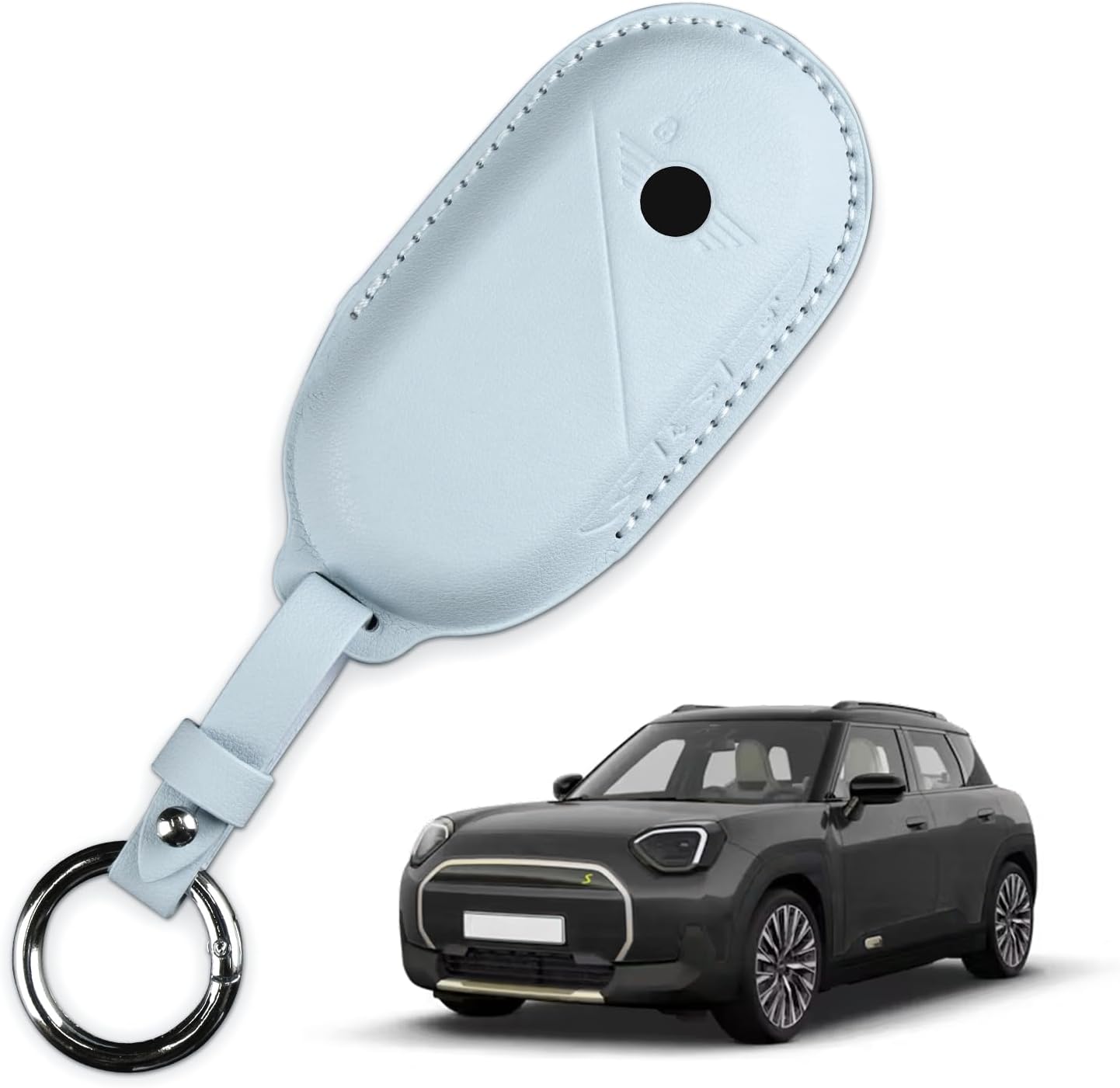
Image 1.1: The KUNGKIC Leather Protector Smart Key Case, designed for Mini Cooper models.
2. Product Features
The KUNGKIC Smart Key Case is engineered with precision and high-quality materials to provide optimal protection and user experience.
- Premium Leather Material: Crafted from soft and comfortable premium leather, offering a luxurious feel and durable protection.
- Comprehensive Protection: Provides full-range protection against wear-out, accidental drops, shocks, and scratches, preserving the original condition of your smart key.
- Precision Molding: Molded from the original car key in a 1:1 scale, ensuring a perfect fit.
- Unaltered Signal and Sensitivity: The design, including a strategically placed hole, ensures that the key case does not interfere with the sensitivity of the key buttons or the key signal.
- Dust Resistance: Effectively protects your car key from dust accumulation.

Image 2.1: Visual comparison demonstrating the protective benefits of the key case.
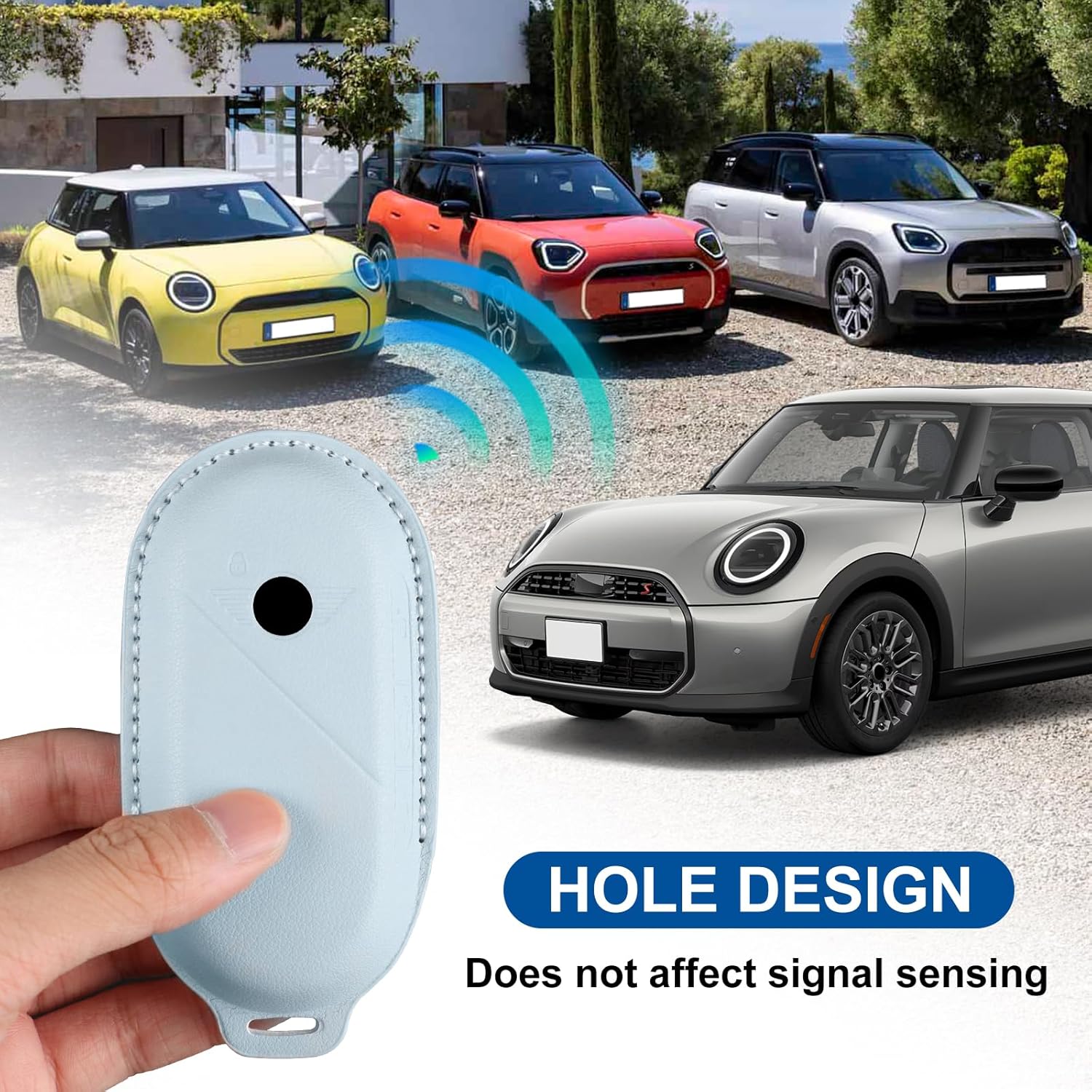
Image 2.2: Illustration of the key case's design, ensuring no interference with key signal sensing.
3. Setup and Installation
Installing the KUNGKIC Smart Key Case is a simple process that requires no special tools.
- Prepare Your Key: Ensure your smart key is clean and free of debris.
- Align the Case: Carefully align your smart key with the opening of the KUNGKIC key case.
- Insert the Key: Gently slide your smart key into the case until it is fully seated. The case is molded to fit precisely.
- Secure the Snap: Once the key is inside, snap the case closed to secure it. Ensure the snap is firmly locked in place.
- Attach Keychain (Optional): If desired, attach the provided keychain to the loop on the key case.

Image 3.1: The key case installed and resting on a car seat.

Image 3.2: Another view of the key case after installation.
4. Operating Instructions
Once installed, the KUNGKIC Smart Key Case allows for full functionality of your Mini Cooper smart key without hindrance.
- Button Access: The precise molding ensures that all buttons on your smart key remain easily accessible and responsive. Press buttons as you normally would.
- Signal Transmission: The integrated hole design prevents any interference with the key's signal transmission. Your vehicle will recognize the key and respond to commands (locking, unlocking, starting) as usual.
- Key Ring Use: The attached keychain allows for convenient carrying and attachment to other keys or accessories.
5. Maintenance
To ensure the longevity and appearance of your KUNGKIC Leather Protector Smart Key Case, follow these simple maintenance guidelines:
- Cleaning: Wipe the leather surface with a soft, dry cloth to remove dust and light smudges. For deeper cleaning, use a damp cloth with a small amount of mild leather cleaner, then wipe dry immediately. Avoid harsh chemicals or abrasive materials.
- Avoid Extreme Conditions: Do not expose the key case to excessive heat, direct sunlight for prolonged periods, or extreme cold, as this can damage the leather.
- Water Exposure: While the case offers some protection, avoid submerging it in water. If it gets wet, gently pat it dry with a clean cloth and allow it to air dry naturally, away from direct heat.
- Storage: When not in use, store the key case in a cool, dry place.
6. Troubleshooting
If you encounter any issues with your KUNGKIC Smart Key Case, consider the following:
- Key Not Fitting Properly: Ensure you have the correct model of key case for your Mini Cooper smart key (F65, F66, F67, U25, J05 models from 2023-2025). Re-attempt installation, ensuring the key is fully aligned before pushing it into the case.
- Buttons Not Responsive: Verify that the key is correctly seated within the case and that the case is fully closed. The design should not impede button functionality. If issues persist, remove the case and test the key independently to rule out key malfunction.
- Signal Interference: The key case is designed not to affect the key signal. If you experience signal issues, ensure there are no other external factors interfering (e.g., strong electromagnetic fields, low key battery). Re-install the case to ensure proper alignment.
If problems persist after attempting these steps, please refer to the Warranty and Support section for further assistance.
7. Specifications
| Attribute | Detail |
|---|---|
| Item Model Number | XYBMGE1047-XYBMGE1051 |
| Manufacturer | KUNGKIC Auto |
| Material | Premium Leather |
| Color | Blue (for this variant) |
| Length | 4.37 inches (11.1 cm) |
| Width | 2.2 inches (5.6 cm) |
| Compatibility | Mini Cooper S F65 F66 F67 Countryman U25 ACEMAN J05 (2023-2025) |

Image 7.1: Product dimensions for the KUNGKIC Smart Key Case.
8. Warranty and Support
KUNGKIC is committed to providing high-quality products and excellent after-sales service. If you have any questions regarding the use of your KUNGKIC Smart Key Case or require support, please do not hesitate to contact KUNGKIC customer service.
For assistance, please refer to the contact information provided with your purchase or visit the official KUNGKIC store on Amazon.
Note: Specific warranty terms and conditions may vary. Please retain your proof of purchase for warranty claims.