1. Introduction
This manual provides instructions for the WUNIAK Soft Silicone Protective Case, designed exclusively for the GEOID CC400 GPS Smart Bike Computer. This case offers enhanced protection against daily wear, impacts, and environmental factors, ensuring the longevity and performance of your device.
2. Setup and Installation
Follow these steps to properly install the protective case onto your GEOID CC400 GPS Smart Bike Computer:
- Ensure your GEOID CC400 device is clean and free of dust or debris.
- Gently align the GEOID CC400 bike computer with the opening of the silicone case.
- Carefully push the device into the case, ensuring all edges are seated correctly within the silicone frame.
- Verify that all ports, buttons, and the screen are properly aligned with the case's cutouts, allowing full functionality.

Image: Simple installation of the protective case onto the GEOID CC400.

Image: The GEOID CC400 GPS Smart Bike Computer fully enclosed in the WUNIAK protective case.
3. Features and Protection
The WUNIAK protective case is engineered with several features to safeguard your GEOID CC400:
- High-Quality Material: Constructed from soft, durable, and elastic silicone, providing comprehensive protection.
- Impact and Shock Resistance: Designed to absorb up to 85% of impact force, protecting against scratches, bumps, and drops.
- Anti-Slip and Anti-Fingerprint: The surface is treated with a special oil spray to resist fingerprints and dust, while the non-slip texture enhances grip, especially in wet conditions.
- Precision Engineering: Laser-cut ports ensure full access to charging interfaces and maintain button responsiveness and GPS signal stability.
- 360° Protection: Features a raised bezel design to protect the touchscreen from scratches and impacts during cycling.
- Lightweight Design: Adds minimal weight to your device, maintaining portability and ease of use.

Image: Illustration of the case's anti-drop and anti-bump capabilities.

Image: Details on the excellent material properties of the case.
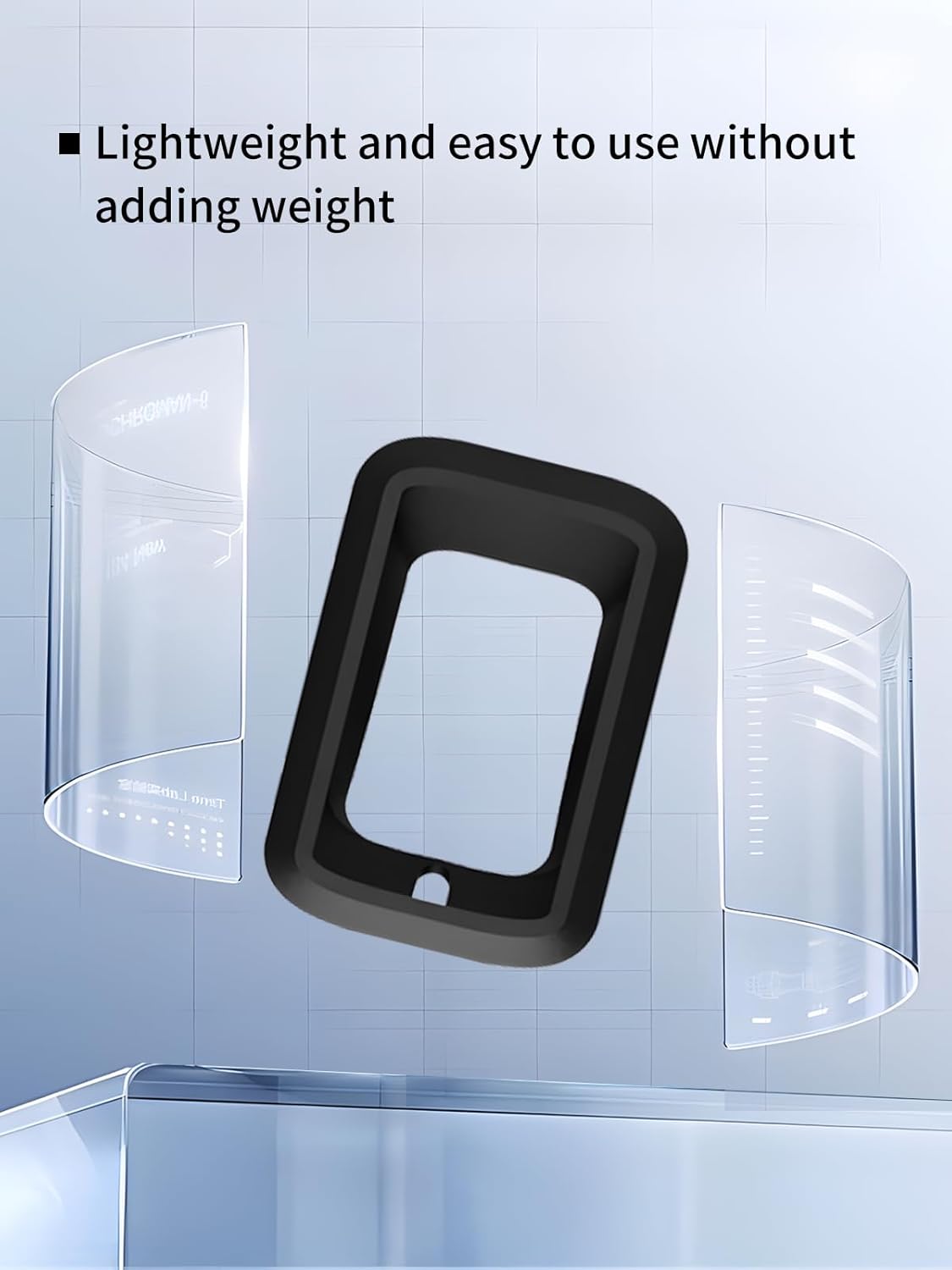
Image: The lightweight and slim profile of the WUNIAK case.

Image: Close-up showing the precise positioning and fit of the case.
4. Maintenance
To keep your WUNIAK protective case in optimal condition:
- Clean the case regularly with a soft, damp cloth to remove dust and dirt.
- For stubborn stains, use a mild soap solution and rinse thoroughly.
- Avoid using harsh chemicals or abrasive cleaners, as these can damage the silicone material.
- Ensure the case is completely dry before re-installing your GEOID CC400 device.
5. Troubleshooting
If you encounter any issues with your WUNIAK protective case, consider the following:
- Case does not fit properly: Ensure you have the correct model (GEOID CC400). The case is designed specifically for this device.
- Buttons are stiff or unresponsive: Re-check the installation to ensure the device is perfectly aligned within the case's cutouts.
- Case appears dirty or stained: Refer to the 'Maintenance' section for cleaning instructions.
6. Specifications
| Brand | WUNIAK |
| Compatible Devices | GEOID CC400 |
| Material | Soft Silicone |
| Color | Black |
| Form Factor | Case |
| Special Features | Heavy Duty Protection, Slim Fit |
| Item Weight | 3.52 ounces |
7. Warranty and Support
WUNIAK is committed to customer satisfaction. If you have any questions, concerns, or encounter any quality issues related to your protective case, please do not hesitate to contact us. We will assist with replacements or any other support needed.
Please refer to your purchase documentation for specific contact details or visit the WUNIAK official support channels.

