Introduction
This manual provides detailed instructions for the installation, operation, maintenance, and troubleshooting of your Blütezeit ME-BG-2800 6300lb WiFi Sliding Gate Opener. Please read this manual thoroughly before installation and operation to ensure safe and efficient use of the product.

Figure 1: Blütezeit ME-BG-2800 6300lb WiFi Sliding Gate Opener.
Setup and Installation
The Blütezeit ME-BG-2800 gate opener is designed for gates up to 6300 lbs and 40 ft in length. Proper installation is crucial for optimal performance and safety. It is recommended to have this unit installed by a qualified professional.
Package Contents
Before beginning installation, verify that all components are present:
- 1 × Motor (including pre-installed WiFi module)
- 8 × Steel Gear Racks (1.64 ft each, 13.12 ft total)
- 2 × Remote Controls (including 12V 27A batteries)
- 2 × Manual Release Keys
- 2 × Infrared Sensors
- 1 × Installation Kit (includes mounting base, side panels, and expansion screws)
- 1 × User Manual
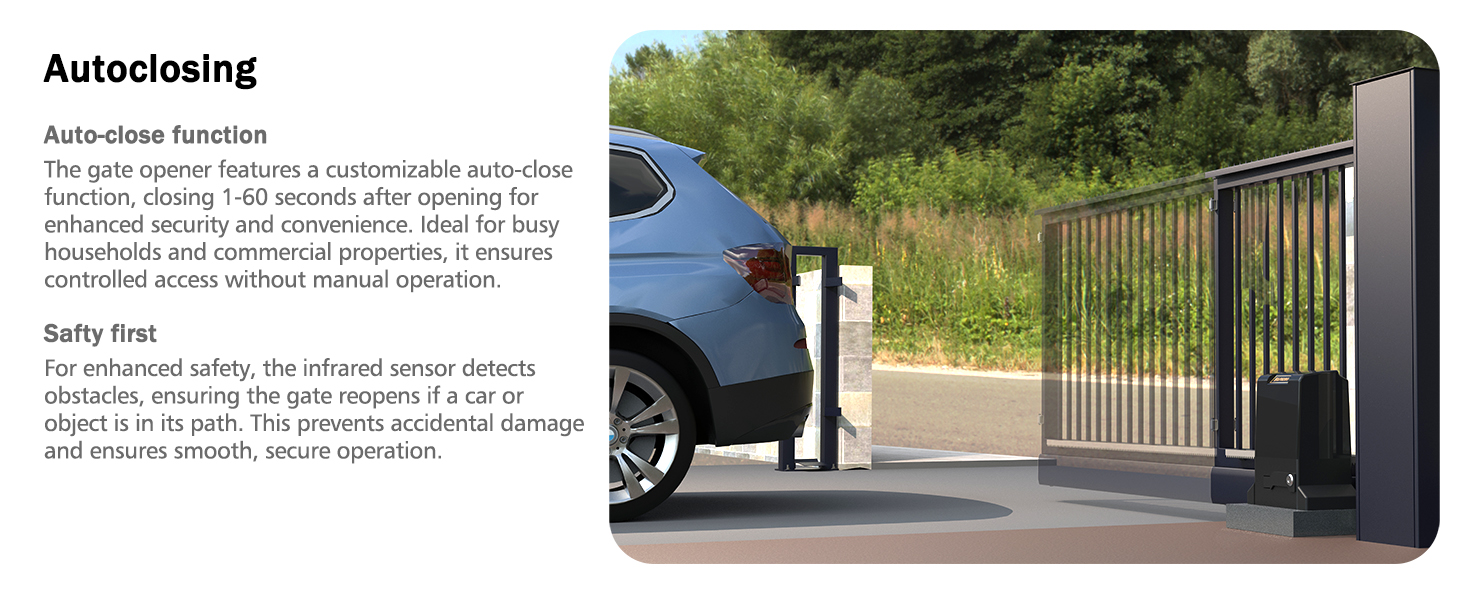
Figure 2: Included components for the Blütezeit ME-BG-2800 gate opener.
Installation Steps Overview
For a detailed step-by-step guide, please refer to the official installation video and the included user manual.
- Mounting the Main Unit: Secure the main unit to a stable concrete pad using the reinforced mounting base, side panels, and four expansion screws provided in the installation kit.
- Attaching Gear Racks: Weld or bolt the eight steel gear racks to the bottom rail of your sliding gate. Ensure the racks are level and properly aligned with the motor's gear.
- Installing Magnetic Limit Switches: Attach the two magnetic limit switches to the ends of the gear racks. These switches define the open and closed positions of your gate.
- Wiring Infrared Sensors: Install the infrared sensors across the gate's path to detect obstructions. Connect them to the main unit according to the wiring diagram in the user manual.
- Power Connection: Connect the gate opener to a 120V AC power source.
- Remote and App Pairing: Pair the remote controls and configure the eWeLink app for WiFi control.
Video 1: Step-by-Step Guide: Installing WiFi-Enabled Gate Opener. This video demonstrates the installation process for the Blütezeit sliding gate opener, including mounting the unit, attaching gear racks, and setting up safety features.

Figure 3: Rack-driven system for smooth and powerful gate operation.

Figure 4: Magnetic limit switches for precise gate positioning.
Operation
Remote Control
The included remote controls allow you to open and close the gate from a distance of up to 100 feet. Each remote is pre-programmed and ready for use. Refer to the user manual for instructions on programming additional remotes (up to 40 supported).
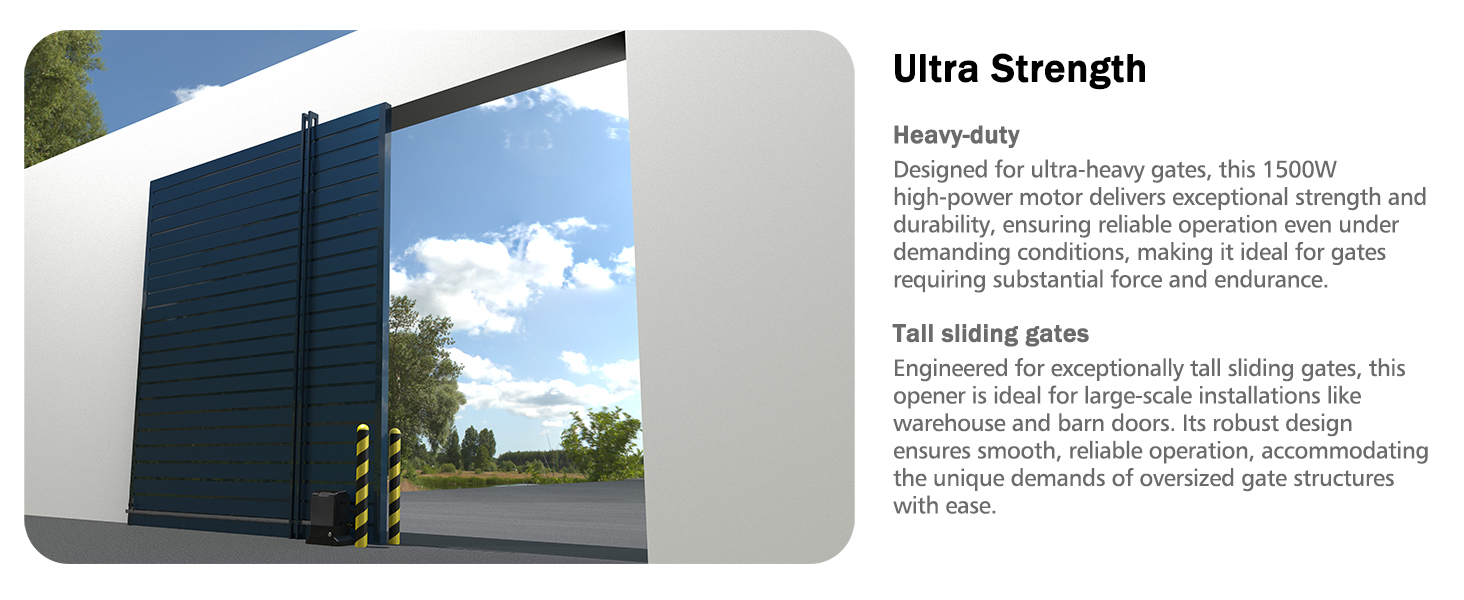
Figure 5: Remote control for convenient gate access.
Smart WiFi & App Control
The gate opener features a pre-installed WiFi module, enabling control via the "eWeLink" app on your smartphone. This requires a 2.4GHz WiFi network. The app allows you to:
- Open or close the gate remotely from anywhere.
- Monitor the gate's status in real-time.
- Integrate with smart home systems like Amazon Alexa, Apple Siri, and Google Assistant.
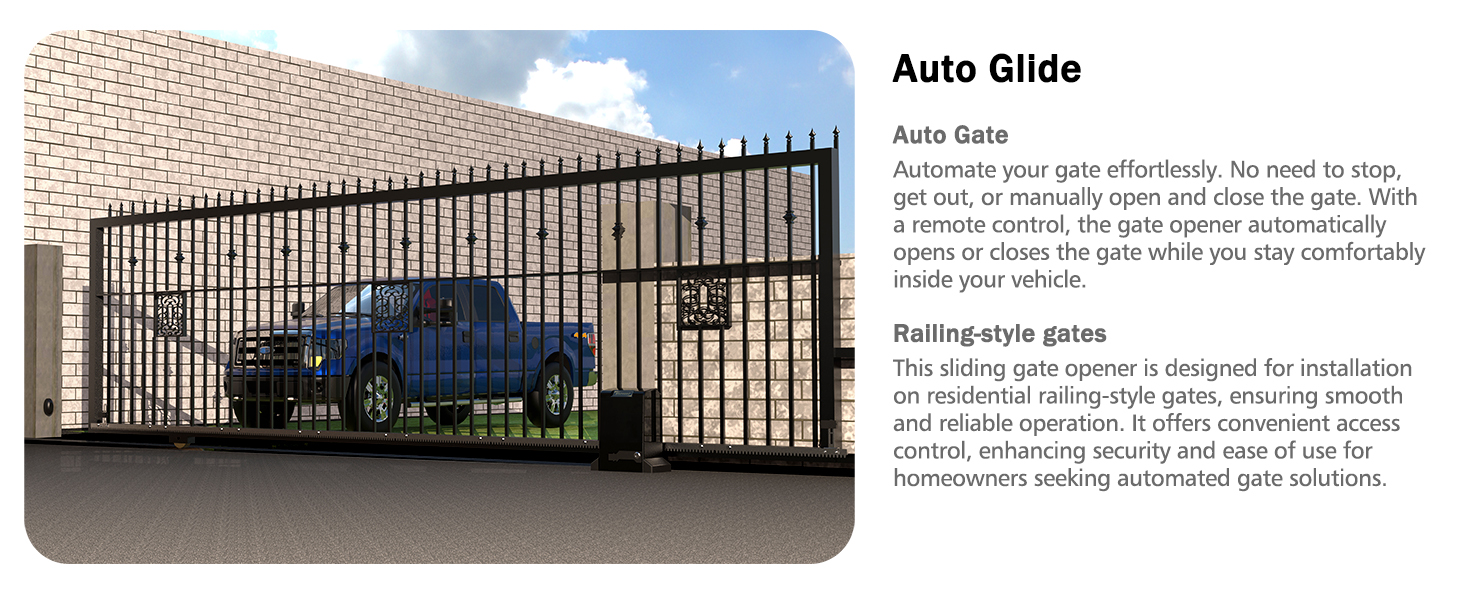
Figure 6: eWeLink app interface for smart control and monitoring.
Auto-Close Function
The gate opener can be programmed to automatically close after a set period (5s, 10s, or 15s) after passing through. This enhances security and convenience.
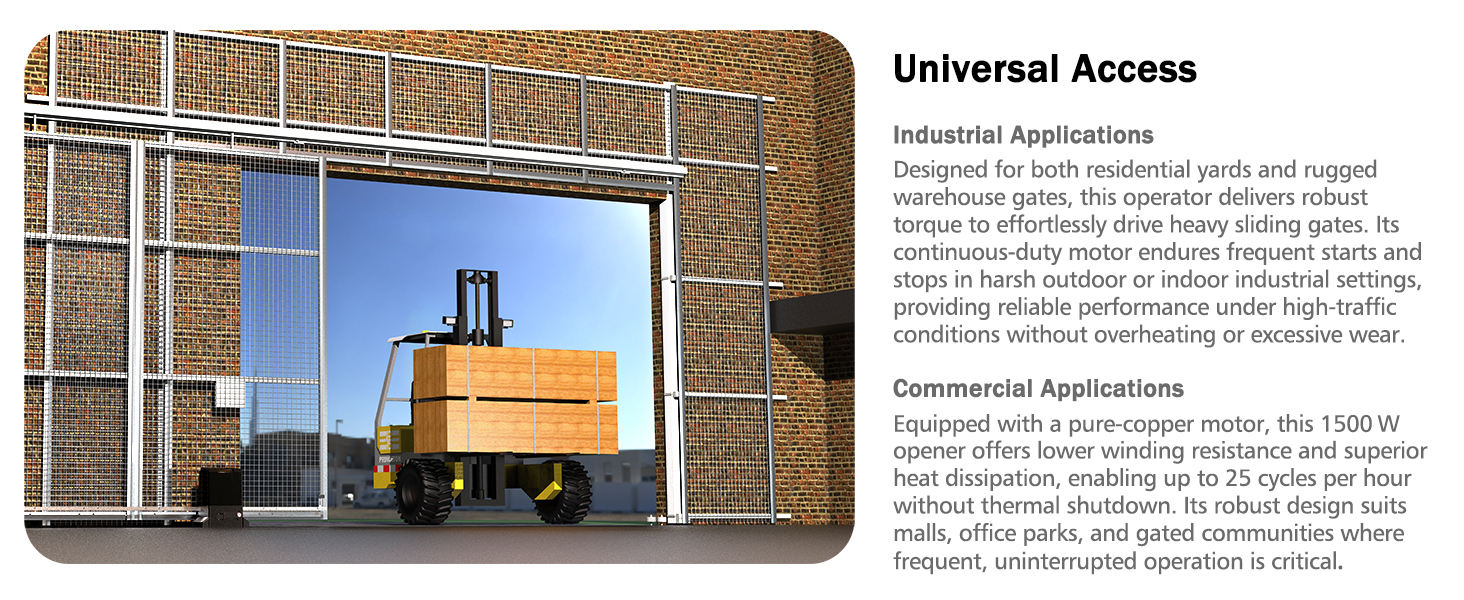
Figure 7: Auto-close function in action, ensuring controlled access.
Manual Release
In the event of a power outage or if manual operation is preferred, the gate opener features a manual release function. Insert one of the provided keys into the lock and turn it to disengage the clutch, allowing the gate to be opened and closed manually.
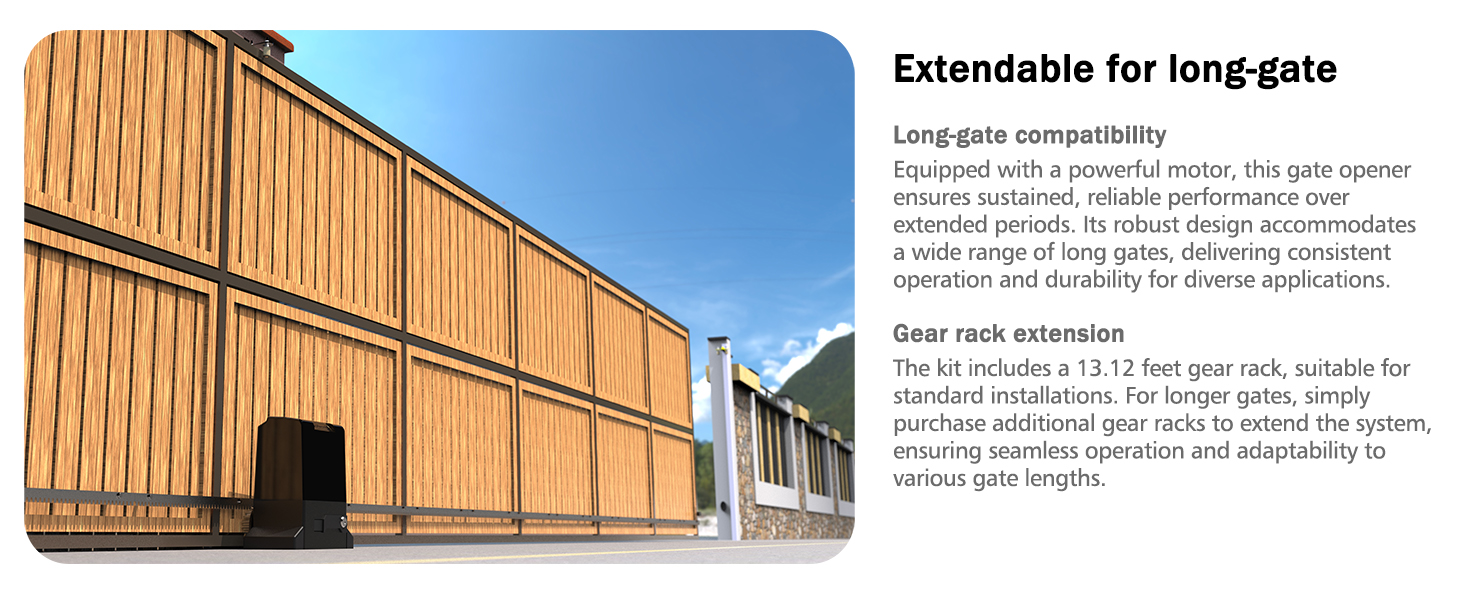
Figure 8: Manual release mechanism for power outages.
Maintenance
The Blütezeit ME-BG-2800 gate opener is designed for minimal maintenance due to its durable construction and pure copper motor.
- Regular Inspection: Periodically check the gear racks for debris or damage. Ensure all mounting bolts are secure.
- Motor Durability: The 1500W pure copper motor offers high efficiency, strong power, and low heat generation, contributing to extended lifespan and stable performance.
- Weather Resistance: The protective casing has an IP65 rating, shielding against rain and dust. It operates efficiently in temperatures ranging from -13℉ to 131℉, ensuring durability in various weather conditions.
- Quiet Operation: The system operates quietly at ≤45 dB, indicating smooth mechanical function.
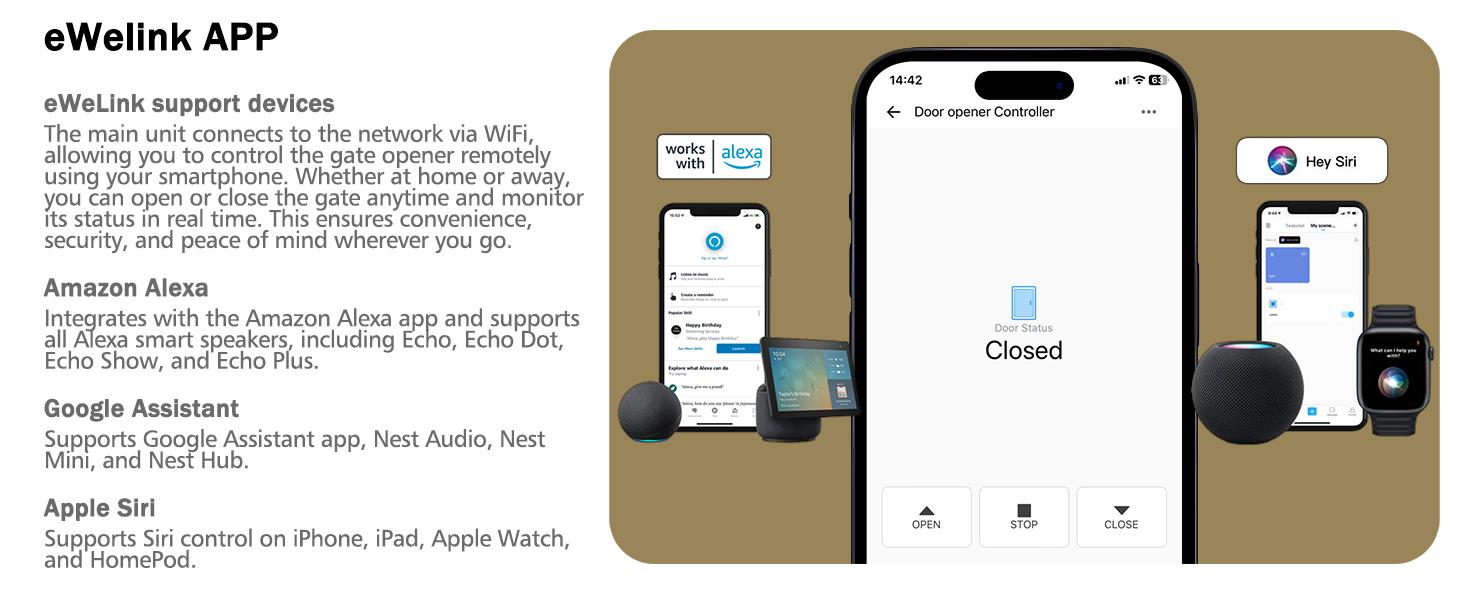
Figure 9: Internal view of the durable copper motor.
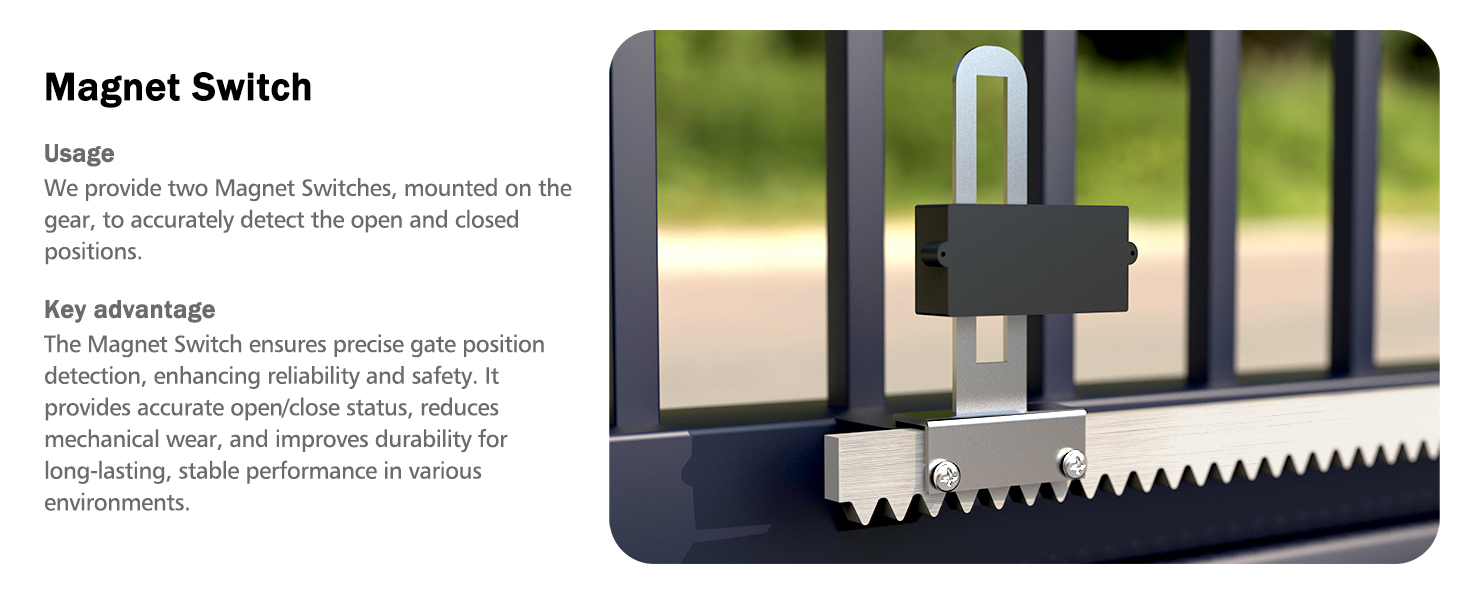
Figure 10: Weatherproof design for reliable outdoor performance.
Troubleshooting
This section addresses common issues you might encounter with your gate opener.
Safety Features
The gate opener is equipped with infrared sensors that automatically stop the gate from closing if an obstruction is detected. This ensures secure and efficient operation, preventing accidental damage or injury.
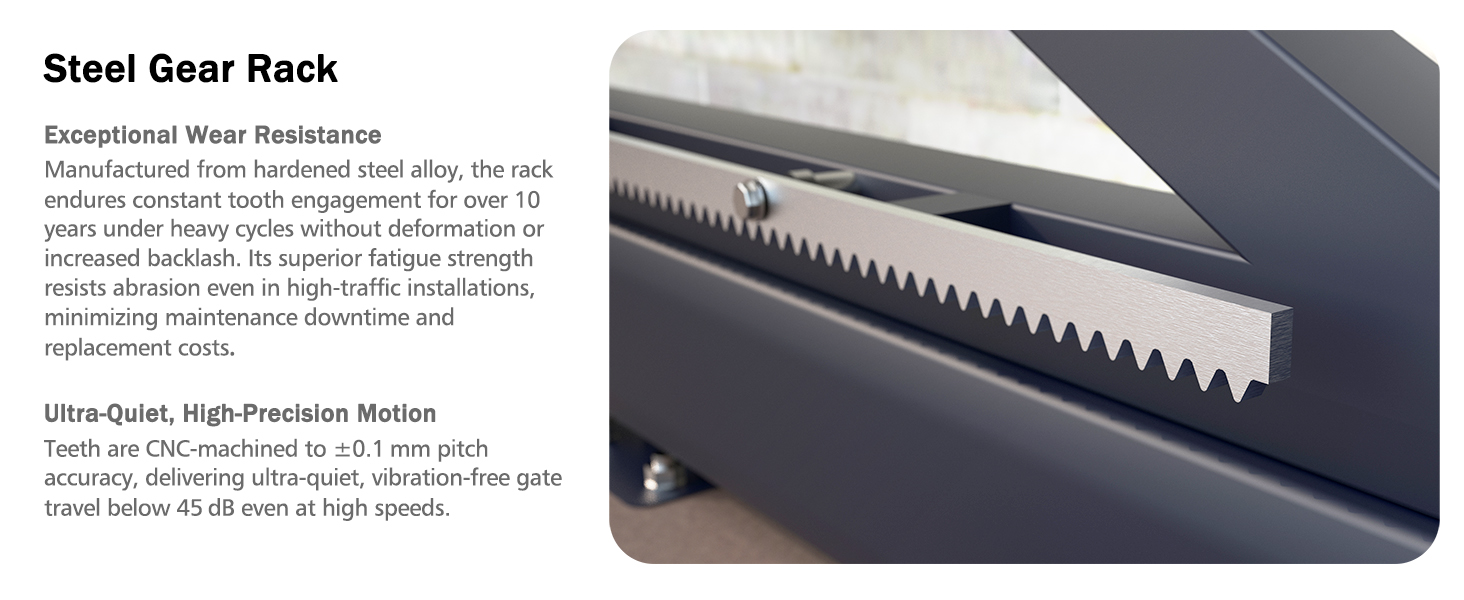
Figure 11: Infrared sensor for obstruction detection.
Common Issues and Solutions
- Gate Not Moving: Check power supply, ensure manual release is engaged, verify remote control batteries, and inspect for physical obstructions.
- Gate Stops Mid-Operation: This may indicate an obstruction detected by the infrared sensors. Clear the path and try again. Check sensor alignment.
- Remote Control Not Working: Replace remote batteries. Ensure the remote is within the 100ft operating range. Re-pair the remote if necessary.
- WiFi Connectivity Issues: Ensure your WiFi network is 2.4GHz. Check router connection and signal strength. Reconfigure the eWeLink app connection.
For more complex issues, refer to the detailed troubleshooting section in the full user manual or contact technical support.
Specifications
| Feature | Specification |
|---|---|
| Model Number | ME-BG-2800 |
| Max Gate Weight | 6300 lbs |
| Max Gate Length | 40 ft |
| Motor Power | 1500W (2.05 HP) Copper Motor |
| Power Source | 120 Volts (AC) |
| Gear Rack Type | Steel Gear Rack (8 pcs, 13.12 ft total) |
| Noise Level | ≤45 dB |
| Operating Temperature | -13℉ to 131℉ |
| Remote Control Range | Up to 100 ft |
| Max Remote Controls Supported | 40 |
| WiFi Frequency | 2.4GHz |
| Included Components | Motor, 8 Steel Gear Racks, 2 Remote Controls, 2 Manual Release Keys, 2 Infrared Sensors, Installation Kit, User Manual |
| Item Weight | 38 pounds |
| Product Dimensions | 7.68 x 8.07 x 12.8 inches |
| IP Rating | IP65 |
Warranty and Support
Blütezeit is committed to providing reliable products and excellent customer service.
Technical Support
Enjoy lifetime technical support with every purchase. Our expert team is available to assist with installation, troubleshooting, and optimizing your gate opener's performance. For assistance, please refer to the contact information provided in your user manual or visit the Blütezeit official website.

Figure 12: Professional and comprehensive technical assistance from Blütezeit.
Returns
This product is eligible for 30-day easy returns. Please refer to the retailer's return policy for detailed information.


