Introduction
This manual provides comprehensive instructions for setting up, operating, maintaining, and troubleshooting your new Acer Aspire Lite Laptop. Please read this manual thoroughly to ensure optimal performance and longevity of your device.
The Acer Aspire Lite Laptop features an AMD Ryzen 7 5700U processor, 64GB DDR4 RAM, a 1TB PCIe NVMe M.2 SSD, and a 15.6" FHD display, running on Windows 11 Pro. It is designed for high performance and reliable connectivity.
1. Setup
1.1 Unboxing and Initial Inspection
Carefully remove all components from the packaging. Verify that all items listed in the "What's in the Box" section are present and undamaged.
- Laptop
- AC adapter
- Battery
- Documentation
- WOWPC recovery USB

Image: The Acer Aspire Lite Laptop, showcasing its sleek design and the included WOWPC Recovery USB for system maintenance.
1.2 Connecting Power
Connect the AC adapter to the laptop's power input port and then plug it into a wall outlet. The battery will begin charging automatically. It is recommended to fully charge the battery before first use.
1.3 Initial Boot and Windows 11 Pro Setup
Press the power button to turn on the laptop. Follow the on-screen prompts to complete the Windows 11 Pro setup process. This includes selecting your region, language, connecting to a network, and creating a user account.

Image: The Acer Aspire Lite Laptop displaying a colorful, high-resolution image, highlighting its 15.6" FHD screen.
1.4 Connecting Peripherals
Your laptop is equipped with various ports for connecting external devices:
- 1 x USB 3.2 Gen1 (Type A)
- 2 x USB 2.0 (Type A)
- 1 x HDMI (for external displays)
- 1 x USB 3.2 Gen2 (Type C)
- 1 x Headphone / Mic Combo Jack
- Ethernet Port (for wired network connection)
- MicroSD media card reader

Image: A side profile of the Acer Aspire Lite Laptop, illustrating the arrangement of its various connectivity ports.
2. Operating Your Laptop
2.1 Keyboard and Touchpad
The laptop features a US English, NonBacklit Full Size Keyboard with an independent numeric keypad for efficient data entry. The precision touchpad supports multi-touch gestures for intuitive navigation.
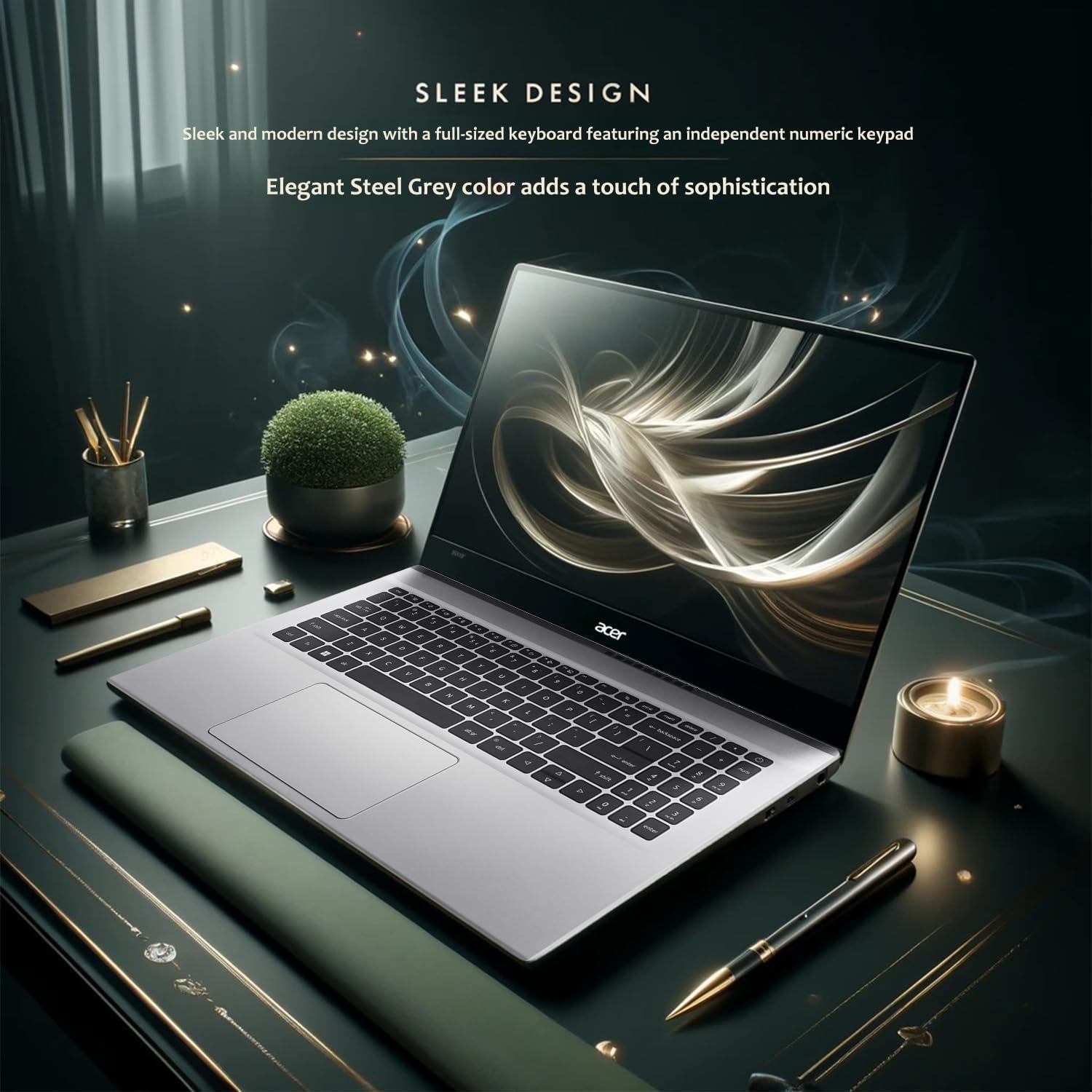
Image: A close-up view of the Acer Aspire Lite Laptop's keyboard and touchpad, highlighting its full-size layout and numeric keypad.
2.2 Display and Graphics
Experience crystal-clear visuals on the 15.6" FHD (1920 x 1080) high-brightness Acer ComfyView LED-backlit display. Graphics are powered by integrated AMD Radeon Graphics, suitable for everyday tasks and multimedia consumption.

Image: A user engaged with the Acer Aspire Lite Laptop, illustrating its powerful AMD Ryzen 7 5700U processor in action.
2.3 Connectivity
Stay connected with WIFI 6 for fast wireless internet and Bluetooth 5.2 for connecting wireless peripherals. The integrated Ethernet port provides a stable wired network connection.
2.4 Audio and Webcam
The laptop features 2 x 1.5W Stereo Speakers for full, high-quality sound. The built-in HD Webcam with 1280 x 720 resolution supports 720p HD audio/video recording for clear video calls and online meetings.

Image: The Acer Aspire Lite Laptop displaying visual effects representing high-fidelity audio, emphasizing its dual stereo speakers.
2.5 Battery Life
The laptop offers long battery life, providing up to 9 hours of usage on a single charge, ideal for productivity on the go.

Image: A person using the Acer Aspire Lite Laptop outdoors on a bench, symbolizing its long battery life and portability.
3. Maintenance
3.1 Cleaning Your Laptop
Use a soft, lint-free cloth slightly dampened with water or a screen cleaner to clean the display. For the keyboard and chassis, use a soft brush or compressed air to remove dust. Avoid harsh chemicals.
3.2 Software Updates
Regularly check for and install Windows updates to ensure your operating system is secure and performing optimally. Go to Settings > Windows Update to check for updates.
3.3 Storage Management
Your laptop comes with a 1TB PCIe NVMe M.2 Solid State Drive. Periodically review your files and applications to free up space. Utilize cloud storage or external drives for large files if needed.
3.4 Battery Care
To prolong battery life, avoid extreme temperatures. If storing the laptop for an extended period, ensure the battery is charged to about 50%.
4. Troubleshooting
This section addresses common issues you might encounter with your Acer Aspire Lite Laptop.
4.1 No Power / Laptop Not Turning On
- Ensure the AC adapter is securely connected to both the laptop and a working power outlet.
- Check if the power outlet is functional by plugging in another device.
- If the battery is completely drained, allow it to charge for at least 30 minutes before attempting to power on.
4.2 Display Issues
- If the screen is blank, try pressing Fn + F6 (or the key with a display icon) to toggle the display output.
- Ensure brightness is not set to minimum (usually Fn + F3/F4).
- If connected to an external monitor, ensure the correct display mode is selected (e.g., Extend, Duplicate).
4.3 Connectivity Problems (Wi-Fi/Bluetooth)
- Ensure Wi-Fi and Bluetooth are enabled in Windows settings.
- Restart your router/modem for Wi-Fi issues.
- For Bluetooth, try removing and re-pairing the device.
- Update network drivers if problems persist.
4.4 System Recovery with WOWPC Recovery USB
Your device includes a WOWPC recovery USB. This accessory is designed to assist with system recovery and troubleshooting. In case of severe software issues or system corruption, refer to the instructions provided with the WOWPC Recovery USB for restoring your system.
5. Specifications
| Feature | Detail |
|---|---|
| Processor | AMD Ryzen 7 5700U (up to 4.3 GHz) |
| RAM | 64GB DDR4 SDRAM |
| Storage | 1TB PCIe NVMe M.2 Solid State Drive |
| Display | 15.6" FHD (1920 x 1080) Acer ComfyView LED-backlit |
| Graphics | AMD Radeon Graphics (Integrated) |
| Operating System | Windows 11 Pro |
| Wireless Connectivity | WIFI 6, Bluetooth 5.2 |
| Ports | 1x USB 3.2 Gen1 Type A, 2x USB 2.0 Type A, 1x HDMI, 1x USB 3.2 Gen2 Type C, 1x Headphone/Mic Combo, Ethernet, MicroSD reader |
| Webcam | HD Webcam (1280 x 720, 720p HD audio/video recording) |
| Audio | 2 x 1.5W Stereo Speakers |
| Battery Life | Up to 9 Hours |
| Color | Silver |
| Dimensions (LxWxH) | 14.19 x 9.42 x 0.78 inches |
| Weight | 3.92 lbs |
6. Warranty and Support
For detailed warranty information, please refer to the warranty card included with your product or visit the official Acer support website. Keep your proof of purchase for warranty claims.
For additional support, drivers, and FAQs, please visit the official Acer Store on Amazon or the Acer support portal.
Remember to utilize your included WOWPC recovery USB for system restoration and troubleshooting as needed.