
Introduction
Thank you for choosing the JBL Tune 520C wired on-ear headphones. This manual provides essential information for setting up, operating, and maintaining your headphones to ensure optimal performance and longevity.

Image: Overview of JBL Tune 520C features including Pure Bass Sound, foldable design, tangle-free cable, and remote control.
What's in the Box
- 1 x JBL Tune 520C USB-C headphones
- 1 x Warranty/Warning document
Key Features
- JBL Pure Bass Sound: Experience clear, powerful audio from 32mm dynamic drivers.
- Wide USB-C Compatibility: Connect to various devices including PCs, mobile phones, gaming devices, tablets, and laptops.
- 3-Button Remote with Microphone: Manage calls, music playback, volume, and EQ presets directly from the cable.
- Comfort Fit and Foldable Design: Padded on-ear design for extended wear and a foldable structure for easy storage.
- Tangle-Free Flat Cable: Durable, reinforced USB-C cable designed to prevent tangling.
- Hi-Res Audio: Enjoy higher quality music at 24-bit/96kHz with the DSP chipset.
Setup
Follow these steps to set up your JBL Tune 520C headphones for first use.
Connecting Your Headphones
- Locate the USB-C connector on your JBL Tune 520C headphones.
- Insert the USB-C connector into the compatible USB-C port on your audio device (e.g., smartphone, laptop, tablet).
- Ensure the connection is secure. Your device should automatically recognize the headphones.
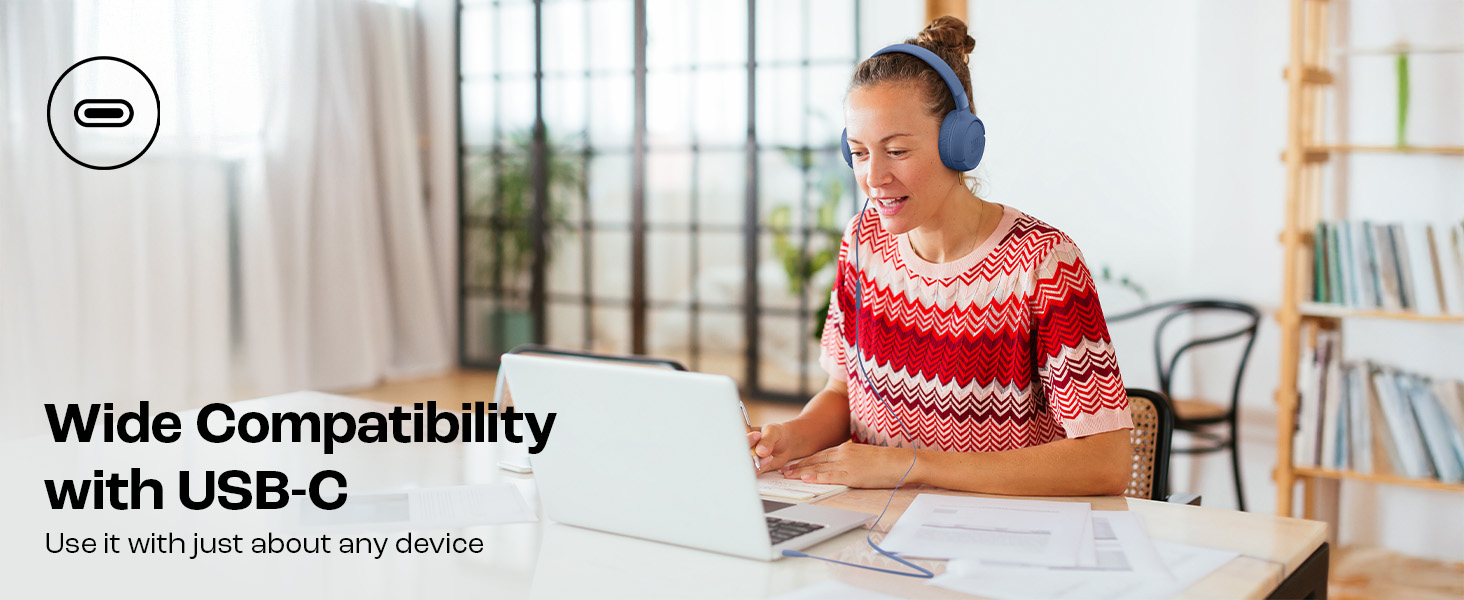
Image: JBL Tune 520C headphones connected to a laptop, demonstrating wide USB-C compatibility.
Adjusting for Comfort
- Gently extend or retract the headband to fit your head comfortably.
- Position the earcups so they rest fully on your ears, creating a seal for optimal sound.
Operating Instructions
Learn how to use the 3-button remote and microphone for various functions.
Using the 3-Button Remote

Image: Detailed view of the 3-button remote control on the headphone cable.
- Volume Up (+): Press the top button to increase volume.
- Volume Down (-): Press the bottom button to decrease volume.
- Play/Pause/Call (Center Button):
- Press once to play or pause music.
- Press once to answer or end a call.
- Press twice to skip to the next track.
- Press three times to go to the previous track.
Using EQ Presets
The JBL Tune 520C features selectable EQ presets to customize your listening experience.
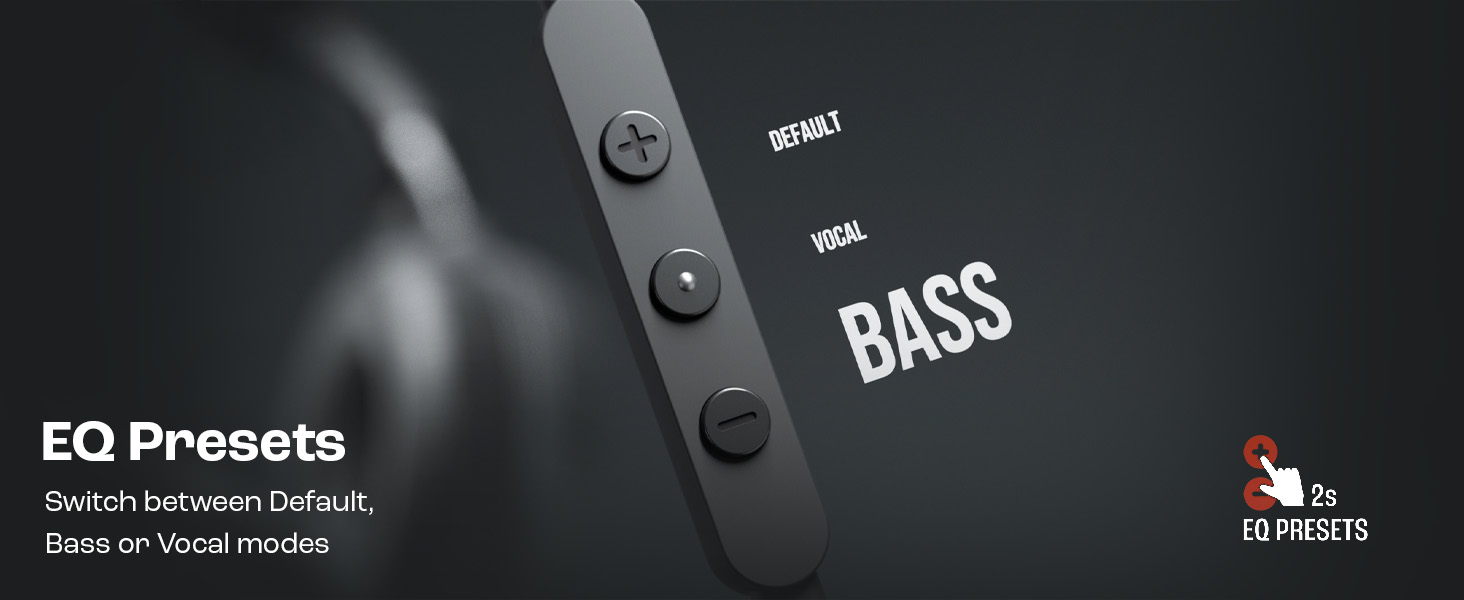
Image: Remote control showing options for Default, Vocal, and Bass EQ presets.
- To switch between EQ presets (Default, Vocal, Bass), press and hold the center button for approximately 2 seconds. The headphones will cycle through the available presets.
Maintenance
Proper care and maintenance will extend the life of your headphones.
Cleaning
- Use a soft, dry cloth to wipe the earcups and headband.
- Do not use liquid cleaners or abrasive materials, as they may damage the finish or internal components.
- Keep the USB-C connector clean and free of dust or debris.
Storage
The JBL Tune 520C headphones feature a foldable design for convenient storage.

Image: JBL Tune 520C headphones demonstrating comfort fit and foldable design.
- Fold the earcups inward to reduce the headphone's size.
- Store the headphones in a cool, dry place away from direct sunlight and extreme temperatures.
- Avoid placing heavy objects on the headphones during storage.
Cable Care
The tangle-free flat cable is designed for durability, but proper handling is still recommended.
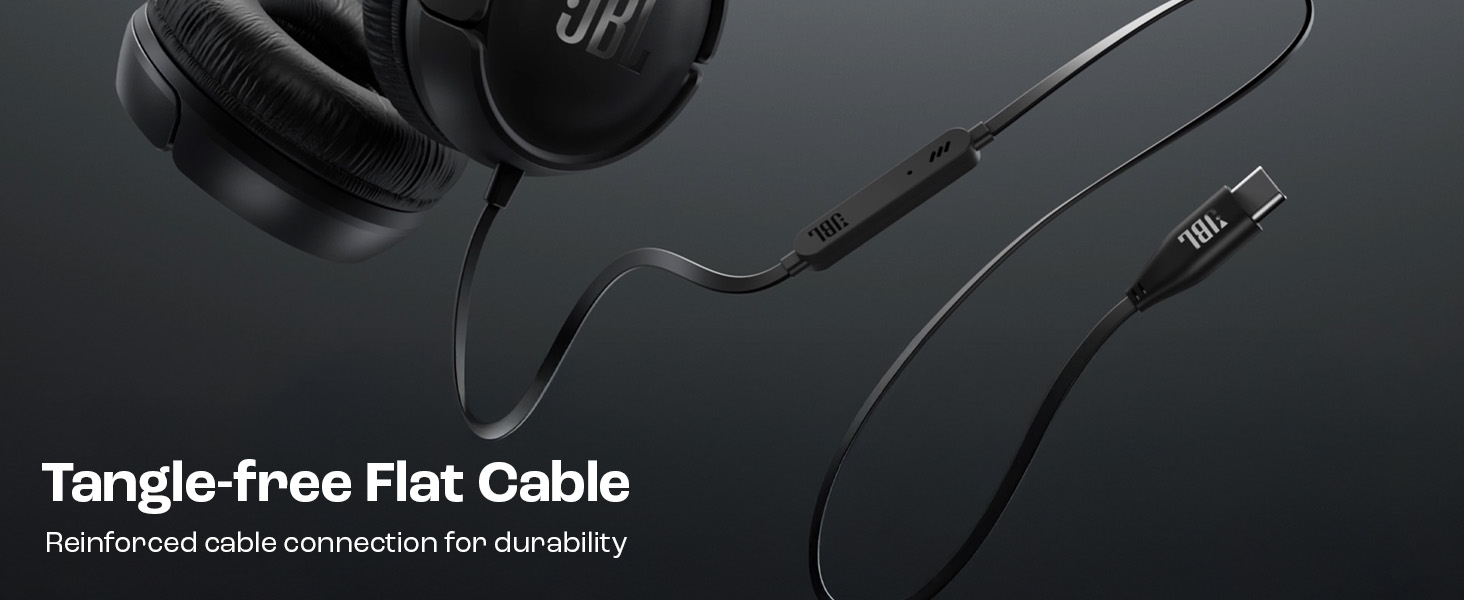
Image: The tangle-free flat USB-C cable of the JBL Tune 520C headphones.
- Avoid sharp bends or excessive pulling on the cable.
- When coiling the cable for storage, do so loosely to prevent strain.
Troubleshooting
If you encounter issues with your headphones, refer to the following common problems and solutions.
| Problem | Solution |
|---|---|
| No sound from headphones |
|
| Microphone not working |
|
| Poor sound quality |
|
| Remote control buttons unresponsive |
|
Specifications
Detailed technical specifications for the JBL Tune 520C headphones.
| Feature | Detail |
|---|---|
| Brand | JBL |
| Model Name | JBL Tune 520C |
| Model Number | JBLT520CBLK |
| Ear Placement | On Ear |
| Form Factor | On Ear |
| Impedance | 32 Ohms |
| Frequency Response | 20 Hz - 20,000 Hz |
| Sensitivity | 103 dB |
| Audio Driver Type | Dynamic Driver |
| Compatible Devices | Tablets, Desktops, Telephones, Gaming Consoles, Cellphones, Laptops |
| Headphone Jack | USB-C Jack |
| Control Method | Remote (3-button) |
| Item Weight | 150 Grams |
| Country of Origin | China |
Warranty and Support
Warranty Information
The JBL Tune 520C headphones come with a 1-year warranty provided by the manufacturer from the date of purchase. Please retain your proof of purchase for warranty claims.
Customer Support
For technical assistance, warranty claims, or further inquiries, please contact Harman International customer support. Refer to the warranty/warning document included in your product box for specific contact details for your region.
Manufacturer Contact Information:
HARMAN International Industries, Incorporated
8500 Balboa Boulevard, Northridge, CA 91329 USA
Importer Contact Information (India):
Harman International (India) Pvt Ltd
Salarpuria Sattva Knowledge Court, Office-1, Wing ‘A’ & ‘B’ 3rd floor, Plot No. 9, Phase I, Doddenakkundi Industrial area Bangalore -560048, Karnataka.


