Important Safety Information
Warning: Choking Hazard - Small Parts. Not for children under 3 years.
- Always operate the RC car in a safe environment, away from people, pets, and obstacles.
- Do not operate near water or in wet conditions to prevent electrical damage.
- Ensure proper adult supervision for children operating the vehicle.
- Do not attempt to modify or disassemble the vehicle or controller, as this may void the warranty and cause damage.
- Use only the provided charging cable and recommended batteries.
Package Contents
Verify that all items listed below are included in your package:
- RC Car with rechargeable battery
- Drift Tires (pre-installed or separate)
- Normal Tires (set of 4)
- Controller (2.4 GHz)
- USB Charging Cable
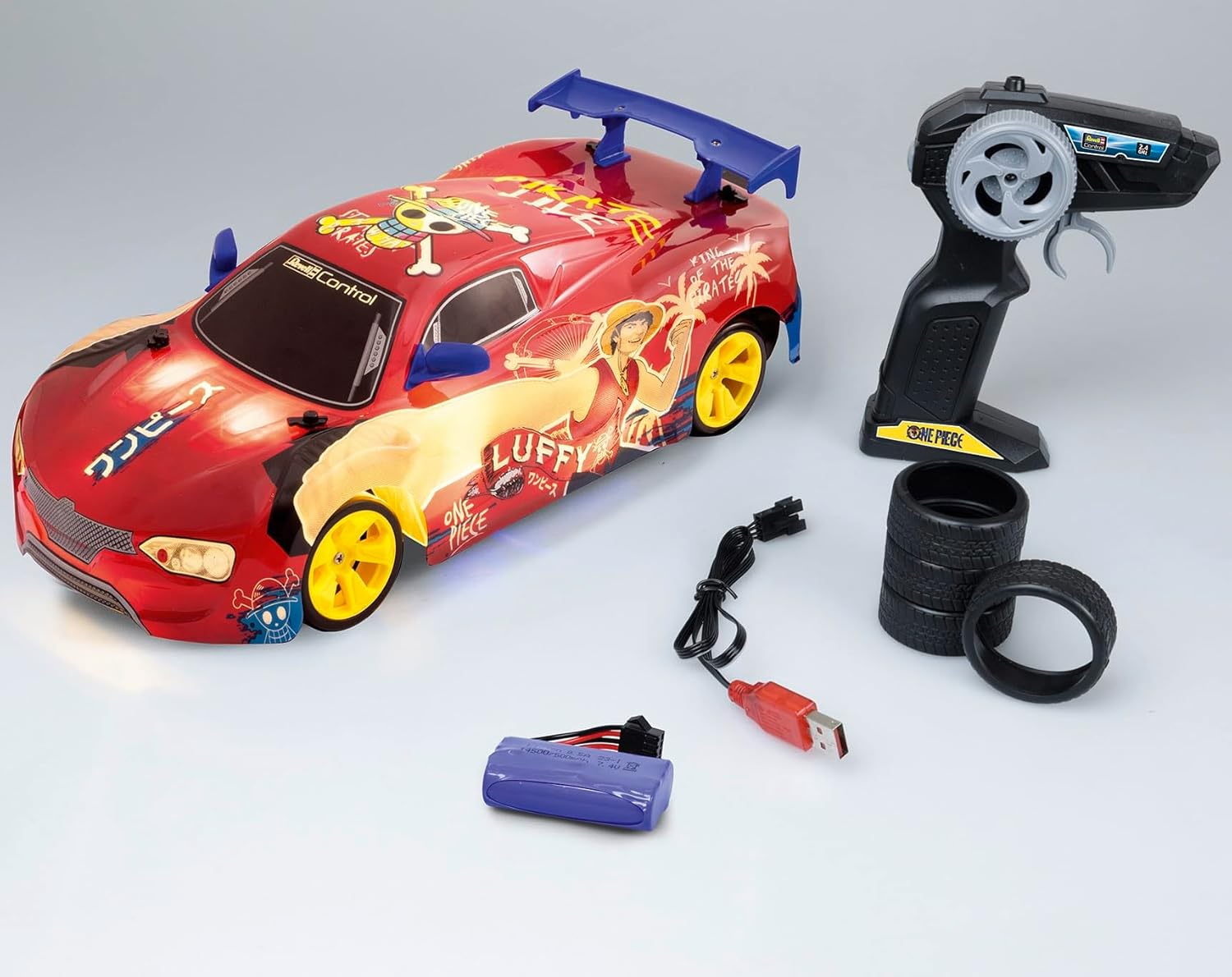
Image: All components included in the package, showing the RC car, controller, rechargeable battery, USB charging cable, and both sets of tires.
Setup
-
Unpacking: Carefully remove the RC car and controller from their packaging.

Image: The RC car and controller visible within the product packaging.
-
Charging the Vehicle Battery:
Locate the 7.4V 500mAh rechargeable Li-Ion battery. Connect the battery to the provided USB charging cable. Plug the USB cable into a compatible USB power source (e.g., computer USB port, USB wall adapter). The charging indicator light on the USB cable will show the charging status. A full charge typically takes approximately 60-90 minutes and provides up to 25 minutes of operation.
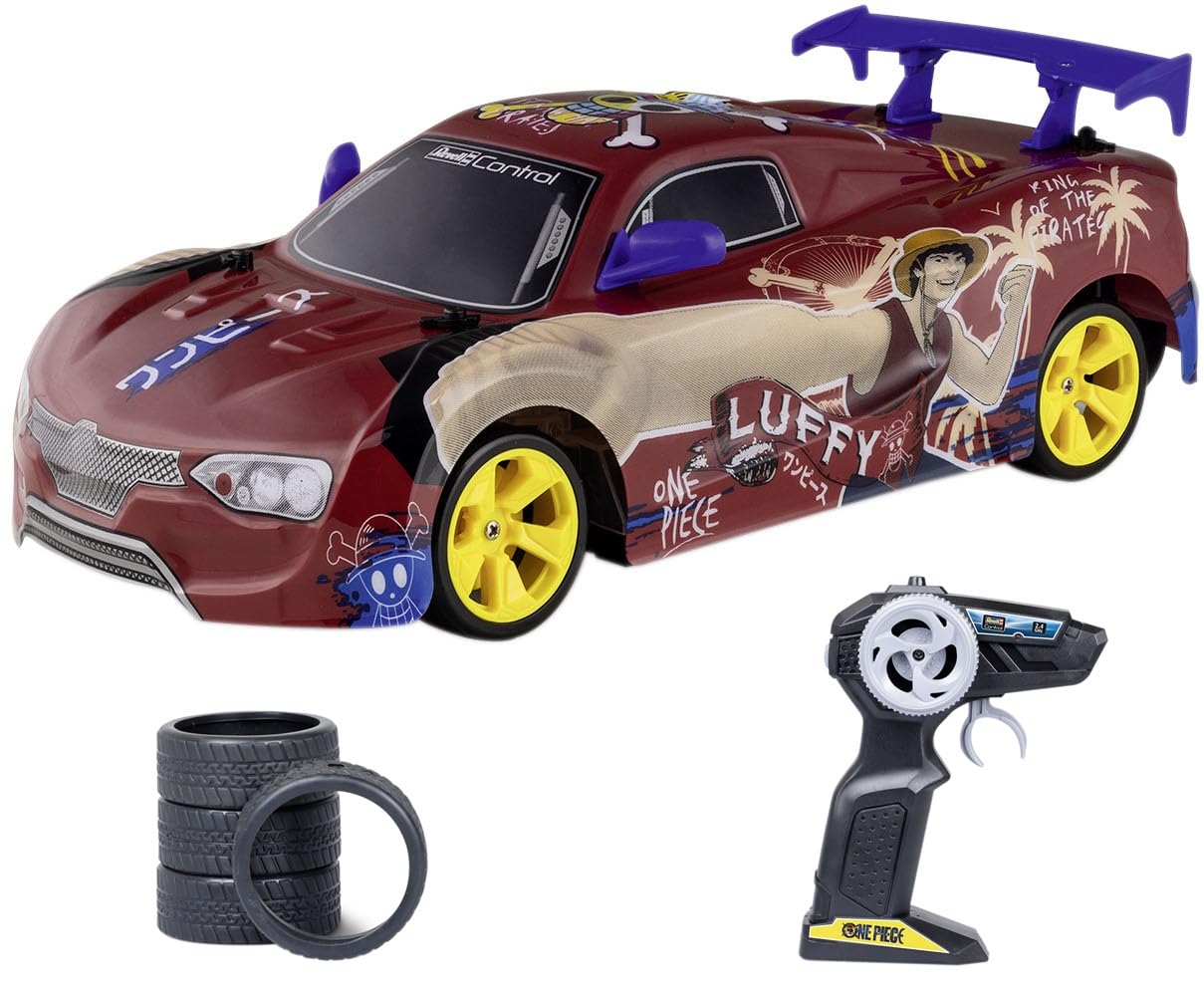
Image: The Revell Control Itasha Anime One Piece RC Drift Car, showcasing its design and LED underbody lighting.
-
Installing Controller Batteries:
Open the battery compartment on the back of the 2.4 GHz controller. Insert the required AA alkaline batteries (typically 2x AA, included) ensuring correct polarity (+/-). Close the battery compartment securely.

Image: The 2.4 GHz radio controller for the RC car, showing its ergonomic design and controls.
-
Power On and Pairing:
Once the vehicle battery is charged and installed, and controller batteries are in place, turn on the RC car using its power switch. Then, turn on the controller. The car and controller should automatically pair. If pairing does not occur, turn both off and on again, ensuring they are close to each other.
-
Tire Selection:
The car comes with two sets of tires: drift tires (often harder plastic for sliding) and road tires (softer rubber for grip). Choose the appropriate tires for your desired driving experience. To change tires, carefully remove the existing wheels and replace them with the desired set, ensuring they are securely attached.

Image: A stack of road tires and a single drift tire, illustrating the two types of tires included with the RC car.
Operating Instructions
This RC drift car features full-function 2.4 GHz technology for precise control.
- Throttle Control: Use the trigger on the controller to control forward and reverse movement. Pull the trigger towards you for forward motion, and push it away for reverse.
- Steering Control: Use the steering wheel on the controller to turn the vehicle left or right.
-
Drifting Action: With the drift tires installed, practice steering and throttle control to initiate and maintain drifts. The 4-wheel drive system assists in controlled sliding.
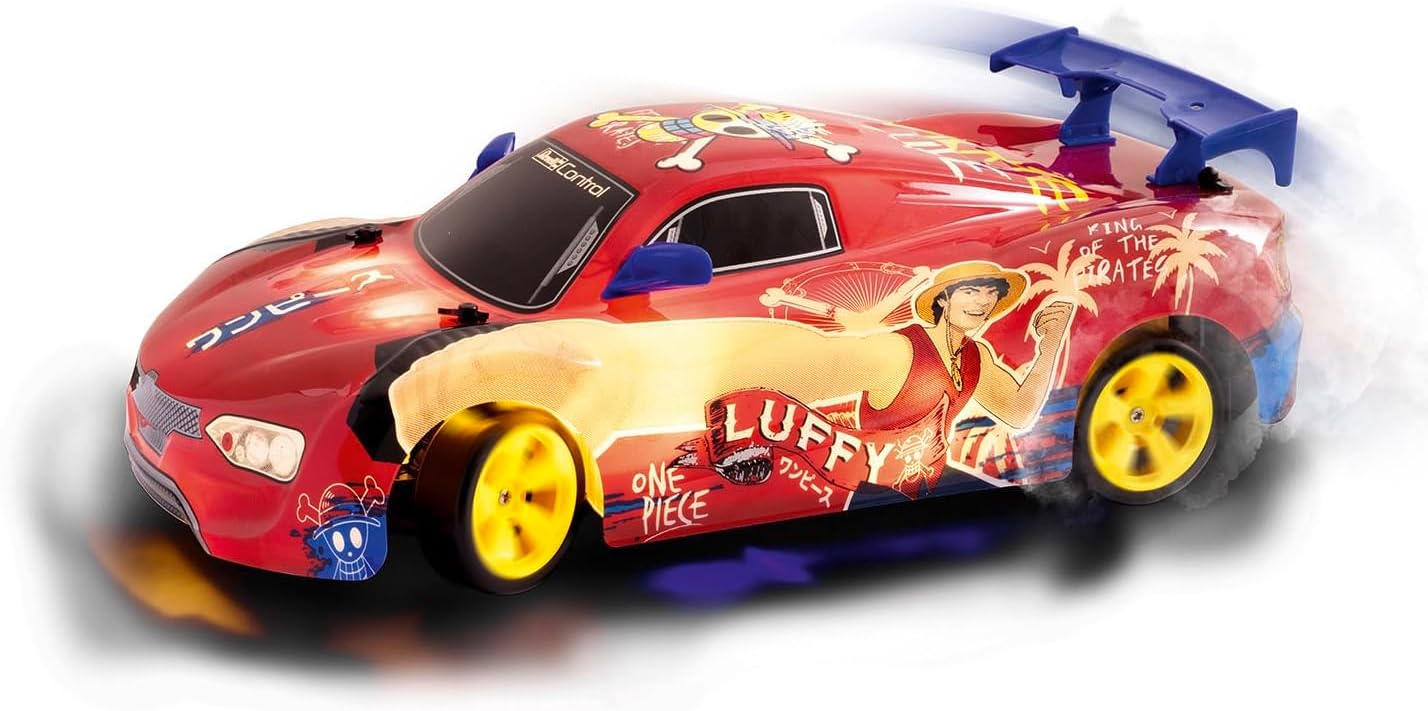
Image: The RC car in motion, demonstrating its drifting capability and illuminated LED underbody lighting.
- LED Underbody Lighting: The vehicle is equipped with integrated LED underbody lighting for enhanced visual effect, especially in low-light conditions. This feature activates automatically when the car is powered on.
Maintenance
- Cleaning: After each use, gently wipe the car body with a soft, dry cloth to remove dust and debris. Avoid using water or chemical cleaners.
-
Battery Care:
- Always fully charge the vehicle battery before storage.
- Remove the vehicle battery from the car and controller batteries from the controller if storing for extended periods.
- Store batteries in a cool, dry place.
- Tire Care: Inspect tires regularly for wear and tear. Replace worn tires to maintain optimal performance. Keep both sets of tires clean and free of debris.
- General Inspection: Periodically check all screws and connections to ensure they are secure. Inspect the body for cracks or damage, especially after impacts. The thermoformed body is designed to withstand knocks.
Troubleshooting
| Problem | Possible Cause | Solution |
|---|---|---|
| Car does not respond to controller. |
|
|
| Poor performance or short run time. |
|
|
| LED underbody lights not working. |
|
|
Specifications
| Model Number | 24693 |
| Scale | 1:18 |
| Radio Frequency | 2.4 GHz |
| Vehicle Battery | 7.4V 500mAh Li-Ion (rechargeable, included) |
| Controller Batteries | AA alkaline batteries (included) |
| Approximate Run Time | Up to 25 minutes per charge |
| Charging Time | Approx. 60-90 minutes |
| Product Dimensions | 12.4 x 5.5 x 3.5 inches |
| Item Weight | 2.5 pounds |
| Recommended Age | 6 years and up |
| Manufacturer | Revell |
Warranty Information
Specific warranty details for the Revell Control Itasha Anime One Piece RC Drift Car are not provided in this document. For warranty claims or information, please refer to the documentation included with your purchase or contact Revell customer support directly.
Support
If you encounter any issues or have questions not covered in this manual, please contact Revell customer support. Contact information can typically be found on the product packaging or the official Revell website.
For additional resources, you may visit the Revell Store on Amazon.