
1. Important Safety Information
Please read and understand all instructions before beginning installation. Failure to follow these instructions may result in electric shock, fire, or personal injury.
- Ensure the power is turned off at the circuit breaker before installation or maintenance.
- All wiring must be in accordance with national and local electrical codes.
- Consult a qualified electrician if you are unsure about wiring procedures.
- Mount the fan directly to a structural ceiling joist or an outlet box marked 'Acceptable for Fan Support of 35 lbs (15.9 kg) or less'.
- Do not bend the blade holders during installation or cleaning.
- Keep children away from the fan during operation.
2. Package Contents
Verify that all components are present and undamaged before proceeding with installation.
- Ceiling Fan Motor Assembly
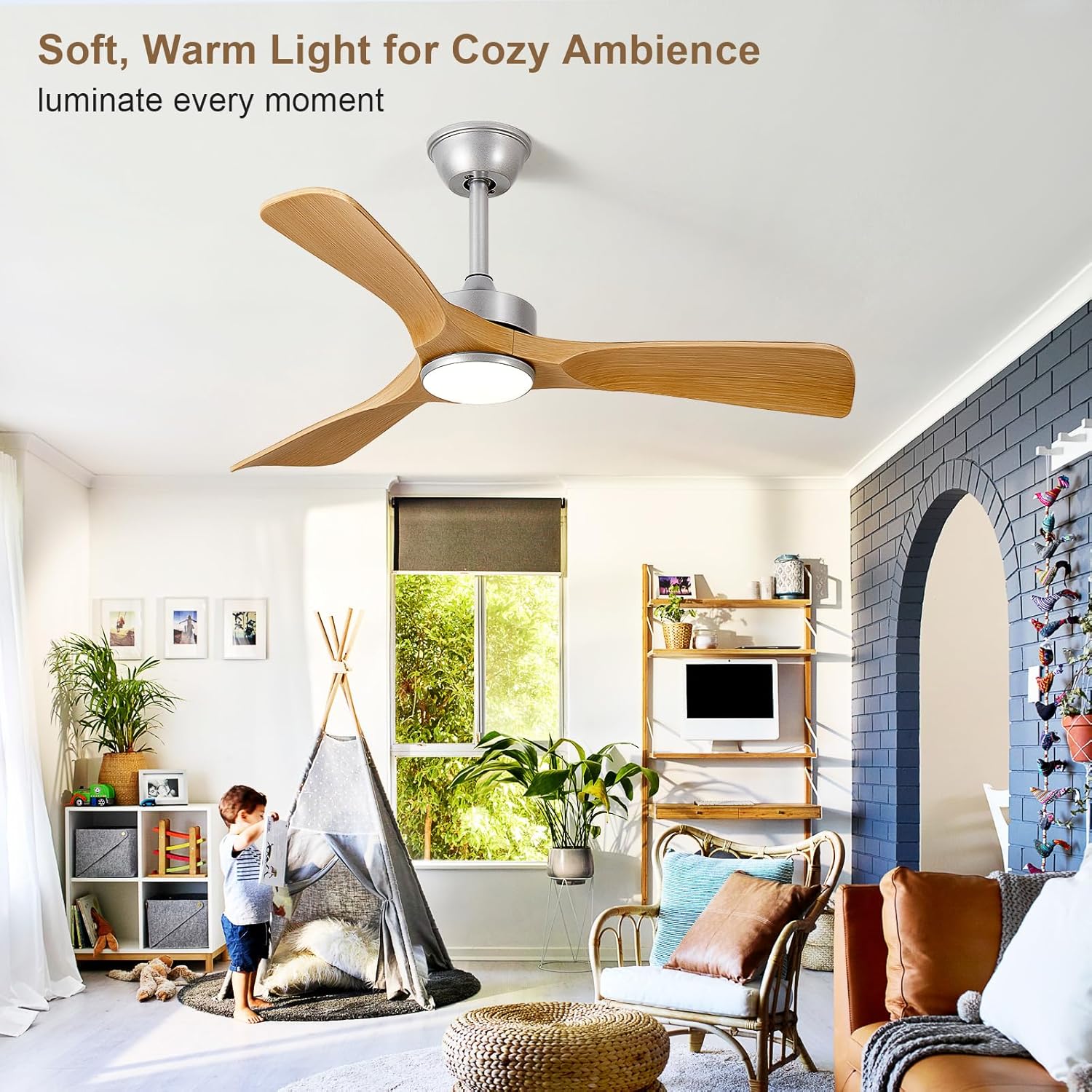
- Fan Blades (3)
- Downrods (5-inch and 10-inch options)
- Mounting Bracket
- Canopy
- Remote Control with Wall Mount
- LED Light Kit
- Hardware Pack (screws, wire nuts, etc.)
- Instruction Manual

3. Setup and Installation
This ceiling fan is designed for straightforward installation. A detailed installation guide is included in the package. Please follow it carefully.
3.1 Choosing a Downrod
The fan includes both 5-inch and 10-inch downrods to accommodate various ceiling heights. Select the appropriate downrod for your installation.

3.2 Mounting the Fan
Ensure the mounting bracket is securely attached to a ceiling joist or a fan-rated electrical box. Connect the wiring as per the included wiring diagram. Attach the fan motor assembly and blades.
3.3 Remote Control Wall Mount
The remote control comes with a wall-mountable holder for convenient storage and access. This allows the remote to function as a wall switch when fixed.

4. Operating Instructions
Your BvenuBigLite ceiling fan can be operated using the included remote control or a compatible mobile application.
4.1 Remote Control Functions
The remote allows independent control of the fan and light functions. It features:
- Power On/Off: Turns the fan and light on or off.
- Fan Speed Control: 6 adjustable fan speeds.
- Light On/Off: Controls the LED light independently.
- Color Temperature Adjustment: Cycles through 3000K (Warm), 4500K (Natural), and 6500K (Cool White) light settings.
- Dimming: Adjusts light brightness from 20% to 100%.
- Forward/Reverse Rotation: Changes fan direction for summer cooling or winter heat circulation.
- Timer Function: Sets the fan to turn off automatically after 2 hours.
- Natural Wind Mode: Simulates a natural breeze by varying fan speed.

4.2 Mobile App Control
The fan supports control via a mobile application, offering additional convenience. Scan the QR code below or visit the provided link to download the app.
4.3 Reversible DC Motor
The fan features a reversible DC motor for year-round comfort:
- Summer Mode (Downward Airflow): Creates a cooling breeze.
- Winter Mode (Upward Airflow): Circulates warm air trapped near the ceiling, improving heat distribution.

4.4 LED Light Features
The integrated LED light offers adjustable color temperature and dimming capabilities:
- Color Temperatures: 3000K (Warm Light), 4500K (Natural Light), 6500K (Cold White Light).
- Dimming: Adjustable brightness from 20% to 100%.
- Energy Efficiency: LED technology ensures energy savings and a long-lasting light source.
5. Maintenance
Regular maintenance ensures optimal performance and longevity of your ceiling fan.
- Cleaning: Periodically wipe the fan blades and motor housing with a soft, damp cloth. Do not use abrasive cleaners or solvents.
- Tighten Screws: Check all screws on the fan blades and mounting hardware annually to ensure they are secure.
- Light Kit: The LED light source is designed for long life and typically does not require replacement. If issues arise, contact customer support.
6. Troubleshooting
If you experience issues with your ceiling fan, refer to the following common problems and solutions:
| Problem | Possible Cause | Solution |
|---|---|---|
| Fan does not start | No power to the fan; Loose wire connections; Remote control battery low. | Check circuit breaker; Verify all wire connections are secure; Replace remote control batteries. |
| Fan wobbles | Loose blade screws; Unbalanced blades; Loose mounting bracket. | Tighten all blade screws; Use a balancing kit (not included) if necessary; Ensure mounting bracket is secure. |
| Light does not work | Loose wire connection in light kit; LED driver issue. | Check light kit wiring; Contact customer support if LED driver is suspected. |
| Remote control not working | Low battery; Remote not paired with receiver. | Replace batteries; Refer to pairing instructions in the full manual. |
| Excessive noise | Loose screws; Motor issue. | Check and tighten all screws; If noise persists, contact customer support. |
If the problem persists after attempting these solutions, please contact BvenuBigLite customer support.
7. Specifications
Detailed technical specifications for the BvenuBigLite 42-Inch Ceiling Fan.
| Feature | Detail |
|---|---|
| Brand | BvenuBigLite |
| Model Name | WS-FPZ191-42C-NE-AP |
| Size | 42 Inch |
| Product Dimensions | 42"D x 42"W x 14"H |
| Color | Wood Color |
| Electric Fan Design | Ceiling Fan |
| Power Source | DC |
| Control Method | Remote, APP Control |
| Number of Blades | 3 |
| Fan Speeds | 6 |
| Light Kit | Integrated LED (3000K-6500K, 20%-100% Dimmable) |
| Special Features | 2H Timer, Ultra Quiet DC Motor, Reversible Function, Natural Wind Mode |
| Indoor/Outdoor Usage | Indoor, Covered Outdoor Patio |
| Item Weight | 7.12 Pounds |

8. Warranty and Support
BvenuBigLite is committed to providing excellent after-sales service and support for your product.
- For warranty information, please refer to the documentation included with your purchase or contact BvenuBigLite customer service.
- If you have any questions, require technical assistance, or need to report a problem, please contact BvenuBigLite customer support through the retailer where the product was purchased or visit the official BvenuBigLite website.


