
1. Introduction
This manual provides essential instructions for the safe installation, operation, and maintenance of your Lumary Smart Recessed Lighting 6-Inch LED Downlight. This product features 16 million colors, tunable white light (2700K-6500K), and smart control capabilities via app, voice assistants (Alexa, Google Assistant), and an optional Bluetooth remote. Please read this manual thoroughly before installation and retain it for future reference.
2. Safety Information
WARNING: Risk of Electric Shock. Improper installation can lead to electric shock or fire. Always consult a qualified electrician if you are unsure about electrical wiring.
- Disconnect power at the circuit breaker before installation, removal, or servicing.
- Ensure all wiring connections are secure and comply with local electrical codes.
- Do not install in wet locations or where directly exposed to water.
- This product is designed for indoor use only.
- Do not use with standard dimmer switches. This smart light is dimmable via the Lumary App or compatible smart home systems only.
- Ensure the fixture is properly grounded.
3. Package Contents
Verify that all components are present before beginning installation:
- 4 x Lumary Smart Recessed Light with J-Box
- Installation Kits (wire nuts, screws)
- Instruction Manual

Image: Contents of the Lumary Smart Recessed Lighting 4-pack, showing the lights, J-boxes, and packaging.
4. Specifications
| Brand | Lumary |
| Model Name | Recessed Lighting (US-SD6F-4) |
| Color | White |
| Material | Metal |
| Light Fixture Form | Recessed |
| Product Dimensions | 6.69"L x 6.69"W x 0.55"H |
| Indoor/Outdoor Usage | Indoor |
| Power Source | Corded Electric |
| Installation Type | Flush Mount |
| Light Source Type | LED |
| Voltage | 120 Volts |
| Wattage | 13 watts |
| Brightness | 1000 Lumens |
| Color Temperature | 2700K - 6500K (Tunable White) |
| Special Features | 16 Million Colors, 8+ Scene Modes, Canless Easy Installation, Smart App Control, Voice Control (Alexa, Google Assistant), BT Remote Compatible |
| Connectivity Protocol | Bluetooth, Wi-Fi (2.4GHz only) |
| Certification | ETL Listed |
| Average Life | 25000 Hours |

Image: Diagram illustrating the dimensions of the Lumary 6-inch recessed light and its J-box, including the advised 6.3-inch hole cutout size.
5. Setup and Installation
The Lumary Smart Recessed Light features a slim, canless design for easy installation in various ceiling types. A junction box is included for direct wiring.
Installation Steps:
- Prepare the Ceiling: Turn off power at the circuit breaker. Use the provided template to mark and cut a 6.3-inch (160mm) diameter hole in the ceiling.
- Wire the J-Box: Open the junction box. Connect the household electrical wires to the corresponding wires in the J-box using wire nuts (typically black to black, white to white, and ground to ground). Ensure all connections are secure.
- Insert J-Box: Push the wired junction box through the cutout hole in the ceiling.
- Connect Light to J-Box: Connect the cable from the recessed light fixture to the cable extending from the J-box. Ensure the male and female connectors are fully inserted and twisted to secure.
- Secure the Light: Push the spring-loaded clips on the light fixture upwards. Insert the fixture into the cutout hole. Release the clips to secure the light firmly against the ceiling.
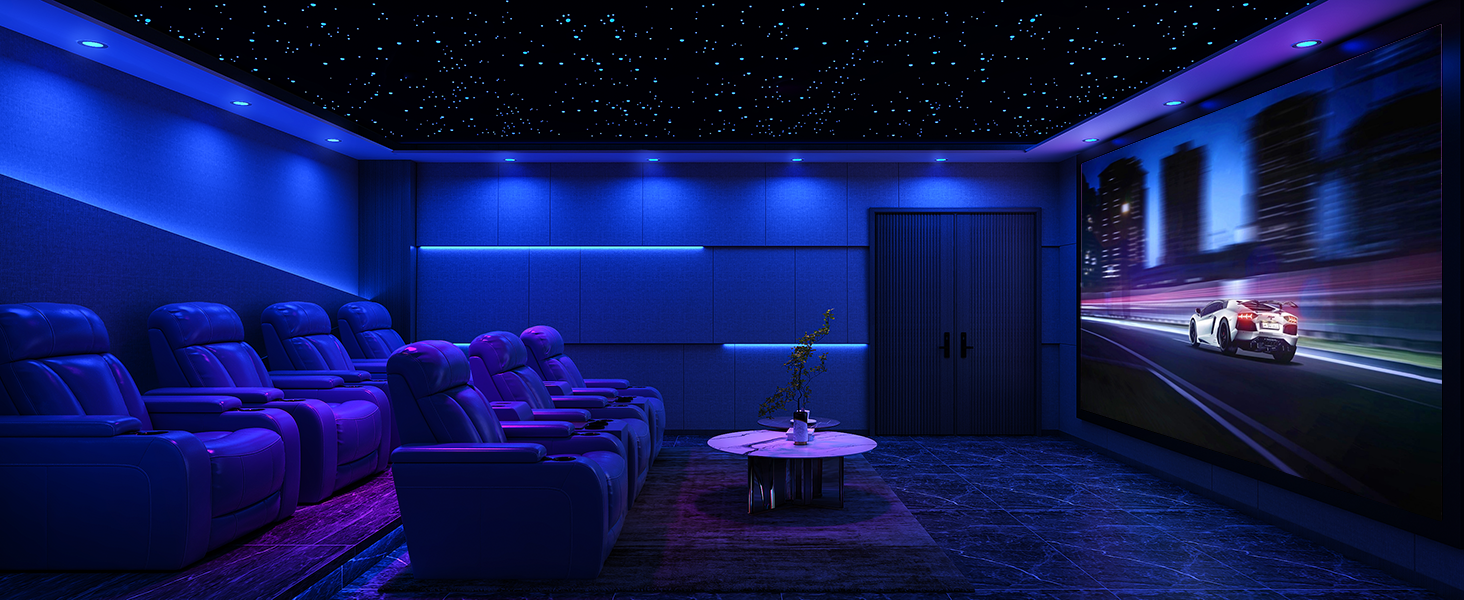
Image: Visual guide demonstrating the 5-step installation process for the Lumary Smart Recessed Light, from cutting the hole to securing the fixture.
The ultra-thin design and integrated J-box simplify installation, making it suitable for narrow ceilings and tight spaces. The fixture is ETL listed, ensuring safety and quality standards.
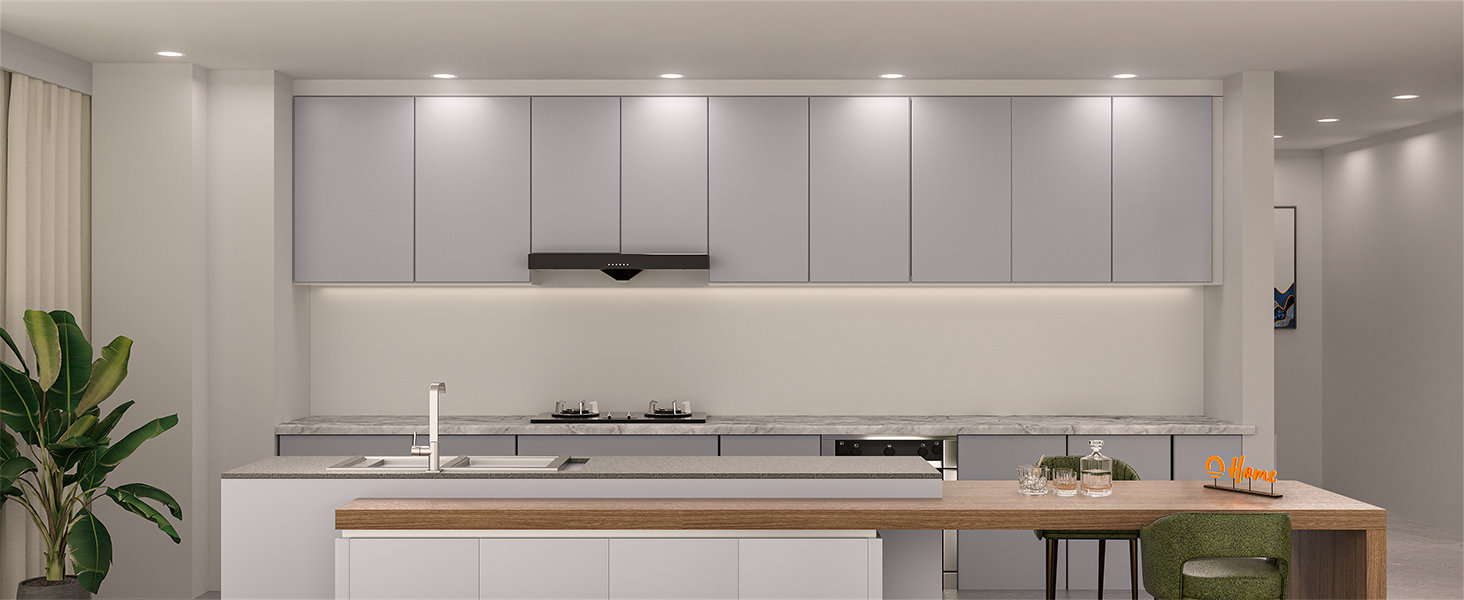
Image: Overview of key features including ETL certification, J-Box (IC-Rated), ultra-thin design with sponge air cushion for airtightness, and canless installation.
6. Operating Instructions
Your Lumary Smart Recessed Lights offer multiple control methods and advanced lighting features.
6.1. Initial Setup (Lumary App)
- Download App: Download the "Lumary" app from your smartphone's app store (iOS or Android).
- Register/Login: Create an account or log in to the Lumary app.
- Add Device: Follow the in-app instructions to add your new recessed lights. Ensure your Wi-Fi network is 2.4GHz, as 5GHz networks are not supported.
- Pairing Mode: The lights will typically enter pairing mode automatically when first powered on, or after being cycled off/on several times.
6.2. Smart Control Features
Once connected to the Lumary app, you can access the full range of smart features:
- Color Changing: Choose from 16 million colors to create custom ambiances.
- Tunable White: Adjust white light from warm (2700K) to cool daylight (6500K).
- Dimmable Brightness: Adjust brightness from 1% to 100%.

Image: A living room illuminated with vibrant colors from Lumary smart recessed lights, demonstrating the 16 million color options.

Image: A visual representation of the brightness and Correlated Color Temperature (CCT) adjustment range from 2700K (warm white) to 6500K (cool white), and 1% to 100% dimming.
- Scene Modes: Select from 8+ preset scenes or create custom scenes to match any mood or activity.
- Music Sync: Lights can pulse and change color in rhythm with music played through your device, creating an immersive experience.
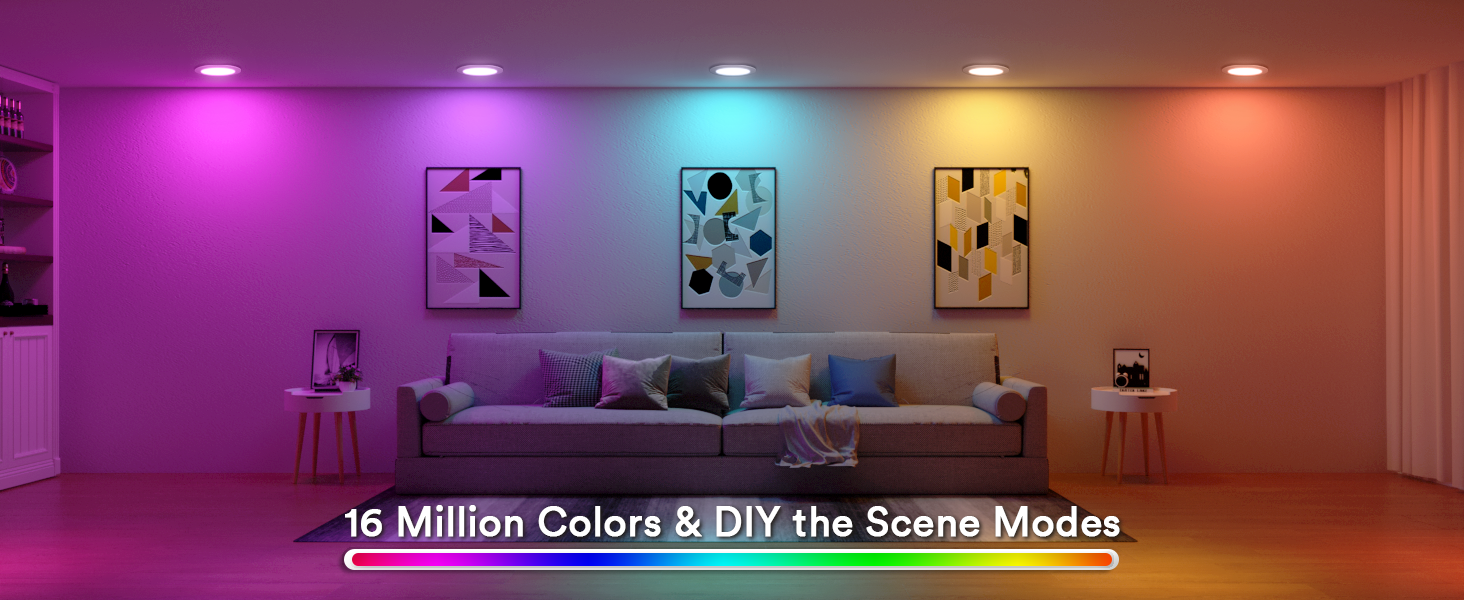
Image: A group of people enjoying a party with Lumary smart recessed lights changing colors in sync with music, controlled via the Lumary app.
- Scheduling: Set schedules for lights to automatically turn on/off at specific times, aligning with your daily routine.
- Group Control: Manage multiple lights simultaneously by grouping them in the app. This allows for unified control of lights in different rooms or zones.
Image: An illustration of a house with different rooms (Bedroom, Guest room, Study room, Kitchen, Living Room) demonstrating how Lumary recessed lights can be controlled in groups via the app.
- Memory Function: The lights recall your last settings (color, brightness, CCT) when turned off and on, eliminating the need to reset them each time.
6.3. Voice Control
Integrate your Lumary lights with Amazon Alexa or Google Assistant for hands-free control.
- Link Account: In the Alexa or Google Home app, enable the Lumary skill/action and link your Lumary account.
- Discover Devices: Allow the voice assistant to discover your new lights.
- Voice Commands: Use commands such as:
- "Alexa, turn on the living room lights."
- "Hey Google, set the kitchen lights to blue."
- "Alexa, dim the bedroom lights to 50%."
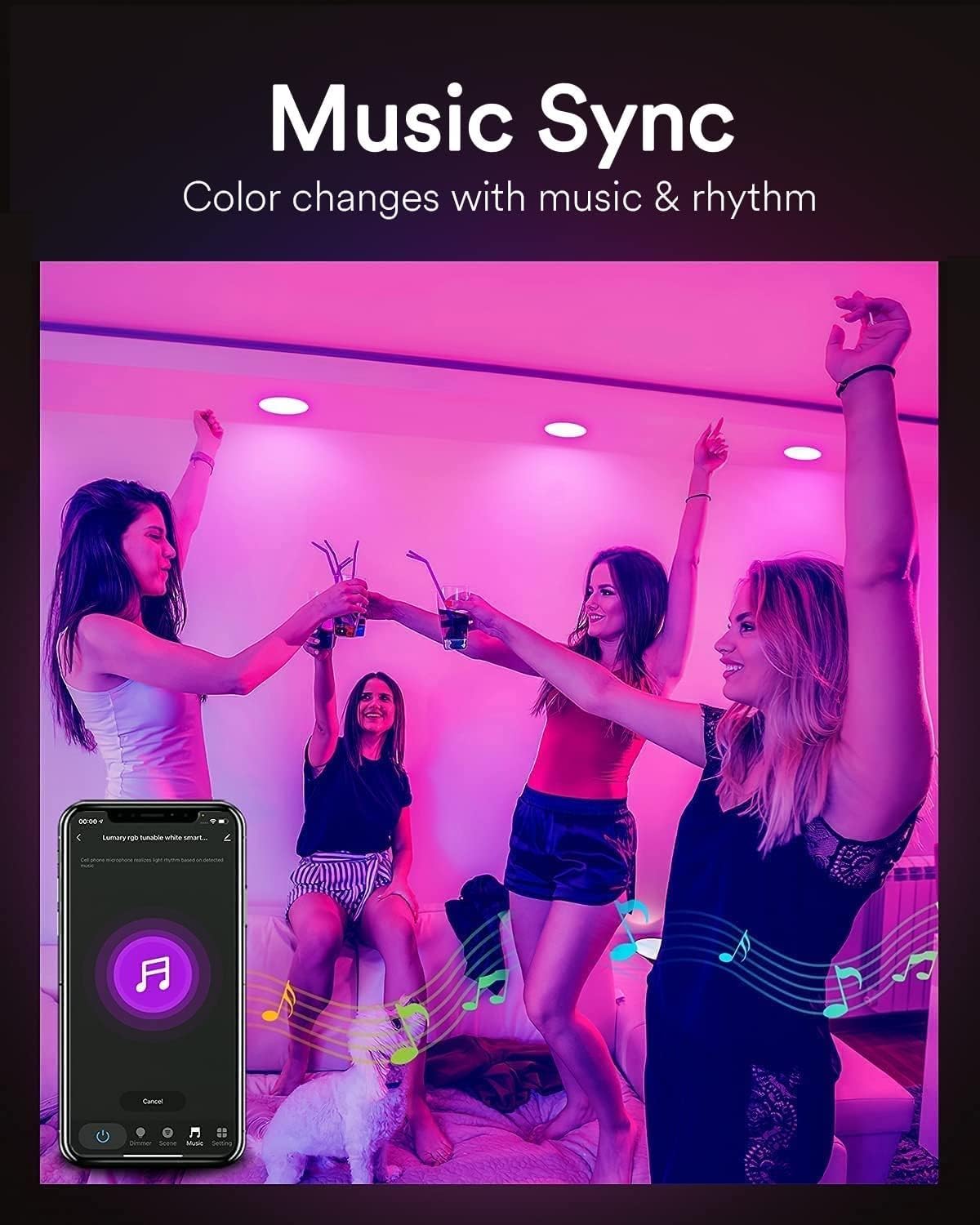
Image: A person interacting with an Amazon Alexa device to control Lumary smart recessed lights, demonstrating voice command functionality.
6.4. Bluetooth Remote Control (Sold Separately)
An optional Bluetooth remote control (requires 2 AAA batteries, not included) can be used for quick access to basic functions without a smartphone.
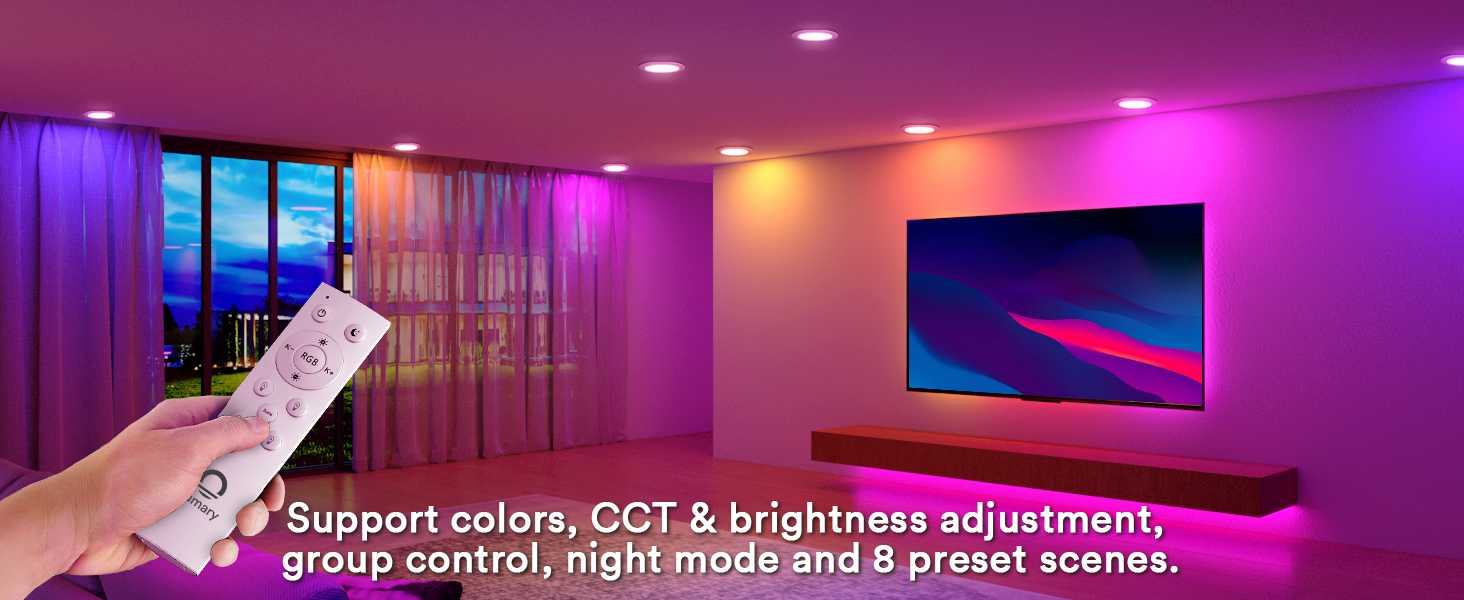
Image: A hand holding a Lumary remote control, illustrating its use for adjusting colors, CCT, brightness, and selecting scene modes for the recessed lights.
6.5. Product Video
Video: An overview of the Lumary Smart Recessed Lighting, demonstrating its features such as color changing, dimming, and smart control capabilities.
7. Maintenance
Your Lumary Smart Recessed Lights require minimal maintenance.
- Cleaning: Ensure power is off before cleaning. Wipe the surface of the light fixture with a soft, dry, or slightly damp cloth. Do not use abrasive cleaners or solvents.
- Bulb Replacement: The LED light source is integrated and not user-replaceable. The fixture has an average life of 25,000 hours.
- Firmware Updates: Periodically check the Lumary app for available firmware updates to ensure optimal performance and access to new features.
8. Troubleshooting
If you encounter issues with your Lumary Smart Recessed Lights, refer to the following common solutions:
| Problem | Possible Cause | Solution |
|---|---|---|
| Light does not turn on. | No power, loose wiring, faulty fixture. | Check circuit breaker. Verify all wiring connections are secure. If issue persists, contact support. |
| Cannot connect to Wi-Fi. | Incorrect Wi-Fi band, weak signal, incorrect password. | Ensure your router is broadcasting a 2.4GHz Wi-Fi signal. Move closer to the router. Double-check Wi-Fi password. Reset the light to pairing mode (cycle power off/on several times). |
| Lights disconnect frequently. | Weak Wi-Fi signal, network interference. | Improve Wi-Fi coverage (e.g., Wi-Fi extender). Ensure no other devices are causing interference. Avoid using on circuits with traditional dimmer switches. |
| Voice control not working. | Lumary skill/action not enabled, account not linked, device not discovered. | Verify the Lumary skill/action is enabled and linked in your Alexa/Google Home app. Ask the voice assistant to discover devices. Ensure lights are connected to the Lumary app. |
| Music Sync feature not responsive. | App not active, audio source not recognized. | Ensure the Lumary app is open and active on your device. Music sync typically works with audio played through the device running the app. |
| Lights are not dimming or changing color. | Connected to a physical dimmer switch. | Lumary smart lights are not compatible with traditional dimmer switches. Ensure they are connected to a standard ON/OFF switch. Control dimming and color via the Lumary app or voice assistant. |
9. Warranty and Support
Lumary provides a limited warranty for this product. Please refer to the warranty card included in your package or visit the official Lumary website for detailed warranty terms and conditions.
For technical support, troubleshooting assistance, or any product-related inquiries, please contact Lumary customer service through the following channels:
- Official Website: Visit the Lumary Store on Amazon
- Email Support: Refer to your product packaging or the Lumary website for the most current support email address.