
Introduction
This manual provides essential instructions for the safe and effective use of your toptrek USB Rechargeable Bike Light Kit. This kit includes a front light and a rear light, both designed for enhanced visibility and safety during cycling. Please read this manual thoroughly before installation and operation.
Safety Instructions
- Ensure lights are securely mounted before each ride to prevent detachment.
- Do not look directly into the front light beam to avoid temporary vision impairment.
- Keep the lights clean to maintain optimal brightness and visibility.
- Charge the lights using the provided USB-C cable and a compatible power source.
- The lights are IPX5 waterproof, meaning they are resistant to water splashes from any direction. Do not submerge them in water.
- Adhere to local traffic laws and regulations regarding bicycle lighting. This product is StVZO certified for compliance with German road traffic regulations.
Package Contents
Verify that all items are present in your package:
- 1 x Front Bike Light
- 1 x Rear Bike Light
- 2 x Elastic Mounting Straps
- 1 x USB Type-C Charging Cable
- 1 x User Manual
Setup
Mounting the Front Light
- Place the front light on your bicycle handlebar.
- Secure it firmly using one of the elastic mounting straps. Ensure the light is stable and does not move during riding.
- Adjust the light angle to illuminate the path ahead without dazzling oncoming traffic. The front light features 360-degree rotation for precise aiming.
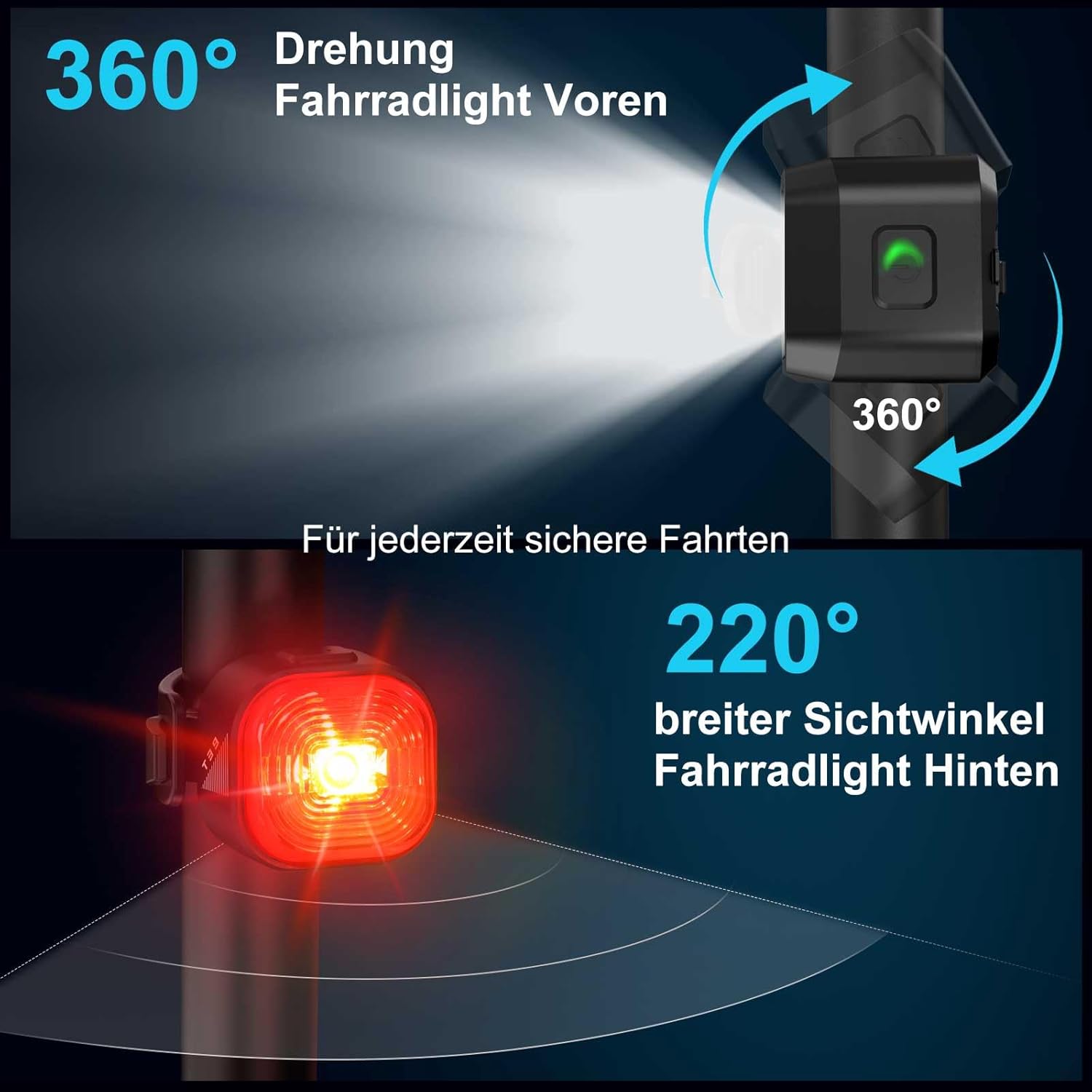
Image: Front light mounted on a handlebar, illustrating its 360-degree rotation for optimal beam direction. The rear light's wide visibility angle is also depicted.
Mounting the Rear Light
- Attach the rear light to your bicycle's seat post or frame.
- Use the remaining elastic mounting strap to secure it. Verify that the light is stable and visible from behind.
- Ensure the rear light is positioned to provide maximum visibility to traffic approaching from the rear. The rear light offers a 220-degree wide viewing angle.
Operating Instructions
Charging the Lights
Both the front and rear lights are equipped with USB-C charging ports.
- Connect the provided USB-C cable to the charging port on each light.
- Plug the other end of the cable into a USB power source (e.g., computer, wall adapter).
- A green blinking light indicates active charging. A solid blue light indicates a full charge. A green blinking light also serves as a low battery warning.
- A full charge typically takes approximately 2 hours.

Image: Front and rear lights being charged via USB-C, with visual indicators for charging status (green blinking for active, solid blue for fully charged) and low battery warning.
Power On/Off and Mode Selection
Each light has a power button for operation.
- Front Light: Press the power button to cycle through the available modes: Super Bright (50 lux), Medium Brightness (30 lux), and Off.
- Rear Light: Press the power button to turn the light On or Off. The rear light has one operating mode.

Image: The front bike light demonstrating its three operational modes: Super Bright, Medium Brightness, and Off, with visual representation of the light output for each setting.
Battery Life
- Front Light: Up to 8 hours in Medium Brightness mode (30 lux), up to 5 hours in Super Bright mode (50 lux).
- Rear Light: Up to 13 hours.
Maintenance
Cleaning
Wipe the lights with a soft, damp cloth to remove dirt and debris. Do not use abrasive cleaners or solvents.
Storage
Store the lights in a cool, dry place when not in use. For long-term storage, ensure the battery is partially charged (around 50%) to prolong its lifespan.
Water Resistance
The lights are rated IPX5, providing protection against water jets from any direction. This makes them suitable for use in rainy conditions. However, they are not designed for submersion.
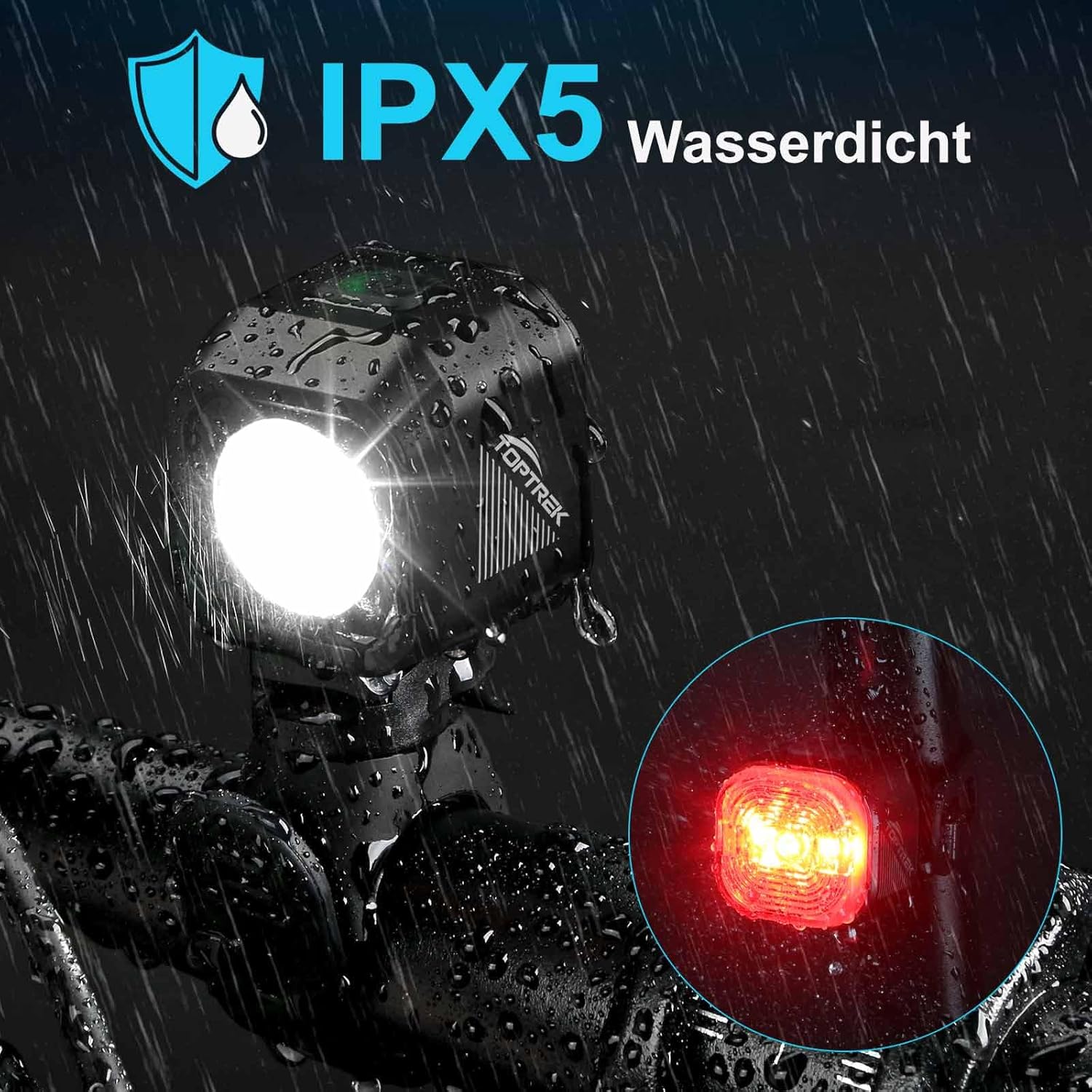
Image: The bike lights are shown covered in water droplets, illustrating their IPX5 waterproof capability, suitable for use in rain.
Troubleshooting
- Light not turning on: Ensure the battery is charged. Press and hold the power button for a few seconds.
- Battery not charging: Check the USB-C cable connection and the power source. Try a different cable or power adapter.
- Light flickering: This may indicate a low battery. Recharge the light. If the issue persists after charging, contact customer support.
- Light not holding charge: Ensure the charging port is clean and free of debris. If the problem continues, the battery may need service.
Specifications
| Feature | Detail |
|---|---|
| Model Number | 1061+T39 |
| Front Light Brightness | Up to 50 lux (High mode), 30 lux (Eco mode) |
| Beam Range | Up to 200 meters |
| Battery Type | Rechargeable (1 x 12V included) |
| Charging Port | USB Type-C |
| Charging Time | Approx. 2 hours |
| Front Light Battery Life | 5 hours (High), 8 hours (Eco) |
| Rear Light Battery Life | 13 hours |
| Water Resistance | IPX5 (Splash-proof) |
| Material | Acrylic, Acrylonitrile Butadiene Styrene |
| Dimensions (Package) | 13.8 x 11.6 x 4.4 cm |
| Weight (Package) | 130 grams |
| StVZO Front Light Certification | K2535 |
| StVZO Rear Light Certification | K2526 |
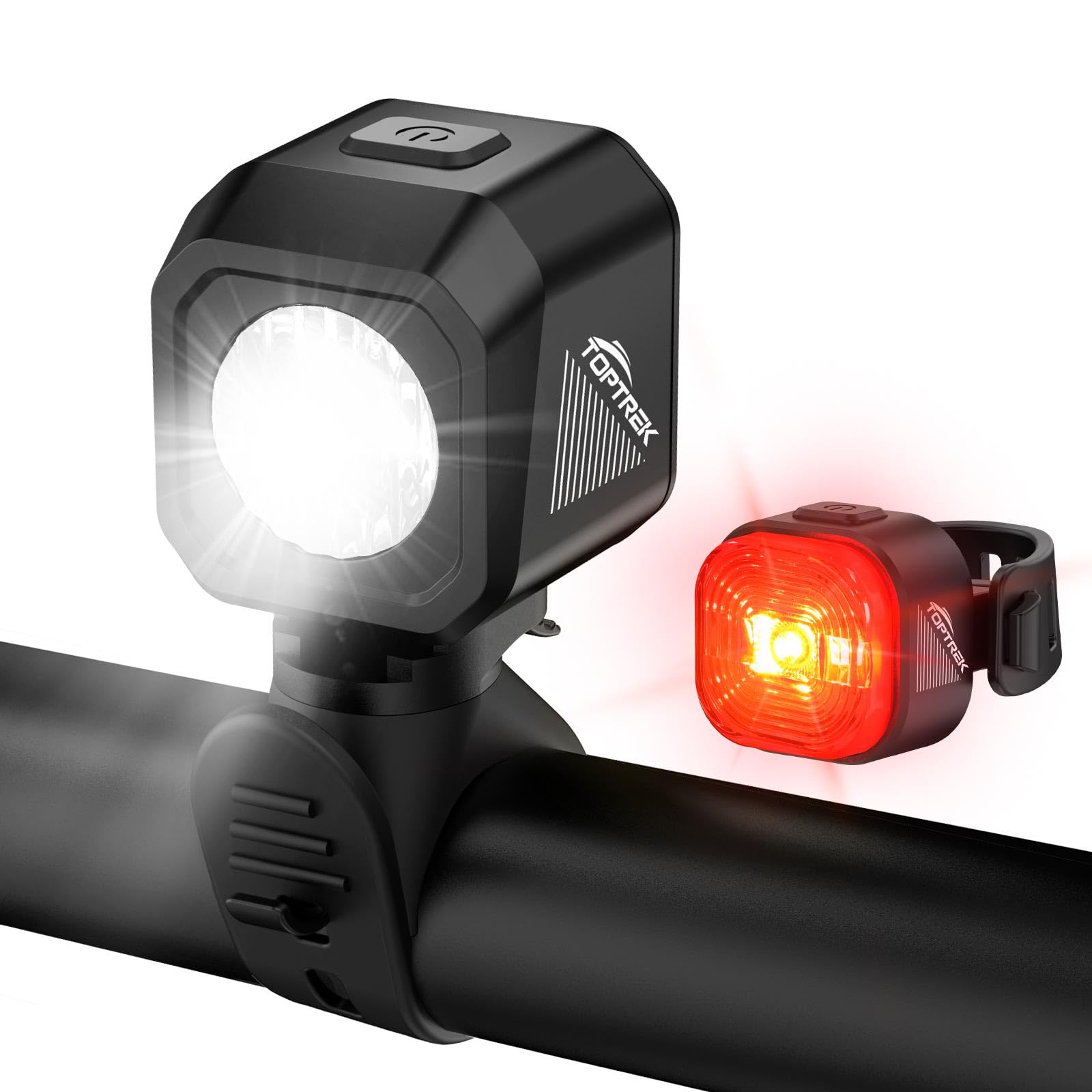
Image: The front bike light demonstrating its powerful beam, capable of illuminating up to 200 meters ahead for clear visibility.
Warranty and Support
For warranty information or technical support, please refer to the contact details provided with your purchase or visit the official toptrek website. Keep your proof of purchase for any warranty claims.
Multifunctional Use
Beyond cycling, these lights can serve various purposes:
- Flashlight: Detach the front light for use as a handheld flashlight.
- Backpack Light: Attach the rear light to a backpack for added visibility during walks or hikes.
- Camping Light: Use either light for illumination during camping activities.
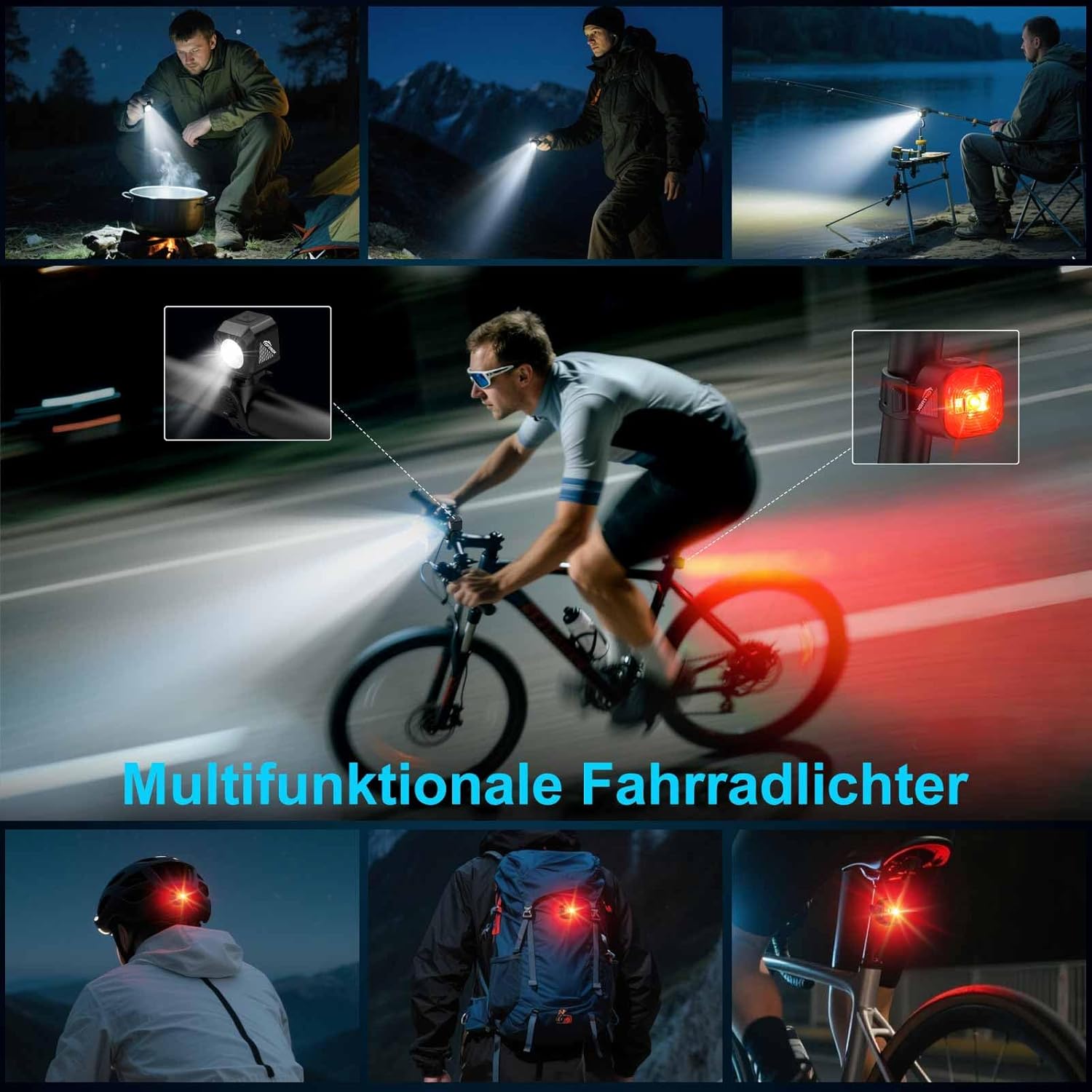
Image: A collage illustrating the versatile applications of the toptrek bike lights, including their use as a standard bike light, a handheld flashlight, a backpack light, and for camping.
