
1. Introduction
Thank you for choosing the Dreo Tower Fan and Heater Combo. This innovative 2-in-1 appliance provides year-round comfort by seamlessly transitioning between powerful cooling and efficient heating. Designed for optimal performance and quiet operation, it is an ideal solution for bedrooms, offices, and large rooms.
This manual provides detailed instructions for the safe and effective use, setup, operation, and maintenance of your new Dreo appliance. Please read it thoroughly before use and retain it for future reference.
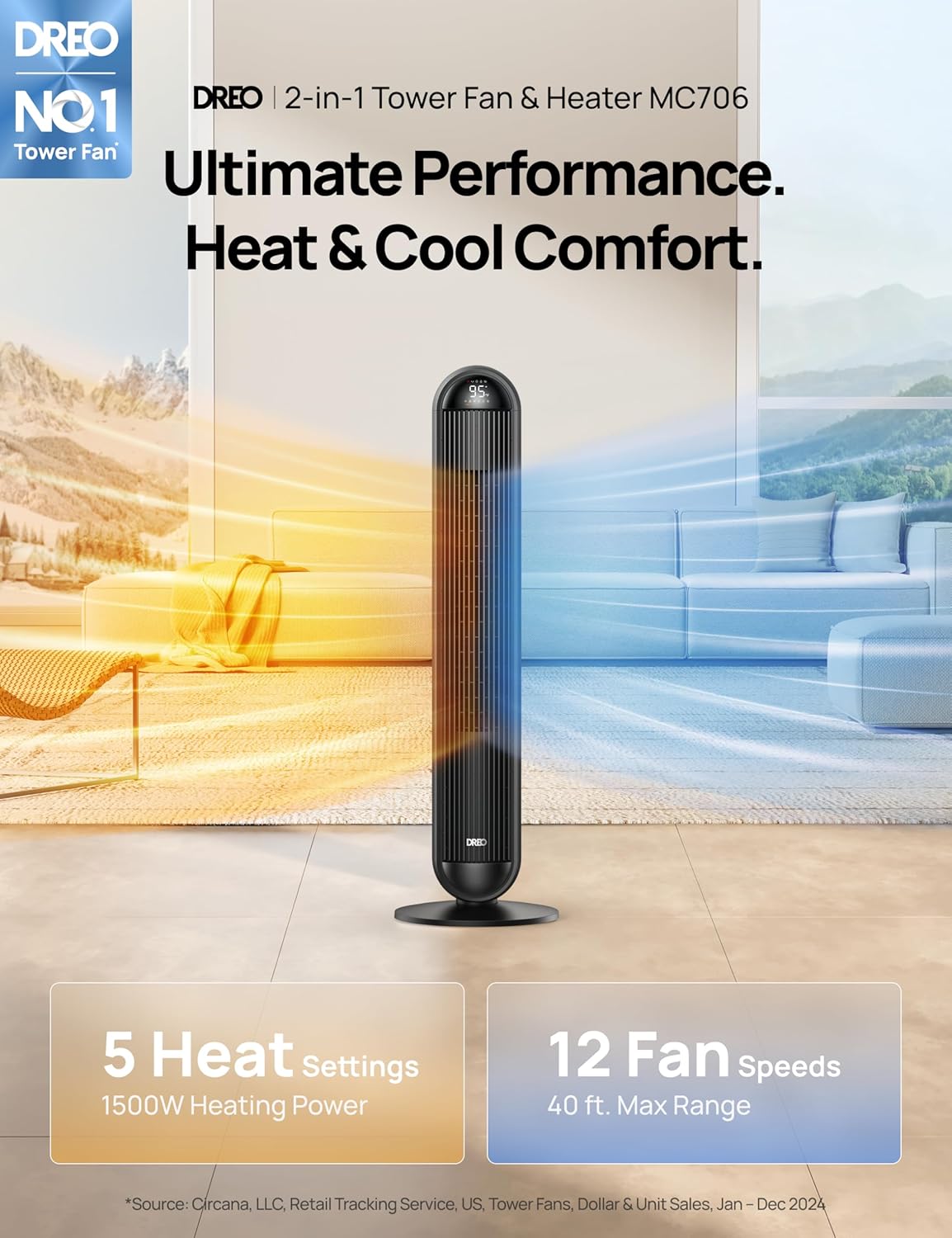
Image: The Dreo Tower Fan and Heater Combo (MC706) illustrating its dual functionality for both heating and cooling, providing ultimate performance and comfort.
2. Important Safety Instructions
When using electrical appliances, basic precautions should always be followed to reduce the risk of fire, electric shock, and injury to persons, including the following:
- Read all instructions before using this appliance.
- This appliance is equipped with 9-layer Protection features for enhanced safety, including:
- Patented FortPlug™: Ensures secure and safe power connection.
- V-0 Flame Retardant Built: Constructed with fire-resistant materials.
- Overheat Protection: Automatically shuts off if internal temperature exceeds safe limits.
- Tip-Over Protection: Automatically turns off if the unit is accidentally knocked over.
- Thermal Insulated Wiring: Prevents heat buildup in electrical components.
- Cool Touch Housing: Exterior remains cool to the touch during operation.
- Child Lock: Prevents accidental changes to settings.
- ETL Certified: Independently tested and certified for safety standards.
- Always plug heaters directly into a wall outlet/receptacle. Never use with an extension cord or relocatable power tap (outlet/power strip).
- Do not operate any fan with a damaged cord or plug. Discard fan or return to an authorized service facility for examination and/or repair.
- Do not run cord under carpeting. Do not cover cord with throw rugs, runners, or similar coverings. Arrange cord away from traffic area and where it will not be tripped over.
- To disconnect the fan, turn controls to off, then remove plug from outlet.
- Do not insert or allow foreign objects to enter any ventilation or exhaust opening as this may cause an electric shock or fire, or damage the fan.
- Do not use in areas where gasoline, paint, or flammable liquids are used or stored.
- Keep combustible materials, such as furniture, pillows, bedding, papers, clothes, and curtains at least 3 feet (0.9 m) from the front of the heater and keep them away from the sides and rear.
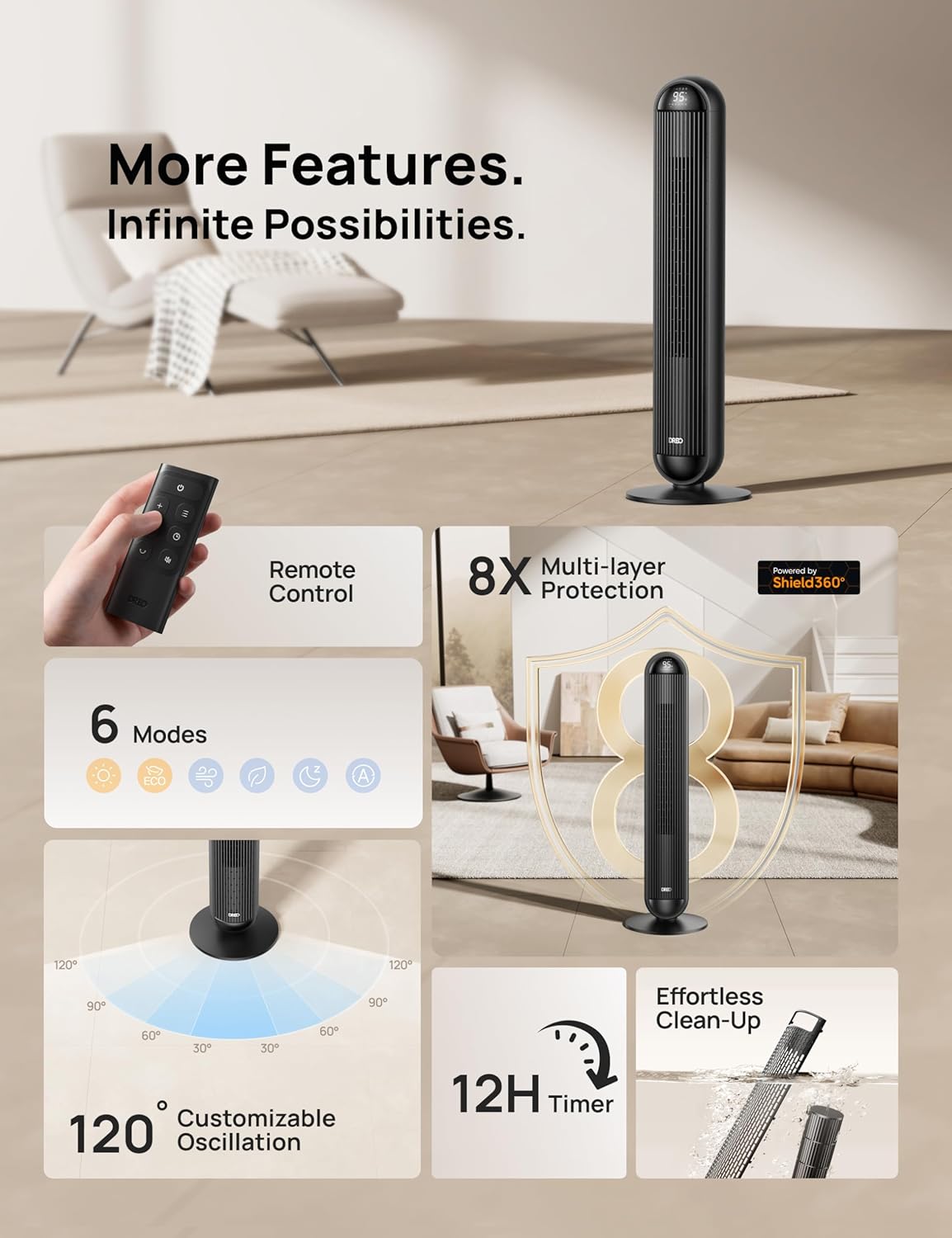
Image: Visual representation of the Dreo Tower Fan's multi-layer safety protection system, including features like FortPlug, V-0 flame retardant, overheat, and tip-over protection.
3. Package Contents
Please check the package contents upon unboxing. If any items are missing or damaged, please contact customer support.
- 1 x Dreo 42'' Tower Fan and Heater Combo
- 1 x Remote Control
- 1 x User Guide (This Manual)
4. Setup and Assembly
The Dreo Tower Fan and Heater Combo requires minimal assembly before first use.
- Base Assembly: Carefully attach the two halves of the base to the bottom of the main unit. Align the screw holes and secure them with the provided screws using a screwdriver (not included).
- Placement: Place the assembled unit on a firm, level surface. Ensure there is at least 3 feet (0.9 m) of clear space around the unit, especially from walls, furniture, and curtains, to allow for proper airflow and prevent overheating.
- Power Connection: Plug the power cord directly into a 120V AC, 60Hz wall outlet. Do not use extension cords or power strips.
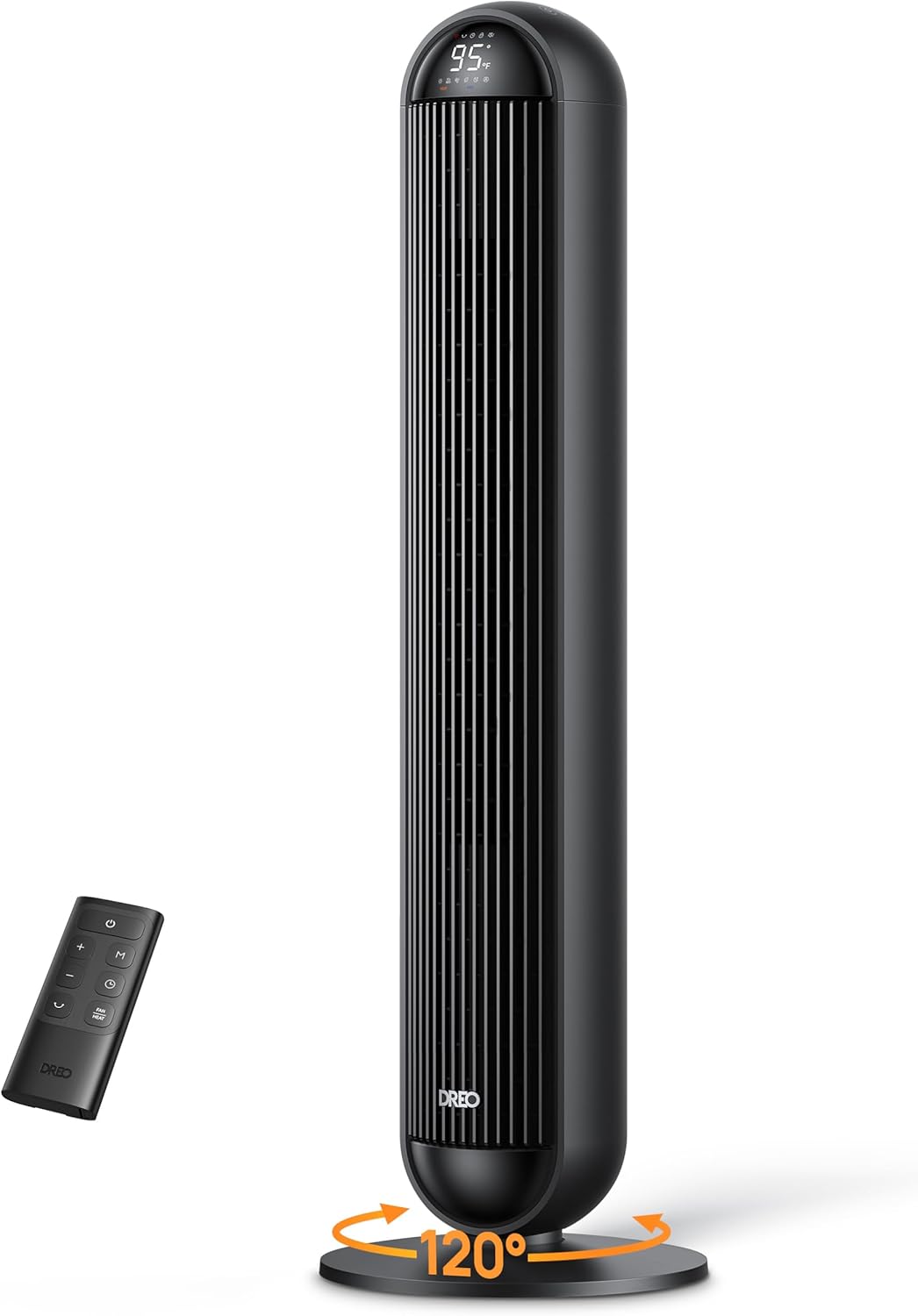
Image: The Dreo Tower Fan and Heater Combo in black, showing its sleek design, digital display, included remote control, and indicating its 120-degree oscillation capability.
5. Operating Instructions
Your Dreo Tower Fan and Heater Combo can be operated using the touch control panel on top of the unit or the included remote control.
Control Panel & Remote Control
The intuitive control panel and remote allow for easy adjustment of all settings.
- Power Button: Press to turn the unit ON or OFF.
- Mode Button: Cycle through 6 available modes:
- Fan Modes: Normal, Natural, Auto, Sleep (12 cooling fan speeds available).
- Heating Modes: Heat (5-level 1500W PTC heater).
- Speed Adjustment: Increase or decrease fan speed or heating level.
- Oscillation Button: Activate or deactivate the 120° wide oscillation feature to distribute air evenly across the room.
- Timer Button: Set the 12-hour timer for automatic shut-off.
- ECO Mode: In heating mode, activate ECO mode to maintain a precise room temperature between 41-95°F with ±1.5°F accuracy, optimizing energy consumption.
- Child Lock: Activate to prevent unintended operation.

Image: An internal view of the Dreo Tower Fan demonstrating its auto-shift technology, allowing seamless transition between PTC-In (heating) and PTC-Out (cooling) functions.

Image: The Dreo Tower Fan illustrating its powerful airflow, capable of generating hyperfast winds at 29.2 ft/s and a massive wind volume of 1585 CFM, powered by TurboSilent technology.

Image: A close-up view of the Dreo Tower Heater's internal PTC element, highlighting its Hyperamics technology for rapid 2-second instant warm-up and 1500W max power.
6. Maintenance
Regular cleaning and proper storage will ensure the longevity and optimal performance of your Dreo Tower Fan and Heater Combo.
- Cleaning:
- Always unplug the appliance before cleaning.
- Use a soft, damp cloth to wipe the exterior surfaces. Do not use abrasive cleaners or solvents.
- For the air inlet and outlet grilles, use a vacuum cleaner with a brush attachment to remove dust and debris. The design allows for effortless clean-up.
- Do not immerse the unit in water or allow water to drip into the motor housing.
- Storage:
- If storing the unit for an extended period, cover it with a plastic bag or return it to its original packaging to protect it from dust.
- Store in a cool, dry place.
7. Troubleshooting
If you encounter issues with your Dreo Tower Fan and Heater Combo, please refer to the following common problems and solutions:
| Problem | Possible Cause | Solution |
|---|---|---|
| Unit does not turn on. | Not plugged in; Power outlet malfunction; Tip-over switch activated; Overheat protection activated. | Ensure plug is securely in outlet; Test outlet with another device; Place unit on a flat, stable surface; Unplug and allow to cool for 30 minutes before restarting. |
| Weak airflow or no heat. | Air inlet/outlet blocked; Incorrect mode selected; Room too large for heating. | Clean air inlets/outlets; Ensure correct mode (Fan/Heat) is selected; For heating, ensure doors/windows are closed and consider unit placement. |
| Unit makes unusual noise. | Dust buildup; Obstruction in fan blades. | Unplug and clean the unit thoroughly, especially air grilles. Ensure no foreign objects are inside. |
| Remote control not working. | Batteries dead or incorrectly inserted; Obstruction between remote and unit. | Replace batteries (requires batteries); Ensure clear line of sight to the unit's receiver. |
If the problem persists after trying these solutions, please contact Dreo Customer Support.
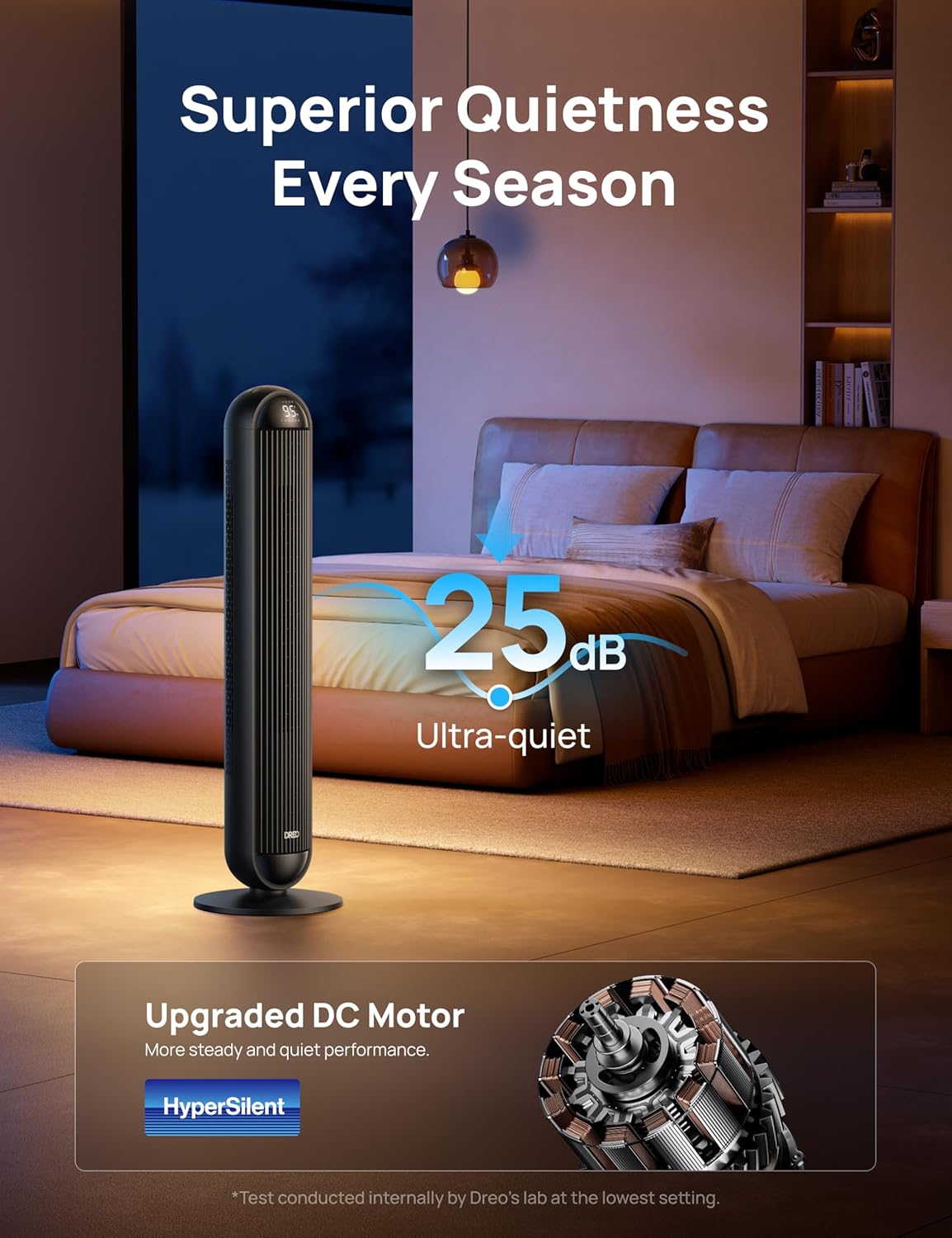
Image: The Dreo Tower Fan and Heater Combo shown in a bedroom, emphasizing its ultra-quiet operation at 25dB, powered by an upgraded DC motor with HyperSilent technology.
8. Specifications
| Brand | Dreo |
| Model Number | DR-HSH016 |
| Color | Black |
| Product Dimensions | 12.91"D x 12.91"W x 42.46"H |
| Item Weight | 13.46 pounds |
| Power (Heater) | 1500W |
| Fan Speeds | 12 Levels |
| Heating Levels | 5 Levels |
| Oscillation Angle | 120° |
| Noise Level | As low as 25dB |
| Timer | 12 Hours |
| UPC | 810142858786 |
| Country of Origin | China |
9. Warranty and Customer Support
Dreo provides a comprehensive warranty for this product. For detailed warranty information, please refer to the warranty card included with your purchase or visit the official Dreo website.
If you have any questions, concerns, or require assistance with your Dreo Tower Fan and Heater Combo, our dedicated customer support team is ready to help. Please contact us via:
- Email: support@dreo.com (example)
- Phone: 1-800-XXX-XXXX (example)
- Website: www.dreo.com (example)
Please have your model number (DR-HSH016) and purchase information ready when contacting support.