
1. Introduction
Thank you for choosing the aowoka 2025 Portable Bluetooth Speaker. This manual provides essential information for setting up, operating, maintaining, and troubleshooting your speaker. Please read it carefully to ensure optimal performance and longevity of your device.

The aowoka 2025 Portable Bluetooth Speaker is designed for portability and outdoor use, easily attaching to a backpack.
2. Package Contents
Please check the package for the following items:
- aowoka 2025 Portable Bluetooth Speaker
- Power Cable
- User Manual (this document)
3. Product Features
- Powerful Bass: Equipped with a high-power full-range speaker and a metal CD-grain bass cone, delivering deep and powerful bass for an immersive audio experience.
- 24-Hour Battery Life: Integrated 1800 mAh rechargeable Li-ion battery provides over 24 hours of playtime per charge (battery life varies with lighting, volume, and music type). Includes a built-in microphone for hands-free calls.
- Bluetooth 5.4 & Wide Compatibility: Features advanced Bluetooth 5.4 for fast and stable connections. Compatible with most Bluetooth devices including smartphones, MP3 players, TVs, tablets, and laptops. Supports digital audio file decoding from TF and SD cards.
- IPX7 Waterproof & Durable: IPX7 waterproof rating ensures resistance to rain, dust, snow, splashes, sand, and mud, allowing temporary immersion in water. Ideal for outdoor activities like cycling, camping, beach trips, and hiking. Features a flexible woven mesh shell and ASB injection molding for durability, along with a portable braided strap.
- RGB Lighting & TWS Pairing: Features seven dazzling and colorful RGB ambient lighting effects that synchronize with music. Supports True Wireless Stereo (TWS) mode for pairing two speakers, providing immersive cinema-like surround sound. Lighting can be turned off as needed.
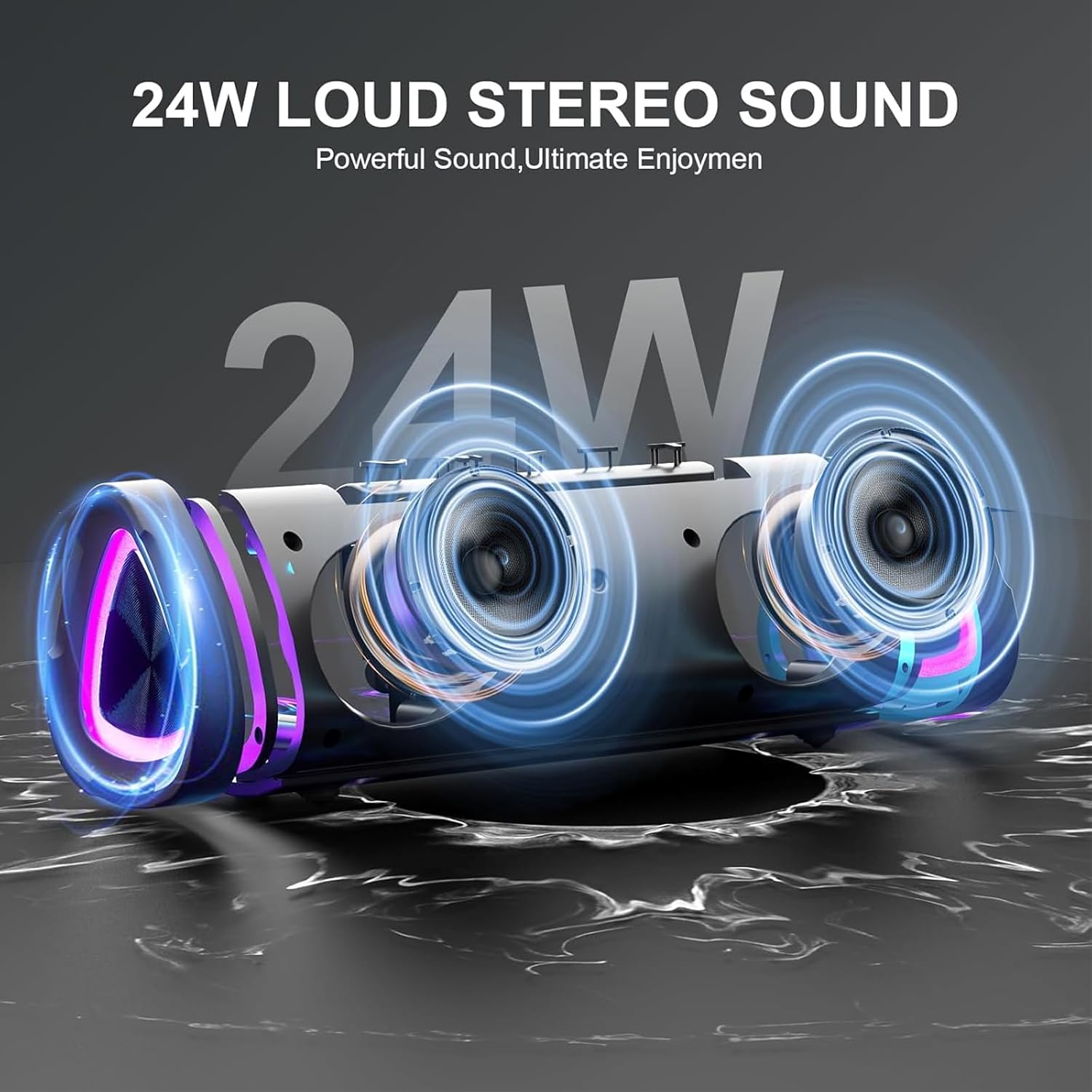
The speaker's internal design highlights its 24W loud stereo sound capability and powerful bass output.
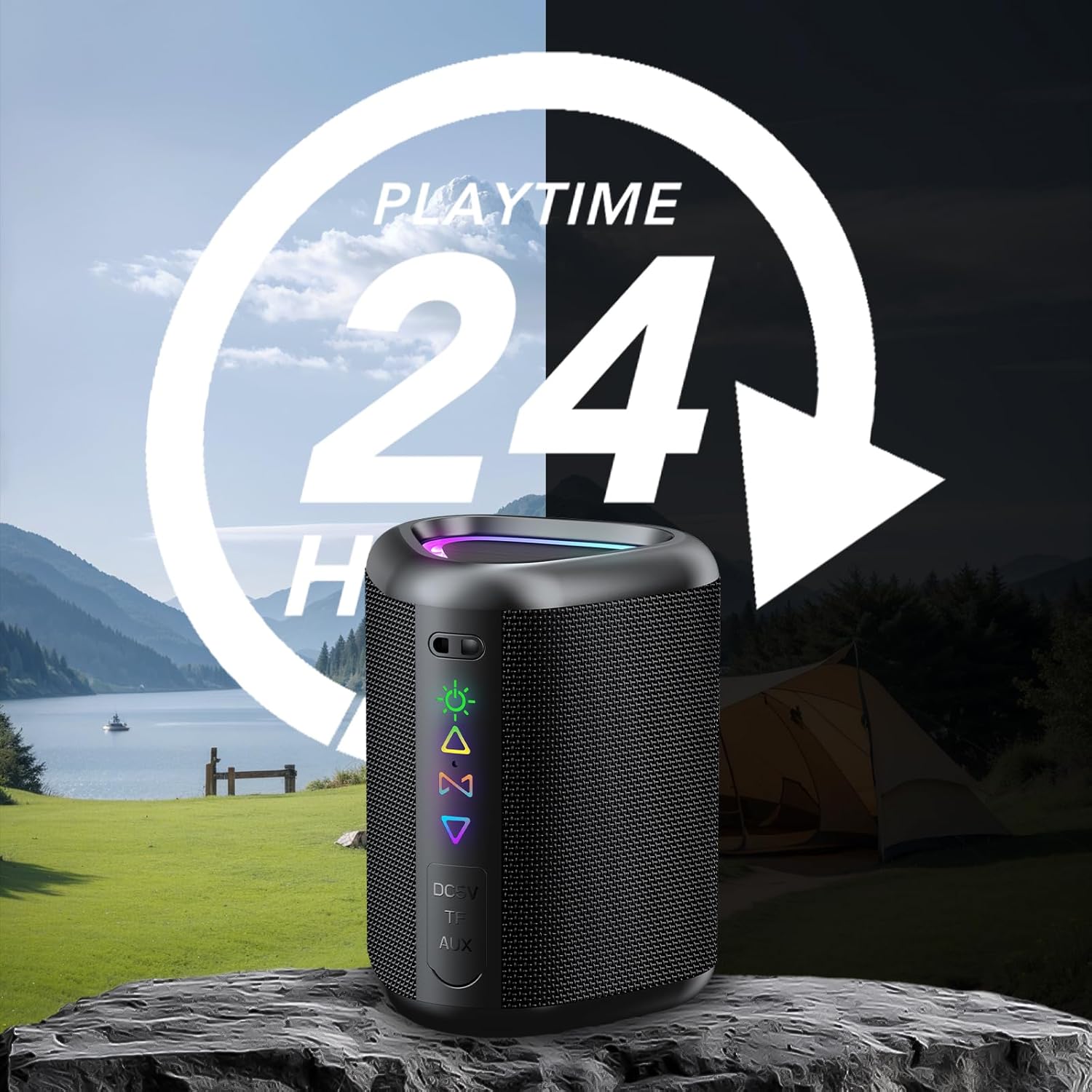
Enjoy extended listening sessions with up to 24 hours of playtime, perfect for outdoor adventures.

The speaker offers wide compatibility with various devices, including smartphones, tablets, and laptops.
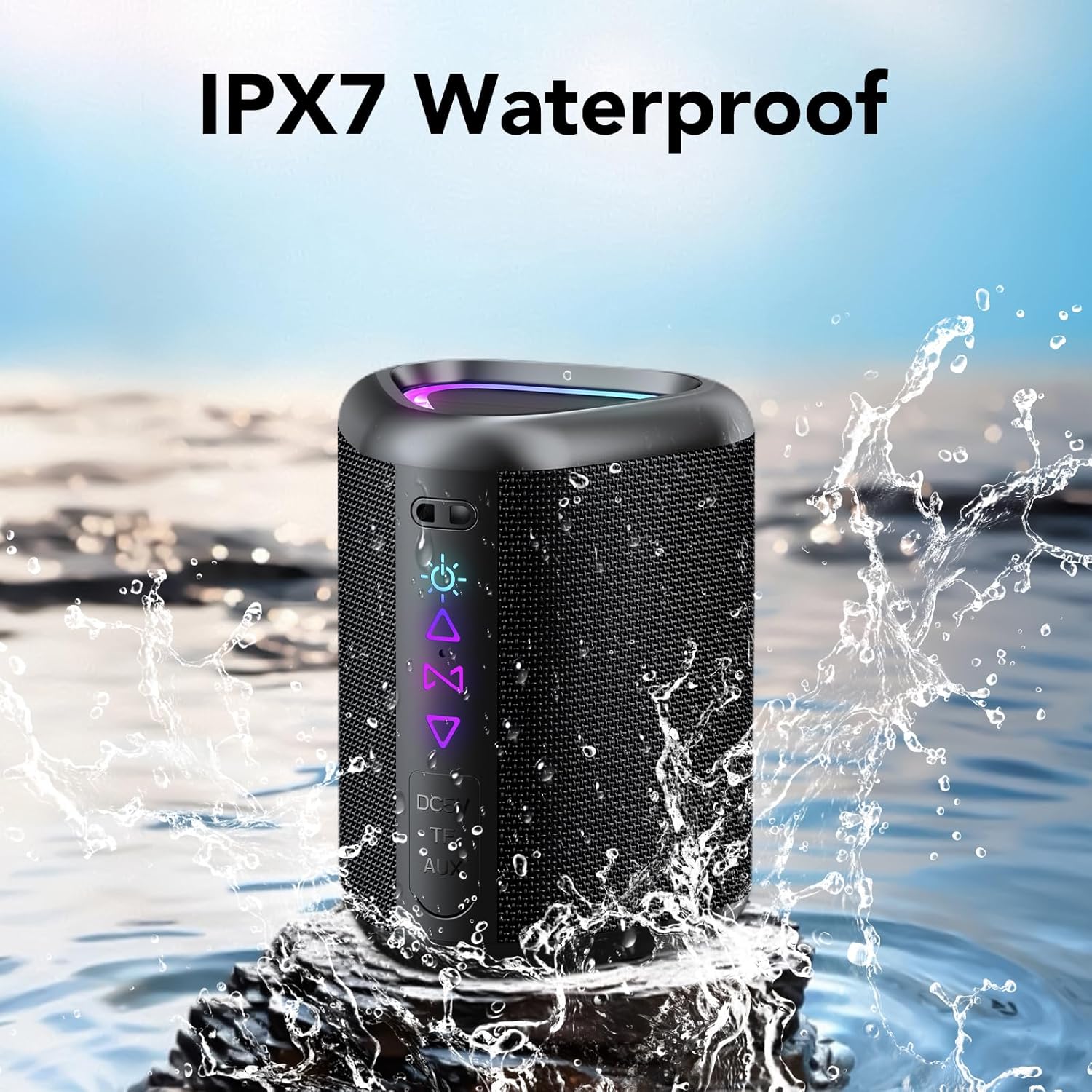
The IPX7 waterproof design protects the speaker from water splashes and temporary immersion.
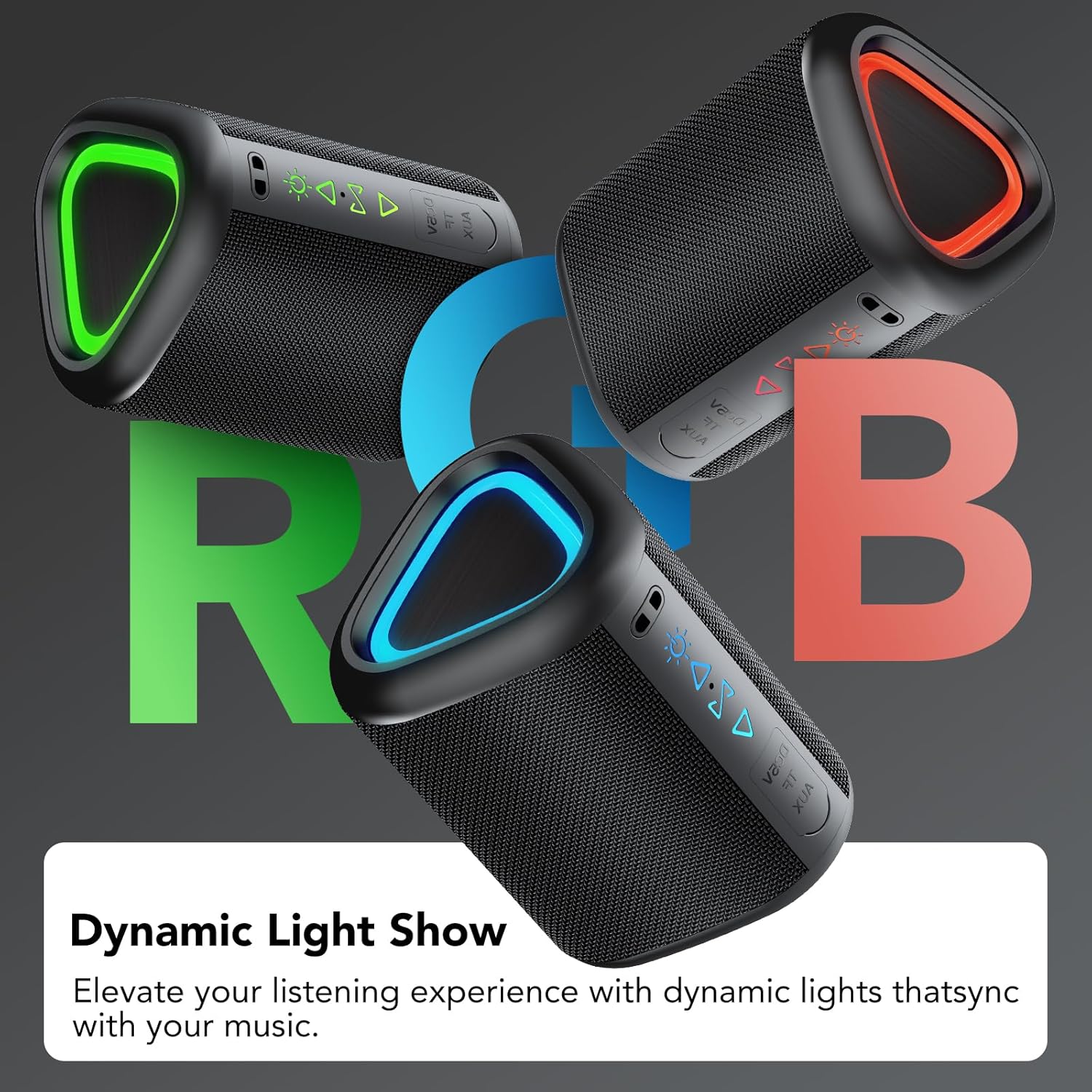
Dynamic RGB lighting enhances the listening experience, with lights synchronizing to the music.

Connect two speakers wirelessly for an enhanced True Wireless Stereo (TWS) audio experience.
4. Getting Started
4.1 Charging the Speaker
Before first use, fully charge the speaker. Connect the provided power cable to the speaker's DC 5V port and the other end to a USB power adapter (not included). The charging indicator light will show charging status and turn off when fully charged.
4.2 Powering On/Off
- To Power On: Press and hold the Power button for 2 seconds.
- To Power Off: Press and hold the Power button for 2 seconds.
4.3 Bluetooth Pairing
- Ensure the speaker is powered on and in Bluetooth pairing mode (indicated by a flashing blue LED).
- On your device (smartphone, tablet, etc.), enable Bluetooth and search for available devices.
- Select "aowoka 2025" from the list of devices.
- Once paired, the speaker will emit a confirmation sound, and the LED indicator will turn solid blue.
4.4 True Wireless Stereo (TWS) Pairing
To achieve a stereo sound experience, you can pair two aowoka 2025 speakers together:
- Ensure both speakers are powered on and not connected to any Bluetooth device.
- On one speaker (this will be the primary speaker), double-press the TWS button. It will search for the second speaker.
- The second speaker (secondary speaker) will automatically connect to the primary speaker.
- Once paired, the primary speaker's LED will flash, and the secondary speaker's LED will be solid.
- Now, connect your device to the primary speaker via Bluetooth as described in section 4.3.
5. Operating Instructions
5.1 Button Functions

Detailed overview of the speaker's button controls and their respective functions.
| Button/Action | Function |
|---|---|
| Power Button (Press & Hold 2s) | Power On/Off |
| Light Button (x1) | Change Light Mode |
| Light Button (x3) | Turn Lights On/Off |
| Volume Up (+) (x1) | Increase Volume |
| Volume Down (-) (x1) | Decrease Volume |
| Next Track (Press & Hold 2s) | Next Song |
| Previous Track (Press & Hold 2s) | Previous Song |
| TWS Button (x2) | Initiate TWS Pairing |
| Call Button (x1) | Answer/End Call |
| Call Button (Press & Hold 2s) | Reject Call |
| Play/Pause Button (x1) | Play/Pause Music |
5.2 Music Playback
- Bluetooth Mode: After successful pairing, music from your connected device will play through the speaker. Use your device or the speaker's controls to manage playback.
- TF/SD Card Mode: Insert a TF or SD card with audio files into the designated slot. The speaker will automatically switch to card mode and begin playback.
- AUX Mode: Connect an audio device using a 3.5mm AUX cable (not included) to the speaker's AUX port. The speaker will automatically switch to AUX mode.
5.3 Hands-Free Calling
When connected via Bluetooth, the speaker's built-in microphone allows for hands-free calls. Use the Call button as described in section 5.1 to manage calls.
5.4 RGB Lighting Control
The speaker features dynamic RGB lighting. Press the Light button once to cycle through different light modes. Press the Light button three times to turn the lights on or off.
6. Maintenance
- Cleaning: Use a soft, dry cloth to clean the speaker. Do not use abrasive cleaners or solvents.
- Water Exposure: While IPX7 waterproof, avoid prolonged immersion in water. Ensure the charging port cover is securely closed when near water.
- Storage: Store the speaker in a cool, dry place away from direct sunlight and extreme temperatures.
- Battery Care: To preserve battery life, charge the speaker at least once every three months if not used regularly.
7. Troubleshooting
| Problem | Possible Solution |
|---|---|
| Speaker does not power on. | Ensure the speaker is charged. Connect it to a power source and try again. |
| Cannot pair via Bluetooth. | Make sure the speaker is in pairing mode. Disable and re-enable Bluetooth on your device. Move closer to the speaker. |
| No sound. | Check the volume level on both the speaker and your connected device. Ensure the correct input mode (Bluetooth, TF/SD, AUX) is selected. |
| TWS pairing fails. | Ensure both speakers are not connected to any other Bluetooth device. Try repeating the TWS pairing steps. |
| Lights are not working. | Press the Light button three times to toggle the lights on/off. Ensure the speaker has sufficient battery. |
8. Specifications
| Feature | Detail |
|---|---|
| Brand | aowoka |
| Model Name | M6-DE-New BK |
| Max Speaker Output Power | 20 Watts |
| Frequency Response | 20Hz - 20kHz (interpreted from 200000 Hz) |
| Connectivity Technology | Bluetooth 5.4 |
| Audio Output Mode | Stereo (2.1 channels) |
| Mounting Type | Table Mount |
| Material | Plastic |
| Speaker Type | Portable Speaker |
| Color | Black |
| Average Battery Life | 24 hours |
| Water Resistance Level | IPX7 Waterproof |
| Control Method | Buttons |
| Speaker Size | 10 Centimeters |
| Battery Capacity | 1800 mAh |
| Power Source | Electric Cable (for charging) |
| Audio Driver Type | Dynamic |
| Dimensions (D x W x H) | 10cm x 6.8cm x 7.3cm |
9. Warranty and Support
9.1 Warranty Information
The aowoka 2025 Portable Bluetooth Speaker comes with a two-year limited warranty from the date of purchase. This warranty covers manufacturing defects and workmanship under normal use. It does not cover damage caused by misuse, accidents, unauthorized modifications, or normal wear and tear.
9.2 Customer Support
If you encounter any issues or have questions regarding your aowoka 2025 speaker, please contact our customer support team. For the fastest service, please have your model number (M6-DE-New BK) and proof of purchase ready.
Email: support@aowoka.com
Website: www.aowoka.com/support