
1. Introduction
Thank you for choosing the Ntaanoo F50 Powerbank. This ultra-slim, portable charger is designed to provide fast and efficient power to your mobile devices on the go. With its 10000mAh capacity and multiple charging ports, it ensures your devices stay charged when you need them most. Please read this manual carefully before using the product to ensure proper operation and to maximize its lifespan.

Figure 1: Ntaanoo F50 Powerbank
The Ntaanoo F50 Powerbank is a compact and powerful portable charger, featuring a digital display for battery percentage and multiple ports for versatile charging. Its slim design makes it easy to carry, providing reliable power for various devices.
2. What's in the Box
- 1 x Ntaanoo F50 Powerbank
- 1 x USB-C Cable
- 1 x User Manual (this document)

Figure 2: Powerbank and USB-C Cable
The package includes the Ntaanoo F50 Powerbank and a USB-C charging cable, along with this user manual. Ensure all items are present upon unboxing.
3. Product Features and Components
The Ntaanoo F50 Powerbank is equipped with several features for convenient and safe charging:
- Digital Display: Shows the remaining battery percentage.
- Fast Charging: Supports fast charging protocols for quick power delivery.
- Multiple Ports: Includes USB-A output, USB-C input/output, and Micro USB input.
- Compact Design: Pocket-sized and lightweight for easy portability.
- Safety Features: Built-in short circuit protection and other safeguards.

Figure 3: Powerbank Ports and Digital Display
This image highlights the various input and output ports on the power bank, including USB-A, USB-C, and Micro USB, along with the clear digital battery percentage display.

Figure 4: Compact Size Comparison
The power bank is shown next to a smartphone to demonstrate its compact dimensions (5.55 x 2.76 x 0.63 inches) and lightweight design (9.6 ounces), making it highly portable.
4. Setup
4.1 Initial Charging of the Powerbank
Before first use, it is recommended to fully charge your Ntaanoo F50 Powerbank. This ensures optimal battery performance and longevity.
- Connect the provided USB-C cable to the USB-C input/output port on the power bank.
- Connect the other end of the USB-C cable to a compatible USB wall charger (not included). The power bank supports 18W input for fast recharging.
- The digital display will show the charging progress. Once it reaches 100%, the power bank is fully charged.
A full charge typically takes approximately 2 hours when using an 18W power adapter.
Video 1: Powerbank Fast Charging Overview
This video demonstrates the fast charging capabilities of the Ntaanoo F50 Powerbank, including its quick recharge time and efficient power delivery to devices.
5. Operating Instructions
5.1 Charging Your Devices
The Ntaanoo F50 Powerbank can charge a wide range of smartphones, tablets, and other USB-powered devices.
- Connect your device's charging cable to one of the output ports on the power bank (USB-A or USB-C).
- Connect the other end of the cable to your device.
- The power bank will automatically begin charging your device. The digital display will show the power bank's remaining battery level.
The power bank supports PD 22.5W fast charging, allowing compatible devices to charge significantly faster than with standard chargers.

Figure 5: Fast Charging Demonstration
This image illustrates the power bank's 22.5W fast charging capability, showing how quickly it can charge a smartphone compared to a standard 2.1A charger.
5.2 Charging Multiple Devices Simultaneously
You can charge up to two devices at the same time using the available output ports.
- Connect the first device to the USB-A output port.
- Connect the second device to the USB-C input/output port.
- The power bank will distribute power to both connected devices.

Figure 6: Simultaneous Device Charging
This image shows the Ntaanoo F50 Powerbank charging two smartphones concurrently, demonstrating its ability to power multiple devices at once.
5.3 Checking Battery Level
The digital display on the power bank indicates the current battery percentage. Simply press the power button once to activate the display.

Figure 7: 10000mAh Capacity and Usage
This image illustrates the power bank's 10000mAh capacity and how it can provide multiple charges for various devices, such as iPhones and iPads, by simply plugging in the charging cable.
6. Maintenance
- Storage: Store the power bank in a cool, dry place away from direct sunlight and extreme temperatures.
- Cleaning: Use a soft, dry cloth to clean the surface of the power bank. Do not use liquid cleaners or abrasive materials.
- Battery Care: To prolong battery life, fully charge the power bank at least once every three months if not in regular use.
- Avoid Drops: Do not drop or subject the power bank to strong impacts, as this may damage internal components.
7. Troubleshooting
7.1 Power Bank Not Charging
- Check Cable: Ensure the USB-C charging cable is securely connected to both the power bank and the power adapter. Try a different cable if necessary.
- Check Power Adapter: Verify that the wall charger is functioning correctly and provides sufficient power (18W recommended). Try a different adapter or wall outlet.
- Inspect Ports: Check the power bank's charging ports for any debris or damage.
7.2 Device Not Charging from Power Bank
- Check Power Bank Charge: Ensure the power bank has sufficient charge (check the digital display).
- Check Device Cable: Use the original charging cable for your device or a certified compatible cable.
- Inspect Ports: Ensure the cable is securely connected to both the power bank and your device. Check for debris or damage in the ports.
- Restart Device: Sometimes, restarting your device can resolve charging issues.
7.3 Slow Charging
- Cable Quality: Ensure you are using a high-quality cable that supports fast charging.
- Device Compatibility: Verify that your device supports fast charging protocols compatible with the power bank (PD 22.5W).
- Simultaneous Charging: Charging multiple devices simultaneously may reduce the charging speed for each individual device.
8. Specifications
| Feature | Detail |
|---|---|
| Model Number | F50 |
| Battery Capacity | 10000 Milliamp Hours (mAh) |
| Product Dimensions | 5.55 x 2.76 x 0.63 inches (14.1 x 7 x 1.6 cm) |
| Item Weight | 9.6 ounces (272 grams) |
| Input (USB-C) | 5V/3A, 9V/2A, 12V/1.5A (18W Max) |
| Input (Micro USB) | 5V/2A, 9V/2A, 12V/1.5A (18W Max) |
| Output (USB-C) | 5V/3A, 9V/2.22A, 12V/1.67A (20W Max) |
| Output (USB-A) | 5V/3A, 9V/2A, 12V/1.5A (22.5W Max) |
| Special Features | Digital Display, Fast Charging, Pocket Size, Short Circuit Protection, Slim |
| Color | Black |
| Manufacturer | Shenzhen lingJi Creative Technology Co. , Ltd. |
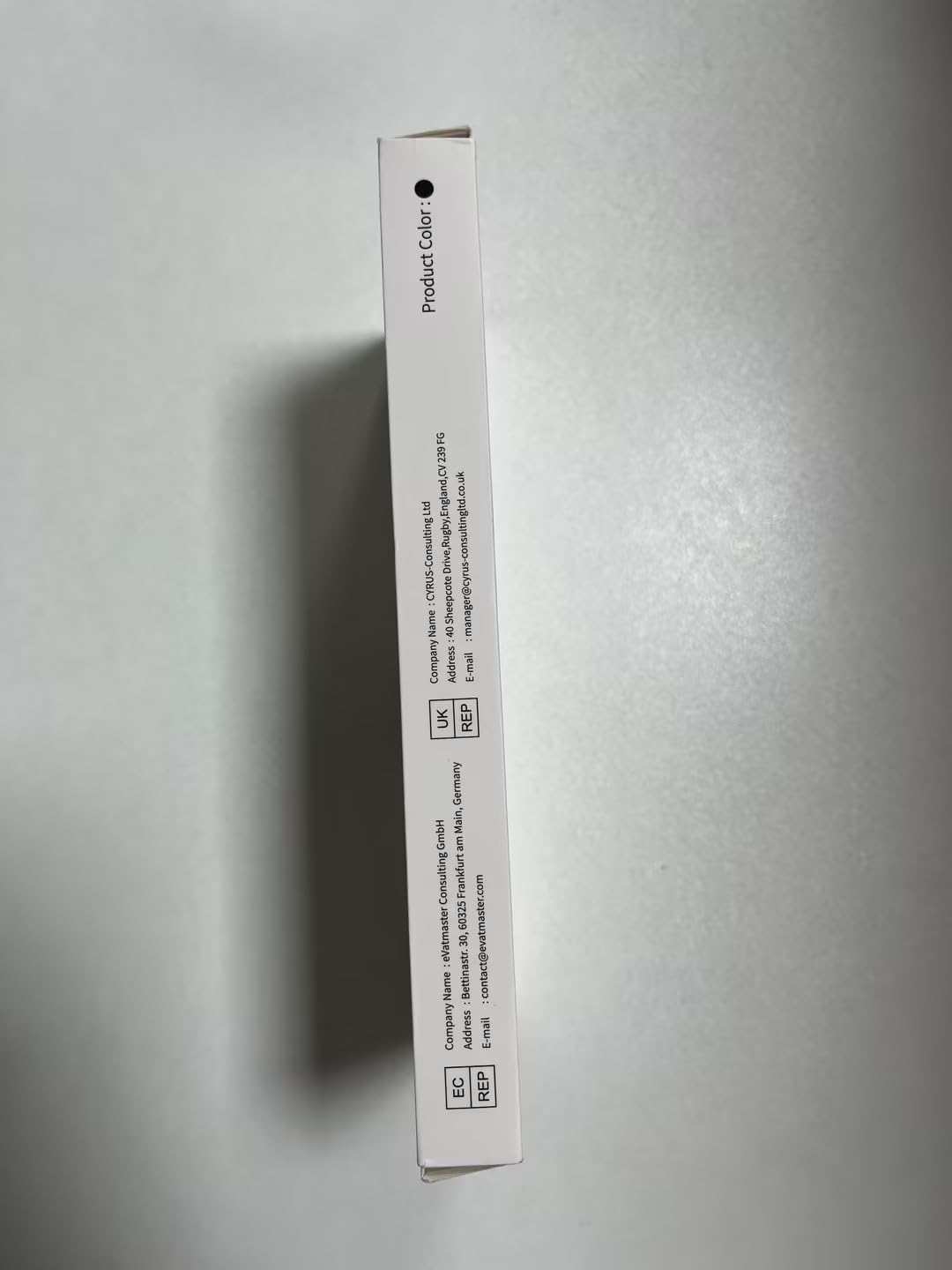
Figure 8: Technical Parameters on Packaging
This image shows the back of the product packaging, which lists the detailed technical specifications and parameters of the Ntaanoo F50 Powerbank.
9. Warranty and Support
For warranty information and customer support, please refer to the official Ntaanoo website or contact the seller directly through your purchase platform. Keep your purchase receipt as proof of purchase for any warranty claims.
Important Safety Information:
- Risk of Fire and Burns.
- Do not open, crush, heat above 65°C, or incinerate.
- Please follow manufacturer's instructions.

Figure 9: Safety Warnings on Packaging
This image displays the safety warnings and manufacturer details found on the product packaging, emphasizing important precautions for use.