
Introduction
Thank you for choosing the MAXRUNON D10 Motorcycle Bluetooth Headset. This manual provides detailed instructions for the proper installation, operation, and maintenance of your device. Please read this manual thoroughly before use to ensure optimal performance and safety.
Safety Information
- Always prioritize road safety. Do not operate the device in a manner that distracts you from driving.
- Ensure the headset is securely mounted to your helmet before riding.
- Avoid prolonged exposure to high volume levels to prevent hearing damage.
- Do not attempt to disassemble or modify the device, as this will void the warranty and may cause damage.
- Keep the device away from extreme temperatures and direct sunlight.
Package Contents
Verify that all items are present in your package:
- MAXRUNON D10 Main Unit (x2 for 2-Pack)
- Button Microphone
- Velcro for Button Mic
- Boom Microphone
- Velcro for Boom Mic
- Speaker Unit
- 3M Glue Plate
- Back Clip
- Velcro for Speaker
- Type-C Charging Cable
- User Manual

Product Overview
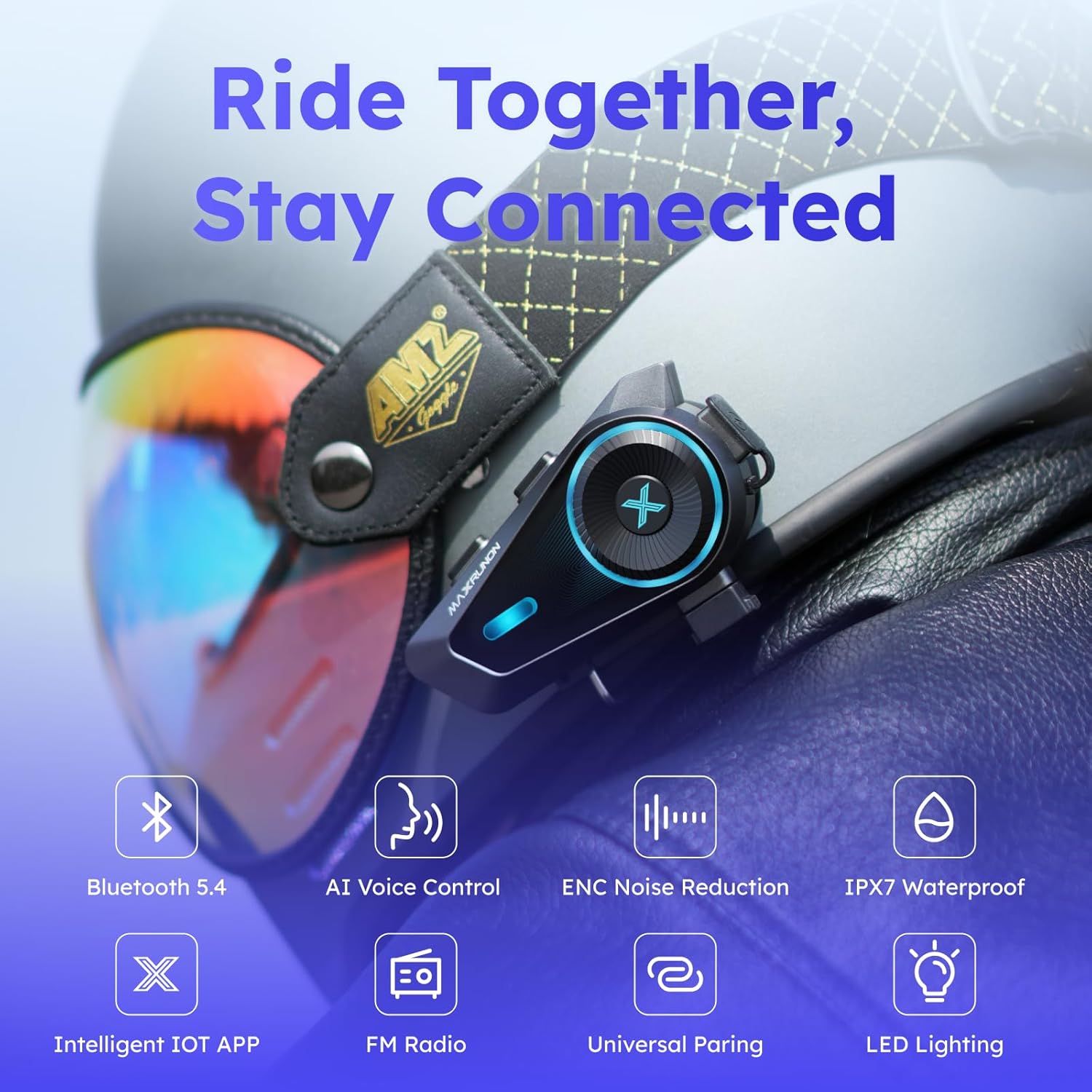
The MAXRUNON D10 is a versatile motorcycle Bluetooth headset designed for communication and entertainment on the go. It features Bluetooth 5.4, AI voice control, ENC noise cancellation, audio multitasking, and FM radio.

Setup
1. Charging the Device
Before first use, fully charge the D10 headset. Connect the provided Type-C charging cable to the charging port on the unit and a USB power source. The LED indicator will show charging status.
- Charging Time: Approximately 2 hours.
- Battery Life: Up to 12 hours intercom, 12 hours music, 300 hours standby.

2. Mounting the Headset
The D10 can be mounted using either the clip mount or the 3M glue plate, depending on your helmet type and preference.
- Clip Mount: Slide the clip mount between the helmet shell and the inner padding. Ensure it is firmly secured.
- 3M Glue Plate: Clean the desired mounting area on the helmet surface. Peel off the protective film from the 3M glue plate and firmly press it onto the helmet for at least 30 seconds. Allow 24 hours for the adhesive to cure before attaching the headset.
3. Installing Speakers and Microphone
Attach the speakers and microphone inside your helmet using the provided Velcro pads.
- Speakers: Place the speakers inside the helmet's ear pockets, ensuring they are aligned with your ears for optimal sound.
- Microphone: Choose between the button mic (for full-face helmets) or the boom mic (for open-face or modular helmets). Position the microphone close to your mouth for clear voice transmission.
Operating Instructions
1. Power On/Off
- Power On: Press and hold the main function button for approximately 3 seconds until the LED indicator lights up.
- Power Off: Press and hold the main function button for approximately 5 seconds until the LED indicator turns off.
2. Bluetooth Pairing (Phone)
To connect your D10 headset to your mobile phone:
- With the D10 powered off, press and hold the main function button for about 7 seconds until the LED flashes red and blue alternately, indicating pairing mode.
- On your phone, go to Bluetooth settings and search for "MAXRUNON D10".
- Select the device to pair. Once connected, the LED will flash blue slowly.
3. Intercom Pairing (Multi-Rider)
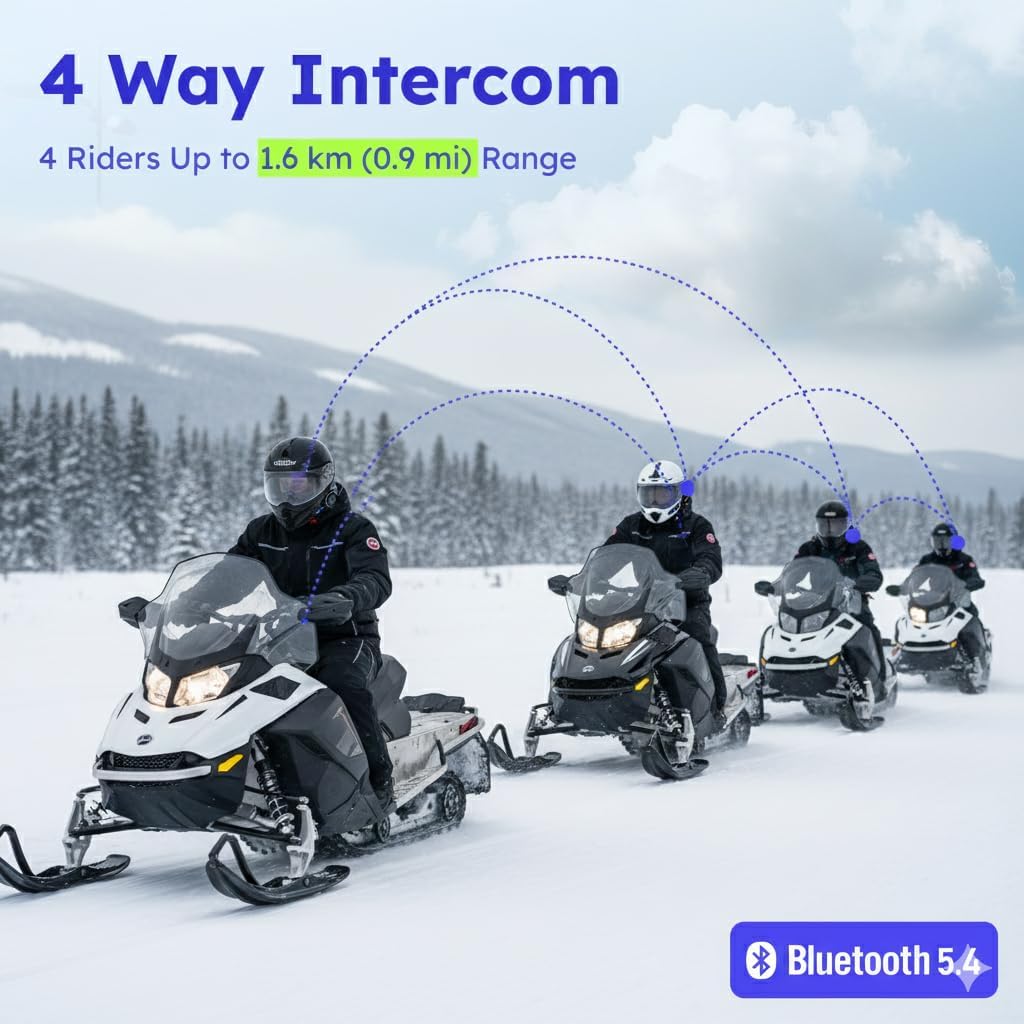
The D10 supports up to 4 riders for intercom communication.
- Ensure all D10 units are powered on and not connected to any other devices.
- On two units, simultaneously press and hold the intercom button until the LED flashes red and blue rapidly. Release the button. The units will automatically connect.
- To add more riders, repeat step 2 with an already paired unit and a new unit.
4. AI Voice Control
Activate the voice assistant by saying "Hi MAX". The D10 supports both offline and online commands.
- Offline Commands: Control music playback (Music on, Pause music, Previous track, Next track), volume (Volume up, Volume down), phone calls (Answer the phone, Hang up), phone pairing, group mesh, and free mode.
- Online Commands: When connected to your phone with network access, you can use commands like "What's the weather like today", "Set an alarm at nine o'clock", "Turn on music player", "Turn on MAXRUNOS APP", "Navigate to my home", "Call Berry", and other Siri/Google Assistant supported commands.


5. Audio Multitasking
The D10 allows you to listen to music, receive GPS navigation instructions, and participate in intercom conversations simultaneously.

6. FM Radio
The D10 includes a built-in FM radio for additional entertainment.
- Activate FM Radio: Use the voice command "Hi MAX, Radio On" or refer to the app for button controls.
- Change Stations: Use voice commands or app controls to scan for stations.

7. App Control & FOTA Updates
Download the MAXRUNOS App to control and customize your D10 headset. The app also supports Firmware Over-The-Air (FOTA) updates to continuously improve your device.

8. Customizable LED Lighting
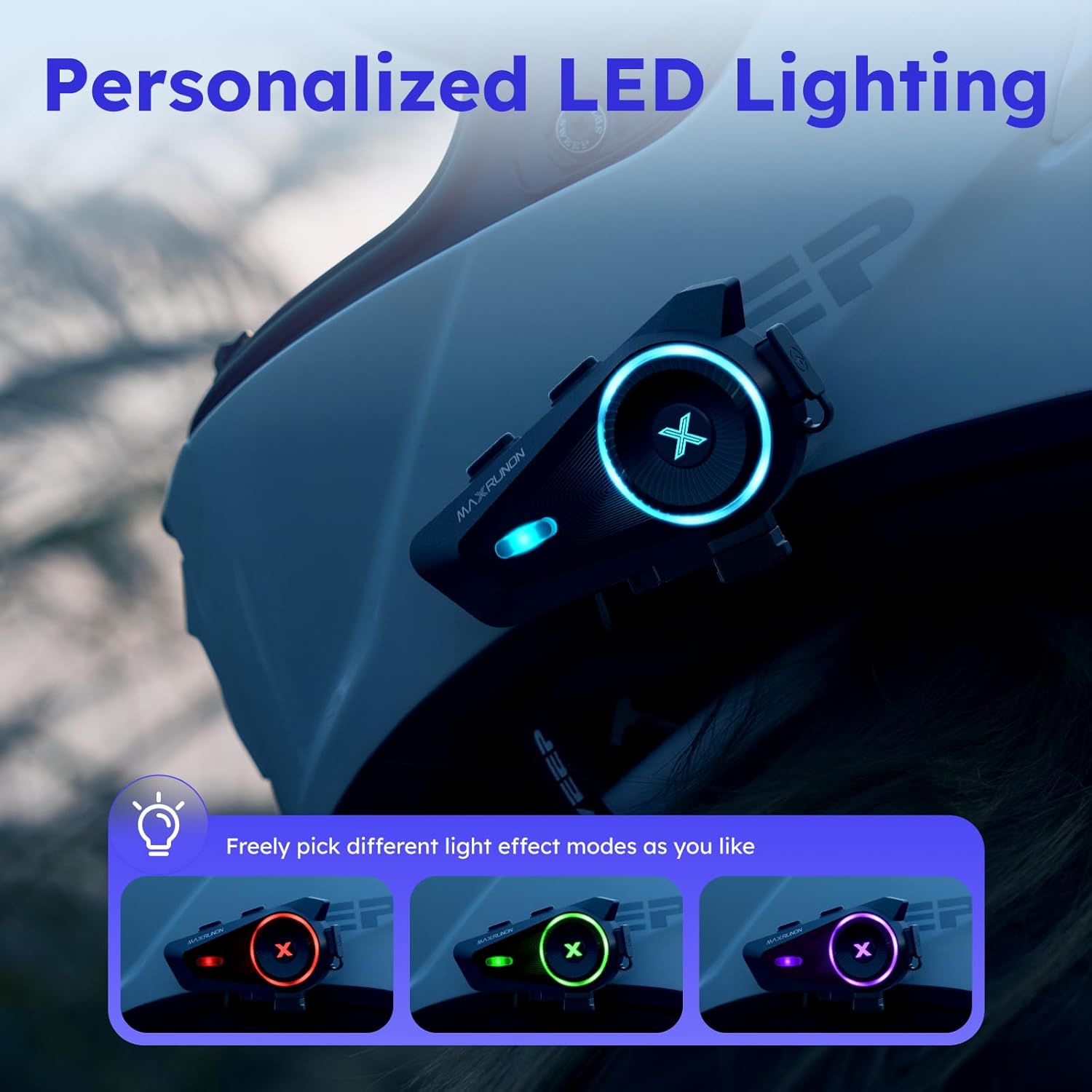
Personalize your headset's LED colors through the MAXRUNOS App to match your mood or style.
Maintenance
1. Cleaning
Wipe the headset with a soft, damp cloth. Do not use harsh chemicals or abrasive cleaners.
2. Waterproofing (IPX7)
The D10 is IPX7 rated, meaning it is protected against temporary immersion in water (up to 1 meter for 30 minutes). While it can withstand rain and snow, avoid prolonged submersion.

3. Battery Care
To prolong battery life, avoid fully discharging the battery frequently. Charge the device regularly, even if not in use for extended periods.
Troubleshooting
| Problem | Possible Cause | Solution |
|---|---|---|
| Device won't power on | Low battery; Device frozen | Charge the device; Perform a reset (refer to full manual for specific reset instructions). |
| Cannot pair with phone | Device not in pairing mode; Bluetooth off on phone | Ensure D10 is in pairing mode (flashing red/blue); Enable Bluetooth on phone and retry. |
| Intercom not connecting | Units too far apart; Incorrect pairing procedure | Move units closer; Re-attempt intercom pairing as per instructions. |
| Poor audio quality/noise | Microphone/speakers improperly positioned; ENC not active | Adjust microphone and speaker placement; Ensure ENC is enabled (via app or voice command). |

Specifications
| Feature | Detail |
|---|---|
| Model Name | D10 |
| Bluetooth Version | 5.4 |
| Intercom Range | Up to 1600m (0.9 miles) for 2 riders |
| Max Riders | 4 |
| Noise Control | Environmental Noise Cancellation (ENC) |
| Voice Control | AI Voice Control (Offline/Online) |
| Audio Multitasking | Supported |
| Speakers | 40mm HiFi Speakers |
| FM Radio | Built-in |
| Water Resistance | IPX7 Waterproof |
| Battery Life | 12 hours (intercom/music), 300 hours (standby) |
| Charging Time | 2 hours (Type-C) |
| Control Method | App, Push Button, Voice |
| Material | Plastic |
| Item Weight | 1.12 pounds |
| First Available Date | April 30, 2025 |
Warranty and Support
The MAXRUNON D10 comes with a 12-month warranty. For any issues or support needs, please contact MAXRUNON Global customer service. They offer an English support team for assistance.

For further assistance, please refer to the official MAXRUNON website or contact their customer support directly. The serial number for your device can be found on the back of the main unit, for example: W6S233090000001.


