
1. Introduction
The LEXiBOOK Disney Stitch Interactive Robot is designed to provide an engaging and interactive play experience. This manual will guide you through the features and functions of your new robot, ensuring optimal enjoyment and proper care.
2. What's in the Box
- 1 x Stitch Interactive Robot
- 1 x Surfboard-shaped Remote Control
- 1 x User Manual
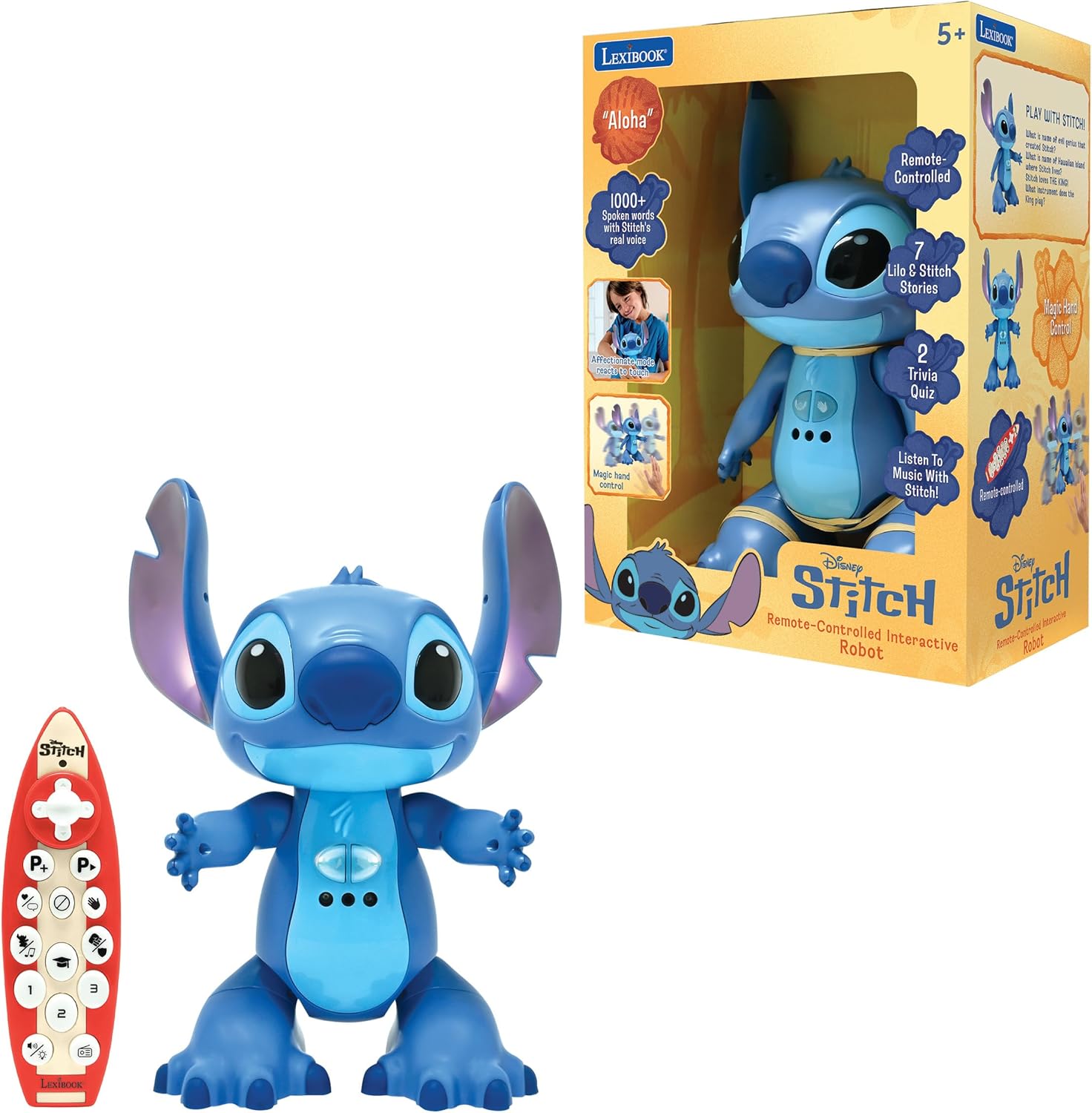
Image: The Stitch Interactive Robot with its remote control, shown in its retail packaging.
3. Setup
- Battery Installation:
- The robot requires 3 AA/LR6 batteries (not included). Locate the battery compartment on the robot's back or base, open it, insert the batteries with correct polarity, and close the compartment securely.
- The remote control requires 2 AA/LR6 batteries (not included). Locate the battery compartment on the remote, open it, insert the batteries with correct polarity, and close the compartment securely.
- Power On: Locate the ON/OFF switch on the robot and the remote control. Switch both to the 'ON' position.
- Pairing: The robot and remote control should automatically pair upon powering on. If they do not connect, ensure both devices have fresh batteries and are within range.
4. Operating Instructions
The Stitch Interactive Robot offers multiple ways to interact and play:
- Remote Control: Use the surfboard-shaped remote control to direct Stitch's movements in all directions. The remote also features buttons for activating various sounds, actions, stories, and quizzes.
- Gesture Control: Control Stitch's movements with simple hand gestures. Refer to the specific instructions in the included user manual for detailed gesture commands.
- Touch Sensitivity: Stitch is sensitive to touch. Pet his head or tummy to elicit authentic movements and sounds, reflecting his different mood modes.
- Programmable Mode: Engage in basic programming by creating sequences of actions for Stitch to perform. This feature helps children learn fundamental coding concepts.
- Stories and Quizzes: Immerse yourself in the world of Stitch with captivating stories and quizzes. Use the remote control to select and activate these interactive features.

Image: The Stitch robot and its remote control, highlighting various interactive functions.
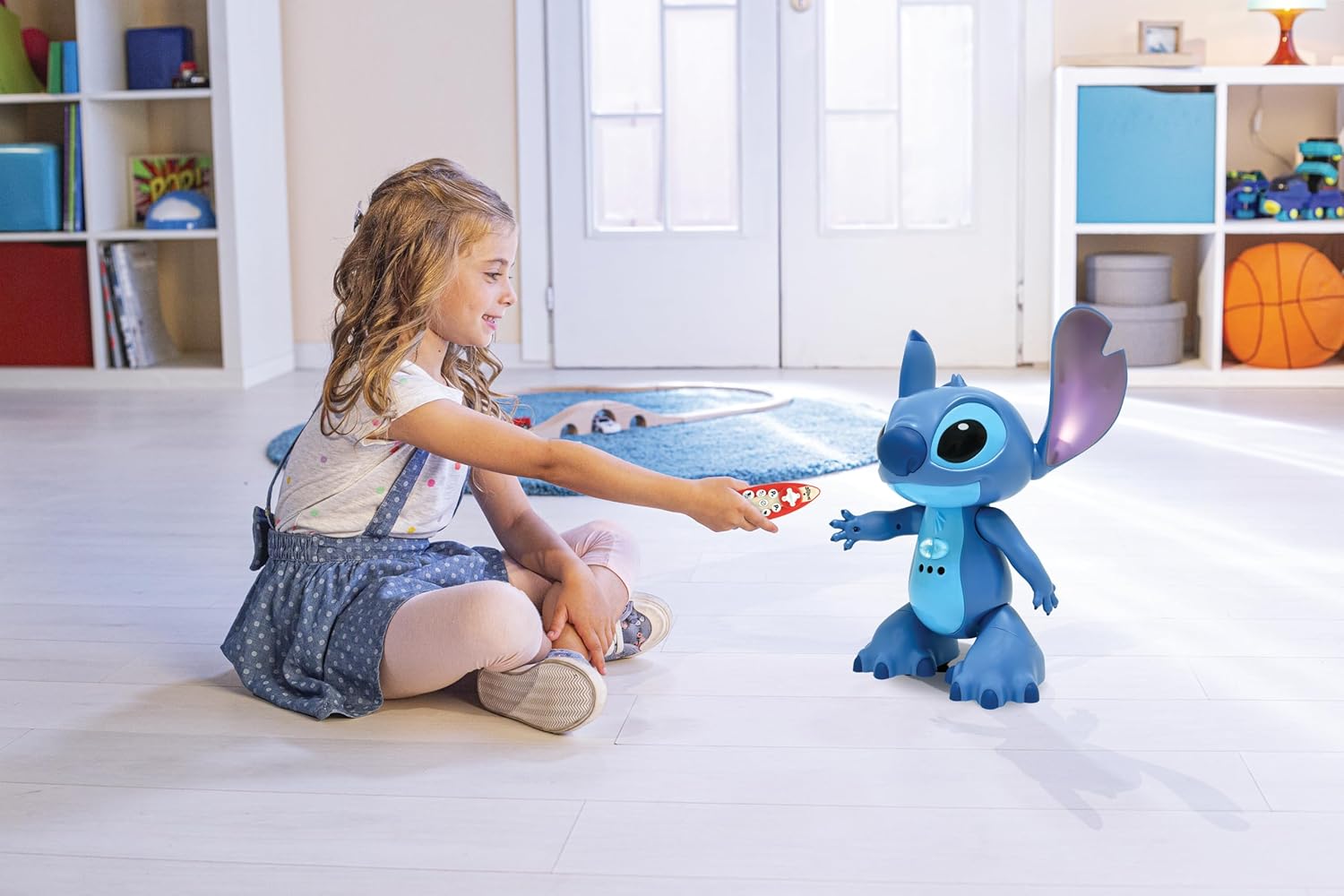
Image: A child interacting with the Stitch robot using the remote control.

Image: Two children touching the Stitch robot, demonstrating its touch-sensitive features.
Official Product Videos
Video: An overview of the Stitch Robot's interactive features and controls.
Video: Demonstrates the interactive capabilities of the Lexibook Disney Stitch Robot.
5. Features
The LEXiBOOK Disney Stitch Interactive Robot is equipped with several features to enhance play:
- Advanced Interactivity: Control Stitch using either hand gestures or the dedicated surfboard-shaped remote control.
- Touch Response: Stitch reacts to physical touch with authentic movements and sounds, providing a dynamic interaction.
- Programmable Mode: Users can program Stitch to execute specific actions, introducing basic coding principles.
- Integrated Stories and Quizzes: Explore the world of Stitch through engaging stories and test knowledge with interactive quizzes.
- Sound and Light Effects: Stitch features captivating sound effects and integrated lighting, including illuminated eyes and ears, to enhance the play experience.
- Mood Modes: Stitch exhibits different mood modes, such as affectionate, chatty, angry, and guardian, each with unique reactions and phrases.
- Movement: Stitch can walk and slide, offering varied play dynamics.
- English Language Learning: The toy supports learning and play in English, including singing, dancing, and answering questions.
- Sleep Mode: An integrated sleep mode helps conserve battery life.

Image: A child embracing the Stitch robot, illustrating its affectionate mode.
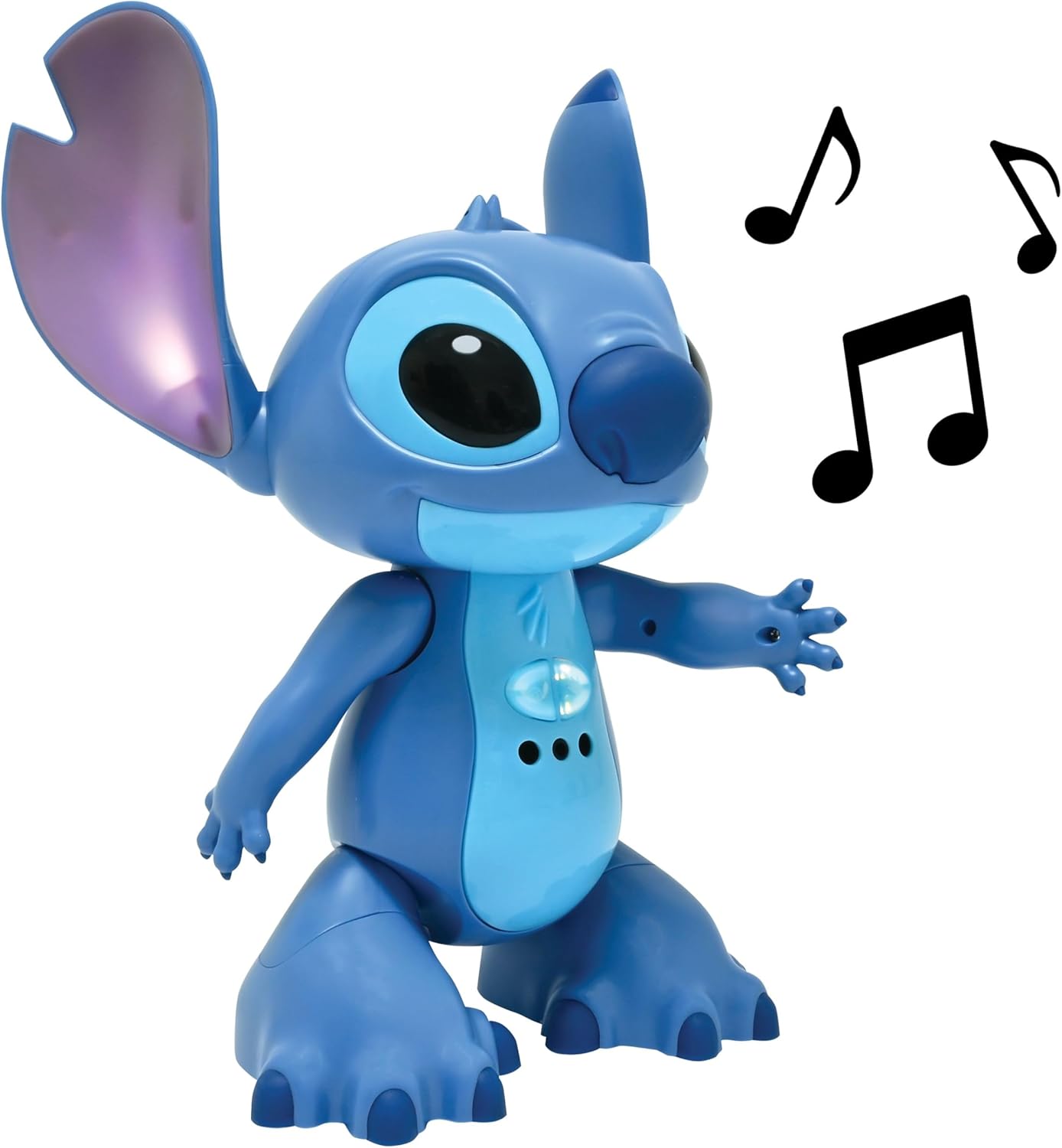
Image: The Stitch robot with musical notes, indicating its ability to play music or sing.
6. Maintenance
- Cleaning: Wipe the robot and remote control with a soft, dry cloth. Do not use harsh chemicals or abrasive cleaners.
- Battery Care: Remove batteries if the toy will not be used for an extended period to prevent leakage. Always use new batteries of the recommended type.
- Storage: Store the robot in a cool, dry place away from direct sunlight and extreme temperatures.
7. Troubleshooting
- Robot Not Responding: Ensure both the robot and remote control are switched 'ON' and have fresh batteries. Check that they are within operating range.
- Intermittent Functionality: Replace batteries in both the robot and remote control. Ensure no obstructions are blocking the signal between the remote and the robot.
- Sound or Light Issues: Verify battery levels. If issues persist, refer to the manufacturer's support contact information.
8. Specifications
- Product Dimensions:
- 8.4 x 5.7 x 11.3 inches
- Item Weight:
- 1.1 pounds
- Item Model Number:
- STITCHEN
- Manufacturer Recommended Age:
- 5 years and up
- Power Source:
- Robot: 3 AA/LR6 batteries (not included), Remote Control: 2 AA/LR6 batteries (not included)
9. Safety Information
WARNING: Small Parts - Choking Hazard. Not suitable for children under 3 years.
Always supervise children during play. Do not mix old and new batteries. Do not mix alkaline, standard (carbon-zinc), or rechargeable (nickel-cadmium) batteries. Non-rechargeable batteries are not to be recharged. Rechargeable batteries are only to be charged under adult supervision. Exhausted batteries are to be removed from the toy. The supply terminals are not to be short-circuited.
10. Warranty and Support
For warranty information, technical support, or customer service inquiries, please refer to the contact details provided on the product packaging or visit the official LEXiBOOK website. Keep your purchase receipt for warranty claims.