
Introduction
This manual provides detailed instructions for the proper use and maintenance of your SIRUI AM-223S+SL-100S Mini Carbon Fiber Tripod. Designed for versatility and portability, this tripod is suitable for various photographic and videographic applications, from desktop streaming to outdoor travel. Please read this manual thoroughly before operating the product to ensure optimal performance and longevity.
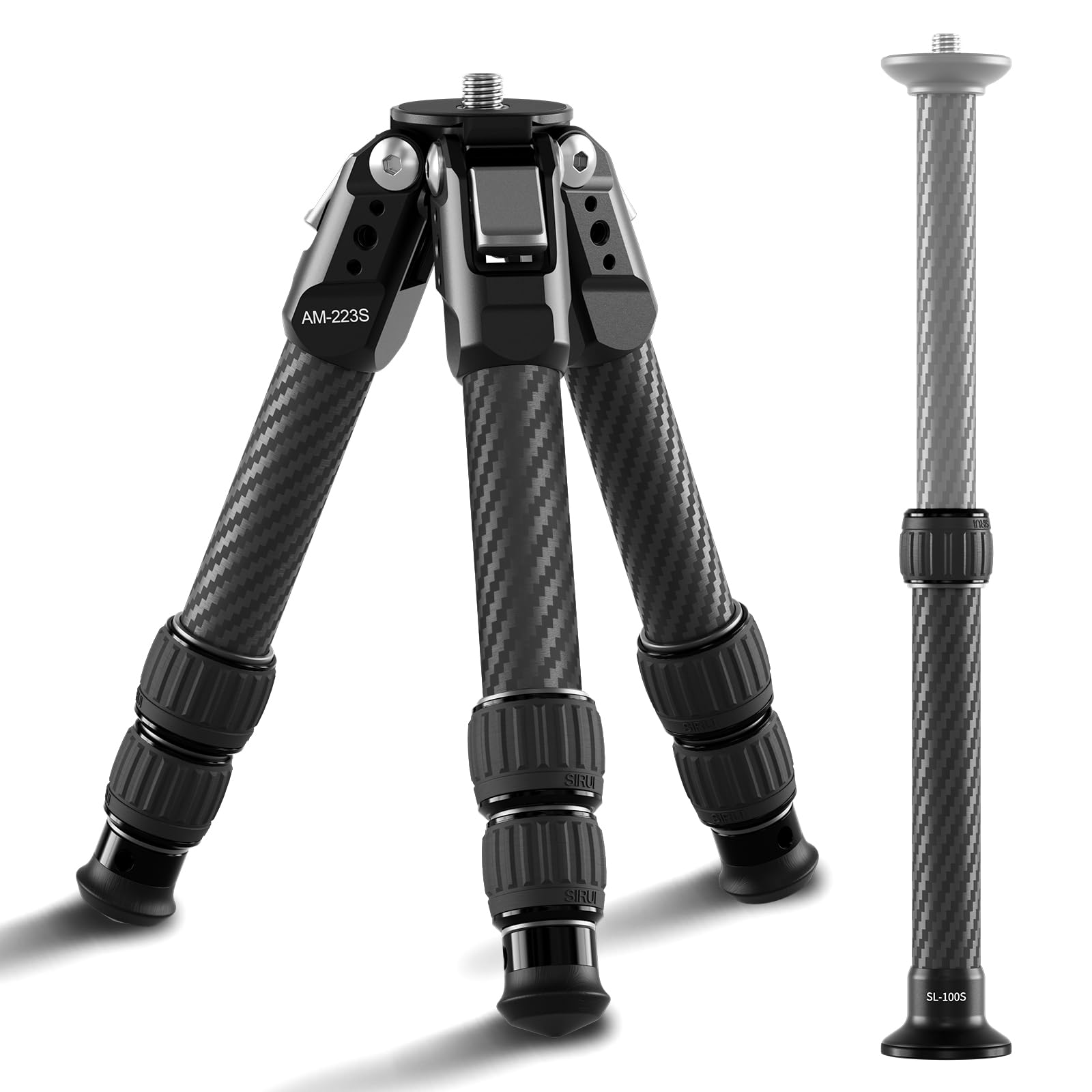
Image: The SIRUI AM-223S+SL-100S Mini Carbon Fiber Tripod, showcasing its compact design and carbon fiber construction.
Package Contents
Verify that all items listed below are included in your package:
- AM-223S Main Body (x1)
- SL-100S Center Column (x1)
- Carrying Bag (x1)
- Allen Key (x2)
- Stainless Steel Spike Feet (x3)

Image: All components included with the SIRUI AM-223S+SL-100S Mini Carbon Fiber Tripod, laid out for inspection.
Setup
- Unfolding the Tripod: Gently extend the tripod legs from their folded position. Each leg features an angle adjustment mechanism. Press the leg angle lock to set the desired spread (e.g., 22°, 55°, or 85°).
- Attaching the Center Column: The SL-100S center column can be screwed into the main body of the AM-223S tripod. Ensure it is securely tightened to prevent wobbling.
- Mounting Your Device: The tripod head features a reversible 1/4" and 3/8" screw mount. Attach your camera, smartphone holder, or other compatible device by screwing it onto the mounting plate. Ensure the device is firmly secured.
- Adjusting Height: To extend the center column, loosen the locking knob, pull the column to the desired height, and then tighten the knob firmly. The legs can also be extended by twisting the leg locks counter-clockwise to loosen, extending the sections, and then twisting clockwise to lock.

Image: A camera securely mounted on the SIRUI AM-223S+SL-100S tripod, illustrating a typical setup.

Video: An official SIRUI video demonstrating the setup and features of the AM-223S+SL-100S Mini Tripod, including its extendable center column and accessory mounting points.
Operating Instructions
Adjusting Height and Leg Angles
The AM-223S+SL-100S offers flexible height adjustments. The SL-100S center column can extend the tripod's height from 1.3 inches (3.4 cm) to 26 inches (66 cm). To adjust, loosen the center column lock, extend to the desired height, and re-tighten. The legs can be independently adjusted to three angles (22°, 55°, 85°) for stability on uneven surfaces or for low-angle shots. Press the leg angle lock to change the angle.
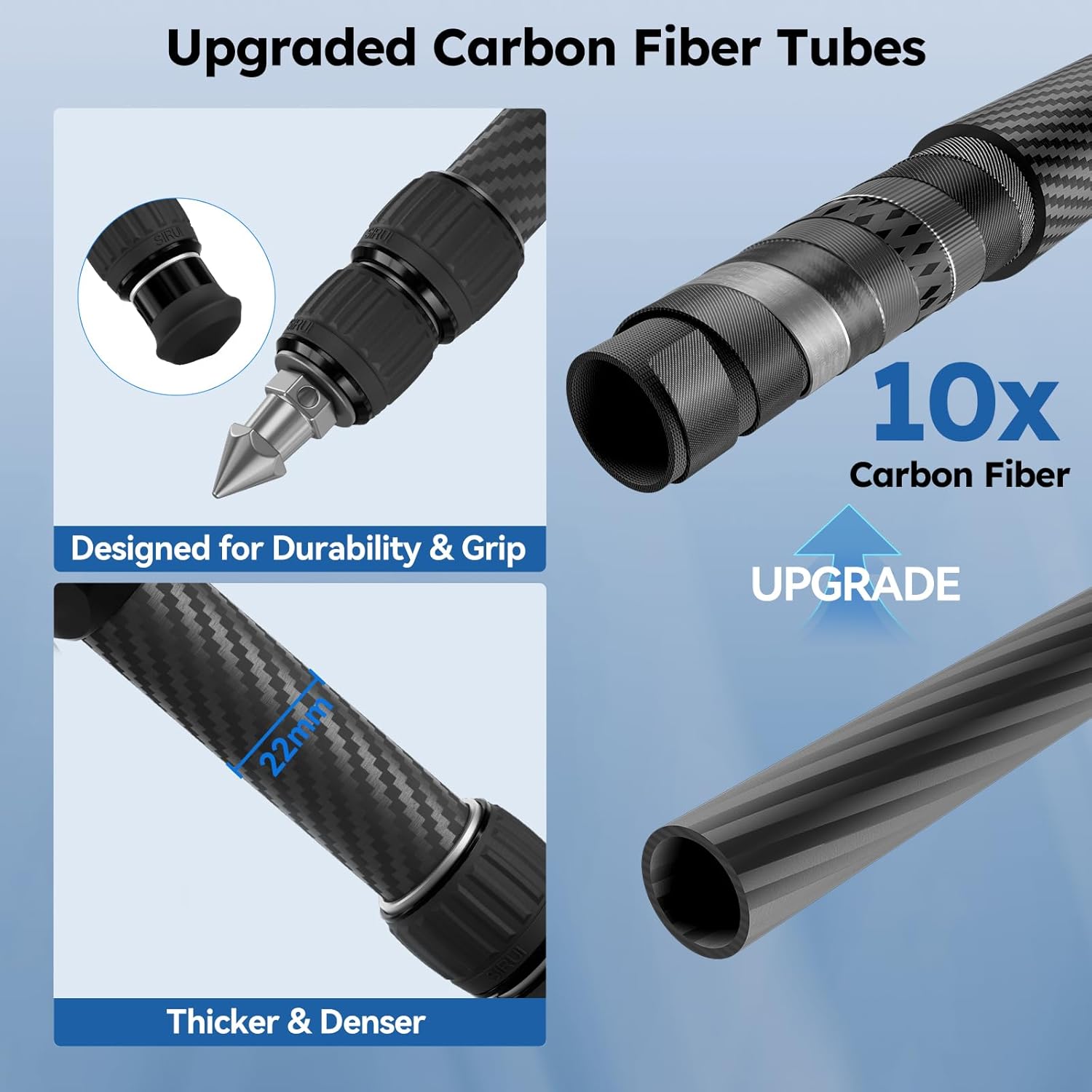
Image: Visual representation of the tripod's height versatility, from its compact folded size to its maximum extended height.
Utilizing Accessory Ports
The tripod features six 1/4" accessory ports on its main body, allowing you to attach various accessories such as microphones, LED lights, monitors, or smartphone clips. Simply screw the accessory into an available port.

Image: A camera and smartphone mounted on the tripod, with a microphone and other accessories attached to the 1/4" accessory ports.
Changing Feet
The tripod comes with rubber feet for general use and stainless steel spike feet for enhanced grip on soft or uneven terrain. To change, unscrew the rubber feet and replace them with the spike feet, ensuring they are securely tightened.
Maintenance
- Cleaning: Wipe the carbon fiber tubes and aluminum alloy joints with a soft, dry cloth after each use. For stubborn dirt, use a slightly damp cloth and mild soap, then dry thoroughly. Avoid harsh chemicals.
- Lubrication: The leg locks and center column mechanism are designed for smooth operation. Avoid applying lubricants unless specifically recommended by the manufacturer, as this can attract dust and debris.
- Storage: Store the tripod in its carrying bag in a dry, cool place away from direct sunlight and extreme temperatures.
- Inspection: Periodically check all screws, joints, and moving parts for tightness and wear. Use the provided Allen keys to tighten any loose components.
Troubleshooting
| Issue | Possible Cause | Solution |
|---|---|---|
| Tripod is unstable. | Legs not fully extended or locked; uneven surface; excessive load. | Ensure all leg sections are fully extended and locked. Adjust leg angles for stability on uneven ground. Verify device weight is within the 15kg (33lbs) limit. |
| Center column slides down. | Center column locking knob is loose. | Tighten the center column locking knob firmly after adjusting height. |
| Device wobbles on mount. | Camera/device not securely attached to the mounting screw. | Ensure the camera or device is tightly screwed onto the 1/4" or 3/8" mounting screw. |
Specifications
| Feature | Detail |
|---|---|
| Model Name | AM-223S+SL-100S |
| Brand | Sirui |
| Material | Carbon Fiber |
| Item Weight | 0.7 kg (1.54 lbs) |
| Weight Limit (Load Capacity) | 15 kg (33 lbs) |
| Maximum Height | 67.5 cm (26.6 inches) |
| Folded Size | 21.5 cm (8.5 inches) |
| Tripod Head Type | Ball Heads (if included, otherwise mounting plate) |
| Compatible Devices | Camera, Microscope, Smartphone, Tablet |
| Special Features | Foldable, Lightweight, Pan-handle (if head included), Remote Control (if head included) |
Warranty and Support
SIRUI products are manufactured to high-quality standards. For warranty information, product registration, or technical support, please refer to the official SIRUI website or contact their customer service department. Keep your purchase receipt as proof of purchase for any warranty claims.
For further assistance, visit the SIRUI Store on Amazon.