1. Product Overview
The HOMCOM Small Folding Desk is designed for versatility and space-saving convenience. This computer desk features a compact design, a monitor shelf, and a foldable frame, making it suitable for various small spaces such as home offices, studies, or dormitories. Its robust construction ensures stability for daily use.
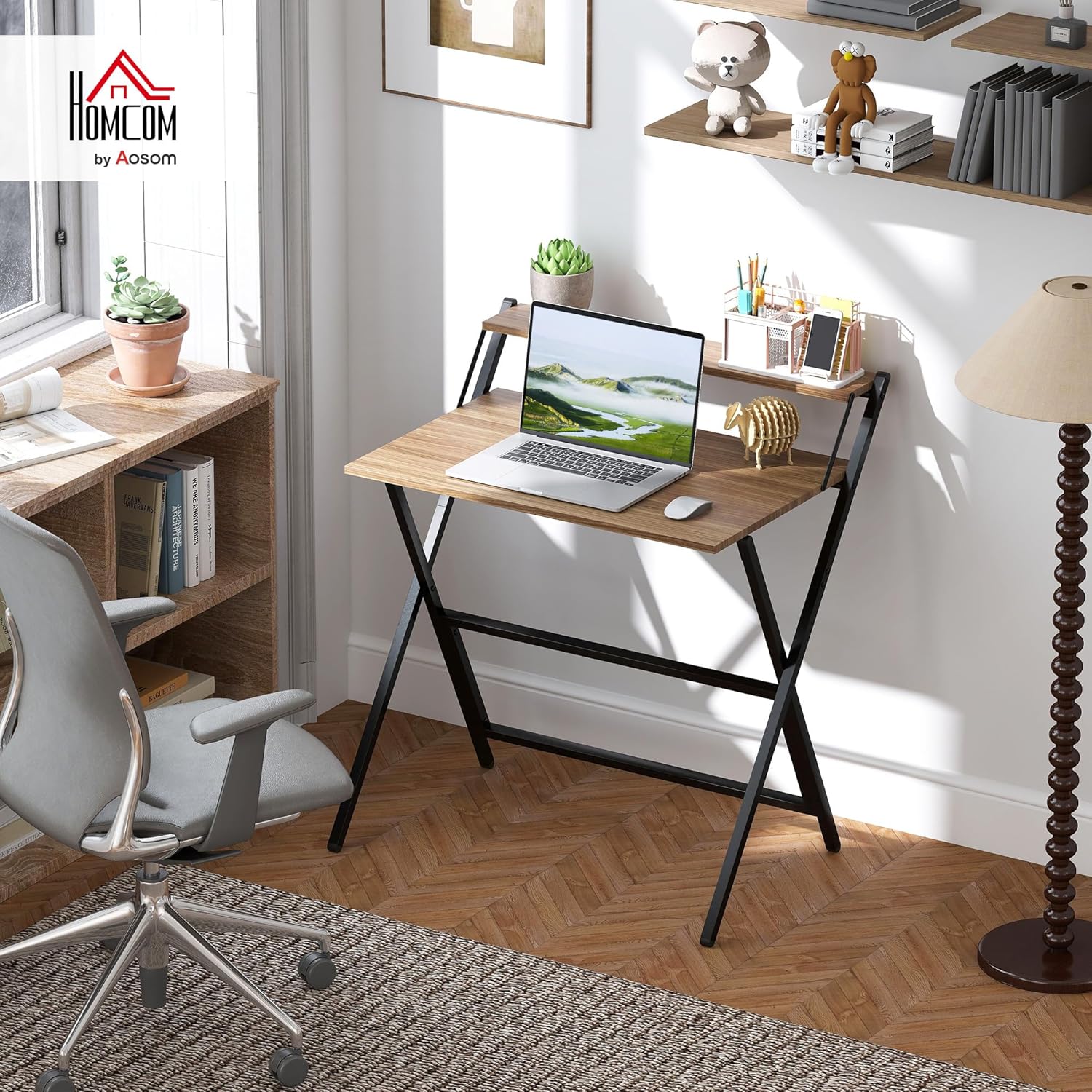
Image 1.1: The HOMCOM Small Folding Desk in an office environment, showcasing its compact design and monitor shelf.
2. Safety Information
Please read and understand all safety instructions before assembly and use. Failure to follow these instructions may result in injury or damage to the product.
- Weight Capacity: Do not exceed the maximum weight capacities: 55 lbs (total), 44 lbs (tabletop), and 11 lbs (shelf). Overloading can cause the desk to collapse or become unstable.
- Stable Surface: Always place the desk on a flat, stable, and level surface to prevent tipping.
- Assembly: Ensure all components are securely fastened according to the assembly instructions. Loose parts can compromise stability.
- Children: Keep children away from the assembly area. Small parts can be a choking hazard.
- Movement: Do not move the desk while it is loaded with items. Remove all items before relocating the desk.
3. Package Contents
Verify that all parts are present and undamaged before beginning assembly. If any parts are missing or damaged, please contact customer service.
- Desk Frame (X-shaped steel frame)
- Main Tabletop
- Monitor Shelf
- Assembly Hardware (screws, bolts, etc.)
- Assembly Tools (e.g., Allen wrench)
- Instruction Manual

Image 3.1: The product is delivered in one package. Ensure all components listed are inside.
4. Assembly Instructions
This desk is designed for easy assembly. It is recommended that one person performs the assembly. All necessary hardware and tools are included.
- Unpack Components: Carefully remove all parts from the packaging and lay them out on a clean, soft surface to prevent scratches.
- Assemble Frame: Connect the X-shaped steel frame components as indicated in the detailed diagram provided in the included manual. Ensure all bolts are finger-tightened initially.
- Attach Tabletop: Secure the main tabletop to the assembled frame using the provided hardware.
- Install Monitor Shelf: Attach the monitor shelf to the designated points on the frame above the main tabletop.
- Tighten All Fasteners: Once all components are in place, fully tighten all screws and bolts using the provided tools. Do not overtighten.
- Check Stability: Gently shake the desk to ensure it is stable and all connections are secure.
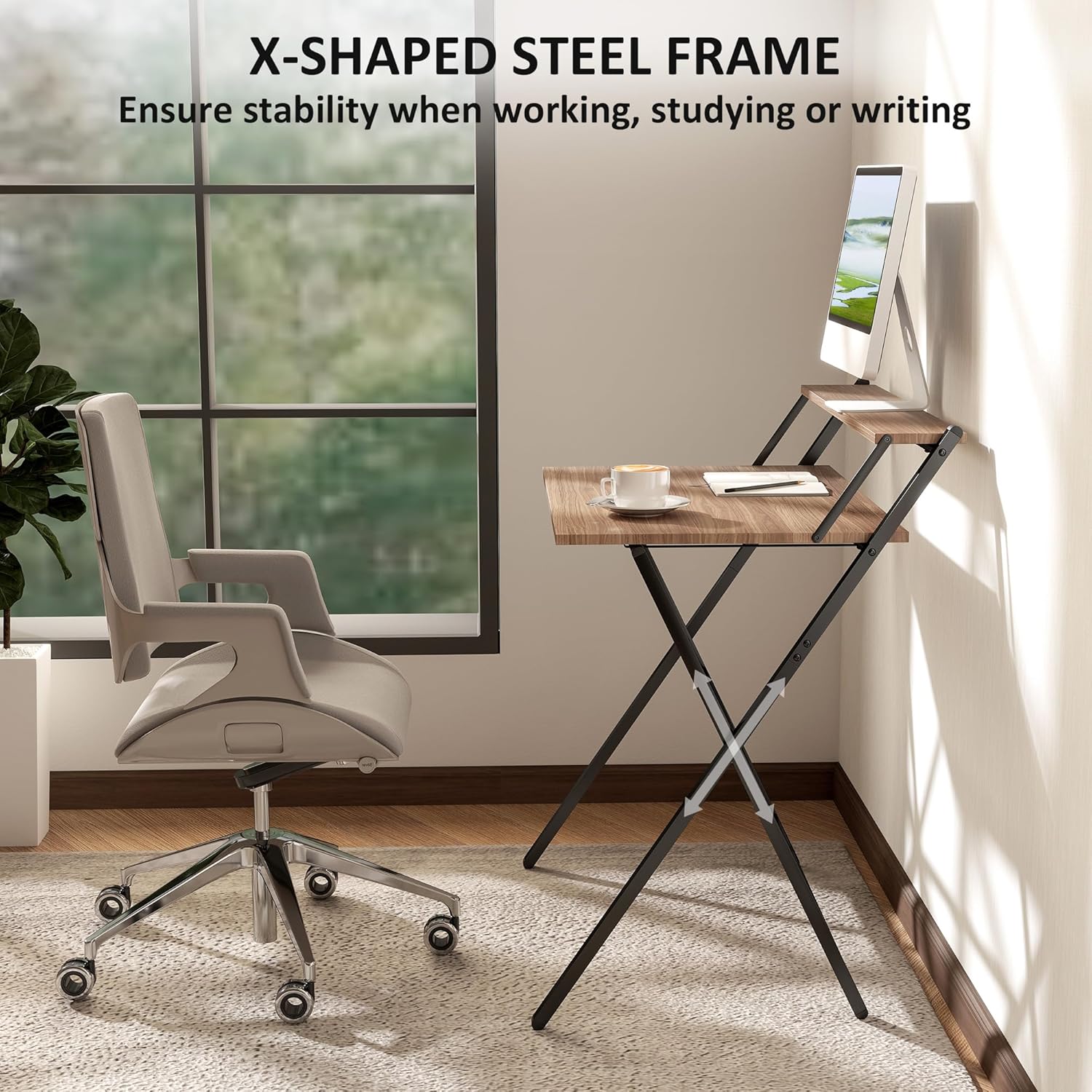
Image 4.1: The X-shaped powder-coated steel frame provides structural support and stability.
5. Operating Instructions
5.1 Unfolding the Desk
- Place the folded desk on a flat surface.
- Gently pull the two main frame sections apart until the tabletop and monitor shelf unfold into their operational positions.
- Ensure all locking mechanisms (if present) are engaged to secure the desk in its open state.
5.2 Folding the Desk for Storage
- Remove all items from the tabletop and monitor shelf.
- Disengage any locking mechanisms that hold the desk in its open position.
- Carefully push the two main frame sections together, allowing the desk to fold flat.
- The desk will fold to a slim size of 32.1" W x 1.4" D x 41.7" H for easy storage.

Image 5.1: The desk folds up to a slim size for space-saving storage, fitting under beds, behind doors, or in corners.
5.3 Using the Monitor Shelf
The integrated top shelf serves as a monitor stand, raising your screen to eye level for improved ergonomic comfort. It can also be used for additional storage of books, office supplies, or decorative items, helping to keep the main desktop tidy.
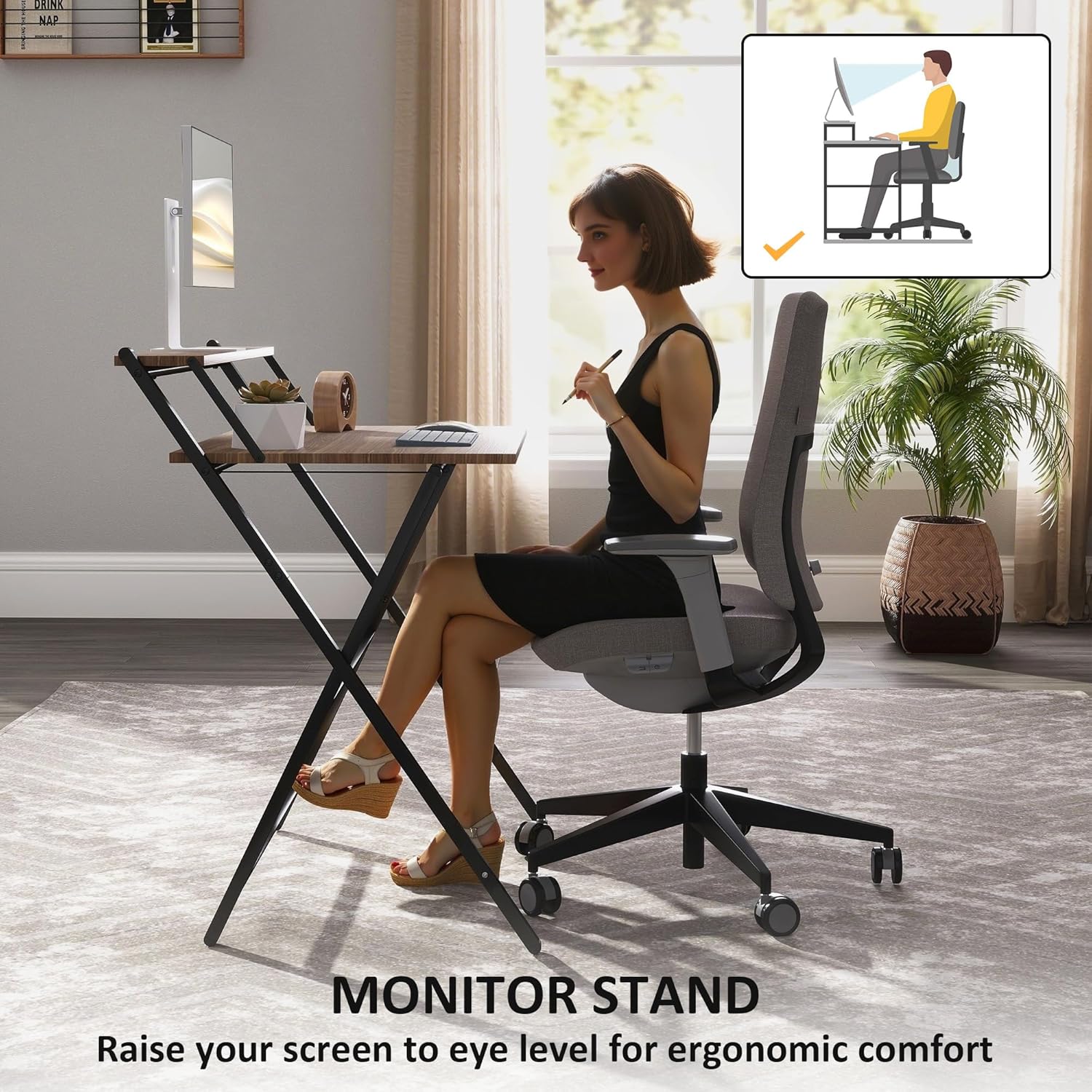
Image 5.2: The monitor stand helps raise your screen to an ergonomic height, promoting better posture.
6. Maintenance
Proper care will extend the life and appearance of your HOMCOM Folding Desk.
- Cleaning: Wipe the desk surfaces with a dry cloth. Avoid abrasive cleaners or harsh chemicals, which can damage the finish.
- Inspection: Periodically check all fasteners to ensure they remain tight. Retighten if necessary.
- Protection: The desk is equipped with protective foot pads to safeguard floors from scratches. Ensure these pads are intact and in place.
- Storage: When folded for storage, keep the desk in a dry environment away from extreme temperatures or humidity.
7. Troubleshooting
If you encounter issues with your desk, refer to the following common solutions:
- Desk is Wobbly:
- Ensure all assembly screws and bolts are fully tightened.
- Verify the desk is placed on a level surface. Adjust foot pads if necessary (if adjustable).
- Difficulty Folding/Unfolding:
- Check for any obstructions in the folding mechanism.
- Ensure no items are on the desk when attempting to fold.
- Scratches on Floor:
- Inspect the protective foot pads. Replace if worn or missing.
- Avoid dragging the desk; lift it when moving.
If problems persist, please contact HOMCOM customer support.
8. Specifications
| Feature | Detail |
|---|---|
| Model Number | 836-607V81WN |
| Overall Dimensions (Unfolded) | 32.1" W x 24.4" D x 34.1" H |
| Folded Dimensions | 32.1" W x 1.4" D x 41.7" H |
| Total Weight Capacity | 55 lbs |
| Tabletop Weight Capacity | 44 lbs |
| Shelf Weight Capacity | 11 lbs |
| Materials | Alloy Steel (Frame), Engineered Wood (Top) |
| Color | Walnut (Top), Black (Frame) |
| Assembly Required | Yes (1 person recommended, tools included) |
| Product Weight | 19 Pounds |
| Special Features | Compact, Foldable, Lightweight, Monitor Stand, Portable |

Image 8.1: Detailed dimensions of the desk, including unfolded and folded measurements.
9. Warranty and Support
This HOMCOM product comes with a Limited Warranty. For specific details regarding warranty coverage, duration, and terms, please refer to the warranty information included with your purchase or visit the official HOMCOM website.
For customer support, missing parts, or further assistance, please contact HOMCOM customer service through their official channels. Have your model number (836-607V81WN) and purchase information ready when contacting support.


