
Introduction
This manual provides detailed instructions for the installation, operation, and maintenance of your AMOROM Solar Wireless Security Camera Outdoor 2K. Please read this manual thoroughly before use to ensure proper functionality and safety. This camera features a 360° panoramic view, 2K resolution, color night vision, AI motion detection with siren alarm, IP65 weatherproof rating, and 2.4GHz WiFi connectivity for smart app control.
What's in the Box
- AMOROM Solar Wireless Security Camera
- Instruction Manual
- Mounting Screws
- Charging Cable
Product Overview and Features
The AMOROM Solar Wireless Security Camera is designed for outdoor surveillance, offering advanced features for comprehensive home, apartment, or office security.

Solar-Powered Eco-Smart Design: The camera utilizes a removable, high-efficiency solar panel for continuous power, reducing reliance on grid electricity. A battery backup ensures operation in low-light conditions. Note: This camera supports 2.4GHz WiFi ONLY.

2K HD Clarity & 24/7 Full-Color Monitoring: Capture crisp 2K resolution footage day and night. Equipped with a high-sensitivity 1/2.7” image sensor and intelligent light processing, it delivers vibrant color accuracy up to 66 feet, even in dim environments.

Intelligent 360° Surveillance with Auto-Tracking: Motorized pan-tilt-zoom (PTZ) provides 355° horizontal and 100° vertical coverage. AI-powered motion tracking automatically follows movement, minimizing blind spots across your property.

AI Human Detection & Proactive Alerts: Advanced PIR sensors and AI algorithms differentiate human activity from other triggers. Upon detection, the camera records HD footage, sends real-time app alerts, and can activate a siren alarm. Two-way talk allows immediate interaction.

IP65 Weatherproof Design: The camera is rated IP65, ensuring it withstands harsh outdoor conditions, including rain and extreme temperatures from -30° to +60° Celsius.
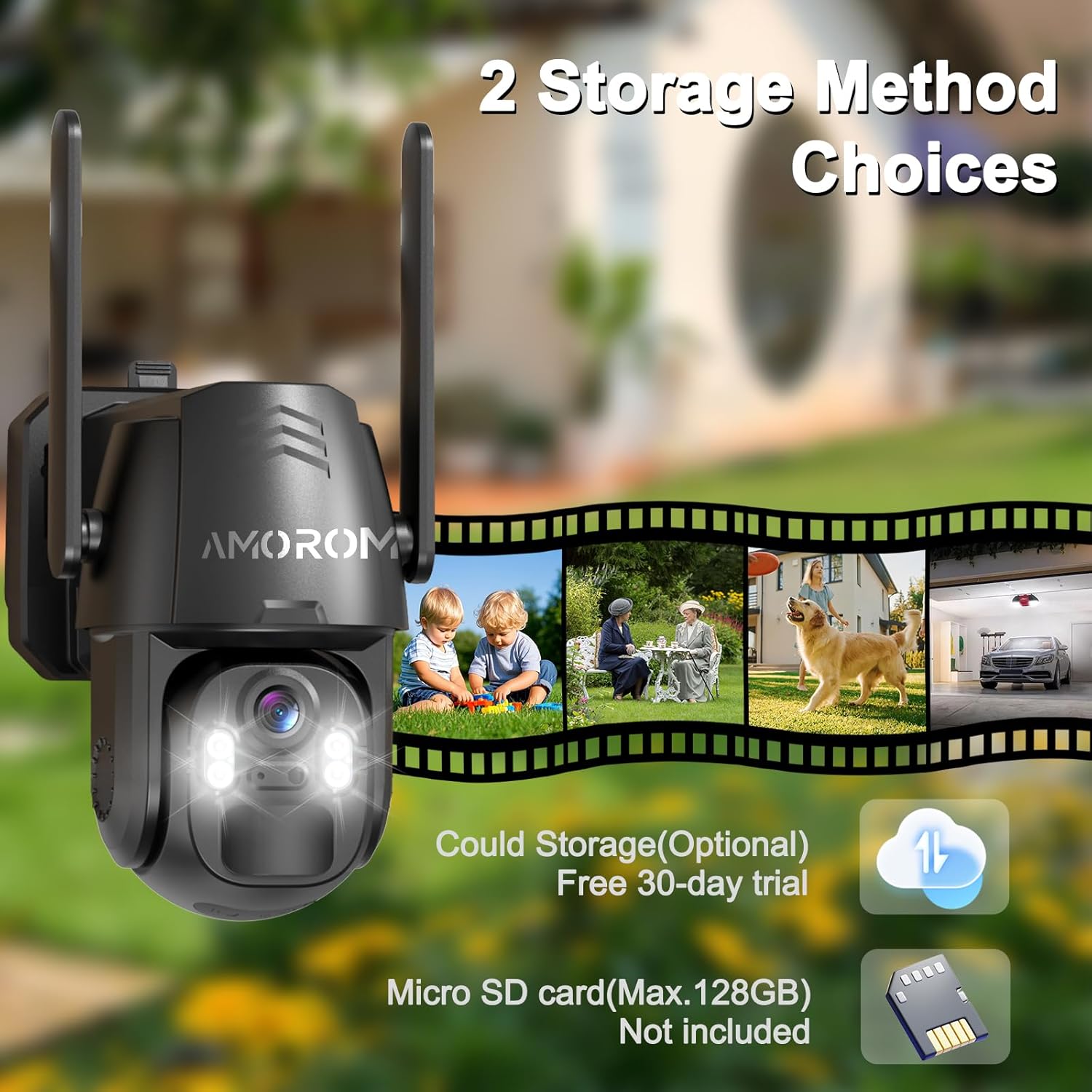
Flexible Storage & Smart Ecosystem Integration: Choose between local SD card storage (supports up to 128GB, not included) or encrypted cloud backup (subscription-based with a 30-day free trial). The camera works seamlessly with Alexa and Google Assistant for voice-controlled monitoring.
Product Video Overview
This video provides a visual overview of the AMOROM Solar Wireless 2K Security Camera Outdoor, demonstrating its key features and applications.
Setup
- Initial Charging: Before first use, ensure the camera's internal battery is fully charged using the provided charging cable. Connect the cable to the camera and a standard USB power adapter (not included).
- Download the App: Search for the "Amorom" app in your smartphone's app store (Google Play Store for Android or Apple App Store for iOS) and install it.
- Account Registration: Open the Amorom app and follow the on-screen instructions to register a new account or log in if you already have one.
- Add Device: In the app, select the option to add a new device. Follow the prompts to connect your camera to your 2.4GHz WiFi network. Note: This camera only supports 2.4GHz WiFi. 5GHz networks are not compatible.
- SD Card Installation (Optional): If you plan to use local storage, insert a Micro SD card (up to 128GB, not included) into the designated slot. The SD card slot is located under the camera's head/face; gently rotate the camera head upwards to access it.
- Mounting: Choose a suitable outdoor location for mounting. Use the provided mounting screws to securely attach the camera to a wall or other stable surface. Ensure the solar panel receives adequate direct sunlight for optimal charging.
Operating
- Live View: Open the Amorom app and select your camera from the device list to access the live video feed.
- PTZ Control: Use the on-screen controls in the app to pan (355° horizontal) and tilt (100° vertical) the camera lens, allowing you to adjust the viewing angle remotely.
- Motion Detection & Alerts: Enable AI Human Detection in the app settings. When motion is detected, the camera will automatically record, send alerts to your phone, and can activate a siren alarm.
- Two-Way Audio: Utilize the built-in microphone and speaker for two-way communication through the app. This allows you to speak to visitors or deter intruders.
- Night Vision: The camera automatically switches between color night vision and infrared night vision based on ambient light conditions, ensuring clear footage even in complete darkness.
- Video Playback & Storage: Access recorded footage via the app. You can view recordings stored on the Micro SD card or through the cloud storage service (if subscribed).
- Smart Home Integration: Connect your camera to Amazon Alexa or Google Assistant through the app settings for voice-controlled monitoring.
Maintenance
- Cleaning: Regularly clean the camera lens and solar panel with a soft, damp cloth to ensure optimal image clarity and charging efficiency. Avoid abrasive cleaners.
- Solar Panel Placement: Periodically check that the solar panel remains free from obstructions (e.g., leaves, dirt) and is positioned to receive maximum direct sunlight.
- Battery Health: While solar-powered, the internal battery provides backup. Ensure the camera is placed where the solar panel can adequately charge the battery to maintain consistent operation.
- Firmware Updates: Check the Amorom app periodically for available firmware updates. Keeping the firmware updated ensures optimal performance and access to new features.
Troubleshooting
- Camera Not Connecting/Recognized:
- Ensure your WiFi network is 2.4GHz.
- Check WiFi signal strength at the camera's location.
- Restart the camera and your router.
- Try resetting the camera (refer to the app for specific reset instructions).
- Blurry Night Vision:
- Clean the camera lens to remove any dirt or condensation.
- Ensure there are no reflective surfaces close to the camera that might interfere with infrared light.
- Motion Detection Not Working:
- Verify motion detection settings are enabled in the app.
- Adjust sensitivity levels.
- Ensure there are no physical obstructions blocking the camera's view.
- Two-Way Audio Issues:
- Check microphone and speaker permissions for the app on your smartphone.
- Ensure the camera's microphone and speaker are not obstructed.
- Solar Panel Not Charging:
- Ensure the solar panel is clean and free of debris.
- Reposition the solar panel to receive maximum direct sunlight throughout the day.
Specifications
| Feature | Detail |
|---|---|
| Model Number | RBX-S87-WIFI |
| Video Capture Resolution | 2K (1440p) |
| Connectivity Technology | Wireless (2.4GHz Wi-Fi) |
| Power Source | Solar Powered, Battery Powered (3 A batteries included) |
| Pan/Tilt Range | 355° Horizontal, 100° Vertical |
| Night Vision Range | Up to 66 Feet (Color Night Vision, Infrared) |
| Weather Resistance | IP65 Waterproof |
| Storage Options | Micro SD Card (up to 128GB, not included), Cloud Storage (subscription-based) |
| Compatible Devices | Smartphone (Amorom App) |
| Smart Home Compatibility | Amazon Alexa, Google Assistant |
| Dimensions (L x W x H) | 6 x 5.5 x 5 inches |
| Item Weight | 2 Pounds |
Warranty and Support
The AMOROM Solar Wireless Security Camera comes with a 1-year warranty. Additionally, lifetime technical support is provided to assist you with any questions or issues you may encounter. For technical assistance or warranty claims, please contact AMOROM customer support through the contact information provided in the Amorom app or on the official AMOROM website.