
1. Introduction
Thank you for choosing the Gritin G1328 Rechargeable Neck Reading Light. This device is designed to provide comfortable, hands-free illumination for various activities such as reading, crafting, or repairing. Please read this manual carefully before use to ensure proper operation and to maximize the product's lifespan.
2. Safety Instructions
- Do not disassemble, repair, or modify the product.
- Keep away from water, fire, and high temperatures.
- Do not look directly into the light source to avoid eye strain.
- Use the provided USB-C cable for charging. Do not use damaged cables or chargers.
- Keep out of reach of children.
3. Package Contents
- Gritin G1328 Neck Reading Light
- USB-C Charging Cable (1 meter)
- User Manual
4. Product Overview
The Gritin G1328 features a flexible, ergonomic design with adjustable light heads and intuitive controls.

Image 4.1: Overview of the Gritin G1328 Neck Reading Light. The image displays the light in its U-shaped configuration, highlighting the flexible arms and the control panel located on the neckband. The light sources are at the ends of the arms.
Components:
- Flexible Arms: Bendable arms allow for precise light positioning.
- LED Light Heads: Located at the end of each arm, providing illumination.
- Power Button: Controls power on/off and timer function.
- Brightness Adjustment Button: Adjusts light intensity.
- Color Temperature Button: Changes light color mode.
- USB-C Charging Port: For recharging the internal battery.
- Power Indicators: Four LEDs indicating battery level.
5. Setup
5.1 Initial Charging
- Connect the provided USB-C cable to the charging port on the neck light.
- Plug the other end of the cable into a USB power adapter (not included) or a computer's USB port.
- The power indicator lights will illuminate to show charging status. All four lights will be solid when fully charged.
- A full charge typically takes 2 to 3 hours.
5.2 Wearing the Light
Place the neck light around your neck with the light heads positioned in front of you. The ergonomic design ensures a comfortable fit.

Image 5.1: A person wearing the Gritin G1328 Neck Reading Light while reading a book. The light is comfortably draped around the neck, with the flexible arms bent to direct light onto the book, illustrating hands-free operation.
Adjust the flexible arms to direct the light precisely where needed. The arms can be bent and twisted to achieve optimal illumination angles.

Image 5.2: A close-up view of the flexible arms of the Gritin G1328 Neck Reading Light. The image demonstrates the bendable nature of the arms, allowing users to adjust the light direction as needed for various tasks.
6. Operating Instructions
6.1 Power On/Off
- Press the Power Button (⑂) once to turn the light on.
- Press the Power Button (⑂) again to turn the light off.
6.2 Adjusting Brightness
The light offers two dimming modes: 5-level dimming and stepless dimming.
- 5-Level Dimming: Short press the Brightness Adjustment Button (☰) to cycle through 5 preset brightness levels (10%, 25%, 50%, 75%, 100%).
- Stepless Dimming: Long press the Brightness Adjustment Button (☰) to smoothly adjust the brightness from 0% to 100%. Release the button when the desired brightness is reached.

Image 6.1: An instructional graphic detailing the brightness adjustment features of the Gritin G1328. It shows five distinct brightness levels (10% to 100%) activated by short presses, and a continuous dimming range (0% to 100%) achieved by a long press of the brightness button.
6.3 Changing Color Temperature
The light offers 4 color temperature options:
- Amber Light (2000K): Ideal for reducing blue light exposure, promoting better sleep.
- Warm White (3000K): A cozy, inviting light for general reading.
- Natural White (4500K): A balanced light, suitable for various tasks.
- White (6000K): Bright, clear light for detailed work.
Short press the Color Temperature Button (☀) to cycle through the 4 color modes.

Image 6.2: An illustration demonstrating the four available color temperatures of the Gritin G1328 Neck Reading Light: Amber (1800K), Warm Light (3000K), Natural Light (4500K), and Cold Light (6000K). Each color is shown illuminating a book, with the color temperature switching button highlighted.
6.4 30-Minute Smart Timer
The light includes a 30-minute auto shut-off timer.
- To activate the timer, long press the Power Button (⑂) while the light is on.
- A green indicator light will illuminate to confirm the timer is active.
- The light will automatically turn off after 30 minutes.

Image 6.3: A person relaxing on a couch, using the Gritin G1328 Neck Reading Light. An inset graphic highlights the power button and a green indicator light, signifying that the 30-minute smart timer function is active.
6.5 Memory Function
The light features a memory function that automatically recalls your last used brightness and color temperature settings when turned back on.
7. Maintenance
7.1 Cleaning
Wipe the device with a soft, dry cloth. Do not use abrasive cleaners or immerse the device in water.
7.2 Storage
Store the light in a cool, dry place away from direct sunlight when not in use for extended periods.
7.3 Battery Care
To prolong battery life, charge the device at least once every three months if not used regularly.
8. Troubleshooting
| Problem | Possible Cause | Solution |
|---|---|---|
| Light does not turn on. | Battery is depleted. | Charge the device using the USB-C cable. |
| Light flickers or is dim. | Low battery. | Recharge the device. |
| Cannot change brightness/color. | Buttons not pressed correctly. | Ensure a firm press. Refer to operating instructions for short/long press functions. |
| Timer not activating. | Power button not long-pressed. | Long press the power button for 3 seconds to activate the timer. |
9. Specifications

Image 9.1: A visual representation of the Gritin G1328 Neck Reading Light's dimensions (13.3cm/5.23in depth, 22cm/8.66in width) and weight (122g/4.3oz), illustrating its compact and lightweight design.
| Feature | Detail |
|---|---|
| Model Number | G1328 |
| Dimensions | 8.66"D x 5.23"W x 0.87"H (22 x 13.3 x 2.2 cm) |
| Item Weight | 4.3 Ounces (122g) |
| Lamp Type | LED |
| Light Source Type | LED |
| Color Temperatures | Amber (2000K), Warm White (3000K), Natural White (4500K), White (6000K) |
| Brightness Levels | 5 preset levels (10%-100%), Stepless dimming (0%-100%) |
| Battery Capacity | 1000mAh Lithium Polymer |
| Charging Port | USB-C |
| Charging Time | 2-3 hours |
| Runtime | 80+ hours (at lowest brightness setting) |
| Special Features | Dimmable, Eye-caring, Rechargeable, Hands-free, Lightweight, Comfortable, 30-min Timer, Memory Function |
| Material | Acrylonitrile Butadiene Styrene, Silicone |
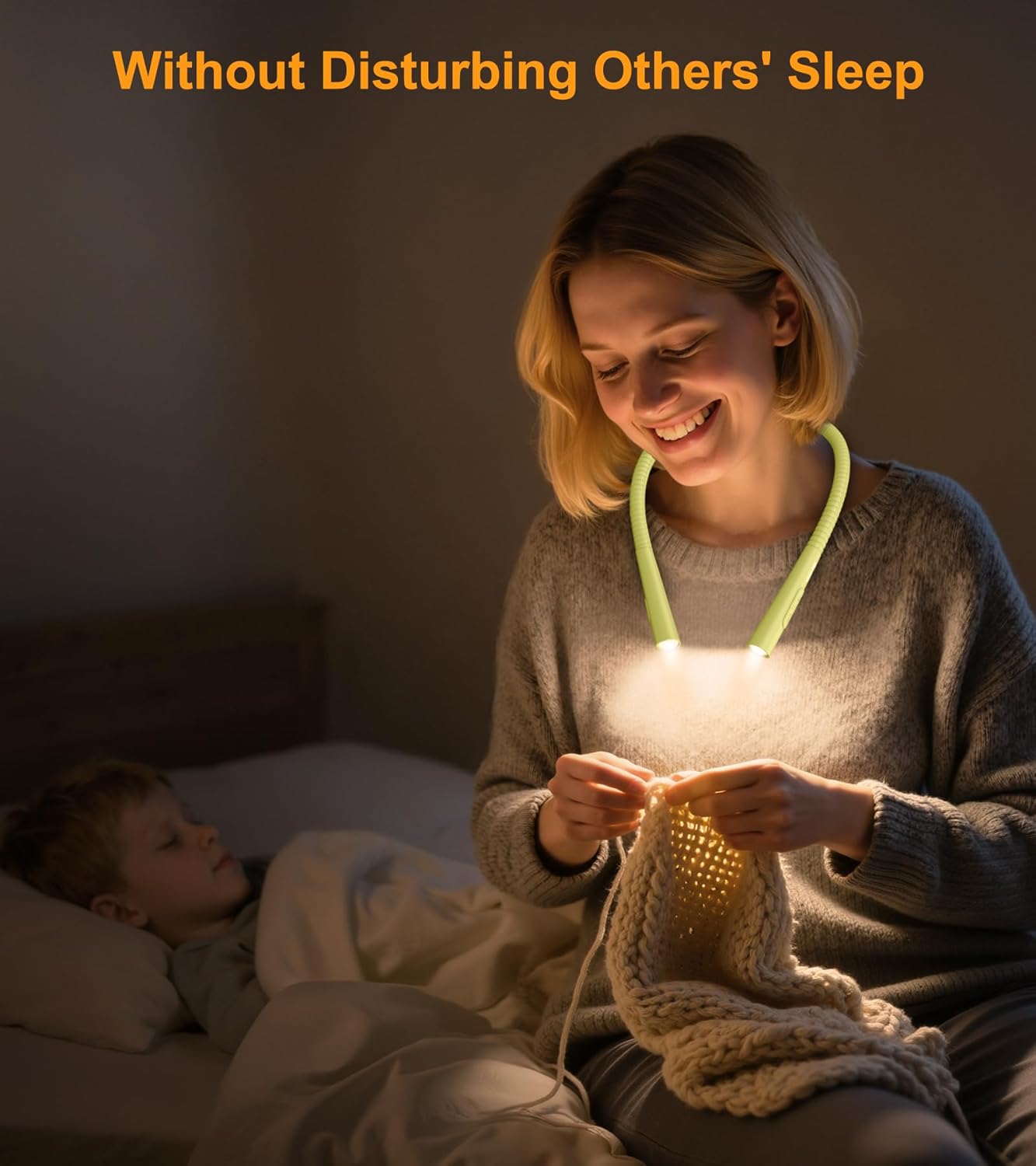
Image 9.2: An infographic highlighting key specifications of the Gritin G1328 Neck Reading Light, including its 1000mAh battery capacity, USB-C charging capability, and an impressive 80+ hours of runtime on a single charge.
10. Warranty and Support
Gritin products are designed and manufactured to high-quality standards. For warranty information or technical support, please refer to the contact details provided with your purchase or visit the official Gritin website.
Website: Gritin Official Store


