
Product Overview
The Blackvue B-130A Ultra Battery is designed to provide a stable, independent power source for your Blackvue dash cam, primarily for Parking Mode. This system ensures continuous recording without draining your vehicle's main battery. It features high capacity, fast charging capabilities, and smart temperature protection for enhanced safety and longevity. The battery supports both 12V and 24V systems, making it compatible with a wide range of vehicles.
What's in the Box
- BlackVue Ultra Battery (B-130A)
- Cigarette lighter power Cable
- Hardwire Power Cable
- Battery to Dashcam hardwiring Power Cable
- Fuse tap kit (3 types), Fuse, Velcro Tape, QSG

Image: Contents of the Blackvue B-130A Ultra Battery package, including the battery unit, various power cables, fuse tap kit, fuses, Velcro tape, and user manual.
Key Features
- Backup Battery for BlackVue Dash Cams: Provides a stable, independent power source for Parking Mode, protecting your vehicle’s main battery.
- High Capacity + Fast Charging: 12.8V / 7,500mAh / 96Wh battery. Full charge in 50 minutes (hardwired, 9A) or 90 minutes (cigarette lighter, 5A).
- Long Lasting: Up to 30 hours for single-channel dash cam (15–20 hours for dual-channel). Extends to up to 12 months with BlackVue Elite Series in Power Saving Mode.
- Smart Temperature Protection (Fuel Gauge IC Sensor): Automatically stops charging if temperature exceeds 80°C (176°F) and resumes below 70°C (158°F).
- Smart Connectivity + 12V/24V Universal Compatibility: Connect wirelessly via the BlackVue App for real-time monitoring. Compatible with all 12V and 24V vehicles.
- Safe LiFePO4 Technology + Multi-Purpose USB Output: Built with Lithium Iron Phosphate (LiFePO4) cells for stability. Includes a 5V USB-A port (2A max) for charging smartphones or Wi-Fi hotspots.

Image: The Blackvue B-130A Ultra Battery highlighting its LiFePO4 technology for enhanced safety and stability.

Image: Visual representation of the Blackvue B-130A Ultra Battery being up to 7°C cooler after 1 hour of charging compared to previous models.

Image: The Blackvue B-130A Ultra Battery offering up to 55 minutes longer usage time for extended parking mode coverage.
Setup and Installation
The Blackvue B-130A Ultra Battery can be installed in various locations within your vehicle, such as under the seat or inside the glove box. For optimal stability and ease of installation, it is recommended to run the power cable along the driver's side step plate and connect it under the seat.
Connecting to the Dashcam
Use the provided Battery to Dashcam hardwiring Power Cable. One end connects directly to the 'Dashcam' port on the B-130A battery, and the other end connects to your Blackvue dash cam's power input. This direct connection simplifies the wiring process.
Charging the Battery
The B-130A battery can be charged using two methods:
- Hardwiring Power Cable: For fastest charging (approx. 50 minutes), connect the Hardwire Power Cable to your vehicle's fuse box. Ensure proper connection to ACC (Accessory) and chassis ground wires.
- Cigarette Lighter Power Cable: For a simpler installation, use the Cigarette Lighter Power Cable. This method charges the battery in approximately 90 minutes.
When connecting to the fuse box, it is crucial to connect the power that will charge while driving. It is better to connect to non-essential power sources, such as the washer, sunroof, or USB charger, to avoid interfering with critical vehicle functions. Always ensure wiring is secured with cable ties to prevent pinching or movement.
Video: Detailed installation guide for the Blackvue B-130A Ultra Battery, demonstrating wiring and placement within a vehicle. This video is provided by BlackVue Pittasoft (Seller).
Operating Instructions
The Blackvue B-130A Ultra Battery is designed for seamless operation with your Blackvue dash cam, especially in Parking Mode.
Power On/Off
The battery unit features an 'OFF/ON' switch. Ensure the switch is in the 'ON' position for the battery to supply power to your dash cam and to charge when the vehicle is running.
Smart App & Cloud Monitoring
Connect wirelessly via the BlackVue App (available for iOS and Android) to monitor the battery's real-time charge percentage and remaining Parking Mode time. For remote status checks and low-power push notifications, pair the B-130A with a Cloud-connected BlackVue dash cam. Download the app from https://qrcode.blackvuecloud.com/app-download.
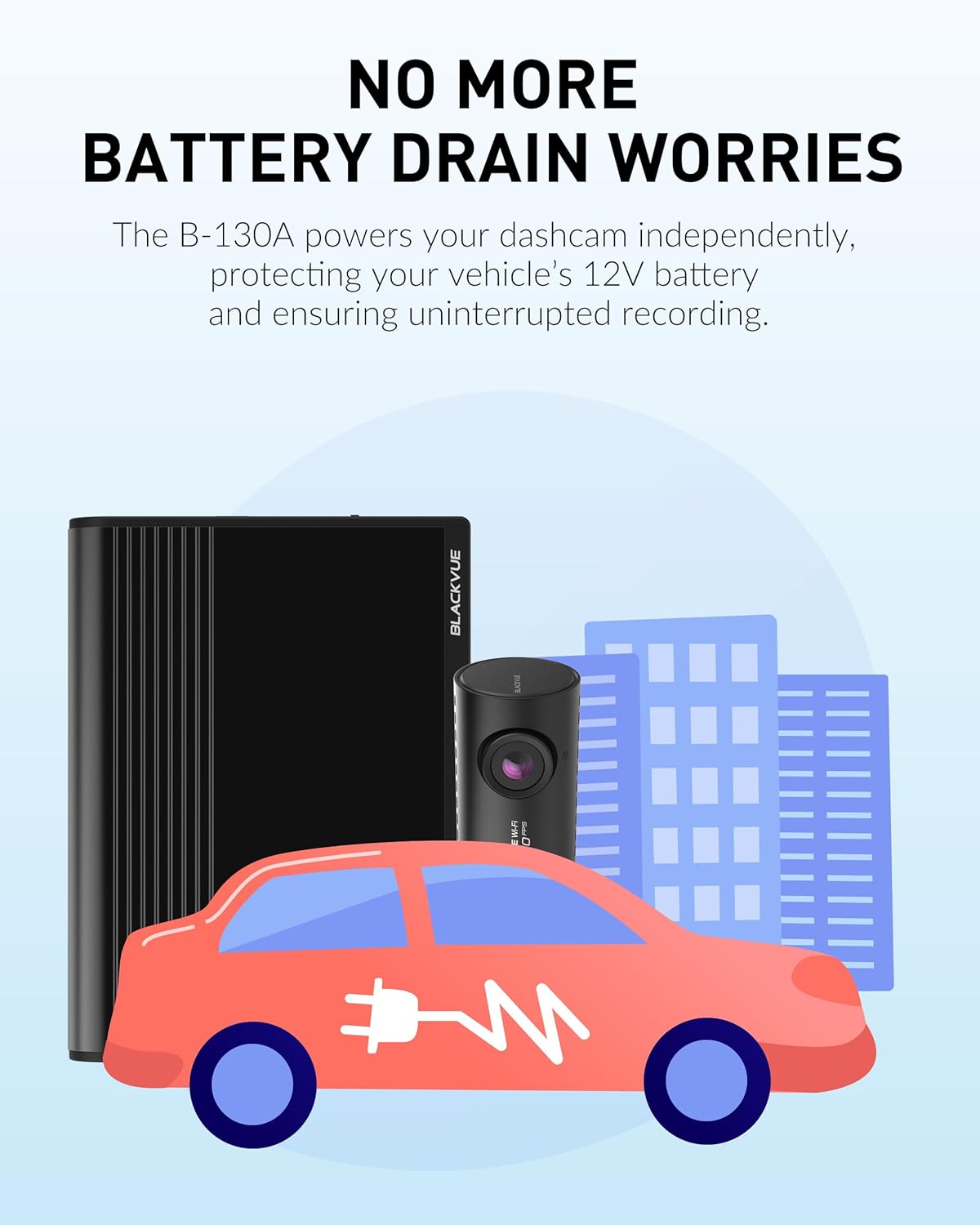
Image: A Blackvue B-130A Ultra Battery next to a smartphone displaying the BlackVue App interface, showing battery status and remaining parking time.
Temperature Protection
The B-130A is equipped with a Smart Temperature Protection system. If the internal temperature exceeds 80°C (176°F), the battery will trigger an audible beep and LED flash, and automatically stop charging to prevent damage. Charging will resume automatically once the temperature drops below 70°C (158°F).
Video: Demonstration of the Blackvue B-130A Ultra Battery's high temperature protection feature, showing how it limits charging when internal temperature exceeds safe limits. This video is provided by BlackVue Pittasoft (Seller).
Maintenance
To ensure the longevity and optimal performance of your Blackvue B-130A Ultra Battery, follow these maintenance guidelines:
- Temperature Management: Avoid exposing the battery to extreme temperatures for prolonged periods. While it has built-in protection, consistent exposure to very high or low temperatures can affect battery life.
- Regular Use: For best results, use the battery regularly to keep it charged. Avoid leaving it fully discharged for extended periods.
- Cleanliness: Keep the battery unit clean and free from dust and debris. Use a soft, dry cloth for cleaning.
- Cable Integrity: Periodically check all connected cables for any signs of wear or damage. Replace any damaged cables immediately.
Troubleshooting
If you encounter issues with your Blackvue B-130A Ultra Battery, consider the following:
- Battery Not Charging:
- Ensure the 'OFF/ON' switch on the battery is in the 'ON' position.
- Check all power cable connections to the vehicle and the battery for secure fit.
- Verify that the vehicle's ignition is on (if using ACC power) or that the cigarette lighter socket is receiving power.
- If the battery is hot, the temperature protection might be active, preventing charging until it cools down.
- Dash Cam Not Receiving Power:
- Confirm the battery is charged sufficiently via the BlackVue App.
- Check the connection of the Battery to Dashcam hardwiring Power Cable.
- Ensure the dash cam itself is functioning correctly.
- App Connectivity Issues:
- Ensure Bluetooth is enabled on your smartphone and the battery is within range.
- Restart the BlackVue App and try reconnecting.
For further assistance, refer to the detailed user manual or contact Blackvue customer support.
Specifications
| Model Name | B-130A |
| Brand | Blackvue |
| Battery Cell Composition | Lithium Ion (LiFePO4) |
| Battery Capacity | 7500 Milliamp Hours (96Wh) |
| Number of Batteries | 1 Lithium Ion battery (included) |
| Item Weight | 2.14 Kilograms |
| Recommended Uses | Backup battery for BlackVue dash cams only |
| UPC | 889186010689 |
Warranty and Support
The Blackvue B-130A Ultra Battery comes with a 1-year warranty. For warranty claims, technical support, or additional product information, please visit the official Blackvue store or contact their customer service directly.
Visit the Blackvue Store: Blackvue Store on Amazon


