1. Introduction
The CORSAIR HX1200i (2025) Fully Modular Ultra-Low Noise Power Supply delivers exceptional 80 PLUS Platinum efficient power and low-noise fluid dynamic bearing fan performance. This power supply is ATX 3.1 and PCIe 5.1 compliant, providing all necessary connections for modern PC upgrades. Its fully digital platform supports CORSAIR iCUE software for custom fan curves, power monitoring, and adjustable power settings. Japanese 105°C-rated electrolytic capacitors ensure long life and reliability. Features like Modern Standby sleep mode enable faster wake-up times and reduced power consumption, while Zero RPM mode ensures near-silent operation at low and medium loads.
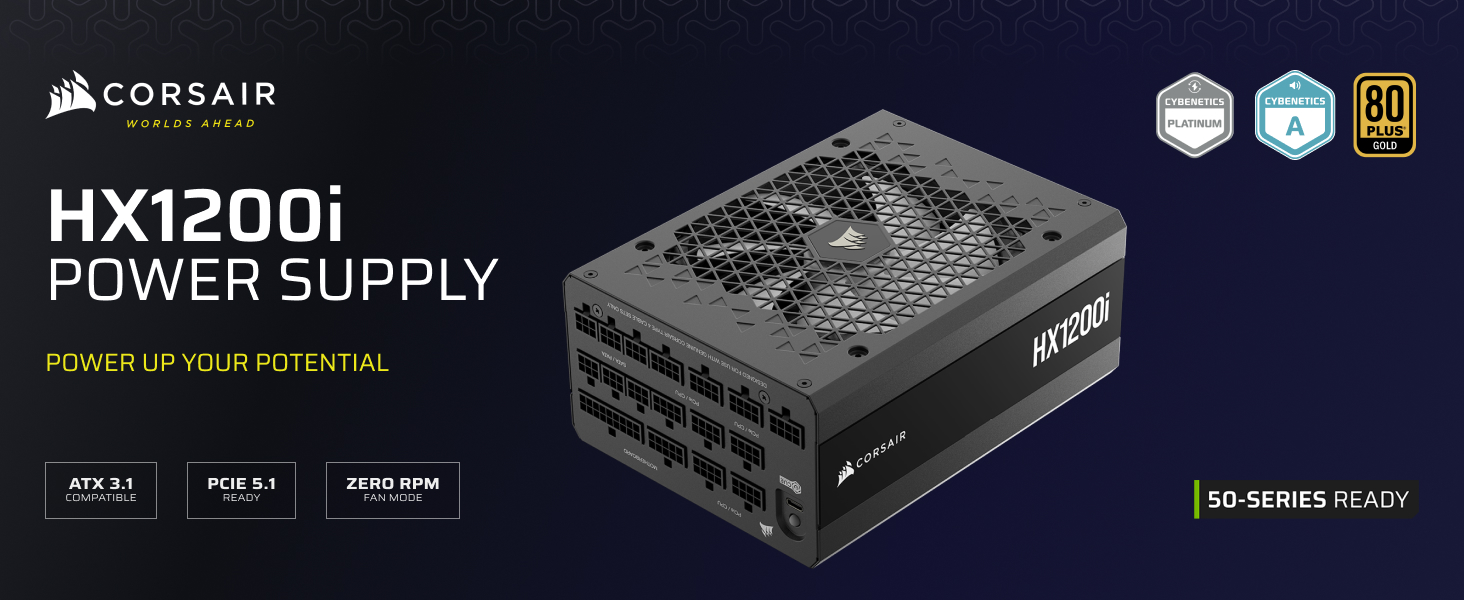
Image 1.1: The CORSAIR HX1200i Power Supply, showcasing its fully modular design and compatibility with ATX 3.1 and PCIe 5.1 standards for modern graphics cards.
2. Key Features
- Fully Modular Cabling: Connect only the cables your system requires, simplifying cable management and promoting clean builds.
- Intel ATX 3.1 Certified: Compliant with the ATX 3.1 power standard, supporting the PCIe Gen 5 platform and designed to resist transient power spikes.
- 140mm Fluid Dynamic Bearing (FDB) Fan: Provides extremely quiet and durable fan performance.
- Powerful CORSAIR iCUE Software: Allows creation of custom fan curves, monitoring of power settings, and on-the-fly toggling between single and multi-rail overcurrent protection (OCP).
- Zero RPM Fan Mode: The cooling fan switches off completely at low and medium loads for near-silent operation.

Image 2.1: The HX1200i Power Supply, emphasizing its Platinum efficiency, inclusion of two 12V-2x6 cables, and ATX 3.1 / PCIe 5.1 compliance.
3. Setup and Installation
3.1 Unpacking and Inspection
Carefully remove the power supply and all accessories from the packaging. Inspect for any signs of damage. Ensure all listed components are present:
- HX1200i Power Supply
- DC Cable Kit (modular cables)
- AC Power Cord
- Mounting Screws
- Cable Ties
3.2 Physical Installation
- Ensure your computer system is powered off and disconnected from the main power outlet.
- Mount the HX1200i power supply into the designated PSU bay in your PC case using the provided mounting screws. Ensure the fan is oriented correctly for optimal airflow (typically facing downwards or upwards depending on case design).
3.3 Cable Connections
The HX1200i is a fully modular power supply, allowing you to connect only the necessary cables. Refer to your motherboard and component manuals for specific power requirements.
- ATX Motherboard (24-pin): Connect the main 24-pin cable to your motherboard.
- ATX12V/EPS12V (4+4-pin): Connect the CPU power cables to your motherboard. Modern motherboards typically require an 8-pin connection, some high-end boards may require two.
- PCIe (6+2-pin): Connect these cables to your graphics card(s). Use multiple cables for high-power GPUs.
- 12V-2x6 (12+4-pin): Use these dedicated cables for compatible PCIe 5.1 graphics cards, such as NVIDIA GeForce RTX 50 Series, to provide up to 600W of power.
- SATA/PATA: Connect these cables to your storage drives (SSDs, HDDs) and other peripherals.
- USB (Type-C to USB 10-pin header): Connect this cable from the PSU to an available USB 2.0 header on your motherboard to enable CORSAIR iCUE software monitoring and control.
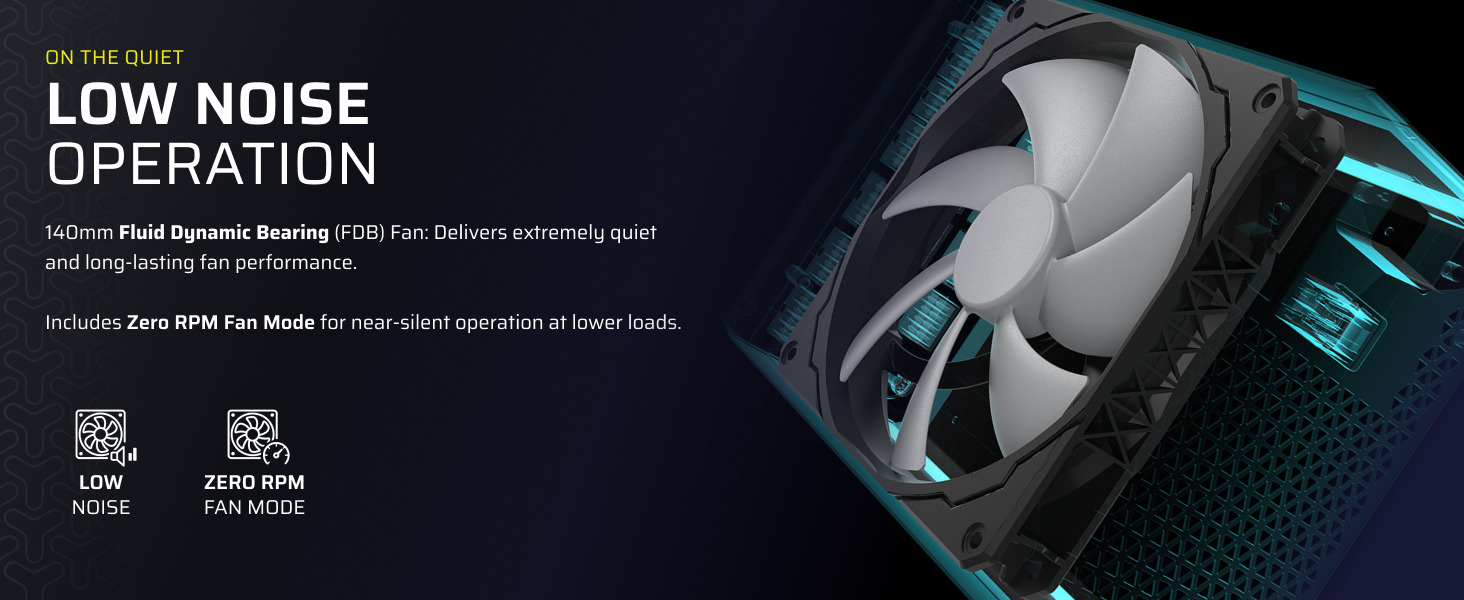
Image 3.1: A visual guide to the fully modular cabling system, detailing each cable type and its purpose.
4. Operation
4.1 Powering On
After all connections are securely made, connect the AC power cord to the power supply and a wall outlet. Flip the power switch on the PSU to the 'ON' position. You can then power on your computer system.
4.2 CORSAIR iCUE Software
For advanced monitoring and control, download and install the CORSAIR iCUE software from the official Corsair website. With the USB cable connected, iCUE allows you to:
- Monitor real-time power supply performance (voltage, current, power draw, efficiency).
- Create and apply custom fan curves to optimize cooling and noise levels.
- Toggle between single-rail and multi-rail Overcurrent Protection (OCP) modes.
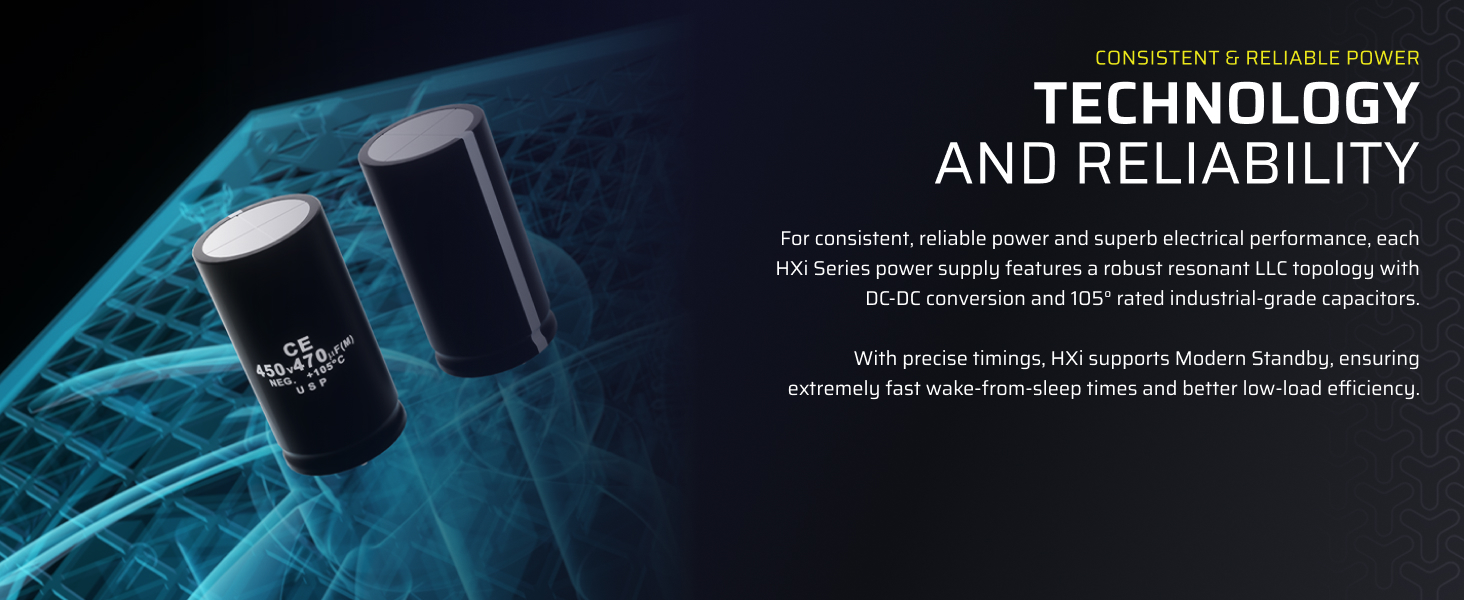
Image 4.1: The CORSAIR iCUE software interface, demonstrating its capabilities for monitoring power supply performance and controlling fan speed.
4.3 Zero RPM Fan Mode
The HX1200i features a Zero RPM fan mode. At low and medium loads, the power supply fan will not spin, resulting in silent operation. The fan will automatically activate when the load increases to maintain optimal temperatures.
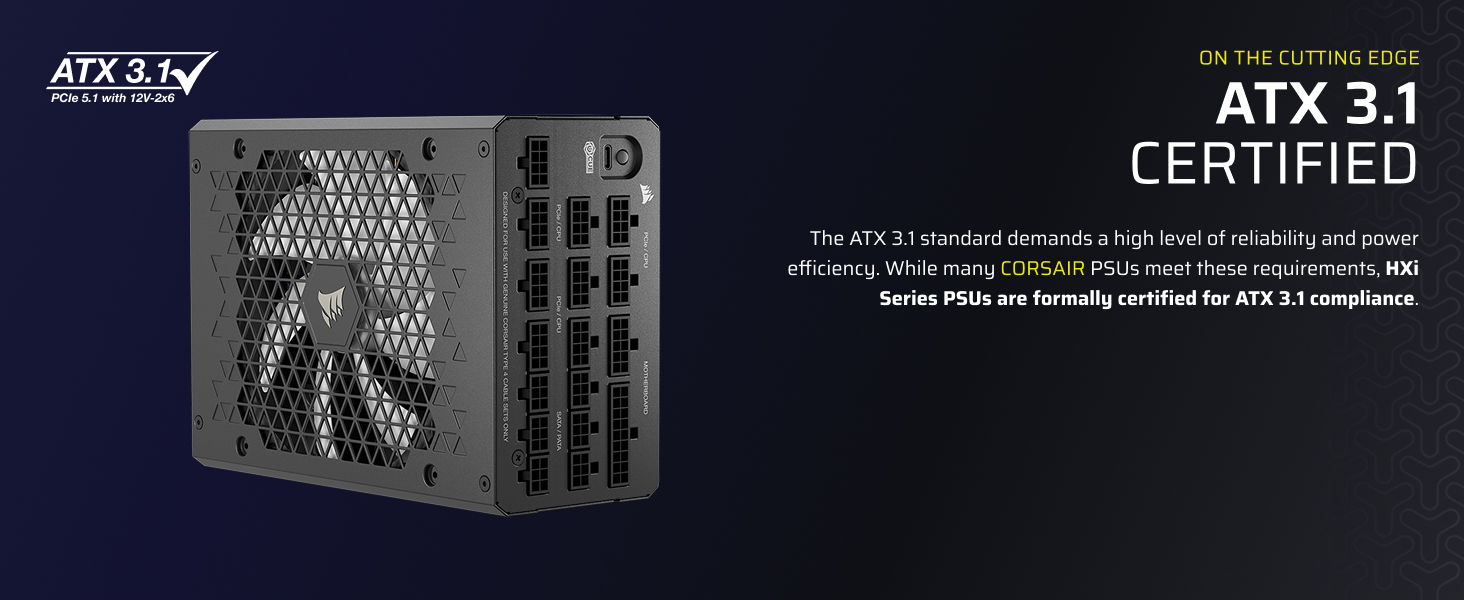
Image 4.2: Visual representation of the 140mm fluid dynamic bearing fan and its Zero RPM mode for quiet power delivery.
5. Maintenance
To ensure the longevity and optimal performance of your CORSAIR HX1200i power supply, follow these maintenance guidelines:
- Keep Vents Clear: Ensure that the intake and exhaust vents of the power supply are not obstructed by dust or other objects. Proper airflow is crucial for cooling.
- Regular Cleaning: Periodically clean dust from the power supply's exterior and fan grille using compressed air. Always disconnect the power supply from the wall outlet before cleaning.
- Cable Management: Maintain tidy cable management within your PC case to prevent airflow restrictions and reduce dust accumulation.
6. Troubleshooting
If you encounter issues with your CORSAIR HX1200i power supply, consider the following troubleshooting steps:
- No Power:
- Verify that the AC power cord is securely connected to both the power supply and the wall outlet.
- Ensure the power switch on the PSU is in the 'ON' position.
- Check the wall outlet with another device to confirm it is receiving power.
- System Instability/Crashes:
- Ensure all modular cables are firmly seated in both the power supply and the respective components (motherboard, CPU, GPU, drives).
- If using iCUE, monitor voltages and temperatures to identify any anomalies.
- Ensure your system's power draw does not exceed the PSU's rated capacity.
- Fan Not Spinning:
- The HX1200i features Zero RPM mode. The fan will not spin at low to medium loads. This is normal operation.
- If the system is under heavy load and the fan is still not spinning, check iCUE software for fan status or contact support.
- iCUE Software Not Detecting PSU:
- Ensure the USB cable is correctly connected from the PSU to a USB 2.0 header on your motherboard.
- Try restarting your computer or reinstalling the iCUE software.
If issues persist after following these steps, please refer to the Warranty and Support section for further assistance.
7. Specifications
| Feature | Detail |
|---|---|
| Brand | Corsair |
| Series | CORSAIR HX1200i |
| Model Number | CP-9020307-NA |
| Output Wattage | 1200 Watts |
| Form Factor | ATX |
| Efficiency Rating | Cybenetics Platinum (80 PLUS Platinum equivalent) |
| Cooling Method | Air (140mm Fluid Dynamic Bearing Fan) |
| Modular | Fully Modular |
| ATX Standard | ATX 3.1 Compliant |
| PCIe Standard | PCIe 5.1 Compliant (with 12V-2x6 cable) |
| Item Weight | 5.3 pounds |
| Product Dimensions (LxWxH) | 7.87 x 5.91 x 3.39 inches |
8. Warranty and Support
The CORSAIR HX1200i (2025) Power Supply is backed by a comprehensive manufacturer's warranty, ensuring reliability and peace of mind. For specific warranty terms, duration, and conditions, please refer to the warranty card included with your product or visit the official Corsair website.
For technical support, troubleshooting assistance, or to register your product, please visit the Corsair support portal:
When contacting support, please have your product model number (HX1200i) and serial number readily available.


