
1. Introduction
This instruction manual provides essential information for the proper setup, operation, and maintenance of your Comfyer BM01 Add-on Camera Baby Monitor. This camera unit is designed to expand your existing Comfyer No-wifi Video Monitor BM01 system, allowing for multi-camera monitoring. Please read this manual thoroughly before use to ensure optimal performance and safety.
Note: This add-on camera is specifically for the Comfyer BM01 monitor system and is not compatible with BM02 models.
2. Package Contents
- Baby Camera x 1
Ensure all items are present and in good condition. If any items are missing or damaged, please contact customer support.
3. Product Overview
The Comfyer BM01 Add-on Camera provides enhanced monitoring capabilities for your baby's room. Key features include:
- 1080p Full HD Resolution: Offers clear and detailed video feed.
- Remote Pan & Tilt: Pan the lens 355° horizontally and tilt 120° vertically for comprehensive room coverage.
- Two-Way Talk: Allows you to communicate with your baby remotely.
- Night Vision: Provides clear visibility in low-light or dark conditions.
- Multi-Camera Support: Connect up to 4 camera units to a single Comfyer BM01 monitor.

Image 3.1: The Comfyer BM01 Add-on Camera Baby Monitor. This image displays the camera unit with its sleek white and black design, featuring the lens and infrared LEDs.

Image 3.2: Wide View of the room with Pan and Tilt functionality. This image illustrates the camera's ability to pan 355 degrees and tilt 120 degrees, providing extensive coverage of a baby's room.

Image 3.3: Clear Real-time Images. This image demonstrates the difference between 720P HD and 480P resolution, highlighting the superior clarity offered by the Comfyer BM01 camera.
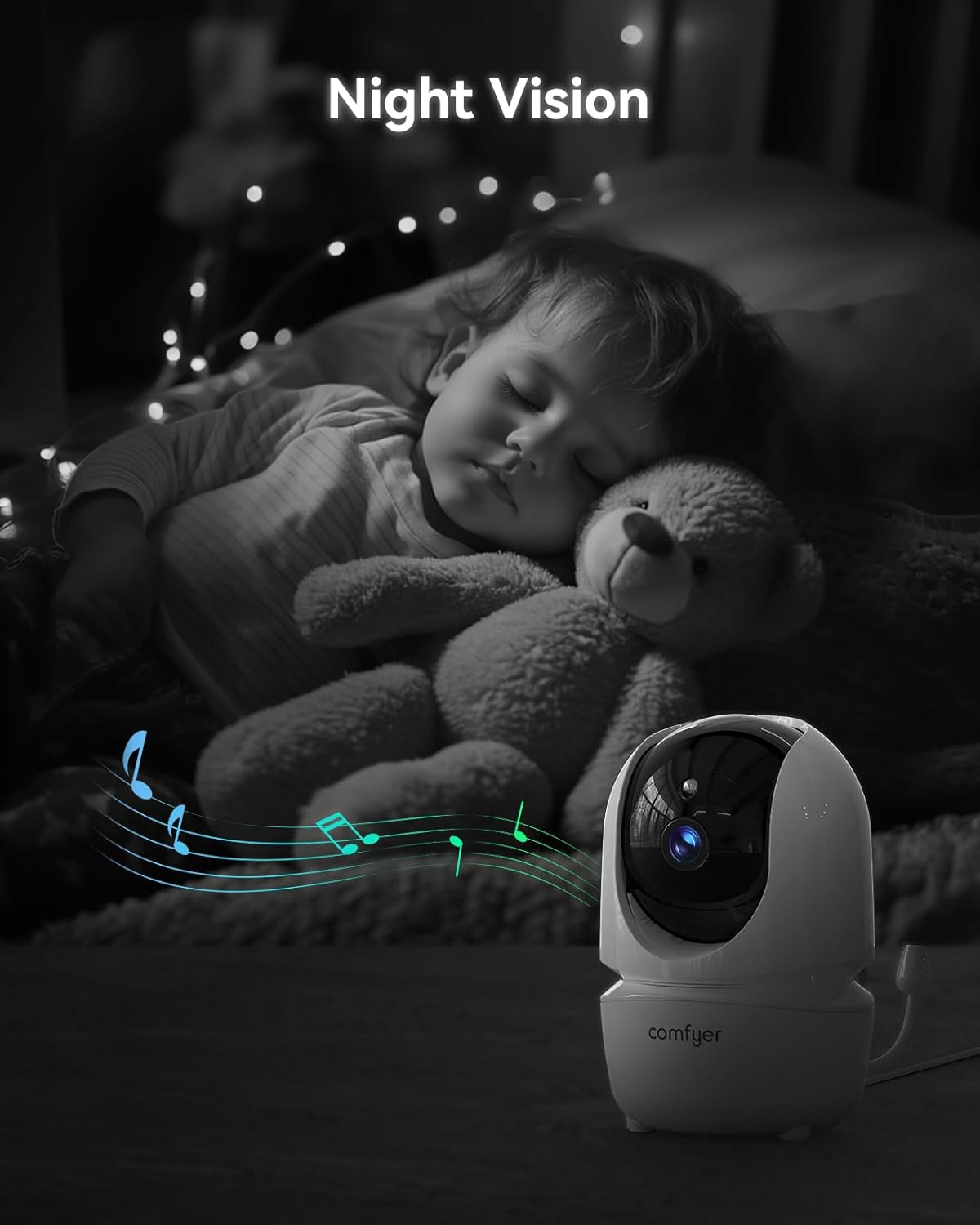
Image 3.4: Night Vision capability. This image shows the camera monitoring a sleeping baby in a dark room, illustrating its effective night vision feature.

Image 3.5: Connect up to 4 Cameras. This image displays a monitor unit connected to four separate camera feeds, demonstrating the multi-camera monitoring feature.
4. Setup Instructions
4.1 Pairing the Add-on Camera
The Comfyer BM01 Add-on Camera is designed for quick and easy pairing with your existing Comfyer BM01 monitor unit. No application or Wi-Fi connection is required for pairing.
- Ensure both the monitor unit and the new add-on camera are powered on and within range of each other.
- On your Comfyer BM01 monitor unit, navigate to the camera settings menu. Refer to your main monitor's manual for specific menu navigation.
- Select the "Add Camera" or "Pair Camera" option.
- The monitor will begin searching for a new camera.
- On the add-on camera, locate the pairing button (usually a small button on the back or bottom of the camera). Press and hold this button for approximately 5 seconds until the camera indicates it is in pairing mode (e.g., an LED indicator flashes).
- The monitor should detect and pair with the new camera within a few seconds. Once paired, the monitor will display the camera's feed.
- Repeat this process for any additional cameras you wish to connect, up to a maximum of four cameras.
4.2 Camera Placement
Position the camera in a location that provides a clear view of your baby. Ensure it is placed at a safe distance from the crib or play area, out of reach of children. The camera can be placed on a flat surface or wall-mounted (mounting hardware not included).
5. Operating Instructions
5.1 Multi-Camera Monitoring (Scan Mode)
If you have multiple cameras paired, you can use the scan mode to cycle through their feeds:
- On the monitor unit, press and hold the "OK" button for approximately 3 seconds.
- The monitor will activate scan mode, automatically switching between each connected camera unit's feed at regular intervals.
- To exit scan mode, press the "OK" button again.
5.2 Remote Pan, Tilt, and Zoom
Use the directional controls on your monitor unit to adjust the camera's view:
- Pan: Move the camera lens horizontally up to 355° to view different areas of the room.
- Tilt: Move the camera lens vertically up to 120° to adjust the vertical viewing angle.
- Zoom: Use the zoom function on your monitor to get a closer look at your baby.
5.3 Two-Way Talk
To speak to your baby through the camera:
- Press and hold the talk button on your monitor unit.
- Speak clearly into the monitor's microphone. Your voice will be transmitted through the camera's speaker.
- Release the talk button to listen to your baby.
5.4 Night Vision
The camera automatically activates its infrared night vision feature in low-light conditions, providing a clear black-and-white image of your baby without disturbing their sleep.
6. Maintenance
- Cleaning: Gently wipe the camera lens and body with a soft, dry cloth. Do not use abrasive cleaners or solvents.
- Storage: If storing the camera for an extended period, ensure it is clean, dry, and stored in a cool, dry place away from direct sunlight.
- Power: Always use the original power adapter provided with your Comfyer BM01 system.
7. Troubleshooting
| Problem | Possible Cause | Solution |
|---|---|---|
| Camera not powering on. | Power adapter not connected or faulty. | Ensure the power adapter is securely connected to the camera and a working power outlet. Try a different outlet. |
| No video feed on monitor. | Camera not paired or out of range. | Re-attempt the pairing process (Section 4.1). Ensure the camera is within the operational range of the monitor unit. Check for obstructions. |
| Poor video quality or signal interference. | Obstructions, distance, or other electronic devices causing interference. | Move the camera closer to the monitor. Relocate the camera or monitor away from other electronic devices (e.g., microwaves, Wi-Fi routers). |
| Two-way talk not working. | Microphone or speaker issues, or talk button not pressed correctly. | Ensure the talk button on the monitor is pressed and held during speaking. Check monitor volume settings. |
8. Specifications
| Brand | Comfyer |
| Model Name | BM01 |
| Item Model Number | 1000 |
| Indoor/Outdoor Usage | Indoor |
| Compatible Devices | Comfyer BM01 Monitor |
| Power Source | AC Adapter (for camera) |
| Connectivity Technology | Wireless (No-Wi-Fi) |
| Video Capture Resolution | 1080p FHD |
| Pan Range | 355° |
| Tilt Range | 120° |
| Special Feature | 2-Way Audio, Night Vision, Remote Pan/Tilt/Zoom |
| Product Dimensions | 5.9 x 5.1 x 3.2 inches |
| Item Weight | 13 ounces (0.37 Kilograms) |
9. Warranty and Support
For warranty information, technical support, or any inquiries regarding your Comfyer BM01 Add-on Camera, please refer to the warranty card included with your original Comfyer BM01 monitor system or contact Comfyer customer service directly. Contact details can typically be found on the manufacturer's official website or on the product packaging.