Introduction
The Lian Li Hydroshift II-C 360TL is a high-performance All-In-One (AIO) liquid CPU cooler designed to provide efficient thermal management for your desktop system. It features a 360mm radiator, three 120mm RGB fans, and a 2.1-inch IPS LCD screen for real-time monitoring and customization. This manual provides essential information for the proper installation, operation, and maintenance of your cooler.

Image: The Lian Li Hydroshift II-C 360TL cooler, showcasing its 360mm radiator with three white RGB fans and the circular LCD pump head displaying system information.
What's in the Box
Verify that all components are present before beginning installation:
- Hydroshift II LCD-C 360 Liquid Cooler (x1)
- UNI FAN TL Wireless (x3)
- Mounting Screw Cap (x1)
- Radiator Cover (x1)
- Tube & Cable Clip (x2 L, x1 M)
- Intel 1700 Backplate + Screw Set (x1)
- AMD AM5/AM4 Adapter Brackets + Screw Set (x1)
- L-Wireless Controller (x1)
Setup and Installation
Follow these steps for a successful installation of your Hydroshift II-C 360TL cooler. Ensure your system is powered off and unplugged before proceeding.
1. Prepare the Motherboard and CPU
Install your CPU onto the motherboard socket. For Intel LGA 1851/1700 or AMD AM5/AM4 platforms, use the appropriate mounting brackets provided in the package. The newly developed mounting system is designed for easier, more intuitive installation.

Image: A visual guide illustrating the process of installing the CPU mounting bracket onto the motherboard, ensuring proper alignment and secure fastening.
2. Mount the Radiator and Fans
The 360mm radiator comes with three pre-installed UNI FAN TL Wireless fans. Mount the radiator to an available fan mounting location in your PC case, typically at the top or front. The radiator has been compactly redesigned to just 400 × 122 × 24mm, making installation easier while maintaining excellent thermal performance.
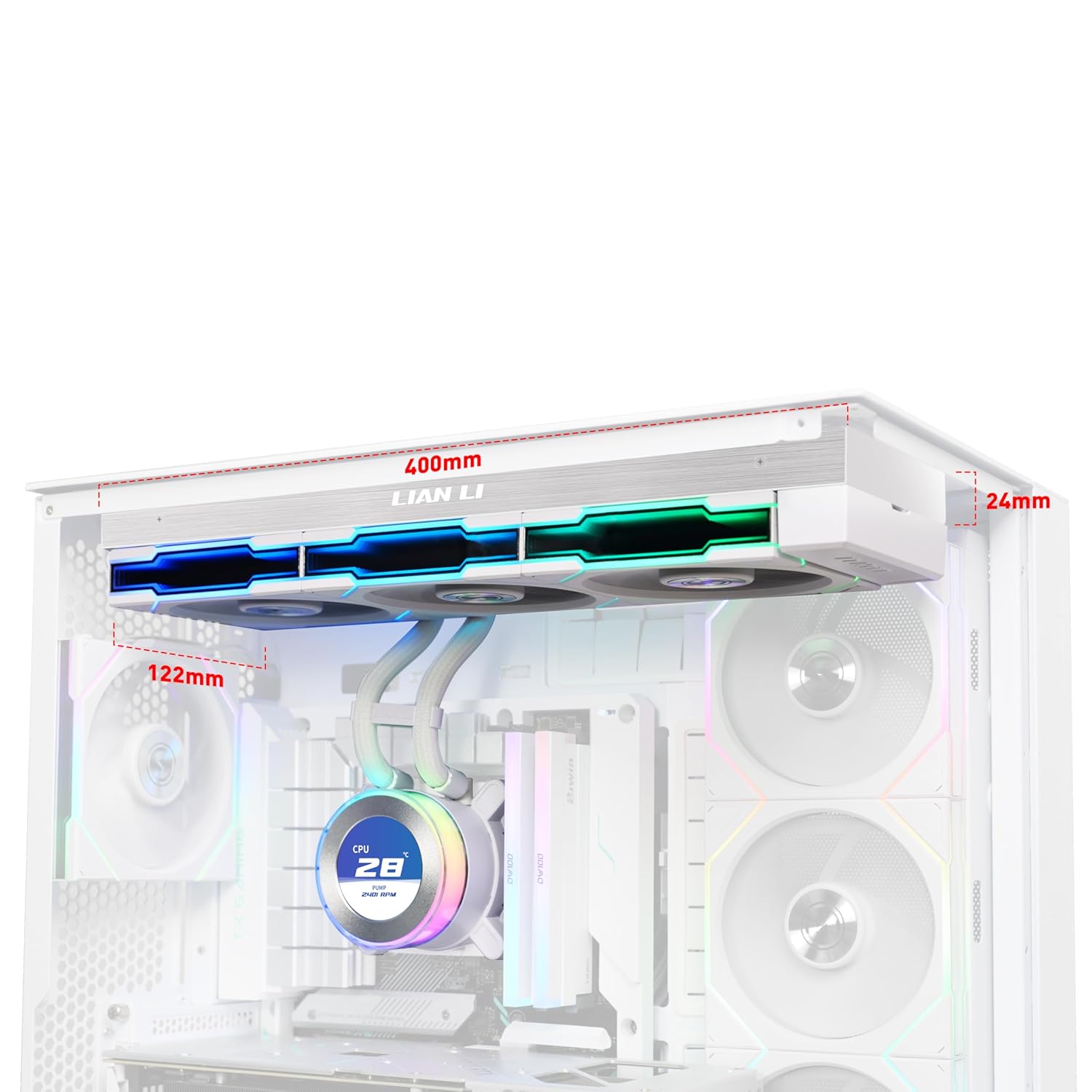
Image: A detailed view of the radiator, highlighting its compact dimensions of 400mm x 122mm x 24mm, designed for improved case compatibility.
3. Install the Pump Head
Secure the pump head onto the CPU. The innovative sliding tube clamp allows for precise alignment of liquid cooling tubes, ensuring an organized setup. It can be removed for installations requiring tighter fan-to-motherboard clearance. The durable and flexible corrugated tubing offers improved bendability.
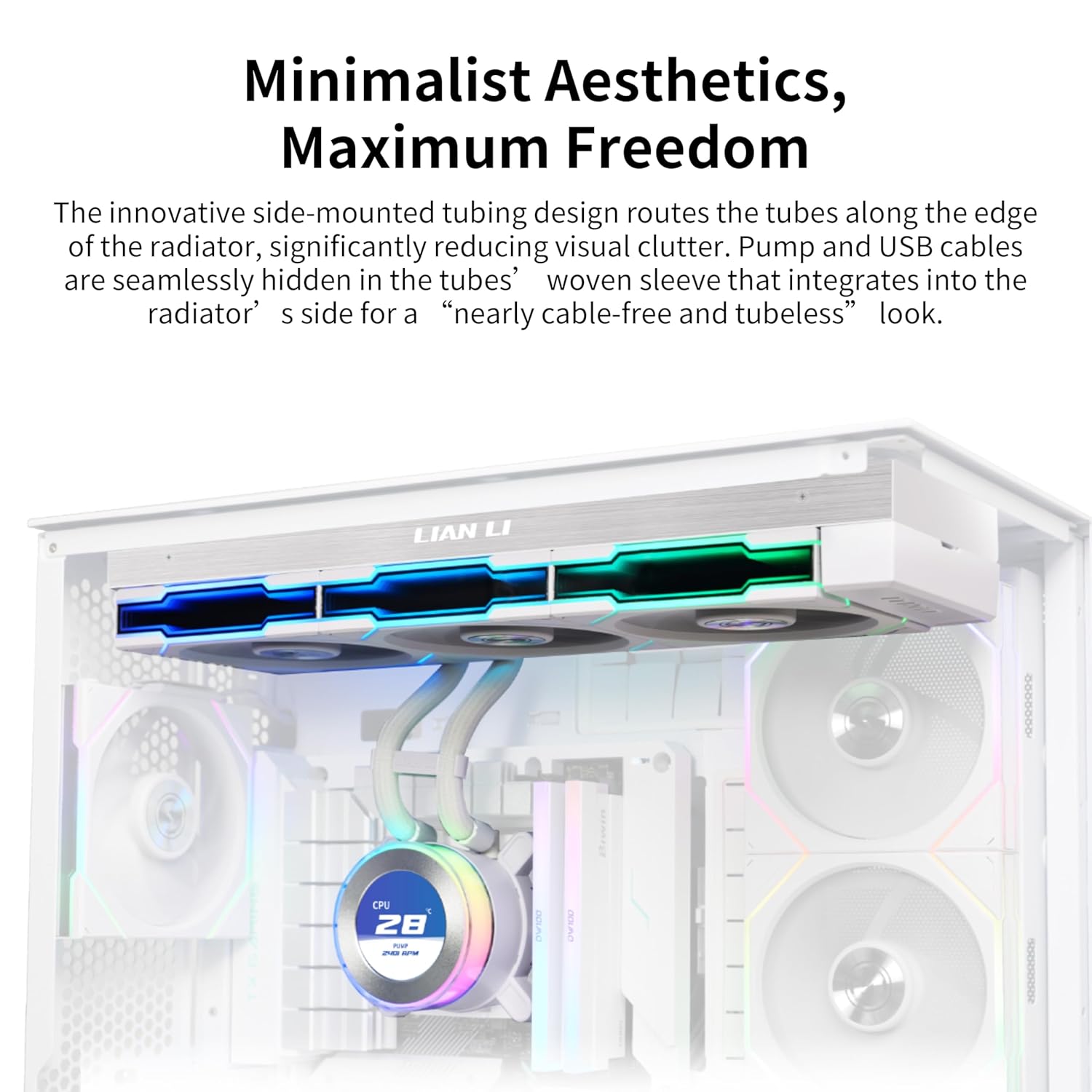
Image: A close-up of the pump head and its flexible, corrugated tubing, demonstrating the adjustable tube clamps for precise alignment and cable management.
4. Cable Management and Connections
The pump and USB cables are seamlessly hidden within the tubes' woven sleeve, integrating into the radiator's side for a nearly cable-free and tubeless look. Pre-installed tube support brackets help conceal water cooling tubes.
- USB Connection Set Up Tips: If L-Connect 3 software does not detect the HydroShift II, it may be due to insufficient power from the connected PWM port. Enter your BIOS and set the connected PWM port (recommended CPU_FAN, AIO_PUMP, or PUMP) to PWM/DC mode instead of Auto. Ensure the port is set to full speed.
- The receiver for the L-Wireless Controller requires a 4-pin power connector to operate.

Image: A diagram illustrating the integrated cable management system, where USB and power cables are routed within the cooling tubes for a clean aesthetic.
5. Flexible Layout and Compatibility
The top mounting position for water cooling supports radiators up to 280mm wide and 400mm long. Depending on your case's top clearance, you may need to remove the vertical tubing support bracket or reposition tube clips. Refer to your case manual for specific guidance.

Image: Visual examples of radiator and tubing installation in different PC case configurations, demonstrating how to adapt to varying clearances.
Operating Modes
The 2.1-inch round IPS LCD display offers three distinct control modes:
- Offline Mode: Adjust LED and LCD content using the rotatable cap without a USB connection. Displays coolant temperature and pump speed.
- Wireless Mode: Adjust screen hardware info, background themes, and cap lighting effects wirelessly with the L-Wireless Controller. Syncs with other LIAN LI wireless devices.
- Streaming Mode: Connect via USB to fully customize settings using L-Connect 3 software. Supports various media formats like MP4 and GIF for personalized displays.
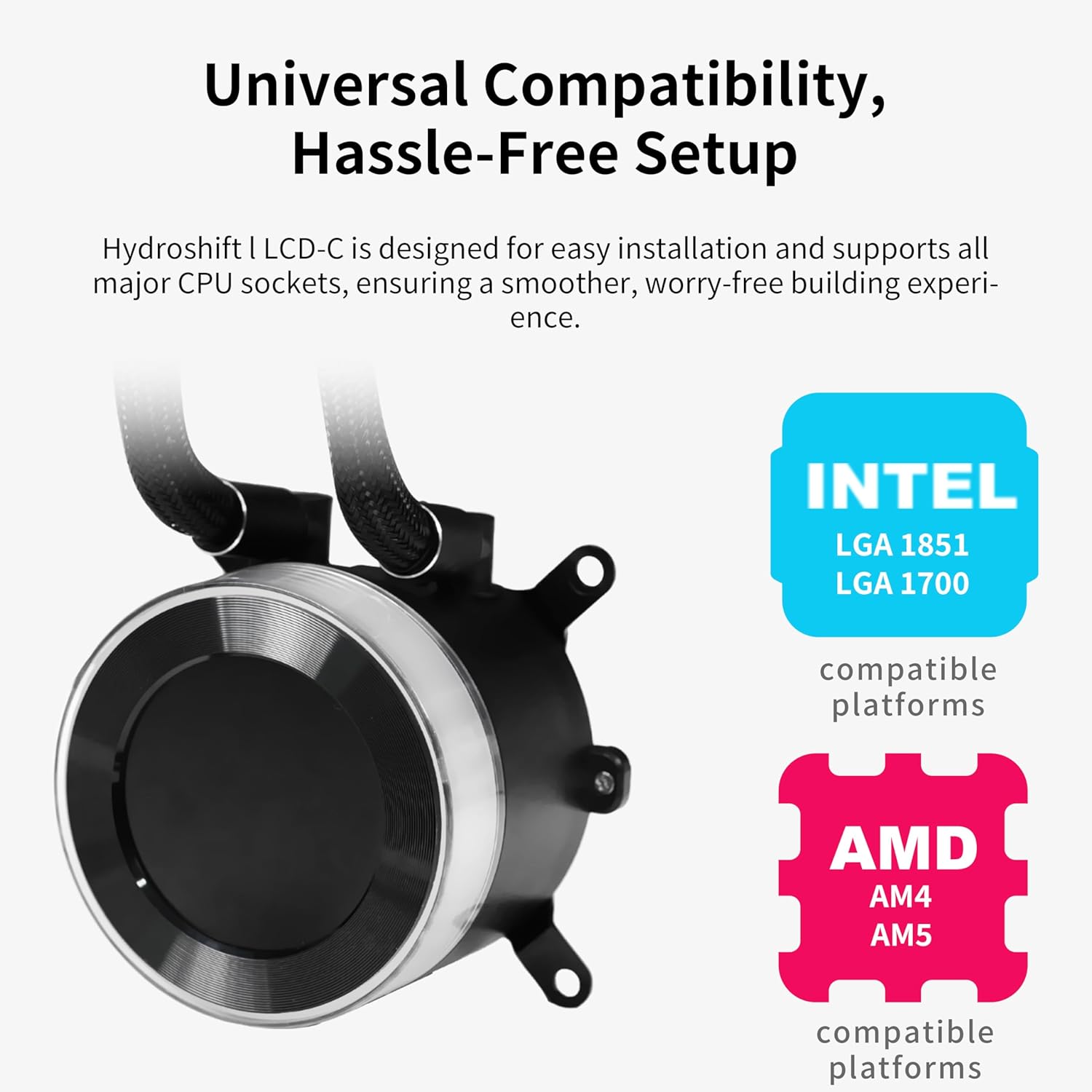
Image: A visual representation of the three control modes (Offline, Wireless, Streaming) for the LCD screen, showing different display options and customization capabilities.
Video: Introducing Hydroshift II AIO Cooler with New Fans & Design
Video Description: This official seller video introduces the Lian Li Hydroshift II AIO Cooler, highlighting its new fan design and features. It provides an overview of the cooler's aesthetics and functionality.
Video: Hydroshift II Powered by Wallpaper Engine
Video Description: An official seller video demonstrating the customization capabilities of the Hydroshift II LCD screen when integrated with Wallpaper Engine, showcasing dynamic visual effects.
Maintenance
To ensure the longevity and optimal performance of your Lian Li Hydroshift II-C 360TL cooler, regular maintenance is recommended:
- Dust Removal: Periodically clean the radiator fins and fan blades to prevent dust buildup, which can impede airflow and cooling efficiency. Use compressed air or a soft brush.
- Tube Inspection: Check the corrugated tubing for any signs of wear, kinks, or leaks. While the tubing is designed for durability, regular inspection is advised.
- Software Updates: Keep the L-Connect 3 software updated to ensure compatibility and access to the latest features and performance optimizations.
Troubleshooting
If you encounter issues with your Hydroshift II-C 360TL, refer to the following common troubleshooting tips:
- L-Connect 3 Not Detecting Cooler: As mentioned in the setup tips, ensure the connected PWM port in your BIOS is set to PWM/DC mode (not Auto) and at full speed to provide adequate power for USB detection.
- Pump Noise/Performance: The pump operates within a specified RPM range (900-2500 RPM). If the pump is excessively loud at idle, verify BIOS settings for the connected PWM header. Note that the pump may not support PWM control for variable speed, operating instead on DC voltage.
- Melted CPU Cooler Cables: If cables show signs of melting, immediately power off your system and disconnect the cooler. This indicates a severe power issue, potentially due to incorrect wiring or a faulty motherboard port. Contact customer support for assistance.
- No Linux Support: The L-Connect 3 software and full customization features are primarily designed for Windows operating systems. There is currently no official Linux support for the software.
Specifications
| Feature | Specification |
|---|---|
| Brand | Lian Li |
| Power Connector Type | 4-Pin |
| Cooling Method | Water |
| Compatible Devices | Desktop |
| Noise Level | 31 Decibels |
| Material | Aluminum |
| Maximum Rotational Speed (Fans) | 2400 RPM |
| Pump Speed | 900-2500 RPM ±10% |
| Radiator Dimensions | 400 x 122 x 24mm |
| Fan Dimensions | 124 x 120 x 28mm |
| Bearing Type | FDB Bearing |
| Rated Voltage | DC 12V |
| Operating Voltage | DC 6V ~ 13.2V |
| Starting Voltage | DC 6V (ON/OFF) |
| Fan Airflow | 90.1 CFM |
| Fan Air Pressure | 3.97 mm H2O |
| Fan Noise Level | 33 dB(A) |
| LCD Type | 2.1" inch 60HZ |
| LCD Resolution | 480x480 pixels |
| Screen Brightness | 500 nits |
| Block Dimensions | 69x87x87mm |
Warranty and Support
The Lian Li Hydroshift II-C 360TL Liquid CPU Cooler comes with a 6-Year Warranty. For technical support, warranty claims, or further assistance, please visit the official Lian Li website or contact their customer service department. Keep your proof of purchase for warranty validation.


