1. Safety Information
Please read all safety warnings and instructions before using this product. Failure to follow these instructions may result in electric shock, fire, and/or serious injury.
- Do not operate the jump starter if it is damaged.
- Do not jump-start vehicles with a voltage other than 12V.
- Do not use the jump starter as a vehicle battery.
- Do not connect the positive and negative clamps together.
- Keep out of reach of children.
- Store in a cool, dry place away from direct sunlight and high temperatures.
- Ensure the jump starter's charge level is above 50% before jump-starting a vehicle.
Integrated Safety Protections
The Scstartx QD-208 features an intelligent chip with 10 integrated safety protection technologies, including:
- Over Heat Protection
- Over Current Protection
- Reverse Connection Protection
- Short Circuit Protection
- Over Voltage Protection
- Over Discharge Protection
- Reverse Polarity Protection
- Spark Resistance
- Over Charge Protection
- Extreme Temperature Protection
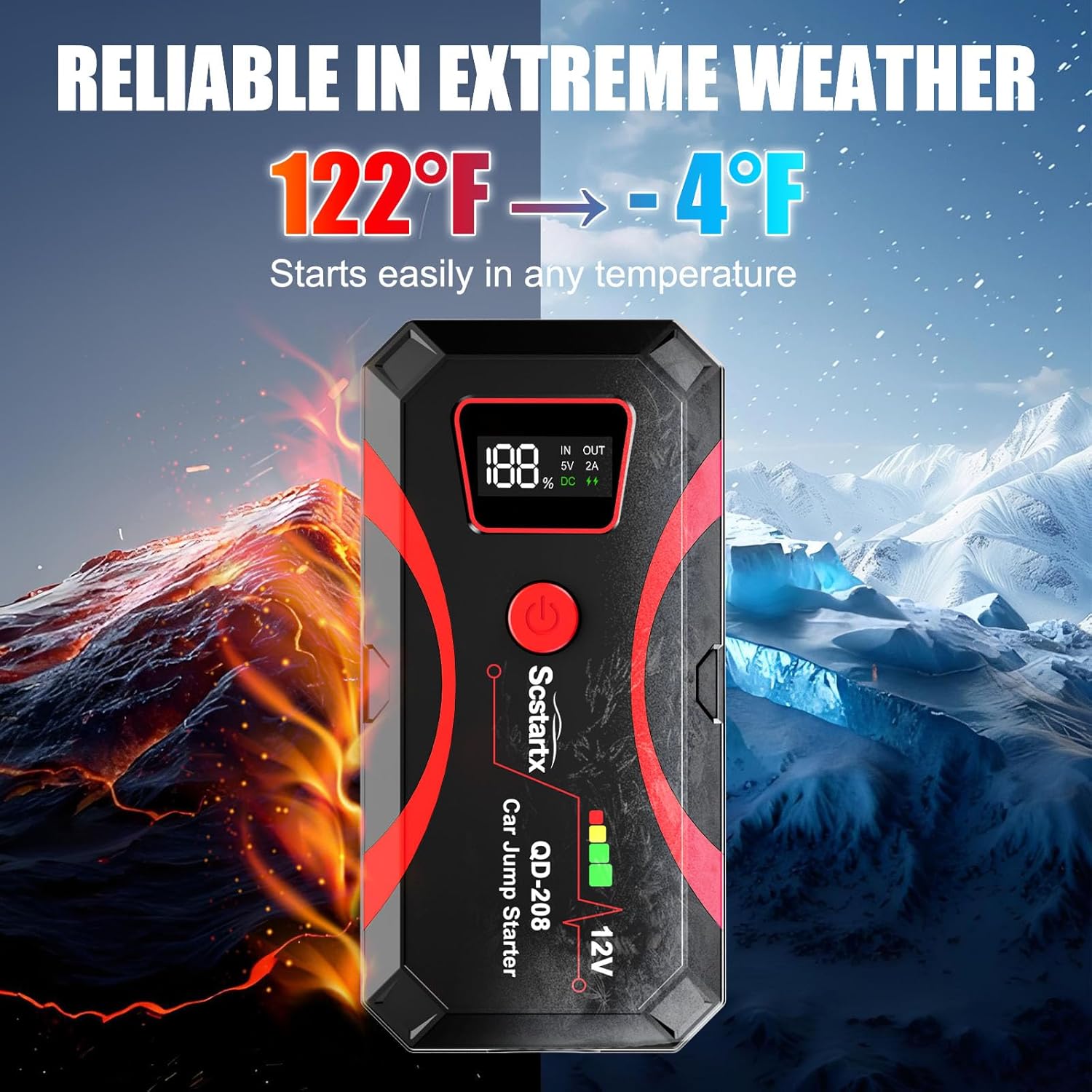
Image: The Scstartx QD-208 jump starter highlighting its 10 safety protection features, including protection against overheating, overcurrent, reverse connection, short circuit, overvoltage, overdischarge, reverse polarity, sparks, overcharge, and extreme temperatures.
2. Product Overview
Package Contents
The Scstartx QD-208 Emergency Car Jump Starter package includes the following items:
- 1 x Scstartx QD-208 Emergency Car Jump Starter
- 1 x Smart Jumper Cable with Clamps
- 1 x USB-C Charging Cable
- 1 x EVA Storage Bag
- 1 x User Manual (this document)

Image: A visual representation of the package contents, including the jump starter unit, smart jumper cables, USB-C charging cable, EVA storage bag, and user manual.
Key Features
- Powerful Jump Starting: 4000A peak current, capable of starting 12V vehicles with up to 10L gas or 8L diesel engines.
- Multi-functional LED Torch: Integrated 400-lumen LED light with 3 modes (Flashlight, SOS, Strobe).
- Portable Power Bank: Equipped with 2 USB outputs to charge mobile phones, tablets, and other USB-powered devices.
- Extreme Temperature Operation: Reliable performance in temperatures ranging from -20℃ to 60℃ (-4°F to 140°F).

Image: An overview of the Scstartx QD-208 jump starter, illustrating its key specifications and features such as 4000A peak current, 16000mAh battery capacity, 400 Lumens LED light, and 10 safety protections.
3. Charging the Jump Starter
Before first use, fully charge the jump starter. To charge the unit:
- Connect the provided USB-C charging cable to the input port on the jump starter.
- Connect the other end of the USB-C cable to a USB wall adapter (not included) or a powered USB port.
- The digital display will show the charging progress. Charge until the display indicates 100%.
It is recommended to charge the jump starter every 2-3 months if it has not been used for a long period to maintain optimal battery health.
4. Operating Instructions
4.1 Jump Starting a Vehicle
Ensure the jump starter has at least 50% charge before attempting to jump-start a vehicle.
- Connect the Smart Jumper Cables: Plug the blue end of the smart jumper cable into the jump starter's 12V output port. Ensure a firm connection.
- Connect to Vehicle Battery: Attach the red positive (+) clamp to the positive (+) terminal of the vehicle's dead battery. Attach the black negative (-) clamp to the negative (-) terminal of the vehicle's dead battery.
- Start the Vehicle: Once the clamps are correctly connected, the smart cable indicator light will turn green (or provide an audible alert). Start your vehicle's engine.
- Remove Clamps: After the vehicle starts, immediately remove the smart jumper cables from the vehicle battery terminals, then disconnect the blue plug from the jump starter.

Image: A visual guide demonstrating the four steps to jump-start a vehicle: 1. Connect cables to the jump starter, 2. Connect clamps to the car battery (red to +, black to -), 3. Start the car engine, 4. Remove clamps from the car battery.
4.2 Using the LED Flashlight
The jump starter includes a built-in 400-lumen LED flashlight with three modes:
- To Turn On/Off: Press and hold the flashlight button for 3 seconds.
- To Change Modes: Once the light is on, short press the flashlight button to cycle through modes: Flashlight → SOS → Strobe.

Image: A person using the integrated LED light of the Scstartx QD-208 jump starter to illuminate an engine bay, demonstrating its utility in low-light conditions.

Image: An illustration showing the three modes of the LED light: standard flashlight, SOS signal, and strobe light, useful for various emergency and general lighting needs.
4.3 Using as a Portable Power Bank
The jump starter can also be used to charge other electronic devices.
- Connect your device's USB charging cable to one of the USB output ports on the jump starter.
- The jump starter will automatically begin charging your device.
- Monitor your device's charging status. Disconnect when fully charged.

Image: A person using the Scstartx QD-208 jump starter to charge a smartphone, demonstrating its function as a portable power bank.

Image: The Scstartx QD-208 jump starter connected via USB to charge a laptop and a smartphone, illustrating its versatility as a portable charging solution for multiple devices.
5. Maintenance
Proper maintenance ensures the longevity and optimal performance of your Scstartx QD-208 jump starter.
- Regular Charging: If the jump starter is not used frequently, charge it every 2-3 months to maintain battery health and prevent deep discharge.
- Storage: Store the unit in a cool, dry place, away from direct sunlight, moisture, and flammable materials.
- Cleaning: Use a soft, dry cloth to clean the exterior of the unit. Do not use harsh chemicals or abrasive cleaners.
- Cable Inspection: Periodically inspect the smart jumper cables for any signs of damage, fraying, or corrosion. Replace if necessary.
6. Troubleshooting
| Problem | Possible Cause | Solution |
|---|---|---|
| Vehicle does not start. | Jump starter battery is too low. | Ensure the jump starter is charged above 50%. Recharge if necessary. |
| Incorrect clamp connection. | Verify positive (+) to positive (+) and negative (-) to negative (-) connections. Ensure clamps are securely attached. | |
| Vehicle battery is severely damaged. | The jump starter may not be able to start a completely dead or damaged battery. Seek professional assistance. | |
| Jump starter not charging. | Charging cable or adapter issue. | Try a different USB-C cable or wall adapter. Ensure the power source is active. |
| LED light not working. | Battery is too low or button not pressed correctly. | Charge the jump starter. Press and hold the flashlight button for 3 seconds to activate. |
7. Specifications
| Feature | Specification |
|---|---|
| Brand | Scstartx |
| Model Number | QD-208 |
| Peak Current | 4000 A |
| Voltage | 12 Volts |
| Engine Compatibility | Up to 10L Gas, 8L Diesel |
| Battery Type | Lithium-polymer |
| LED Light Output | 400 Lumens (Flashlight, SOS, Strobe) |
| USB Output | 2 USB ports |
| Operating Temperature | -20℃ to 60℃ (-4°F to 140°F) |
| Product Dimensions (L x W x H) | 16.59 x 8.18 x 4.29 cm |
| Item Weight | 544 g (1.2 lbs) |
| UPC | 735083503635 |
| Manufacturer | Huizhou Huiheng Technology Co., Ltd. |
8. Warranty and Support
Scstartx is committed to providing high-quality products and customer satisfaction.
- Return Guarantee: 30-day unconditional return guarantee.
- Warranty: 180-day hassle-free warranty.
- Customer Support: Lifetime customer and technical support.
- For any product inquiries or support needs, please contact Scstartx customer service.


