
1. Introduction
The HUAWEI FreeArc Open-Ear Earbuds are designed to provide a comfortable and secure audio experience while keeping you aware of your surroundings. Featuring an innovative open-ear design, IP57 water resistance, and dynamic bass, these earbuds are suitable for various activities including workouts, commuting, and daily use. This manual provides comprehensive instructions for setting up, operating, maintaining, and troubleshooting your FreeArc earbuds.
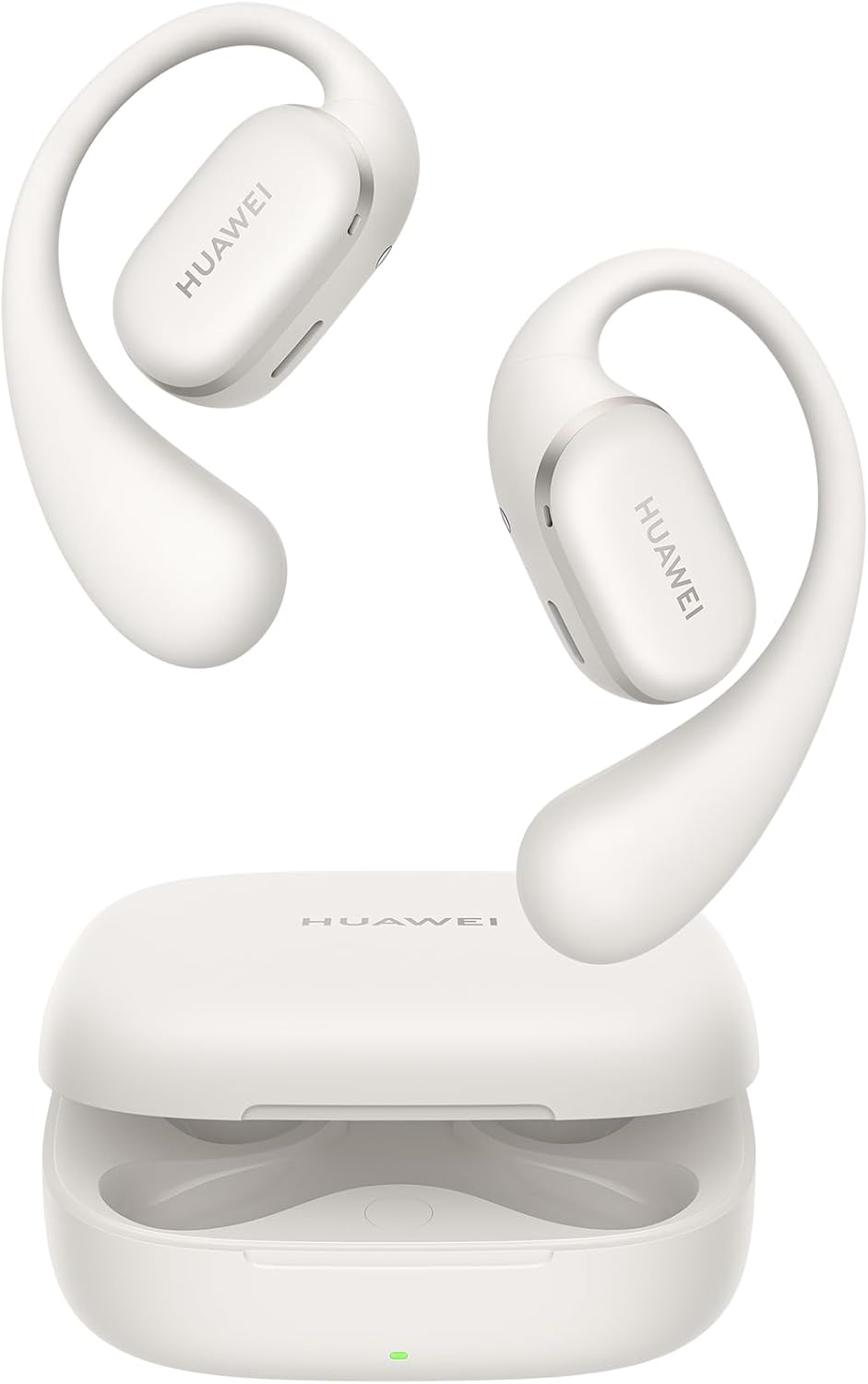
Image: The HUAWEI FreeArc Open-Ear Earbuds in gray, shown with their charging case.
2. What's in the Box
Please check the contents of your package to ensure all items are present:
- HUAWEI FreeArc Open-Ear Earbuds (Left and Right)
- Wireless Charging Case
- USB-C Charging Cable
- Quick Start Guide (This manual)
- Safety Information

Image: The HUAWEI FreeArc earbuds securely placed within their open charging case.
3. Setup
3.1 Charging the Earbuds and Case
Before first use, fully charge the earbuds and charging case. Connect the USB-C charging cable to the charging port on the case and to a power source. The indicator light on the case will show charging status.
- A full charge provides up to 28 hours of listening time with the charging case.
- Earbuds alone provide up to 7 hours of listening time.
- A 10-minute charge can provide 3 hours of listening.

Image: The HUAWEI FreeArc charging case connected to a power source, with a green light indicating active charging.
3.2 Pairing with Your Device
- Ensure the earbuds are in the charging case and the case lid is open.
- Press and hold the Function button on the charging case until the indicator light flashes white, indicating pairing mode.
- On your device (smartphone, tablet, laptop), enable Bluetooth and search for available devices.
- Select "HUAWEI FreeArc" from the list of devices to connect.
- Once connected, the indicator light will turn solid white or off.

Image: A visual representation of the HUAWEI FreeArc earbuds connected simultaneously to a smartphone, tablet, and smartwatch, demonstrating dual-device connection capability.
4. Operating Instructions
4.1 Touch Controls
The HUAWEI FreeArc earbuds feature intuitive touch controls on each earbud:
| Action | Function |
|---|---|
| Swipe (forwards/backwards) | Adjust volume |
| Double-tap | Play/Pause audio; Answer/End a call |
| Triple-tap | Skip to the next track |
| Press and hold | Reject a call |

Image: A diagram showing the various touch gestures (swipe, double-tap, triple-tap, press and hold) and their corresponding functions on the earbud.
4.2 Dual-Device Connection
The earbuds support simultaneous connection to two devices, regardless of their operating system (iOS, Android, Windows). Audio will automatically switch between the connected devices. For EMUI devices, audio can switch between more than two devices.
5. Key Features
5.1 Secure Fit: 140° Optimal Triangle Design
The earbuds are engineered with a 140° optimal triangle support and a balanced design to ensure a secure fit during physical activities. The C-bridge design is based on extensive ergonomic analysis for comfortable wear.

Image: Two individuals performing yoga, demonstrating the secure and stable fit of the HUAWEI FreeArc earbuds during movement.
5.2 Sterling Sound
The innovative open-ear design allows you to remain aware of your surroundings while enjoying high-quality audio. The earbuds feature a 17 x 12 mm highly-sensitive driver unit for dynamic bass and clear sound.

Image: An exploded diagram showing the internal components of a HUAWEI FreeArc earbud, including the 17x12mm highly-sensitive driver unit.
5.3 IP57 Water Resistance
The HUAWEI FreeArc earbuds are IP57 water resistant, protecting them against rain and sweat during exercise. This rating applies to the earbuds themselves, not the charging case.

Image: A HUAWEI FreeArc earbud being splashed with water, illustrating its IP57 water resistance.
5.4 Ultra-Stable Calls
Experience clear calls with enhanced noise cancellation and sound pickup, even outdoors. This is achieved through a prime dual-mic layout and smart triple noise cancellation technology.

Image: A person wearing HUAWEI FreeArc earbuds while working on a laptop, demonstrating their use for stable calls in an indoor environment.
5.5 Skin-friendly Liquid Silicone & Ultra-thin Shape-Memory Alloy
The lightweight earbuds are 81.5% covered by soft liquid silicone for comfortable long-term wear. They are made of a 0.7mm high-performance Ni-Ti alloy, offering durability and flexibility.
6. Maintenance
6.1 Cleaning
- Gently wipe the earbuds and charging case with a soft, dry, lint-free cloth.
- Do not use abrasive cleaners, alcohol, or chemical solvents.
- Ensure charging contacts are clean and dry before placing earbuds in the case.
6.2 Storage
- Store the earbuds in their charging case when not in use to protect them and keep them charged.
- Avoid storing in extreme temperatures or high humidity.
7. Troubleshooting
| Problem | Possible Solution |
|---|---|
| Earbuds not pairing | Ensure earbuds are charged. Place them in the case, open the lid, and press the Function button until the indicator flashes white. Check your device's Bluetooth settings. |
| No sound from one earbud | Ensure both earbuds are charged. Try resetting the earbuds by placing them in the case and holding the Function button for 10 seconds. Re-pair with your device. |
| Low volume | Adjust volume on both the earbuds (swipe control) and your connected device. |
| Charging issues | Check the charging cable and power adapter. Ensure charging contacts on earbuds and case are clean. |
8. Specifications
| Feature | Detail |
|---|---|
| Model Name | Huawei FreeArc |
| Model Number | Moose-T00 |
| Connectivity Technology | Wireless (Bluetooth 5.2) |
| Water Resistance Level | IP57 (Earbuds only) |
| Battery Life (Earbuds) | Up to 7 hours |
| Battery Life (with Case) | Up to 28 hours |
| Audio Driver Size | 11 mm (Dynamic Driver) |
| Frequency Range | 20 Hz - 20,000 Hz |
| Item Weight | 55 Grams (total) |
| Material | PC + liquid silicone |
| Compatible Devices | Android Phone, iPhone, Smart Phone, Tablets, Laptops |
9. Warranty and Support
HUAWEI FreeArc Open-Ear Earbuds come with a standard manufacturer's warranty. For detailed warranty terms, technical support, or service inquiries, please visit the official HUAWEI support website or contact their customer service. Keep your proof of purchase for warranty claims.
For further assistance, please refer to the official HUAWEI support channels:
- Online Support: consumer.huawei.com/en/support/
- Service Hotlines: Refer to the HUAWEI support website for regional contact numbers.


