
Introduction
The TiFFCOFiO MH1006 Digital Sprinkler Timer is designed to automate your garden watering, providing convenience and efficiency. This programmable timer features a rain delay function and manual mode, making it suitable for various outdoor irrigation needs. Its durable and weatherproof construction ensures reliable performance in diverse conditions.
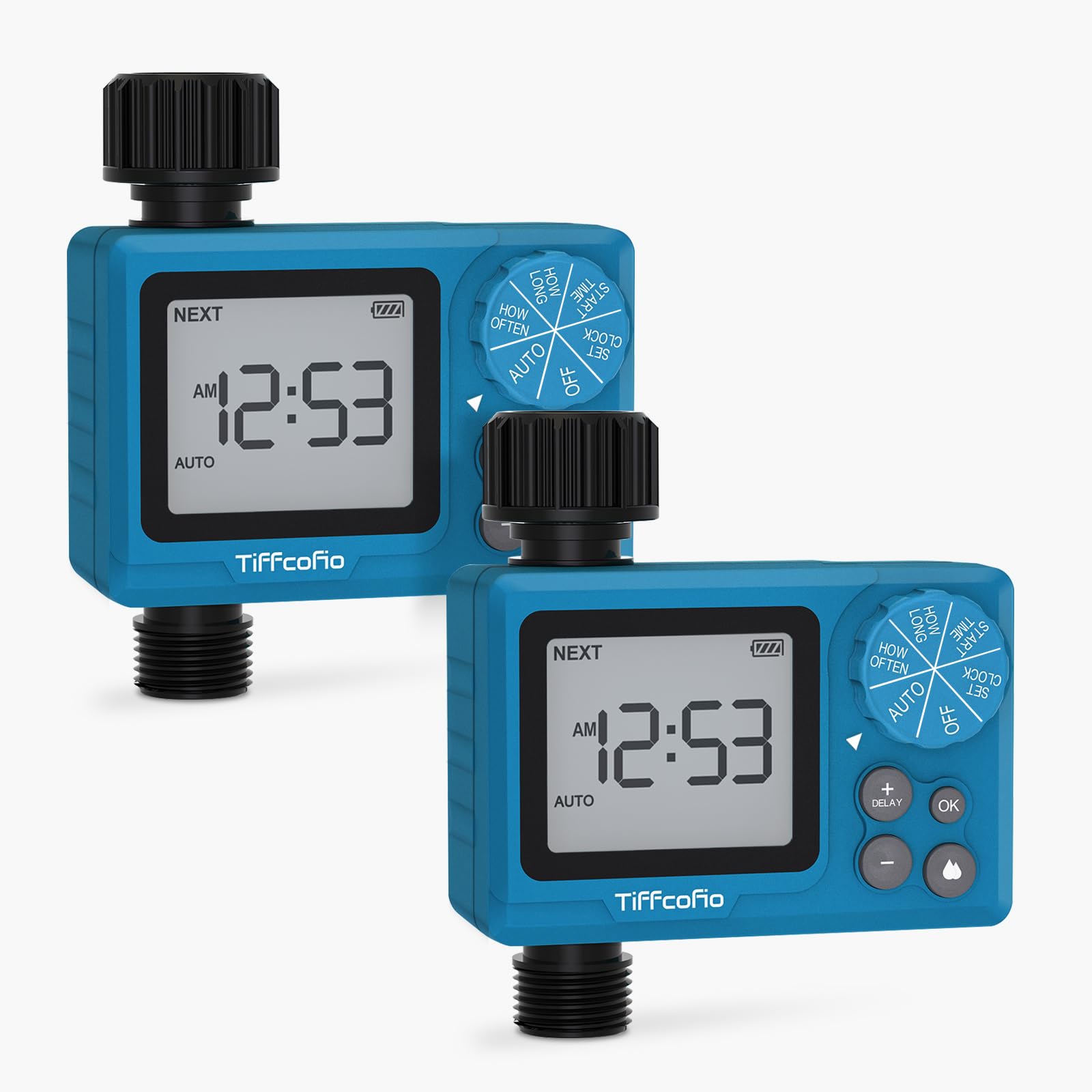
Main view of the TiFFCOFiO MH1006 Digital Sprinkler Timer.
Key Features
- Easy to Program: Simple knob-based programming for setting current time, start time, watering duration, and frequency.
- Rain Delay Function: Allows setting a delay of 24h, 48h, or 72h to prevent overwatering after rainfall.
- Weatherproof Structure: Designed with overall waterproof and dustproof construction for normal operation in various weather conditions.
- Automated Watering: Automates irrigation schedules, reducing manual effort and protecting plants during travel.
- Durable Construction: Built with high-strength, weather-resistant materials and advanced sealing technology for long-lasting performance.
Setup
Follow these steps to set up your TiFFCOFiO Digital Sprinkler Timer:
- Install Batteries: Open the battery compartment and insert 2 AAA batteries (not included). Ensure correct polarity.
- Attach to Faucet: Securely screw the timer onto your outdoor faucet. Ensure a tight fit to prevent leaks.
- Connect Hose: Attach your garden hose to the outlet of the sprinkler timer.
- Set Current Time: Turn the knob to 'CLOCK' and use the '+' and '-' buttons to set the current time. Press 'OK' to confirm.
- Set Start Time: Turn the knob to 'START TIME' and set your desired watering start time. Press 'OK'.
- Set Watering Duration: Turn the knob to 'HOW LONG' and set the duration for each watering cycle (e.g., 10 minutes). Press 'OK'.
- Set Watering Frequency: Turn the knob to 'HOW OFTEN' and set how frequently you want the timer to water (e.g., every 24 hours). Press 'OK'.
- Activate Auto Mode: Turn the knob to 'AUTO' to activate your programmed watering schedule.

Detailed view of the timer's knob and battery compartment, outlining the four main programming steps.
Operating Modes
Auto Mode
In Auto Mode, the timer will follow your programmed watering schedule. Once you have set the current time, start time, duration, and frequency, turn the knob to 'AUTO'. The timer will automatically begin watering at the scheduled times.
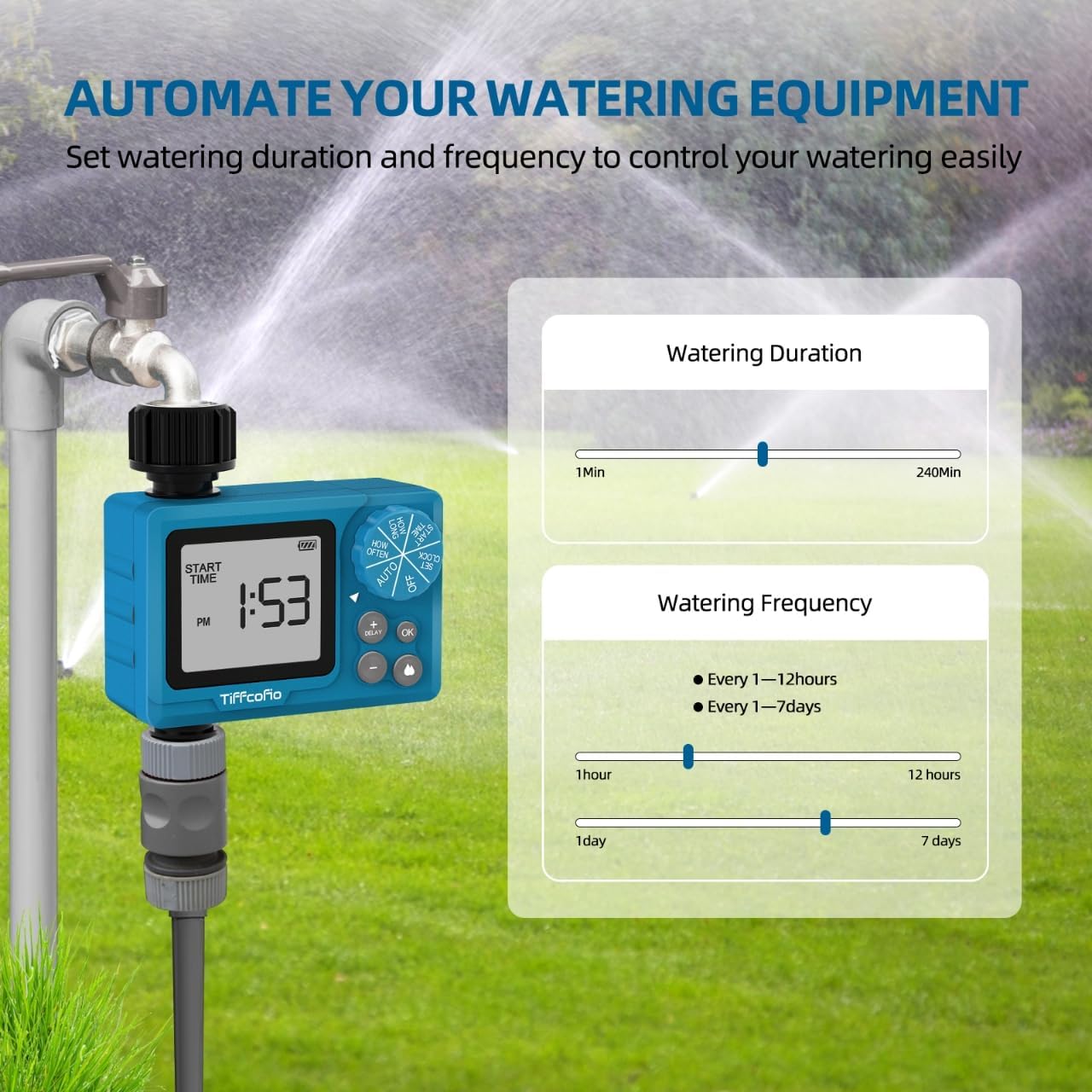
The timer automating watering equipment in a garden setting.
Manual Mode
To water manually outside of your programmed schedule, turn the knob to 'ON'. The water will flow continuously. To stop manual watering, turn the knob to 'OFF' or 'AUTO' to resume the schedule.
Rain Delay Function
If rain is expected or has occurred, you can temporarily pause your watering schedule. Turn the knob to 'AUTO', then press the 'DELAY' button. Each press will cycle through 24h, 48h, and 72h delay options. The timer will resume its schedule automatically after the selected delay period.

The rain delay function displayed on the timer's screen.
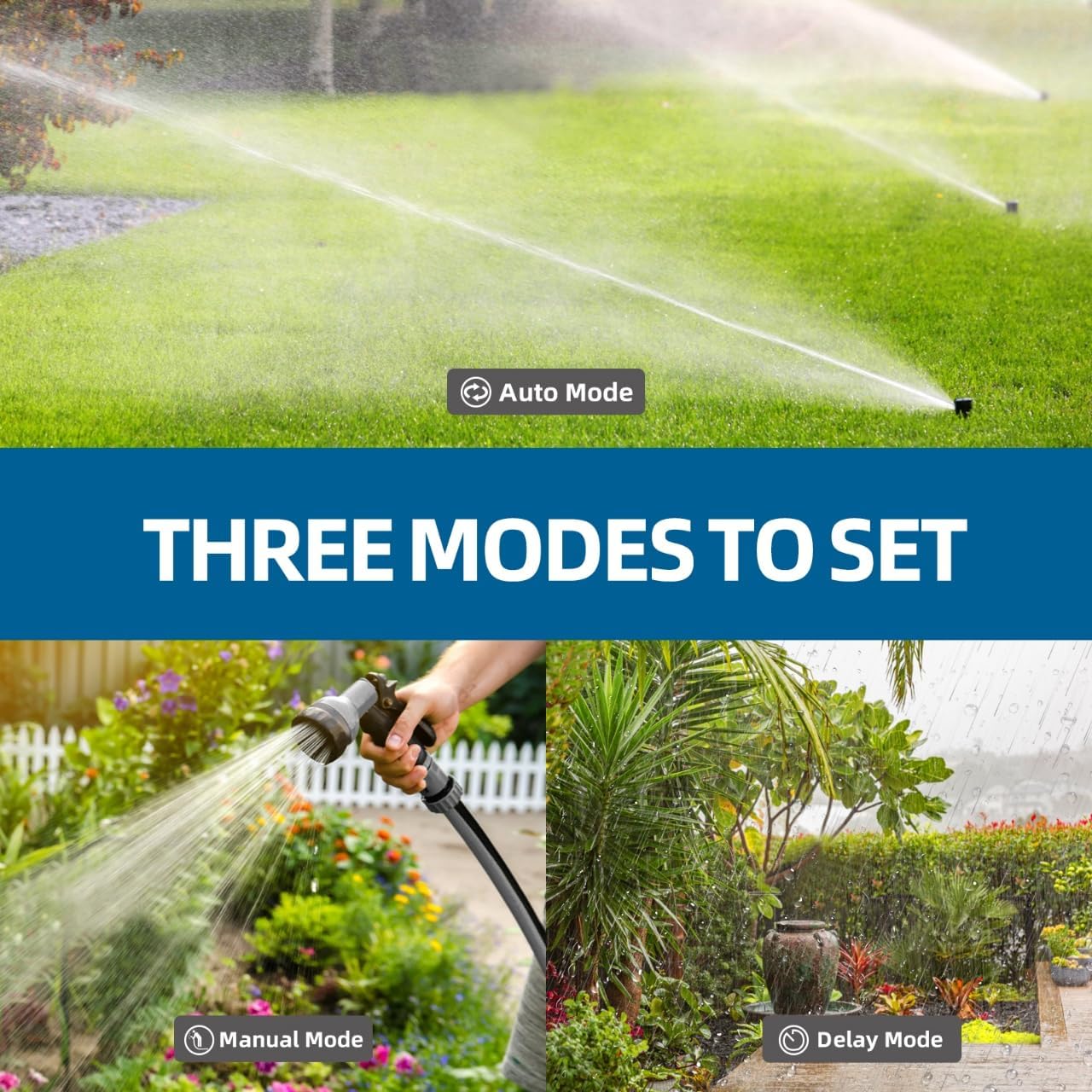
Visual representation of Auto Mode, Manual Mode, and Delay Mode.
Maintenance
The TiFFCOFiO Sprinkler Timer is built with durable, weatherproof materials to withstand outdoor conditions. To ensure longevity:
- Regular Cleaning: Periodically wipe down the timer to remove dirt and debris.
- Battery Replacement: Replace AAA batteries when the low battery indicator appears on the screen to ensure continuous operation.
- Winterization: In freezing temperatures, disconnect the timer from the faucet and store it indoors to prevent damage from ice expansion.

The timer demonstrating its weatherproof capabilities during rainfall.
Official video demonstrating the IP68 waterproof performance of the TiFFCOFiO Sprinkler Timer, showing it functioning while fully immersed in water.
Troubleshooting
- Timer not watering: Check battery levels and replace if necessary. Ensure the timer is in 'AUTO' mode and the faucet is turned on. Verify that the start time, duration, and frequency are correctly set.
- Water leakage: Ensure all connections (faucet to timer, timer to hose) are tight and have proper rubber washers. Check for cracks or damage to the timer body.
- Display not working: Replace batteries. If the issue persists, contact customer support.
- Inaccurate watering schedule: Re-check all programming settings (current time, start time, duration, frequency) to ensure they match your desired schedule.
Specifications
| Brand | Tiffcofio |
| Model Number | MH1006 |
| Color | Blue |
| Material | Plastic |
| Product Dimensions | 2"D x 4"W x 3.5"H |
| Item Weight | 8 ounces |
| Number of Settings | 4 (Clock, Start Time, How Long, How Often) |
| Batteries Required | 2 AAA batteries |
| Waterproof Rating | IP68 (implied by video, not explicitly stated in specs but in video title) |
Warranty and Support
This product comes with a standard return policy of 30 days for refund or replacement. For further assistance, please visit the official Tiffcofio store or contact customer support.
Tiffcofio Store: Visit Store