1. Introduction
This manual provides essential information for the safe and efficient use of your DOOGEE U11 Android 15 Tablet. Please read this manual thoroughly before operating the device and retain it for future reference. The DOOGEE U11 is an 11-inch Android 15 tablet featuring an Octa-core processor, 16GB RAM, 128GB storage (expandable to 2TB), a 90Hz display, and an 8580mAh battery. It comes with a suite of accessories to enhance productivity and entertainment.
2. Package Contents
Verify that all items listed below are present in your package:
- DOOGEE U11 Tablet
- Tempered Glass Film
- Business Leather Case
- Bluetooth Keypad
- Stylus
- Mouse
- Charger
- Type-C USB Cable
- User Manual
- Packing Box
- SIM Card Removal Needle

Image: The DOOGEE U11 tablet displayed with its full set of accessories, including the Bluetooth keyboard, mouse, stylus, charger, USB cable, and protective case.
3. Product Overview
3.1 Key Features
- Operating System: Android 15 for enhanced performance and security.
- Processor: Unisoc T606 Octa-core processor (1.6 GHz) for smooth operation.
- Display: 11-inch IPS display with 1280x800 resolution and 90Hz refresh rate.
- Memory & Storage: 16GB RAM (4GB physical + 12GB expandable) and 128GB internal storage, expandable up to 2TB via microSD/TF card.
- Battery: 8580mAh battery for extended usage.
- Cameras: 13MP main camera and 5MP front camera.
- Audio: Stereo-enhanced dual speakers.
- Connectivity: Dual-Band Wi-Fi (5GHz/2.4GHz), Bluetooth 5.0, AGPS positioning.
- Security: Face Unlock.
- Productivity: Built-in PC-level WPS Office suite.
3.2 Component Identification

Image: An infographic illustrating the main internal and external components of the DOOGEE U11 tablet, such as the T606 Octa-core processor, 8580mAh battery, 128GB storage, dual speakers, 13MP main camera, and 11-inch IPS display.
Familiarize yourself with the physical layout of your tablet. Key components include the power button, volume controls, USB-C port, headphone jack, camera lenses, and speaker grilles. Refer to the diagram above for a visual guide.
4. Setup
4.1 Initial Power On and Basic Setup
- Charge the Tablet: Before first use, connect the tablet to the charger and a power outlet using the provided USB-C cable. Allow it to charge fully.
- Power On: Press and hold the power button (usually located on the side) until the DOOGEE logo appears.
- Initial Configuration: Follow the on-screen prompts to select your language, connect to a Wi-Fi network, set up your Google account, and configure basic settings.
4.2 Connecting Accessories
- Bluetooth Keyboard/Mouse:
- Ensure the keyboard/mouse is charged and powered on.
- On your tablet, go to Settings > Connected devices > Bluetooth.
- Enable Bluetooth and scan for available devices.
- Select the keyboard/mouse from the list and follow any pairing instructions.
- Stylus: The included stylus is typically passive and does not require pairing. It can be used directly on the screen for navigation or drawing.
- Protective Case: Carefully insert the tablet into the protective case to ensure a secure fit and access to all ports and buttons.
5. Operating Instructions
5.1 Android 15 Features
Your DOOGEE U11 runs on Android 15, offering various features for an optimized user experience:
- Widgets: Customize your home screen with widgets for quick access to information and app functions.
- Split-Screen Functionality: Run two apps simultaneously by dividing the screen. To activate, open a recent apps view, tap the app icon at the top of the window, and select "Split top."
- Parental Controls: Manage app usage, screen time, and content access for children through Google Family Link.
- Multi-User Features: Create separate user profiles for different individuals to maintain personalized settings and privacy.
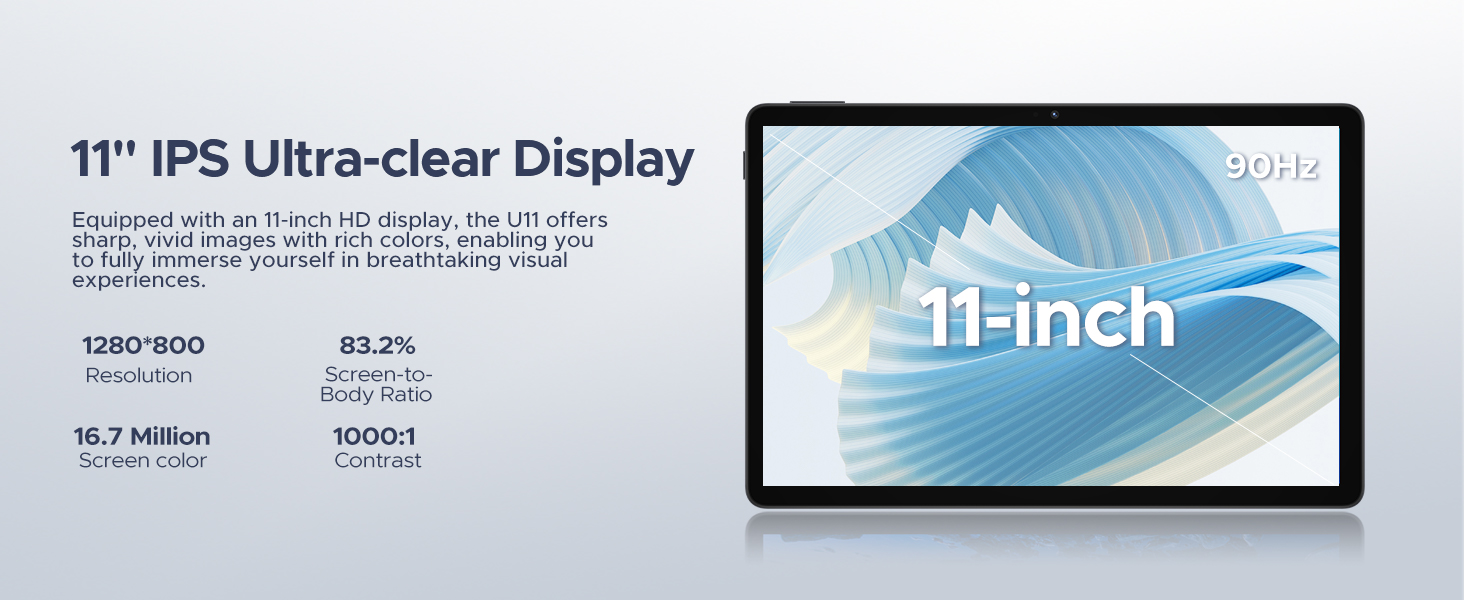
Image: A visual representation of the Android 15 operating system interface on the DOOGEE U11 tablet, showcasing its clean design and various application icons.
5.2 Display and Visual Experience
The 11-inch IPS display offers vibrant colors and a smooth 90Hz refresh rate.
- Low Blue Light Mode: Activate this mode in Settings > Display to reduce eye strain during prolonged use, especially in low-light conditions.
- Widevine L1 Support: Enjoy high-definition streaming content from platforms like Netflix, HBO, and Amazon Prime Video.
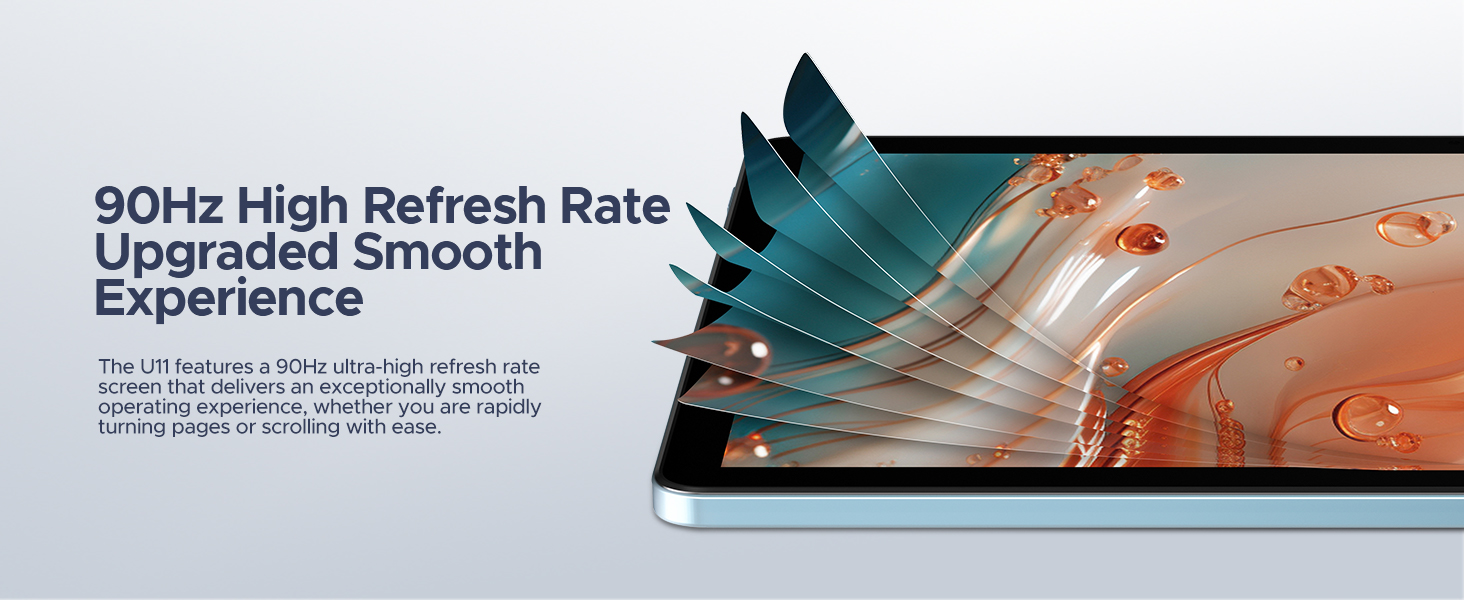
Image: A close-up view of the DOOGEE U11 tablet's 11-inch IPS display, emphasizing its 90Hz refresh rate for a smoother visual experience.
5.3 Security and Connectivity
- Face Unlock: Set up face recognition for quick and secure unlocking of your device. Navigate to Settings > Security & privacy > Device unlock > Face unlock.
- Wi-Fi: Connect to 2.4GHz or 5GHz Wi-Fi networks for internet access.
- Bluetooth 5.0: Connect to wireless headphones, speakers, and other Bluetooth-enabled devices.
- AGPS Navigation: Utilize the tablet's AGPS for accurate location services and navigation.
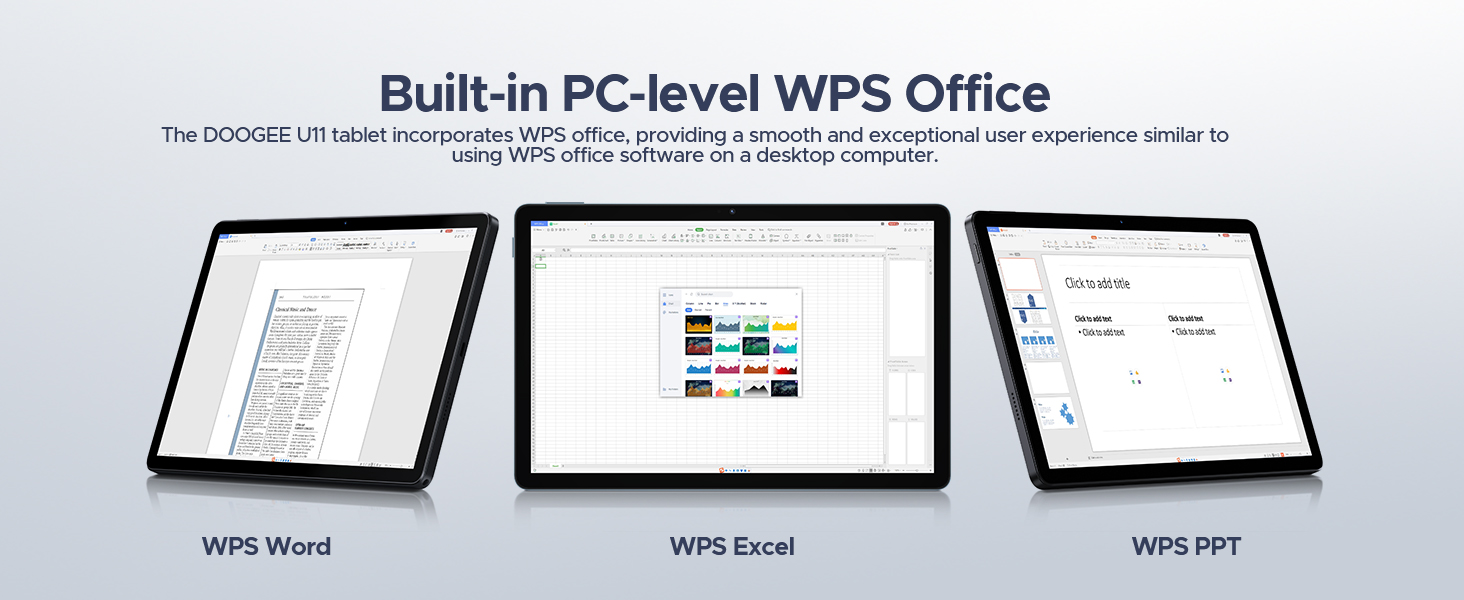
Image: A user demonstrating the face unlock feature on the DOOGEE U11 tablet, highlighting its convenience for secure access.
5.4 Productivity and Entertainment
- WPS Office: The pre-installed WPS Office suite allows you to create, edit, and view documents, spreadsheets, and presentations.
- FM Radio: Plug in headphones to use the built-in FM radio function for listening to local stations.

Image: The DOOGEE U11 tablet displaying various WPS Office applications, including Word, Excel, and PowerPoint, demonstrating its productivity capabilities.
6. Maintenance
- Cleaning: Use a soft, lint-free cloth to clean the screen and body of the tablet. Avoid abrasive materials or harsh chemicals.
- Battery Care:
- Avoid extreme temperatures, as they can degrade battery life.
- Do not allow the battery to fully discharge frequently. Charge it when the battery level is low.
- Use only the provided charger and cable to prevent damage.
- Software Updates: Regularly check for and install system updates to ensure optimal performance and security. Go to Settings > System > System update.
- Storage Management: Periodically clear unnecessary files and apps to free up storage space and maintain performance.
7. Troubleshooting
| Problem | Possible Solution |
|---|---|
| Tablet does not power on. | Ensure the battery is charged. Connect the charger and wait a few minutes before attempting to power on again. If unresponsive, perform a force restart by holding the power button for 10-15 seconds. |
| Screen is unresponsive or frozen. | Perform a force restart by holding the power button for 10-15 seconds. If the issue persists, consider a factory reset (Note: This will erase all data). |
| Cannot connect to Wi-Fi. | Check if Wi-Fi is enabled in settings. Restart your router and the tablet. Ensure you are entering the correct Wi-Fi password. |
| Bluetooth accessories not pairing. | Ensure Bluetooth is enabled on both devices. Place devices close to each other. Check if the accessory is in pairing mode. Restart both devices. |
| Battery drains quickly. | Reduce screen brightness. Close unused apps running in the background. Disable Wi-Fi/Bluetooth when not in use. Check battery usage in settings to identify power-hungry apps. |
| Tablet is running slow. | Clear cache and temporary files. Uninstall unused apps. Restart the tablet. Ensure sufficient free storage space. |
8. Specifications
| Feature | Detail |
|---|---|
| Brand | DOOGEE |
| Model Name | U11-V |
| Operating System | Android 15 |
| Processor | Unisoc T606 Octa-core, 1.6 GHz |
| RAM | 16GB (4GB physical + 12GB expandable) |
| Internal Storage | 128GB |
| Expandable Storage | Up to 2TB (MicroSD/TF card) |
| Screen Size | 11 Inches |
| Max Screen Resolution | 1280*800 Pixels |
| Refresh Rate | 90Hz |
| Battery Capacity | 8580mAh Lithium Ion |
| Main Camera | 13MP |
| Front Camera | 5MP |
| Wireless Type | 802.11ac, 802.11n (Dual-Band 5GHz/2.4GHz) |
| Bluetooth | 5.0 |
| Navigation | GPS, Beidou, GLONASS, Gali, AGPS |
| Product Dimensions | 10.1 x 0.31 x 6.67 inches |
| Item Weight | 3.23 pounds |
9. Warranty and Support
- Warranty: The DOOGEE U11 tablet comes with a two-year limited warranty service.
- Technical Support: Lifetime technical support is provided. For any issues or questions, contact customer support. Responses are typically provided within 24 hours.
- Returns: A 30-day money-back guarantee and free return policy are available.
- Protection Plans: Additional protection plans may be available for purchase, such as a 2-Year Protection Plan or Complete Protect monthly plan. Refer to your purchase details for more information.
For further assistance, please visit the official DOOGEE support website or contact their customer service directly.


