
1. Product Overview
The DOOGEE Tab A9 Pro+ is an advanced Android 15 tablet designed for versatile use, from productivity and gaming to entertainment. It features an 11-inch 90Hz display, a powerful octa-core processor, ample storage, and a long-lasting battery, making it an ideal companion for various daily tasks.

Figure 1.1: DOOGEE Tab A9 Pro+ highlighting its main specifications.
2. Package Contents
Upon opening the box, verify that all the following items are included:
- 1* DOOGEE Tab A9 Pro+ Tablet
- 1* Type-C USB Cable
- 1* Charger
- 1* Packing Box
- 1* User Manual

Figure 2.1: Items included in the DOOGEE Tab A9 Pro+ package.
Video 2.1: An unboxing video demonstrating the contents of the DOOGEE Tab A9 Pro+ package.
3. Initial Setup
3.1 Powering On and Off
- To Power On: Press and hold the power button located on the side of the tablet until the DOOGEE logo appears on the screen.
- To Power Off: Press and hold the power button until a power-off menu appears. Select "Power off" and confirm.
- To Restart: From the power-off menu, select "Restart" and confirm.
3.2 Initial Configuration
Upon first power-on, the tablet will guide you through the initial setup process. This includes:
- Selecting your language.
- Connecting to a Wi-Fi network.
- Signing in with your Google account or creating a new one.
- Setting up screen lock (PIN, pattern, password, or Face Unlock).
- Reviewing and accepting terms and conditions.
4. Operating Your Tablet
4.1 Display and Visuals
The DOOGEE Tab A9 Pro+ features a vibrant 11-inch IPS HD display with a 90Hz refresh rate, providing smooth visuals and an immersive viewing experience. It supports Widevine L1 for high-definition streaming from platforms like Prime Video.
- Resolution: 1280*800 Pixels
- Refresh Rate: 90Hz for smooth scrolling and gaming.
- Widevine L1: Enables 1080P HD streaming on supported platforms.
- Adaptive Brightness: Automatically adjusts screen brightness based on ambient light.
- Eye-Caring Mode: Reduces blue light emission to protect your eyes during prolonged use.
- Dark Mode: Softens screen light for comfortable night-time use.

Figure 4.1: The 11-inch 90Hz IPS HD display of the tablet.

Figure 4.2: Visual comfort features including Eye-Caring Mode and Dark Mode.
4.2 Performance and Storage
Equipped with the Unisoc T7200 octa-core processor, the tablet ensures smooth multitasking and responsive performance. It offers substantial memory and expandable storage.
- Processor: Unisoc T7200 Octa-Core Processor (1.6GHz Ultimate Frequency, 12nm Advanced Process Technology).
- RAM: 30GB (6GB physical + up to 24GB virtual extended RAM) for efficient multitasking.
- ROM: 128GB of internal storage.
- Expandable Storage: Supports up to 2TB via microSD card (sold separately).

Figure 4.3: The Unisoc T7200 Octa-Core Processor for enhanced speed and efficiency.

Figure 4.4: Overview of the tablet's 30GB RAM and 128GB ROM, indicating massive storage.
4.3 Battery Life and Charging
The tablet is equipped with an 8580mAh high-capacity battery, providing extended usage times for various activities.
- Battery Capacity: 8580mAh.
- Usage Times: Up to 24 days standby (airplane mode), 36 hours music playing, 6.5 hours video watching, 7 hours web browsing.
- Charging: Supports 10W fast charging.
- Reverse Charging: Can act as a power bank for other devices via OTG.

Figure 4.5: Visual representation of the 8580mAh battery and its long-lasting power capabilities.
4.4 Cameras and Face Unlock
Capture moments and stay connected with the tablet's integrated cameras and convenient Face Unlock feature.
- Rear Camera: 13MP main camera for sharp photos.
- Front Camera: 5MP for clear selfies and video calls, enhanced with AI optimization.
- Face Unlock: Effortless and secure access to your device.

Figure 4.6: Details of the tablet's 13MP main camera and 5MP front camera.
Video 4.1: A promotional video showcasing the DOOGEE Tab A9 Pro+ tablet's features, including its display, performance, and cameras.
Video 4.2: A video highlighting the DOOGEE Tab A9 Pro+ as an all-in-one study buddy, demonstrating its use for various tasks.
4.5 Audio and Connectivity
Experience clear audio and reliable connectivity with the tablet's features.
- Speakers: High-fidelity dual speakers for immersive sound.
- Audio Jack: Standard 3.5mm audio jack for wired headphones.
- Bluetooth: Bluetooth 5.0 for wireless device connections.
- Wi-Fi: Faster Wi-Fi 5 (2.4G/5G) for seamless internet access.
- GPS: Built-in GPS for accurate navigation.

Figure 4.7: The tablet's high-quality dual speakers for enhanced audio.

Figure 4.8: The standard 3.5mm audio jack for stable and distortion-free audio transmission.
4.6 Productivity Features
The tablet supports various features to enhance productivity and user experience.
- Android 15: Latest operating system for smoother navigation, smarter privacy controls, and adaptive battery management.
- WPS Office: Built-in PC-level WPS Office for seamless productivity on the go.
- Split-Screen Multitasking: Efficiently manage multiple applications simultaneously.
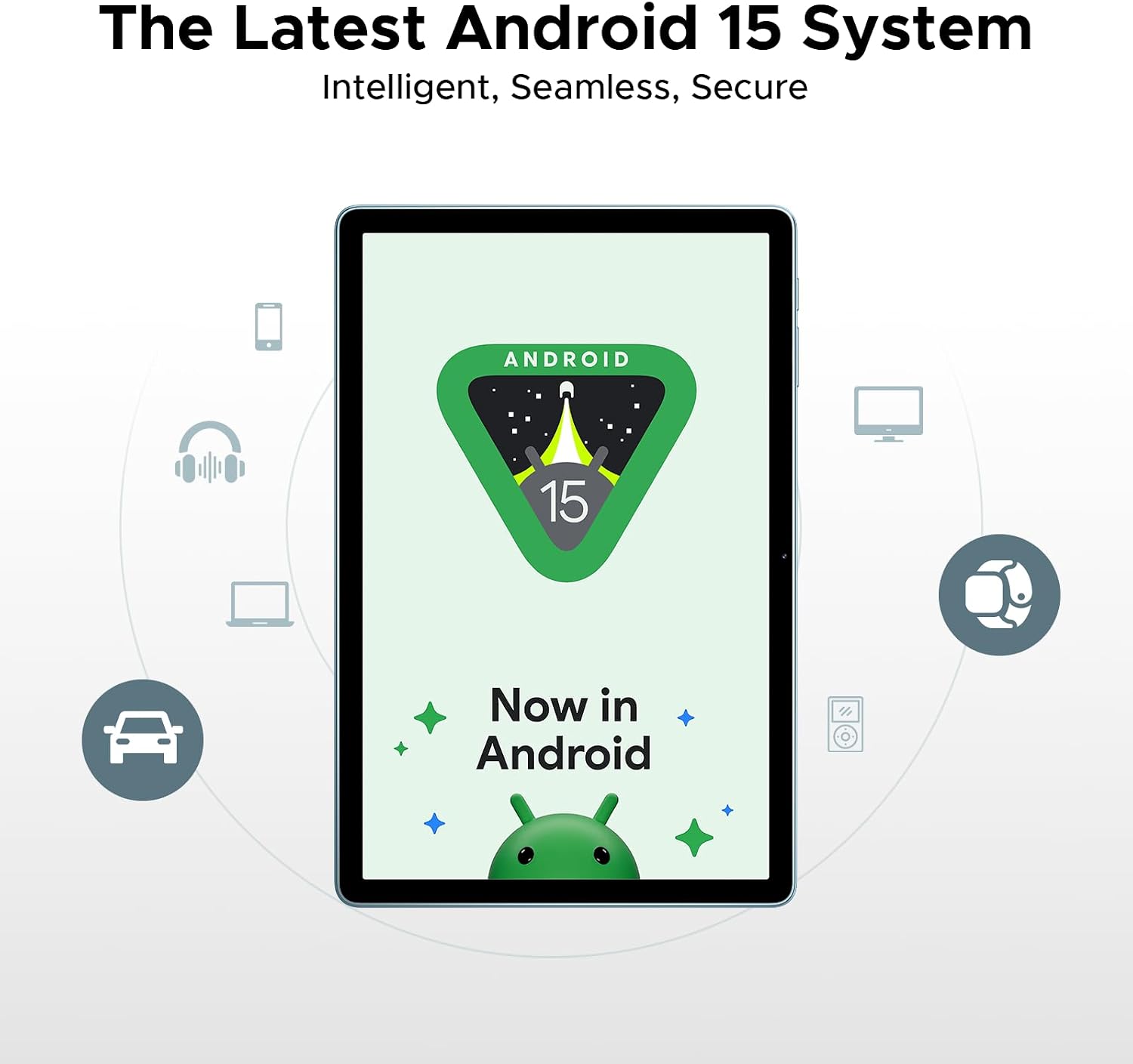
Figure 4.9: The tablet running the latest Android 15 system.

Figure 4.10: The tablet's built-in WPS Office for productivity.

Figure 4.11: Demonstrating efficient split-screen multitasking.
5. Maintenance and Care
To ensure the longevity and optimal performance of your DOOGEE Tab A9 Pro+, follow these maintenance guidelines:
- Cleaning: Use a soft, lint-free cloth to clean the screen and body. Avoid abrasive cleaners or solvents.
- Software Updates: Regularly check for and install system updates to ensure your tablet has the latest features, security patches, and performance improvements. Navigate to Settings > System > System update.
- Battery Care: Avoid extreme temperatures. Do not fully discharge the battery frequently. For long-term storage, charge the battery to around 50-60%.
- Storage Management: Utilize the built-in Memory Manager to free up space by removing junk files, duplicates, and large downloads.
- Physical Protection: Consider using a protective case and screen protector to guard against drops and scratches.
6. Troubleshooting
This section addresses common issues you might encounter with your tablet.
6.1 Tablet Not Turning On
- Ensure the battery is charged. Connect the charger and wait a few minutes before attempting to power on.
- Press and hold the power button for at least 10-15 seconds to force a restart.
6.2 Bluetooth Connectivity Issues
- Ensure Bluetooth is enabled on both the tablet and the device you are trying to connect.
- Forget the device in the tablet's Bluetooth settings and try pairing again.
- Restart the tablet and the Bluetooth device.
- Check for system updates, as some Bluetooth issues may be resolved with software patches.
6.3 Slow Performance
- Close unused background applications.
- Clear cache data for frequently used apps.
- Ensure sufficient storage space is available. Use the Memory Manager to clean up unnecessary files.
- Restart the tablet periodically.
6.4 Wi-Fi Connection Problems
- Ensure Wi-Fi is enabled on the tablet.
- Restart your Wi-Fi router.
- Forget the Wi-Fi network on your tablet and reconnect.
- Check if other devices can connect to the same Wi-Fi network.
7. Specifications
| Feature | Specification |
|---|---|
| Model | TABA9PRO+ |
| Operating System | Android 15 |
| Display Size | 11 Inches |
| Max Screen Resolution | 1280*800 Pixels |
| Processor | Unisoc T7200 Octa-Core |
| RAM | 30GB (6GB physical + 24GB virtual) |
| ROM | 128GB |
| Expandable Storage | Up to 2TB (microSD) |
| Battery Capacity | 8580mAh |
| Rear Camera | 13MP |
| Front Camera | 5MP |
| Connectivity | Wi-Fi 5 (2.4G/5G), Bluetooth 5.0, GPS |
| Audio | Dual Speakers, 3.5mm Audio Jack |
| Dimensions (LxWxH) | 10.1 x 0.31 x 6.64 inches |
| Item Weight | 2.02 pounds |
8. Warranty and Support
Your DOOGEE Tab A9 Pro+ comes with a 2-year limited warranty, ensuring peace of mind regarding manufacturing defects and performance issues. For any inquiries or technical assistance, 24/7 online support is available.
- Warranty: 2-year limited warranty.
- Support: 24/7 online support for customer assistance.


