
Product Overview
The Allsmartlife Flush Mount Ceiling Fan with Lights (Model: 1172X) offers high airflow, comfortable sleep mode, and versatile lighting options. Designed for quiet and efficient operation, it features a reversible DC motor for all-season use and comes with pre-assembled parts for convenient installation.

Figure 1: Allsmartlife 40-inch Flush Mount Ceiling Fan with included remote control.
Setup and Installation
This ceiling fan is designed for straightforward installation with pre-assembled components. Ensure power is off at the circuit breaker before beginning any electrical work. A metal junction box is required for secure mounting to support the fan's weight.
Video 1: Detailed installation and usage experience guide provided by ASL Depot.
Unboxing and Components
The fan comes securely packaged with all necessary parts. The main components include the motor assembly, fan blades, light kit, and remote control with mounting hardware.

Figure 2: Unboxing the fan, showing the well-packaged components including the motor, blades, and remote.
Mounting the Bracket
First, remove the existing light fixture and ensure the power is off. Mount the provided bracket securely to the ceiling's metal junction box using the supplied washers and screws. This bracket will support the fan's weight.

Figure 3: Illustration of the mounting bracket securely attached to the ceiling junction box.
Assembling Blades and Motor
Attach the fan blades to the blade arms using the designated screws. The blades are reversible, offering both matte black and walnut woodgrain finishes. Then, attach the assembled blades to the motor unit. Ensure all screws are tightened for stability.
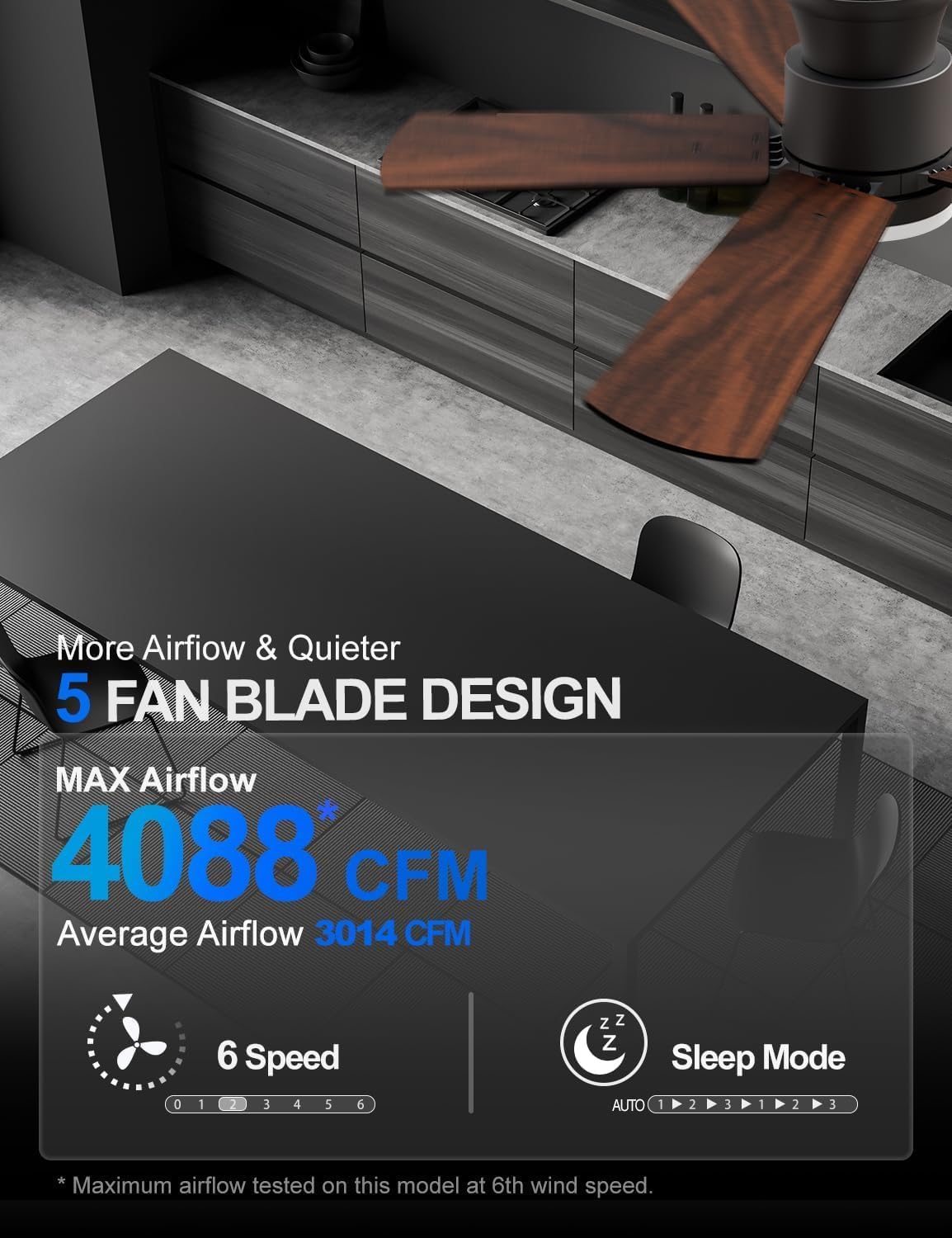
Figure 4: Close-up of the fan motor and blades, illustrating the assembly process. The blades can be oriented to show either the matte black or woodgrain side.
Wiring and Final Assembly
Connect the DC motor controller wires to the main power supply wires (ground to ground, black to black, white to red). Use the hook on the mounting bracket to temporarily hang the fan while connecting wires. Once wired, attach the light fixture to the motor assembly and secure the light cover by spinning it into place.

Figure 5: Visual guide for connecting the fan's wiring to the household electrical system.
Operating Instructions
The Allsmartlife ceiling fan is operated via the included remote control, offering comprehensive control over fan speed, light settings, and special modes.
Remote Control Functions
- Fan Speed: 6 adjustable speeds for optimal airflow.
- Light Control: Independent ON/OFF for the LED light.
- Brightness Adjustment: Dimmable light from 10% to 100%.
- Color Temperature: Three options (3000K Warm White, 4000K Natural White, 6500K Daylight White) with memory function.
- Sleep Mode: Automatically varies fan frequency to mimic natural wind for enhanced comfort.
- Forward/Reverse Mode: One-touch button to switch fan direction for summer (downward airflow) or winter (upward airflow) use.
- Timer: Set the fan to turn off automatically after 1, 3, or 6 hours.
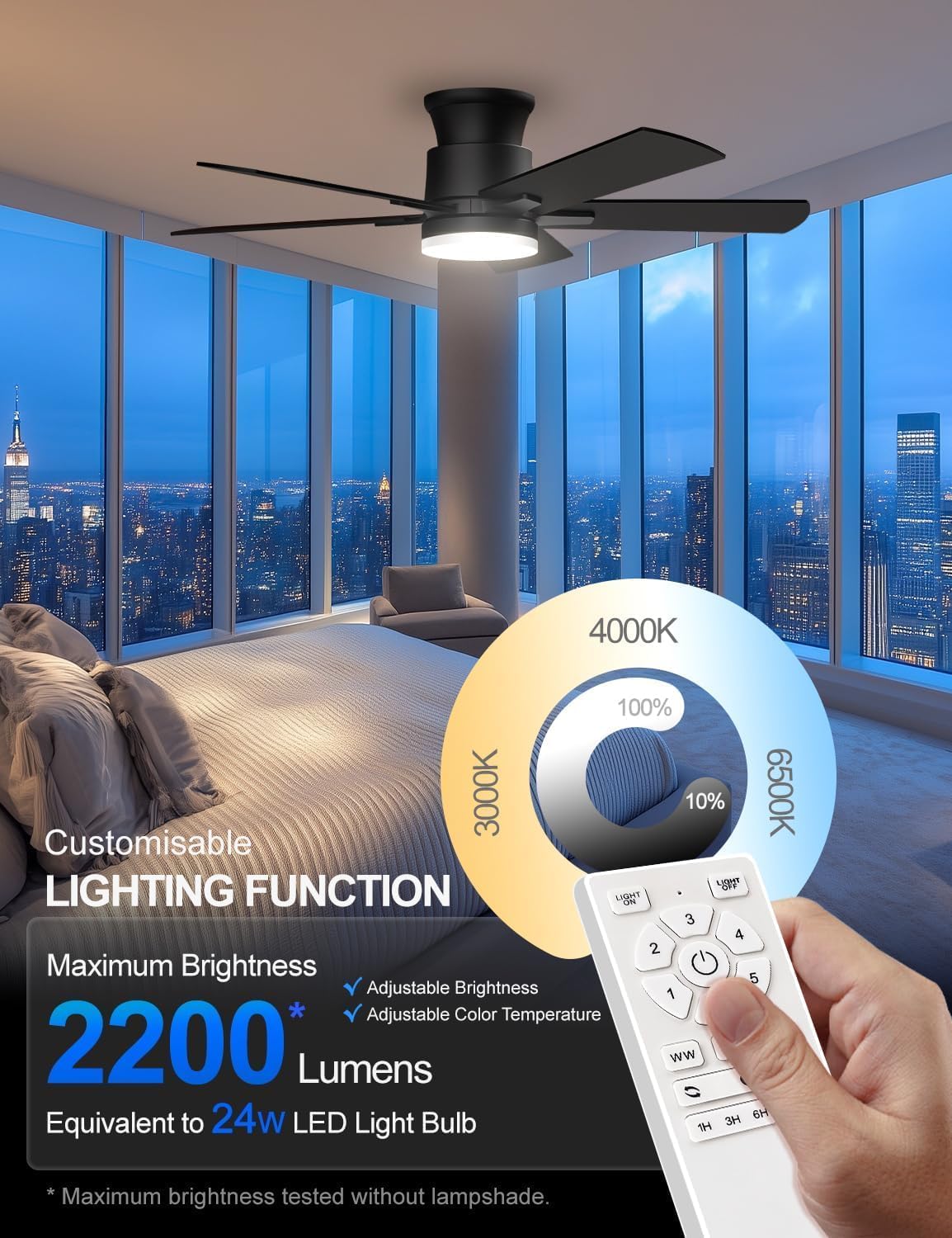
Figure 6: The remote control unit, highlighting buttons for fan speed, light control, color temperature, and timer functions.
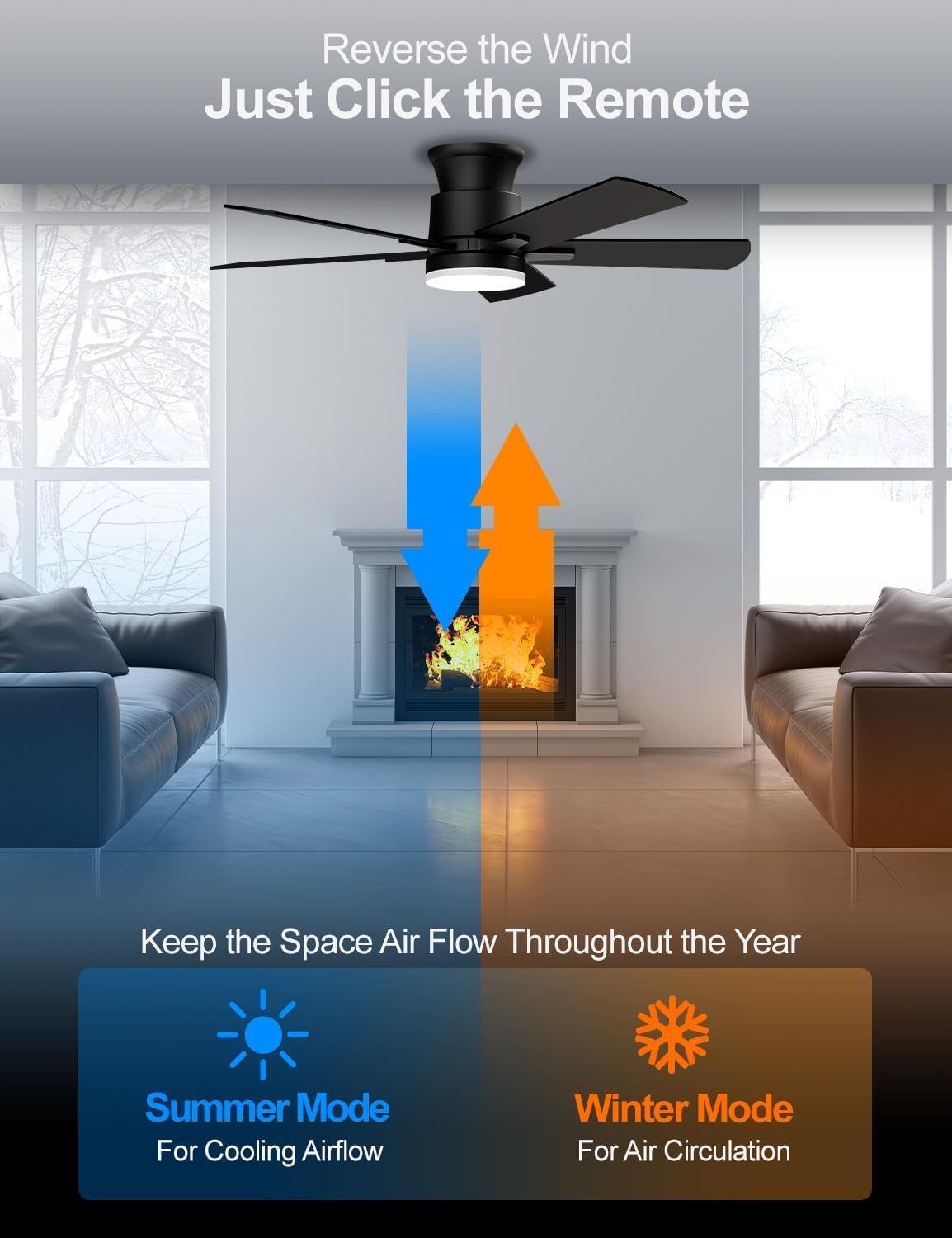
Figure 7: Illustration of the fan's reversible airflow, demonstrating summer mode for cooling and winter mode for air circulation.
Maintenance
Regular maintenance is minimal due to the durable design and brushless DC motor. Keep the fan blades and light fixture clean by wiping with a soft, dry cloth. Avoid using harsh chemicals or abrasive cleaners. Ensure all screws remain tight over time to prevent wobbling.
Troubleshooting
If the fan is not operating correctly, first check the power supply and ensure the remote control batteries are fresh and correctly inserted. If the unit beeps, it may indicate incorrect installation; refer to the installation video for [DY1172X] on Google for guidance. For persistent issues, contact customer support.
Specifications
| Feature | Detail |
|---|---|
| Brand | Allsmartlife |
| Model Name | 1172X |
| Size | 40-inch |
| Color | Matte Black |
| Material | Engineered Wood, Metal |
| Motor Type | Brushless DC Motor |
| Light Type | LED (3CCT Dimmable, 2200 Lumens) |
| Fan Speeds | 6 Speeds |
| Control Method | Remote Control |
| Mounting Type | Flush Mount |
| Power Source | AC/DC |
| Item Weight | 13.5 pounds |
| Product Dimensions | 40 x 40 x 10.5 inches |
| Certification | ETL Certified |

Figure 8: Recommended room sizes for various fan dimensions.
Warranty and Support
Allsmartlife offers a lifetime of free replacement service for parts. For any assistance or inquiries, please contact our customer support team. We are committed to providing the best solution for your needs.