1. Introduction
Welcome to the user manual for your Hot Octopuss Pulse Duo. This guide provides detailed instructions on how to set up, operate, maintain, and troubleshoot your device, ensuring you get the most out of its innovative features. Please read this manual thoroughly before first use and keep it for future reference.
2. Product Overview
The Hot Octopuss Pulse Duo is a revolutionary hands-free couples vibrator designed for both solo and partner play. It features upgraded motors, an improved wearable fit, and superior PulsePlate oscillation for powerful shared pleasure.
Key Features:
- New & Enhanced Design: Optimized for couples with upgraded motors and improved wearable fit.
- Dual Stimulation: One motor for PulsePlate oscillations for the penis, another for external clitoral stimulation.
- 100% Hands-Free & Wearable: Ergonomic design for use during foreplay or intercourse.
- Wireless Remote Control: For precise control of intensity and rhythm.
- 9 Intense Vibration Patterns: Multiple modes for a customized experience.
- USB-C Rechargeable: Fast charging and extended battery life.
- 100% Waterproof: Safe for use in the shower or bath and easy cleaning.
- Premium Quality: Crafted from body-safe silicone with a discreet storage pouch.

Figure 2.1: The Hot Octopuss Pulse Duo device shown alongside its retail packaging, highlighting its sleek design and compact form factor.

Figure 2.2: The Pulse Duo device and its wireless remote control. This image emphasizes the product's remote operability, waterproof design, and multiple vibration settings.

Figure 2.3: A hand holding the Pulse Duo device, illustrating its ergonomic shape and how it fits comfortably in the palm. This highlights its wearable and hands-free design.
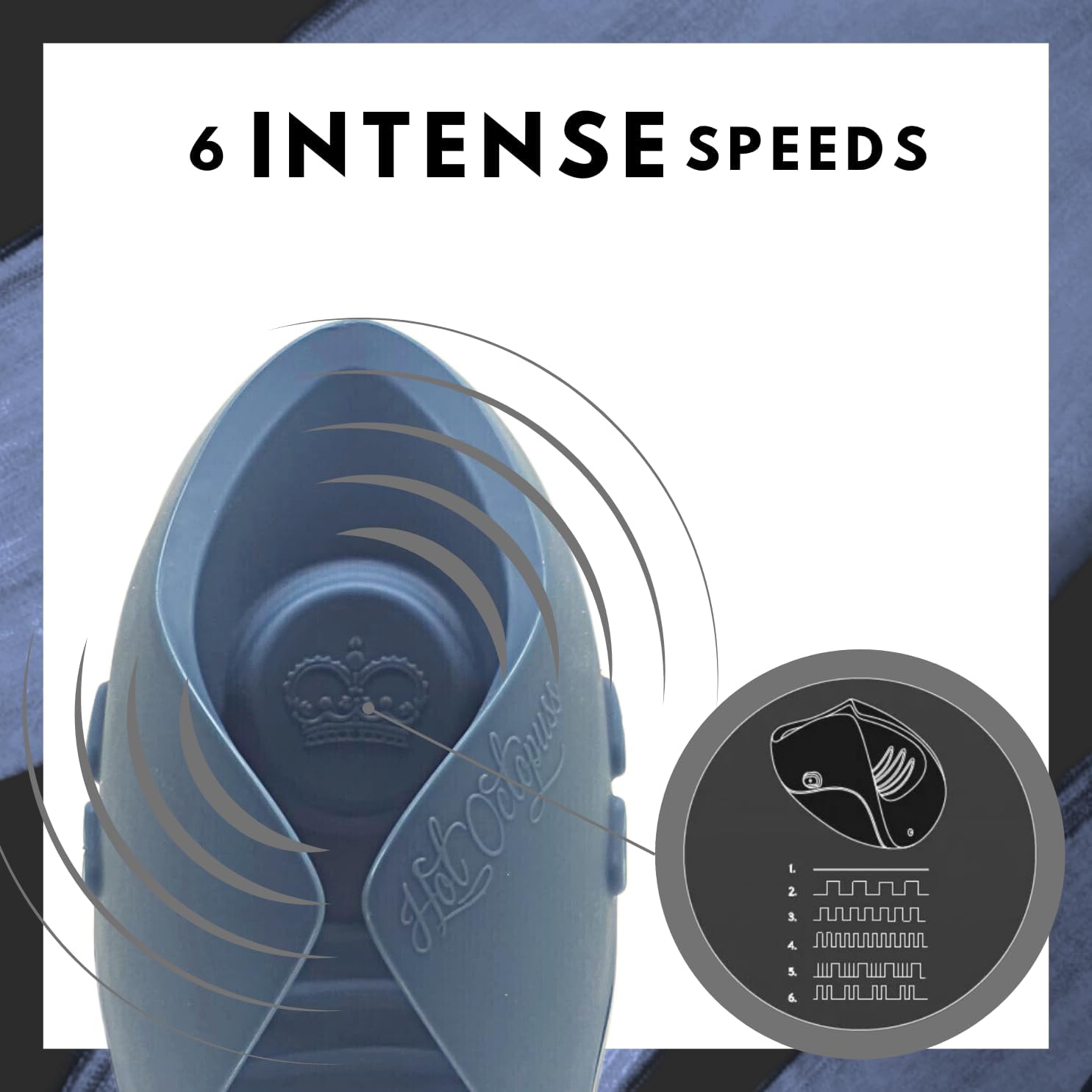
Figure 2.4: The Pulse Duo device with an overlay indicating vibration waves and a diagram showcasing its six distinct vibration patterns, demonstrating the variety of intensity options available.

Figure 2.5: A detailed diagram illustrating the various vibration patterns of the Pulse Duo, from continuous to pulsating rhythms.

Figure 2.6: An illustrative diagram demonstrating the recommended placement of the Pulse Duo device for optimal stimulation during use.

Figure 2.7: A diagram highlighting the wireless remote control and its range of operation, emphasizing its convenience for hands-free use.

Figure 2.8: A diagram visually confirming the Pulse Duo's waterproof capabilities, indicating it can be safely used in wet environments.

Figure 2.9: The Pulse Duo device and remote, accompanied by a list of its core benefits including solo & couples play, strong motors, longer battery life, hands-free operation, 100% waterproof, and wireless remote control.
3. Setup
3.1 Initial Charge
Before first use, fully charge your Pulse Duo. The device comes with a USB-C charging port for fast and convenient power replenishment. A nonstandard battery is included and pre-installed.
- Locate the USB-C charging port on the device.
- Connect the provided USB-C cable to the device and a compatible USB power source (e.g., wall adapter, computer USB port).
- Allow the device to charge until the indicator light signals a full charge. Refer to the device's specific light indicators for charging status (not detailed in provided data, so keep general).
3.2 Cleaning Before First Use
For hygiene, clean the device thoroughly before its initial use.
- Wash the silicone parts of the Pulse Duo with warm water and a mild, toy-safe soap.
- Rinse thoroughly to remove all soap residue.
- Dry completely with a lint-free cloth before storage or use.
3.3 Remote Control Pairing (If Applicable)
The Pulse Duo's remote control is typically pre-paired. If you experience connectivity issues, ensure both the device and remote are charged. Refer to the manufacturer's website for specific pairing instructions if needed, as detailed steps are not provided here.
4. Operating Instructions
The Pulse Duo is designed for intuitive operation, offering various modes and intensities via its wireless remote.
4.1 Powering On/Off
- To power on the device, press and hold the power button on the remote (or device, if applicable) until it vibrates or an indicator light appears.
- To power off, press and hold the same button until the device stops vibrating and the indicator light turns off.
4.2 Using the Wireless Remote
The wireless remote allows for convenient control of the Pulse Duo's functions.
- Intensity Control: Use the '+' and '-' buttons on the remote to increase or decrease the vibration intensity. The Pulse Duo offers 9 intense vibration patterns.
- Pattern Selection: Cycle through the various vibration patterns by pressing the dedicated pattern button (often indicated by a wave or mode icon).
- Turbo Button: Activate the "TURBO" button for extra intensity and a boost in pleasure.

Figure 4.1: A person's hand holding the Pulse Duo remote control, demonstrating its compact size and ease of use for controlling the device's functions.
4.3 Wearable and Hands-Free Use
The ergonomic design of the Pulse Duo allows for comfortable, hands-free use during various activities.
- Position the device as desired for optimal stimulation, utilizing its dual motor design for both PulsePlate oscillations and external vibrations.
- The wearable fit ensures the device stays in place, allowing for uninterrupted pleasure.
4.4 Waterproof Use
The Pulse Duo is 100% waterproof, making it safe for use in the shower or bath.
- Ensure the charging port cover is securely closed before submerging the device in water.
- After use in water, follow the cleaning instructions in Section 5.1.
5. Maintenance
5.1 Cleaning
Regular cleaning ensures hygiene and prolongs the life of your Pulse Duo.
- After each use, wash the device with warm water and a mild, toy-safe soap.
- Rinse thoroughly to remove all soap residue.
- Dry completely with a lint-free cloth.
- Do not use harsh chemicals, alcohol-based cleaners, or abrasive materials, as these can damage the silicone.
5.2 Storage
Store your Pulse Duo in a clean, dry place away from direct sunlight and extreme temperatures.
- Utilize the discreet storage pouch provided with your device to protect it from dust and damage.
- Keep the device and remote separate from other silicone products if not stored in the pouch, to prevent material degradation.
6. Troubleshooting
If you encounter any issues with your Pulse Duo, please refer to the following common solutions.
| Problem | Possible Cause | Solution |
|---|---|---|
| Device does not turn on or respond. | Low battery; device is off; remote not paired or low battery. | Ensure the device is fully charged. Press and hold the power button on the remote or device. Recharge the remote if it uses a separate battery. |
| Device does not recharge. | Charging cable or port issue; internal battery fault. | Ensure the USB-C cable is properly connected and the power source is active. Try a different USB-C cable or power adapter. If the issue persists, contact customer support. |
| Vibrations are weak or inconsistent. | Low battery; device malfunction. | Recharge the device fully. If the problem continues after charging, contact customer support. |
| Remote control is unresponsive. | Remote battery low; remote out of range; interference. | Ensure the remote's battery is charged. Move closer to the device. Avoid strong electromagnetic interference. |
If these solutions do not resolve your issue, please contact Hot Octopuss customer support for further assistance.
7. Specifications
| Attribute | Detail |
|---|---|
| Model Name | Pulse DUO New & Enhanced |
| Item Model Number | 54066090000 |
| Brand | Hot Octopuss |
| Material | Premium Silicone |
| Color | Blue |
| Product Dimensions | 2.56 x 4.13 x 3.15 inches; 8.08 ounces |
| Batteries | 1 Nonstandard Battery (included) |
| Language | English |
| Manufacturer | Hot Octopuss |
8. Warranty and Support
8.1 Warranty Information
The Hot Octopuss Pulse Duo comes backed by Hot Octopuss's trusted 1-year warranty. This warranty covers manufacturing defects and ensures your satisfaction with the product. Please retain your proof of purchase for warranty claims.
8.2 Customer Support
For any questions, concerns, or technical assistance, please contact Hot Octopuss customer support. You can typically find contact information on the official Hot Octopuss website or through the retailer where you purchased the product. For purchases made via Amazon, the seller is "Hot Octopuss USA".
Your satisfaction is our top priority.


