1. Introduction
Thank you for choosing the Green Lion Voyager Radio. This versatile device combines a powerful 5W Bluetooth speaker, a multi-band FM/AM/SW radio tuner, and a convenient 1.2W LED flashlight. Designed for portability and durability, it is an ideal companion for outdoor activities, emergencies, or everyday use. This manual provides detailed instructions to help you get the most out of your Voyager Radio.

Figure 1.1: Green Lion Voyager Radio - Front and Side View
This image displays the Green Lion Voyager Radio from a slightly angled front and side perspective, highlighting its compact design, digital display, speaker grille, and various control buttons.
2. Package Contents
Please check the package for the following items:
- Green Lion Voyager Radio
- USB-C Charging Cable
- User Manual
3. Product Overview
Familiarize yourself with the various parts and controls of your Voyager Radio.
3.1 Key Features
- FM/AM/SW Radio Tuner with Digital Display
- Bluetooth V5.4 Connectivity
- 5W High-Fidelity Speaker
- 1.2W LED Flashlight
- Type-C Charging Port
- Micro SD Card Playback
- Earphone Jack
- Lock & Sleep Mode
3.2 Controls and Ports
Refer to the images below for a visual guide to the radio's features.

Figure 3.1: Integrated Flashlight
This image highlights the 1.2W LED flashlight located at the top of the radio, providing reliable illumination.

Figure 3.2: Earphone Jack
The image shows the 3.5mm earphone jack on the side of the radio, allowing for private listening.

Figure 3.3: Micro SD Playback
This graphic illustrates the Micro SD card slot, enabling playback of audio files directly from a memory card.
4. Setup
4.1 Charging the Device
- Locate the Type-C charging port on the side of the Voyager Radio.
- Connect the provided USB-C charging cable to the radio and the other end to a compatible USB power adapter (not included) or a computer's USB port.
- The charging indicator on the display will show the charging status. A full charge provides approximately 6-7 hours of playtime.
4.2 Initial Power On
Press and hold the Power button (⏻) for a few seconds until the digital display illuminates.
5. Operating Instructions
5.1 Power On/Off
- To power on, press and hold the Power button.
- To power off, press and hold the Power button again.
5.2 Radio Operation (FM/AM/SW)
- Switching Modes: Press the MODE/SLEEP button to cycle through FM, AM, SW, Bluetooth, and Micro SD modes.
- Auto Scan: In radio mode, press the SCAN/PLAY button to automatically scan and save available stations.
- Manual Tuning: Use the TUNING knob or the +/- buttons to fine-tune frequencies.
- Recalling Stations: Use the MEM/EQ button to cycle through saved stations.

Figure 5.1: Auto Scan Mode
This graphic illustrates the radio's auto scan feature, which automatically finds and saves radio stations for convenience.
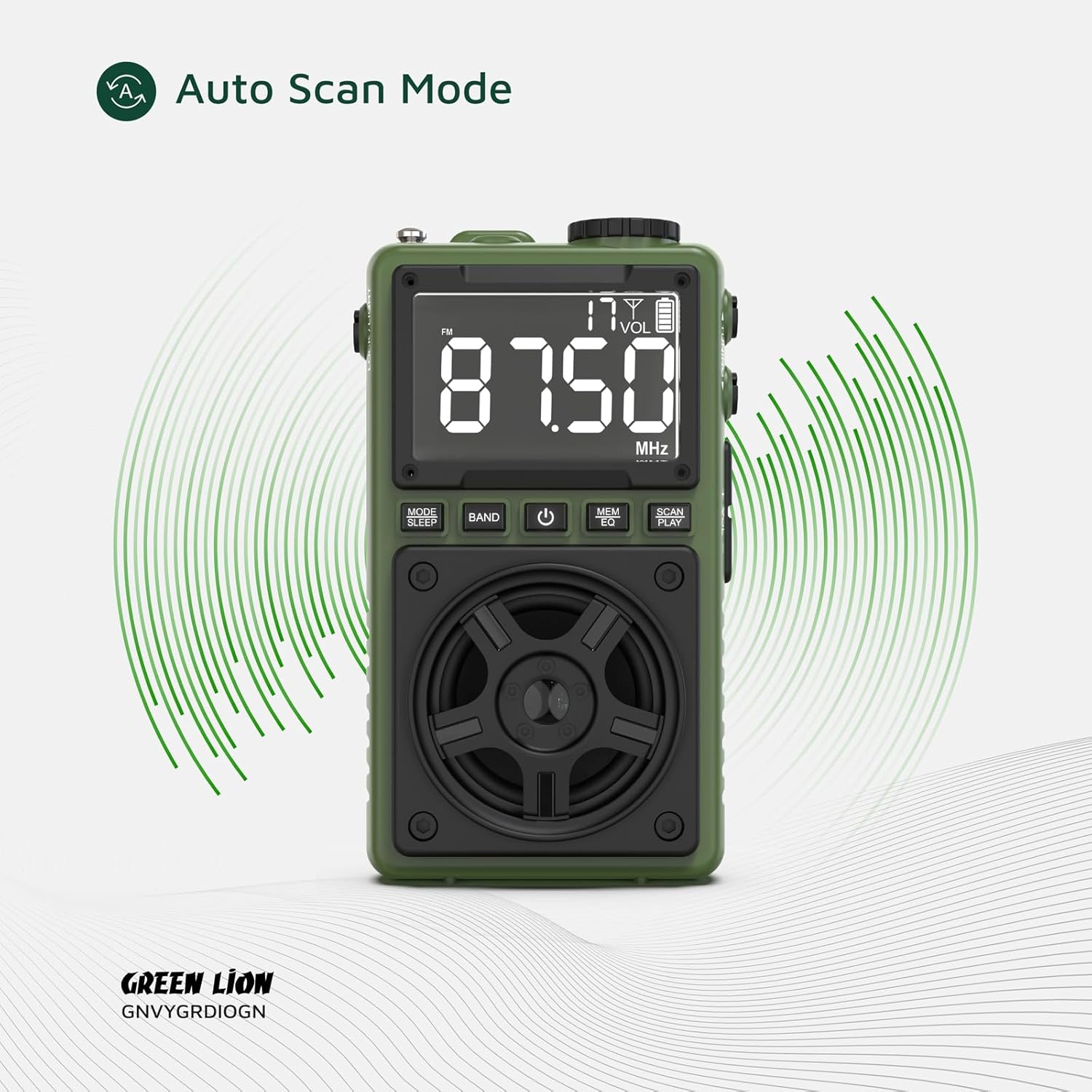
Figure 5.2: Multi Radio Bands
The image highlights the radio's capability to receive multiple frequency bands, including FM, AM, and SW.
5.3 Bluetooth Speaker Operation
- Pairing: Switch the radio to Bluetooth mode. The display will indicate 'BT' and the device will enter pairing mode.
- On your smartphone or other Bluetooth-enabled device, search for 'Green Lion Voyager' in the Bluetooth settings and select it to pair.
- Once paired, you can stream audio wirelessly to the Voyager Radio. The Bluetooth range is 8-10 meters.
- Playback Control: Use the SCAN/PLAY button to play/pause, and the +/- buttons for volume control.
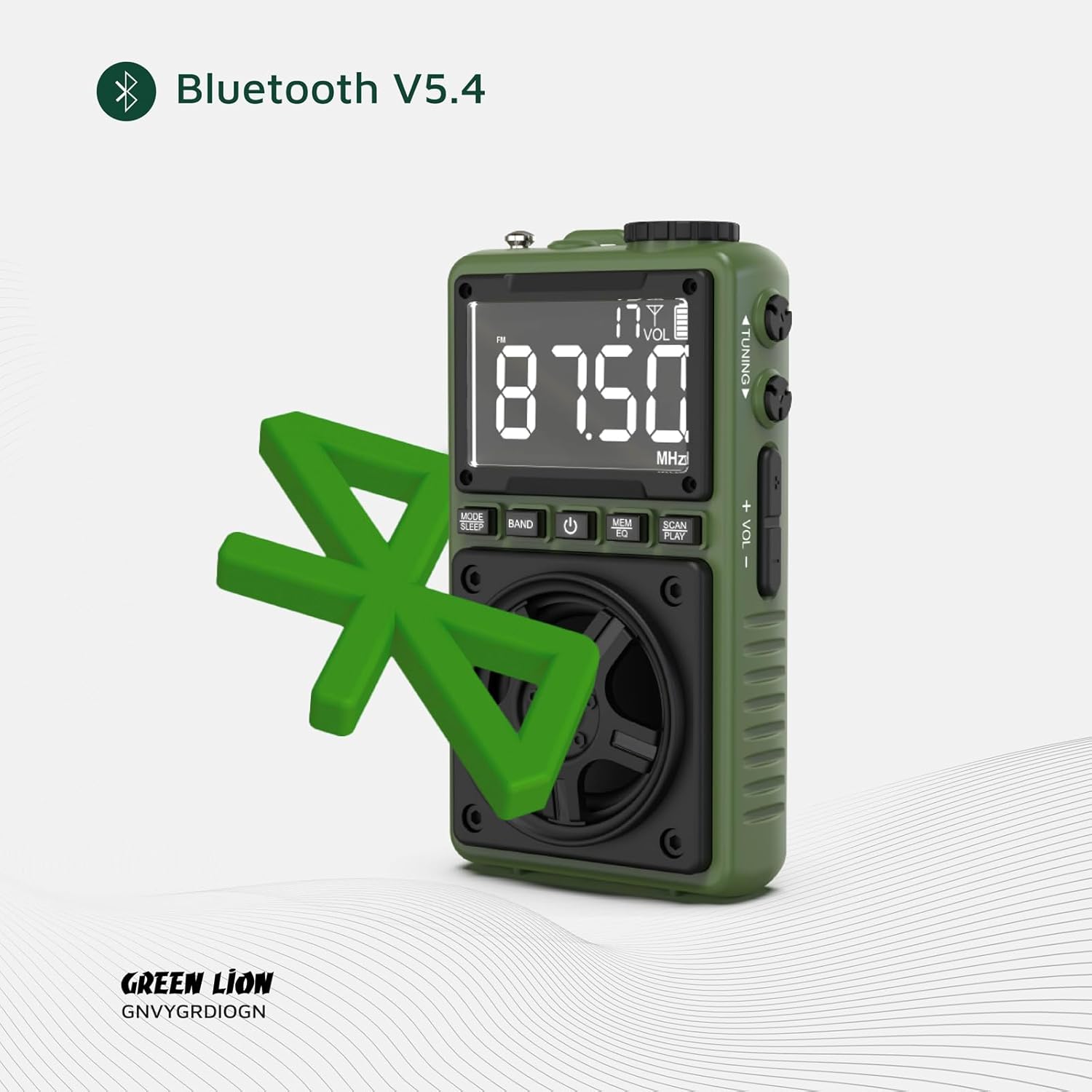
Figure 5.3: Bluetooth V5.4 Connectivity
This image visually represents the radio's advanced Bluetooth V5.4 capability for stable and efficient wireless audio streaming.
5.4 Flashlight Operation
To turn the 1.2W LED flashlight on or off, locate the dedicated LOCK/LIGHT switch on the side of the device and slide it to the desired position.

Figure 5.4: Flashlight in Use
The image demonstrates the powerful beam of the integrated flashlight, useful for various situations.
5.5 Lock Mode
To prevent accidental button presses, slide the LOCK/LIGHT switch to the 'LOCK' position. This will disable all buttons except the flashlight.
5.6 Sleep Mode
Press and hold the MODE/SLEEP button to activate sleep mode. The radio will automatically turn off after a set period (refer to display for timer settings).
6. Maintenance
- Cleaning: Use a soft, dry cloth to clean the surface of the radio. Do not use abrasive cleaners or solvents.
- Storage: Store the device in a cool, dry place away from direct sunlight and extreme temperatures.
- Battery Care: To prolong battery life, avoid fully discharging the battery frequently. Charge the device regularly, even if not in use for extended periods.
7. Troubleshooting
| Problem | Possible Cause | Solution |
|---|---|---|
| Device does not power on. | Battery is low or depleted. | Charge the device using the provided USB-C cable. |
| Poor radio reception. | Weak signal or interference. | Extend the antenna fully. Try moving to a different location. Use auto scan mode. |
| Bluetooth not connecting. | Device not in pairing mode; too far from source; interference. | Ensure the radio is in Bluetooth mode. Move closer to the source device. Restart both devices. |
| No sound from speaker. | Volume too low; muted; earphone plugged in. | Increase volume. Check if earphones are connected. |
8. Specifications
| Feature | Detail |
|---|---|
| Brand | Green Lion |
| Model Number | 990478120969 |
| Connectivity Technology | USB-C, Bluetooth V5.4 |
| Speaker Output | 5W |
| Flashlight Power | 1.2W LED |
| Radio Bands | FM/AM/SW |
| Bluetooth Range | 8-10 meters |
| Playtime | 6-7 hours (approx.) |
| Product Dimensions | 6.1L x 3.2W x 10.5H centimeters |
| Package Dimensions | 13.13 x 11.03 x 4.7 cm |
| Weight | 131 g |
| Battery | 1 Nonstandard Battery (included) |
9. Warranty and Support
The Green Lion Voyager Radio comes with a Free 12+12 months warranty. For any inquiries or technical assistance, please contact our customer service.
- Customer Service: 24-hour customer service is available.
- Technical Support: Lifetime technical support is provided.


