
1. Introduction
Thank you for choosing the awatrue Kids Headphones Model HK05. These wired on-ear headphones are designed to provide a safe and enjoyable audio experience for children aged 3-12 years. Featuring adjustable volume limits and a durable, comfortable design, they are ideal for various activities including school, travel, and entertainment.
2. What's in the Box
- 1 x awatrue Kids Headphones Wired (Model HK05)
- 1 x User Manual
3. Key Features
3.1 Safe Volume Limit
The headphones feature an adjustable volume limit switch on the earcup, allowing parents to select between 74 dBA (Study Mode) and 85 dBA (Travel Mode). This ensures children's hearing is protected during prolonged use or in noisy environments.

Image: awatrue Kids Headphones showcasing the 74dB and 85dB volume limit settings for different usage scenarios.
Video: Official awatrue video demonstrating the volume limit feature (74/85dB) of the kids headphones.
3.2 Immersive Stereo Sound
Equipped with 40mm composite diaphragm drivers and advanced acoustic technology, these headphones deliver rich, clear stereo audio for an enhanced listening experience.

Image: Close-up of the awatrue Kids Headphones highlighting the 40mm audio drivers for stereo sound.
3.3 Durable & Foldable Design
The headphones feature tangle-free cables and reinforced headband hinges for durability. Their foldable and compact design makes them convenient for carrying and storage, perfect for travel or school bags.

Image: Visual representation of the durable and portable features of the awatrue Kids Headphones, including the foldable design.
Video: Official awatrue video showcasing the durable cord and foldable design of the kids headphones.
3.4 Comfortable Fit & Kid-Friendly Materials
Designed for comfort, these headphones feature soft memory foam ear cushions and a lightweight frame (approximately 8 ounces). They are made from CPC/CPSIA-certified, child-safe, and eco-friendly ABS materials, ensuring safety and comfort for extended wear.

Image: Features of the awatrue Kids Headphones emphasizing soft ear cushions and lightweight construction.
3.5 Universal Compatibility
The wired kids headphones are compatible with any device featuring a standard 3.5mm audio jack. This includes Chromebooks, tablets, smartphones, laptops, MP3 players, PCs, and gaming consoles.
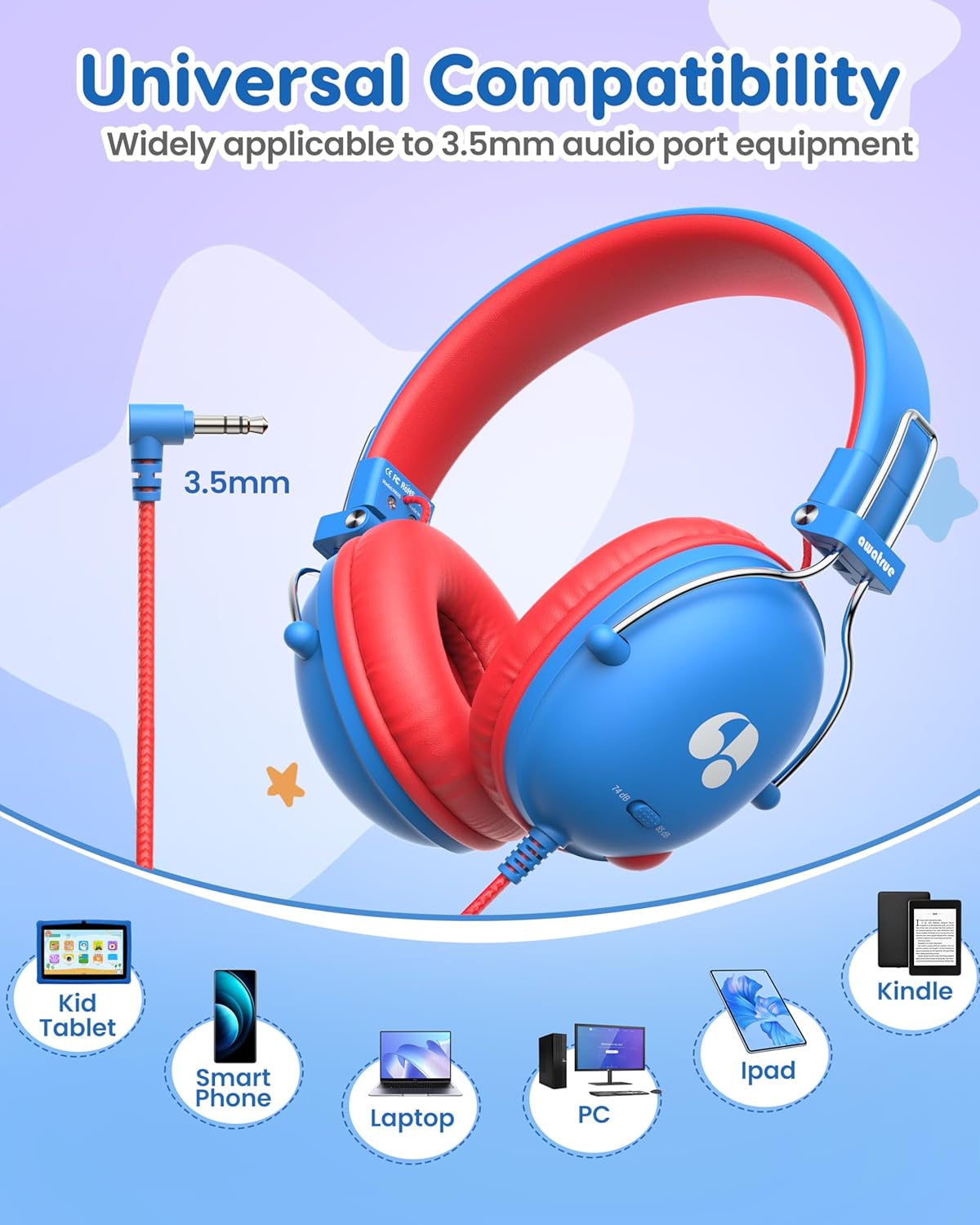
Image: awatrue Kids Headphones demonstrating universal compatibility with a 3.5mm audio jack and various devices.
4. Setup
- Unpack: Carefully remove the headphones and all accessories from the packaging.
- Inspect: Check the headphones for any visible damage.
- Adjust Headband: Gently slide the headband extenders to fit the child's head comfortably. The headband is designed to be flexible and adjustable for various head sizes.
- Connect: Insert the 3.5mm audio jack firmly into the audio port of your device (e.g., tablet, smartphone, laptop).
5. Operating Instructions
- Volume Limit Selection: Locate the small switch on one of the earcups. Slide the switch to select the desired volume limit:
- 74 dBA (Study Mode): Recommended for quiet learning environments and safe for over 60 minutes of continuous use.
- 85 dBA (Travel Mode): Suitable for noisier environments, allowing clear audio without exceeding safe levels.
- Play Audio: Start playing audio (music, videos, educational content) on your connected device.
- Adjust Device Volume: Use the volume controls on your connected device to fine-tune the sound within the selected safe limit.
- Wearing the Headphones: Ensure the ear cushions fully cover the ears for optimal sound isolation and comfort.
6. Maintenance
- Cleaning: Use a soft, dry cloth to clean the headphones. Do not use harsh chemicals or abrasive materials.
- Storage: When not in use, fold the headphones to their compact size and store them in a dry, safe place away from direct sunlight and extreme temperatures.
- Cable Care: Avoid excessive pulling or bending of the cable to prevent damage. The tangle-free design helps maintain cable integrity.
- Avoid Moisture: These headphones are not water-resistant. Keep them away from liquids.
7. Troubleshooting
- No Sound:
- Ensure the 3.5mm audio jack is fully inserted into the device's audio port.
- Check the volume level on your connected device.
- Verify that the audio source on your device is playing.
- Test the headphones with another device to rule out device-specific issues.
- Sound is Too Low/High:
- Adjust the volume on your connected device.
- Check the 74/85 dBA switch on the earcup and ensure it is set to the appropriate level for your environment.
- Headphones Feel Uncomfortable:
- Adjust the headband to ensure a proper fit.
- Ensure ear cushions are positioned correctly over the ears.
8. Specifications
| Brand | awatrue |
| Model Number | HK05 |
| Ear Placement | On Ear |
| Connectivity Technology | Wired (3.5mm Jack) |
| Volume Limit | 74 dBA / 85 dBA (Adjustable) |
| Audio Driver Type | Dynamic Driver (40mm) |
| Material | Acrylonitrile Butadiene Styrene (ABS) |
| Item Weight | 5.29 Ounces |
| Age Range | 3-12 years old |
| Noise Control | Sound Isolation |
9. Warranty and Support
The awatrue Kids Headphones Model HK05 come with a 1 Year Warranty. For any support inquiries, troubleshooting assistance, or warranty claims, please refer to the contact information provided with your purchase or visit the official awatrue website.