1. Product Overview
The Gpxhbcb Digital Electronic Gold Purity Tester Machine, Model 1200K, is an advanced instrument designed for accurately determining the purity and density of various precious metals. This device offers non-destructive testing, making it suitable for evaluating gold, silver, platinum, palladium, and K gold without causing any damage to the sample. It is equipped with a digital display that provides immediate readings of density, weight, purity, and K number, making it an essential tool for jewelers, pawnshops, banks, and research laboratories.
Key features include high detection accuracy, portability due to a built-in rechargeable battery, and an automatic alarm for out-of-range measurements. This manual provides detailed instructions for the proper use and care of your purity tester.
2. Specifications
The following table details the technical specifications for the Gpxhbcb Digital Electronic Gold Purity Tester Machine, Model 1200K, and other related models for comparison.

Image: Detailed specifications table for MDJ-300K, MDJ-600K, MDJ-1200K, XF-120K, and XF-200K models, outlining weighing range, accuracy, sample test weight, and density resolution.
| Parameter | Value (MDJ-1200K) |
|---|---|
| Product Name | Gold Density Purity Tester |
| Model | MDJ-1200K |
| Weighing Range | 1200g |
| Weighing Accuracy | 0.01g |
| Density Resolution | 0.001g/cm³ |
| Recommended Sample Test Weight | 10g or more |
| Applicable To | Gold, silver, K gold, palladium, platinum |
| Package Dimensions | 3.94 x 3.94 x 3.94 inches |
| Item Weight | 11 pounds |
| Manufacturer | Gpxhbcb |
Note: This device is designed for solid samples. Hollow gold products or samples inlaid with gemstones cannot be accurately measured.
3. Setup Instructions
Follow these steps to set up your Gpxhbcb Gold Purity Tester for initial use:
- Unpack the Device: Carefully remove all components from the packaging. Verify that all parts, including the main unit, one-piece density accessories, one-piece sink, and hanging wire, are present and undamaged.
- Placement: Place the main unit on a stable, level surface, free from vibrations and direct sunlight. Ensure the front level bubble (visible on the display panel) is centered, indicating a perfectly level setup.
- Assemble Density Accessories: Install the one-piece density accessories (measuring table and hanging basket) onto the main unit. Place the one-piece sink into the designated area.
- Power Connection: Connect the power adapter to the device and plug it into a suitable power outlet. The device also features a built-in rechargeable battery for portable use.
- Initial Power On: Press the power button to turn on the device. Allow a few moments for the system to initialize.

Image: Components of the gold purity tester, including the density accessories, sink, hanging wire, and the front level indicator for proper setup.
4. Operating Instructions
This section outlines the step-by-step process for testing precious metals using your Gpxhbcb Purity Tester.
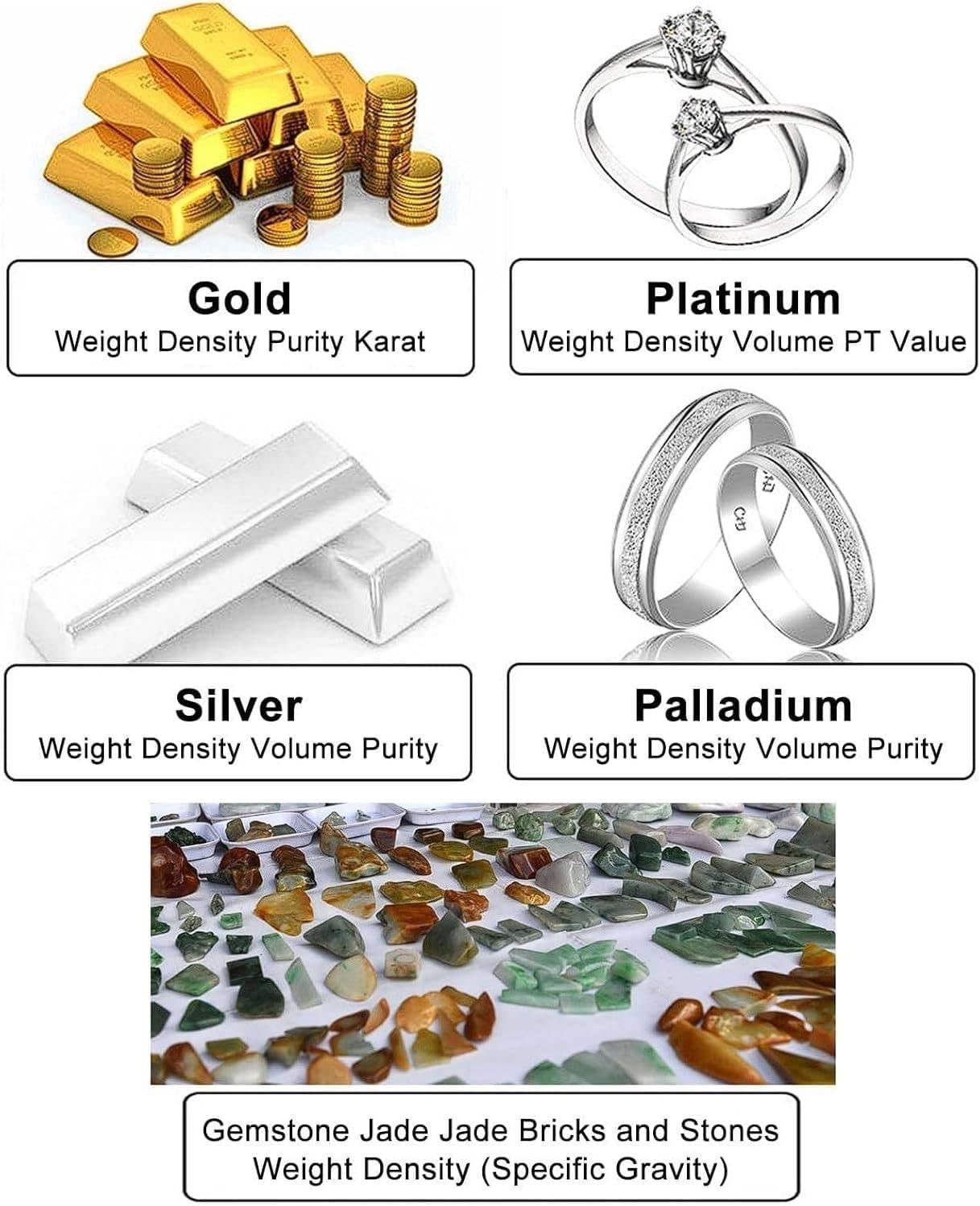
Image: Examples of materials that can be tested, including gold, platinum, silver, palladium, and gemstones, along with the measurable parameters for each.
4.1 Basic Testing Procedure
- Step 1: Measure Weight in Air
Place the gold sample directly onto the measuring table of the device. Wait for the weight reading to stabilize on the digital display. Once stable, press the 'ENTER' button to save this value.
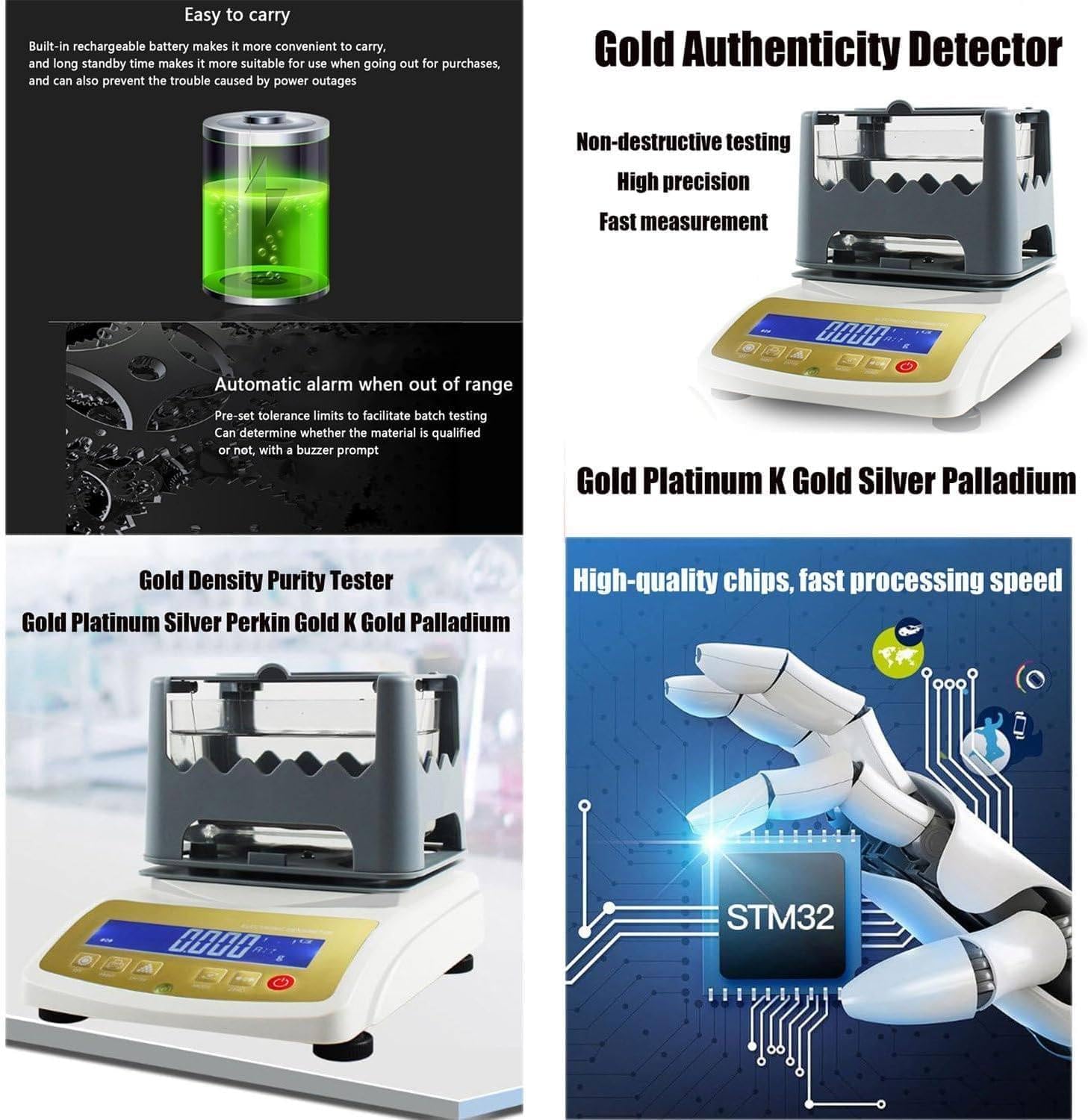
Image: Visual guide for Step 1, showing a gold bracelet placed on the measuring table and the 'ENTER' button being pressed.
- Step 2: Measure Weight in Water
Carefully place the gold sample into the hanging basket, ensuring it is fully submerged in the water within the sink. Avoid any contact with the sides or bottom of the sink. Wait for the weight reading to stabilize. Once stable, press the 'ENTER' button to save this value.

Image: Visual guide for Step 2 (labeled as Step 3 in the image), showing a gold bracelet submerged in the water basket and the 'ENTER' button being pressed.
- Step 3: View Results
The device will directly display the density value and purity of the sample on the screen. You can press the 'MODE' button to cycle through and view other parameters such as volume, purity, and K number (for gold). The device can also be connected to a printer (optional accessory) to print the test values.

Image: A summary of the two-step testing process, showing the device displaying results and an optional printer generating a report.
4.2 Display Parameters
The device can display various parameters depending on the metal being tested:
- Gold: Density, Volume, Purity, Karat number
- Platinum/Perkin: Density, Volume, PT value
- K Gold: Density, Volume, Purity (Gold + Copper, Gold + Silver, Gold + Silver + Copper), Karat number
- Silver/Palladium/Other Precious Metals: Density, Volume, Purity

Image: A visual representation of the diverse applications of the purity tester, including gold, silver, platinum, and gemstones.
5. Maintenance
Proper maintenance ensures the longevity and accuracy of your Gpxhbcb Gold Purity Tester:
- Cleaning: Regularly clean the device's exterior with a soft, dry cloth. For the measuring table and sink, use a mild detergent and water, ensuring they are thoroughly dried before reassembly. Avoid using abrasive cleaners or solvents.
- Water Quality: Use distilled or deionized water for testing to prevent mineral buildup and ensure accurate density measurements. Change the water frequently.
- Storage: When not in use, store the device in a clean, dry environment, away from extreme temperatures, humidity, and direct sunlight.
- Calibration: While the device is factory-calibrated, periodic checks with known standard weights are recommended to ensure continued accuracy. Refer to the full technical manual for detailed calibration procedures if necessary.
- Battery Care: Recharge the built-in battery regularly, even if the device is not in frequent use, to maintain battery health. Avoid fully discharging the battery for extended periods.
6. Troubleshooting
If you encounter issues with your Gpxhbcb Gold Purity Tester, refer to the following common troubleshooting tips:
- Inaccurate Readings:
- Ensure the device is on a stable, level surface and the level bubble is centered.
- Verify that the sample is not touching the sides or bottom of the water sink during the submerged measurement.
- Check for air bubbles clinging to the sample when submerged; gently remove them if present.
- Ensure the water used is clean and free from impurities.
- Device Not Powering On:
- Check if the power adapter is securely connected to both the device and the power outlet.
- Ensure the power outlet is functional.
- If using battery power, ensure the battery is sufficiently charged.
- Display Errors:
- If an error code appears, consult the comprehensive technical manual for specific meanings.
- Try restarting the device.
- Automatic Alarm Triggered:
- This indicates an out-of-range measurement or an unstable reading. Re-check the sample placement and ensure stability.
For persistent issues or problems not covered here, please contact customer support.
7. Warranty and Support
The Gpxhbcb Digital Electronic Gold Purity Tester Machine is backed by a manufacturer's warranty. Please refer to the warranty card included with your product for specific terms and conditions, including coverage duration and claim procedures.
For technical support, service, or inquiries regarding your device, please contact Gpxhbcb customer service through the contact information provided in your product packaging or on the official Gpxhbcb website. When contacting support, please have your model number (MDJ-1200K) and purchase date readily available.


