
truke truke Mega 9
Contents
truke Mega 9 True Wireless Earbuds User Manual
Model: truke Mega 9 (S21+)
Brand: truke
Introduction
Thank you for choosing the truke Mega 9 True Wireless Earbuds. This manual provides essential information for setting up, operating, and maintaining your earbuds to ensure optimal performance and longevity. Please read this manual thoroughly before using the product.
What's in the Box
- truke Mega 9 True Wireless Earbuds (Left and Right)
- Wireless Charging Case
- USB Charging Cable
- Multiple Sizes of Eartips
- User Manual
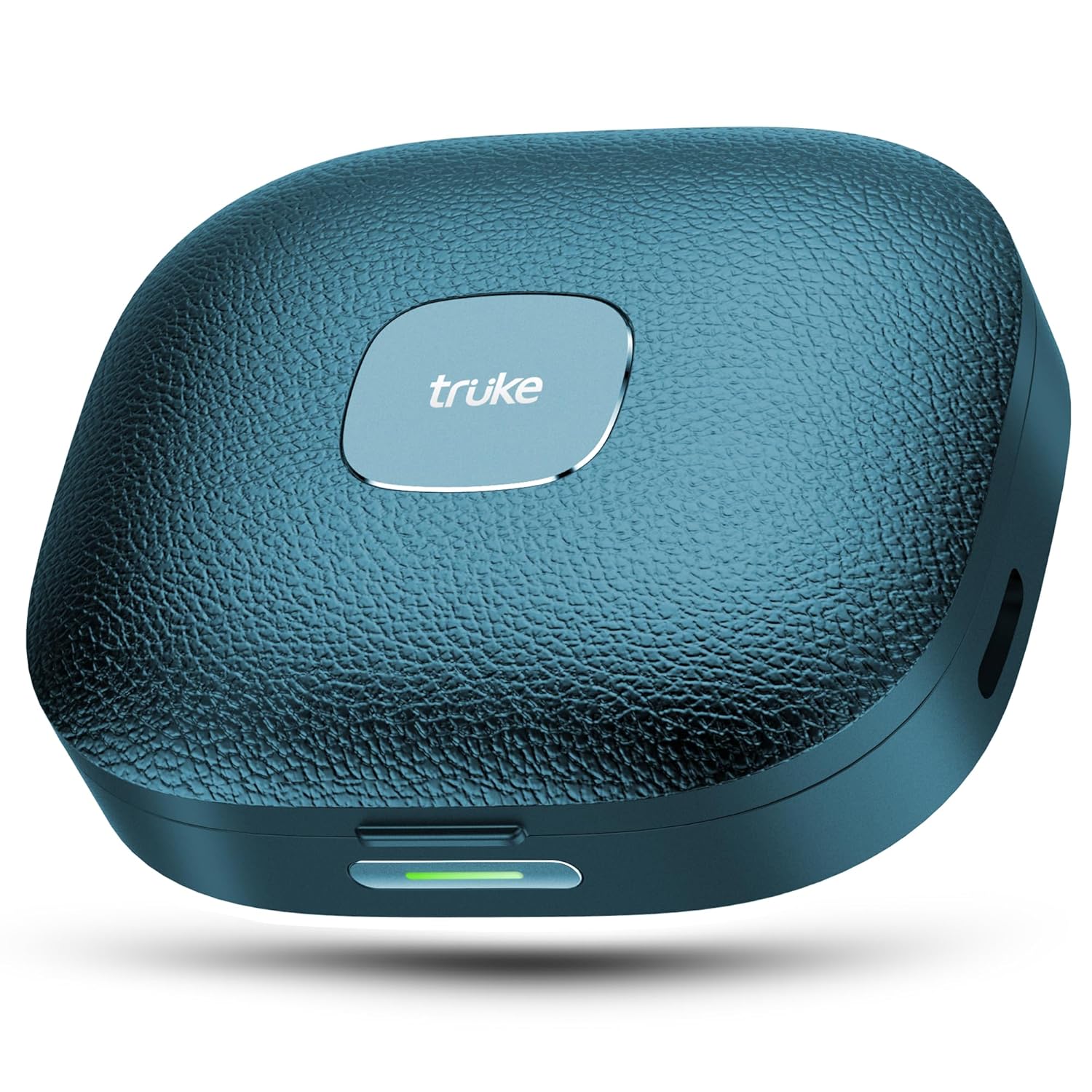
Image: The truke Mega 9 earbuds nestled within their sleek, pebbled leather finish charging case, showcasing the compact design and the charging indicator light.
Product Overview
The truke Mega 9 earbuds are designed for an immersive audio experience with advanced features. Key components include:
- Earbuds: Left and Right earbuds with touch control surfaces and integrated microphones.
- Charging Case: Portable case for charging and storing the earbuds, featuring a pebbled leather finish.
- LED Indicators: On both earbuds and the charging case to show battery status and pairing mode.
- USB-C Port: For charging the case.

Image: An infographic highlighting the main features of the truke Mega 9 earbuds, including 24-bit 360 spatial audio, 13mm titanium speakers, dual device pairing, 70 hours total playtime, and Quad Mic ENC.
Setup
1. Charging the Earbuds and Case
Before first use, fully charge the truke Mega 9 earbuds and their charging case.
- Place both earbuds into the charging case. Ensure they are correctly seated.
- Connect the USB charging cable to the charging port on the case and the other end to a USB power source (e.g., wall adapter, computer USB port).
- The LED indicator on the case will show charging status. Once fully charged, the indicator will change or turn off.
- A 10-minute charge provides approximately 150 minutes of playback.

Image: An illustration demonstrating the impressive 70-hour total battery life and the rapid charging capability, showing that 10 minutes of charge yields 150 minutes of playback.
2. Bluetooth Pairing
Pair your truke Mega 9 earbuds with your device for the first time.
- Open the charging case. The earbuds will automatically enter pairing mode, and their LED indicators will flash.
- On your device (smartphone, tablet, laptop), go to Bluetooth settings and turn Bluetooth on.
- Search for available devices and select "truke Mega 9" from the list.
- Once connected, the earbud LED indicators will stop flashing or turn off, and you will hear a confirmation tone.
3. Fitting the Earbuds
For optimal sound quality and comfort, ensure a proper fit.
- Choose the eartips that best fit your ears from the included sizes. A good seal is crucial for bass response and noise isolation.
- Insert the earbuds into your ear canals and gently twist them until they feel secure and comfortable.
Operating Instructions
Touch Controls
The truke Mega 9 earbuds feature intuitive touch controls. The following actions apply to either earbud unless specified:
| Action | Function |
|---|---|
| Single Tap | Play/Pause Music, Answer/End Call |
| Double Tap (Right Earbud) | Next Track |
| Double Tap (Left Earbud) | Previous Track |
| Triple Tap (Either Earbud) | Activate Voice Assistant |
| Long Press (2 seconds) | Reject Call |
| Long Press (3 seconds, Gaming Mode) | Toggle Gaming Mode On/Off |
Dual Device Switching
The truke Mega 9 supports seamless dual device pairing, allowing you to switch between two connected devices (e.g., phone and laptop) without re-pairing.
- Ensure both devices are previously paired with your earbuds.
- When audio is playing on one device, simply pause it.
- Start playing audio on the second device. The earbuds will automatically switch the connection.

Image: The truke Mega 9 earbuds shown connected to both a smartphone and a laptop, illustrating the hassle-free dual device switching capability.
Gaming Mode (Ultra-Low Latency)
Activate Gaming Mode for a competitive advantage with ultra-low latency audio (40ms).
- To activate: Long press the touch control on either earbud for 3 seconds until you hear a confirmation sound.
- To deactivate: Repeat the long press action.
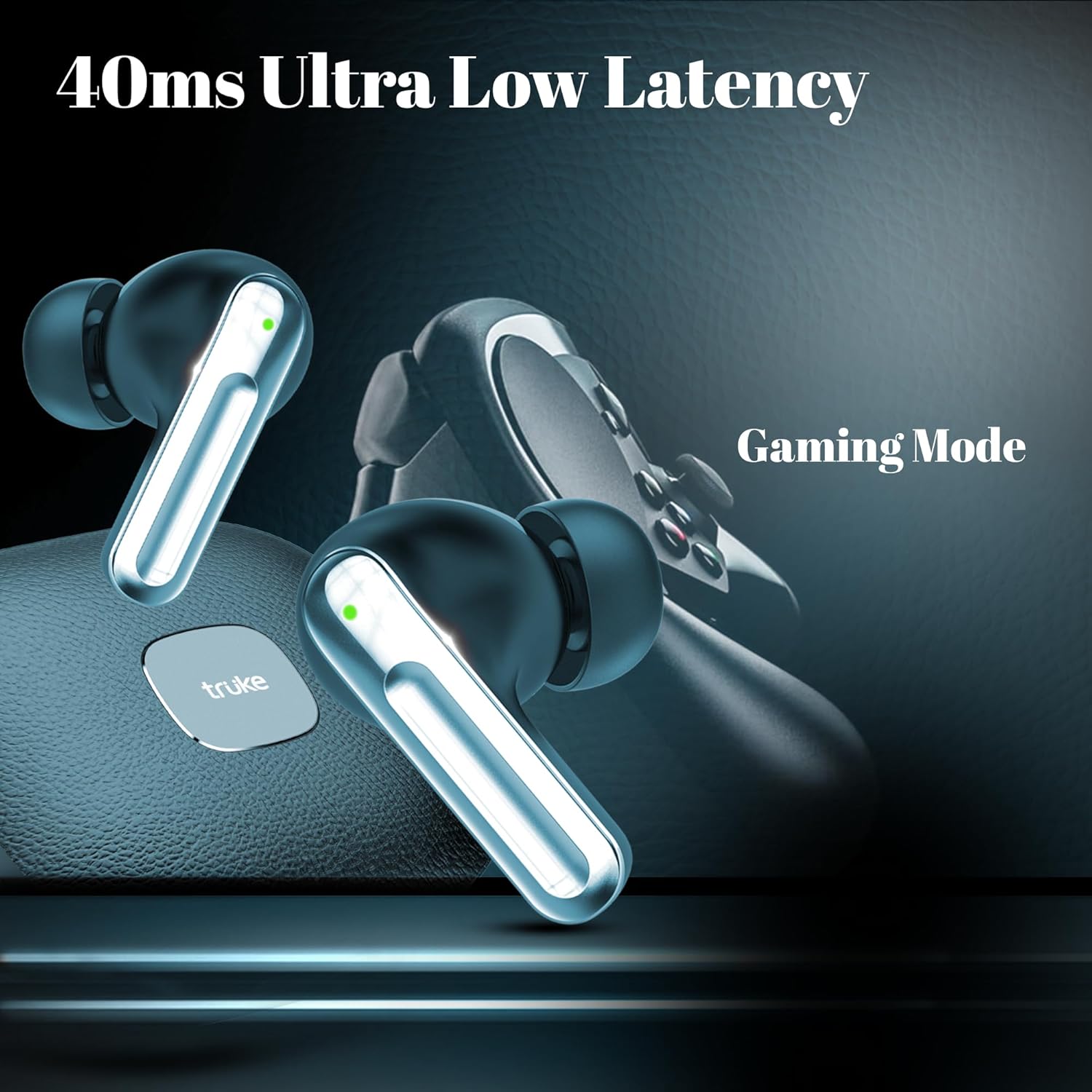
Image: The truke Mega 9 earbuds positioned near a gaming controller, emphasizing the 40ms ultra-low latency feature for an enhanced gaming experience.
Maintenance
Cleaning
- Regularly clean the earbuds, especially the eartips and charging contacts, with a soft, dry, lint-free cloth.
- Do not use abrasive cleaners, alcohol, or chemical solvents.
- Ensure the charging case and earbuds are dry before placing them back in the case or charging.
Storage
- When not in use, store the earbuds in their charging case to protect them and keep them charged.
- Store in a cool, dry place away from extreme temperatures and direct sunlight.
Water Resistance (IPX5)
The truke Mega 9 earbuds are IPX5 water resistant, meaning they are protected against low-pressure water jets from any direction. This makes them suitable for workouts and light rain.
- Do not submerge the earbuds in water.
- The charging case is not water resistant.
- Ensure earbuds are dry before placing them back in the charging case.
Troubleshooting
| Problem | Possible Solution |
|---|---|
| Earbuds not pairing with device. |
|
| Only one earbud playing audio. |
|
| Low volume or poor sound quality. |
|
| Charging case not charging. |
|
Specifications
| Feature | Detail |
|---|---|
| Model Name | truke Mega 9 |
| Model Number | S21+ |
| Connectivity | Bluetooth 5.4 |
| Audio Technology | 24-bit Lossless Spatial Audio |
| Speaker Drivers | 13mm Titanium Speakers |
| Microphones | 4 Mics with ENC (Environmental Noise Cancellation) |
| Latency | 40ms (Ultra-Low Latency Gaming Mode) |
| Total Playtime | Up to 70 Hours (with charging case) |
| Charging Port | USB Type-C |
| Water Resistance | IPX5 (Earbuds only) |
| Control Method | Touch |
| Weight | 38.4 Grams (total) |
| Dimensions | 6.1 x 5.2 x 2.5 cm |
Warranty and Support
truke products are designed for durability and performance. For warranty information and customer support, please refer to the official truke website or the warranty card included with your product.
- Official Website: www.truke.in
- Customer Service: Refer to the contact details provided on the product packaging or official website for assistance with technical issues, warranty claims, or general inquiries.
Important Safety Information
- Do not disassemble, repair, or modify the product.
- Keep the product away from extreme temperatures, humidity, and corrosive substances.
- Avoid dropping or subjecting the product to strong impacts.
- Do not use the product at high volume for extended periods to prevent hearing damage.
- Use only the provided or certified charging cables and adapters.
Ask a question about this manual
Ask about setup, troubleshooting, compatibility, parts, safety, or missing instructions. Manuals+ will review the question and use this page’s manual context to help answer it.