
truke truke Mega 9
Contents
truke Mega 9 True Wireless Earbuds User Manual
Model: truke Mega 9 (S21+)
Brand: truke
1. Introduction
Thank you for choosing the truke Mega 9 True Wireless Earbuds. These earbuds are designed to provide an immersive audio experience with 24-bit lossless spatial audio, powerful 13mm titanium speakers, and extended battery life. Featuring a sophisticated pebbled leather finish and advanced connectivity options, the truke Mega 9 is engineered for both performance and style. This manual will guide you through the setup, operation, and maintenance of your new earbuds.
2. What's in the Box
Please check the contents of your package to ensure all items are present:
- Wireless Charging Case
- USB Charging Cable
- Eartips (various sizes)
- User Manual

Image: truke Mega 9 Earbuds and Charging Case. This image displays the earbuds nestled within their charging case, highlighting the compact and portable design.
3. Setup
3.1 Charging the Earbuds and Case
Before first use, fully charge the truke Mega 9 earbuds and their charging case. Connect the provided USB charging cable to the charging port on the case and a power source. The LED indicator on the case will show the charging status. A full charge provides up to 70 hours of total playtime with the charging case. A quick 10-minute charge can provide up to 150 minutes of playback.
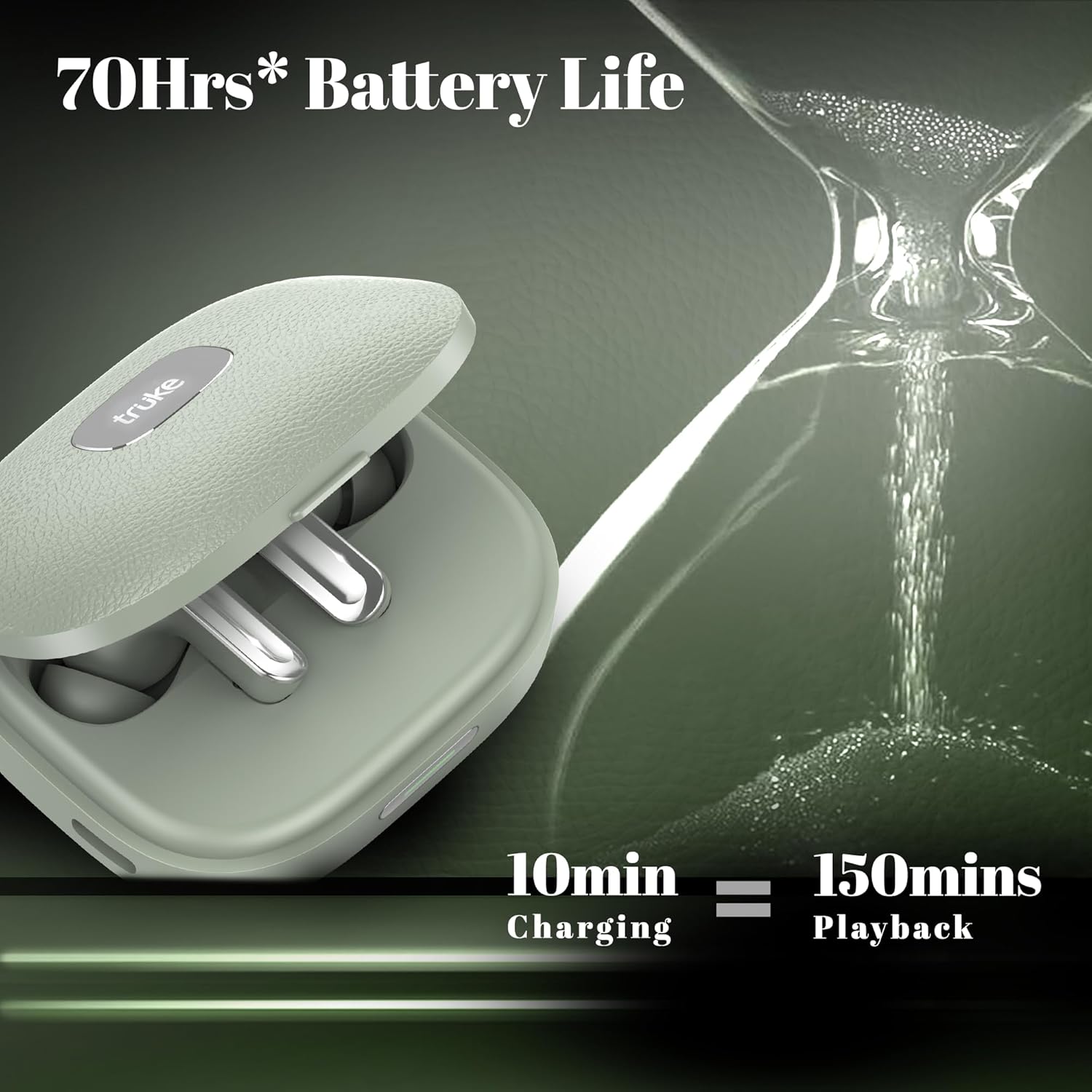
Image: Earbuds in charging case with battery life illustration. This image visually represents the extended 70-hour battery life and the rapid charging capability of the earbuds.
3.2 Pairing with Your Device
The truke Mega 9 earbuds utilize Bluetooth 5.4 for a stable and efficient wireless connection.
- Open the charging case. The earbuds will automatically enter pairing mode, indicated by flashing LED lights on the earbuds.
- On your device (smartphone, tablet, laptop), enable Bluetooth and search for available devices.
- Select "truke Mega 9" from the list of discovered devices.
- Once connected, the LED lights on the earbuds will stop flashing, indicating successful pairing.
Dual Device Switching: The truke Mega 9 supports seamless dual device pairing, allowing you to effortlessly switch between two paired devices, such as your phone and laptop, without needing to re-pair.
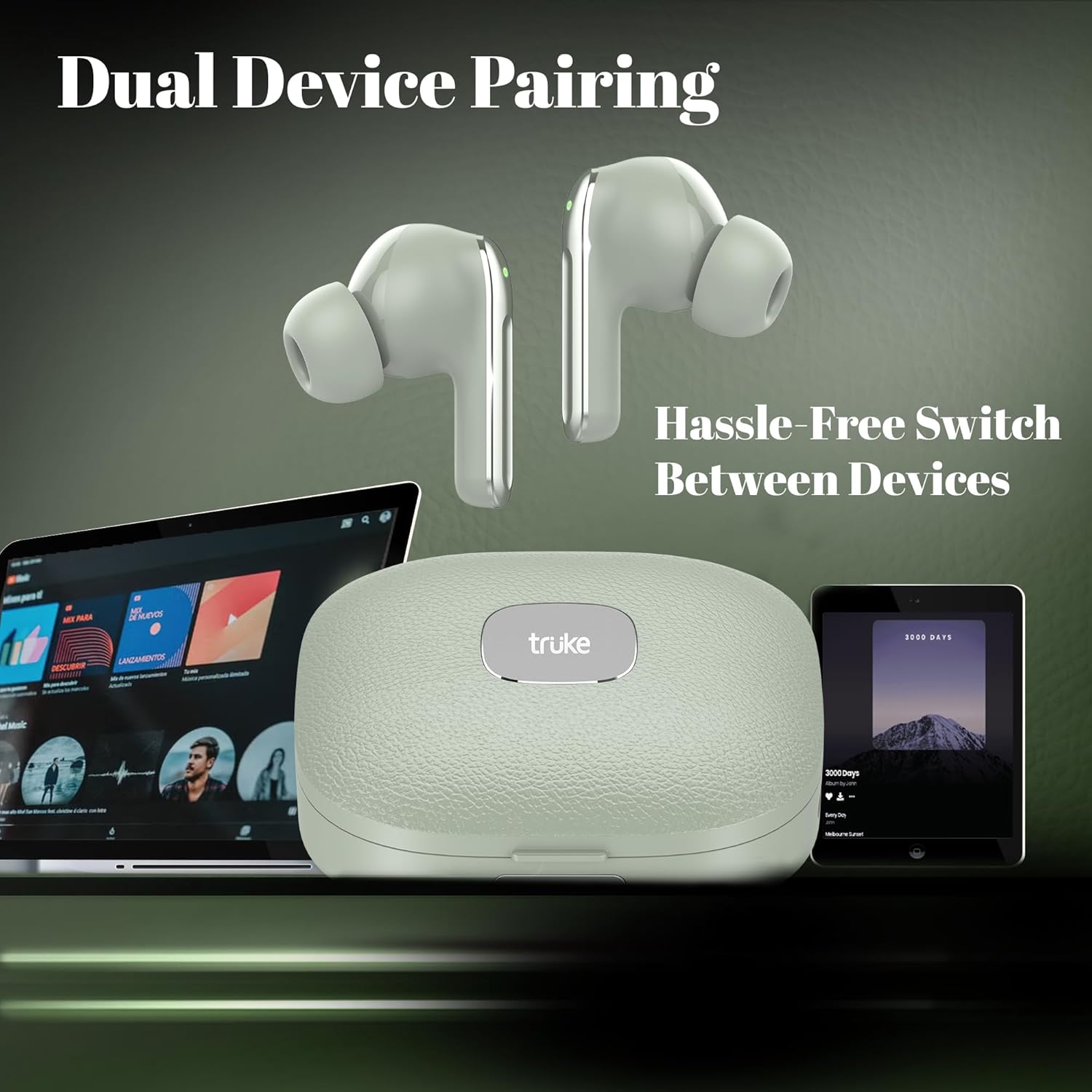
Image: Earbuds connected to a laptop and a smartphone. This image illustrates the dual device pairing feature, showing the earbuds seamlessly connected to multiple devices.
4. Operating Instructions
4.1 Touch Controls
The truke Mega 9 earbuds feature intuitive touch controls for managing playback, calls, and other functions. Refer to the quick start guide included in the package for specific touch gestures.
- Play/Pause: Single tap on either earbud.
- Next Track: Double tap on the right earbud.
- Previous Track: Double tap on the left earbud.
- Answer/End Call: Single tap on either earbud.
- Reject Call: Long press on either earbud.
- Activate Voice Assistant: Triple tap on either earbud.
- Gaming Mode On/Off: Specific gesture (refer to quick start guide for exact details).
4.2 Audio Features
The truke Mega 9 earbuds are equipped with advanced audio technologies for a superior listening experience:
- 24-bit Lossless Spatial Audio: Experience rich, detailed, and immersive sound with enhanced depth and clarity, providing a cinematic audio experience.
- 13mm Titanium Speaker Drivers: These powerful drivers deliver clear and impactful sound across the entire audio frequency range, ensuring robust bass and crisp highs.
- 4Mics ENC (Environmental Noise Cancellation): Enjoy crystal-clear calls even in noisy environments, as the four microphones work to filter out ambient sounds.
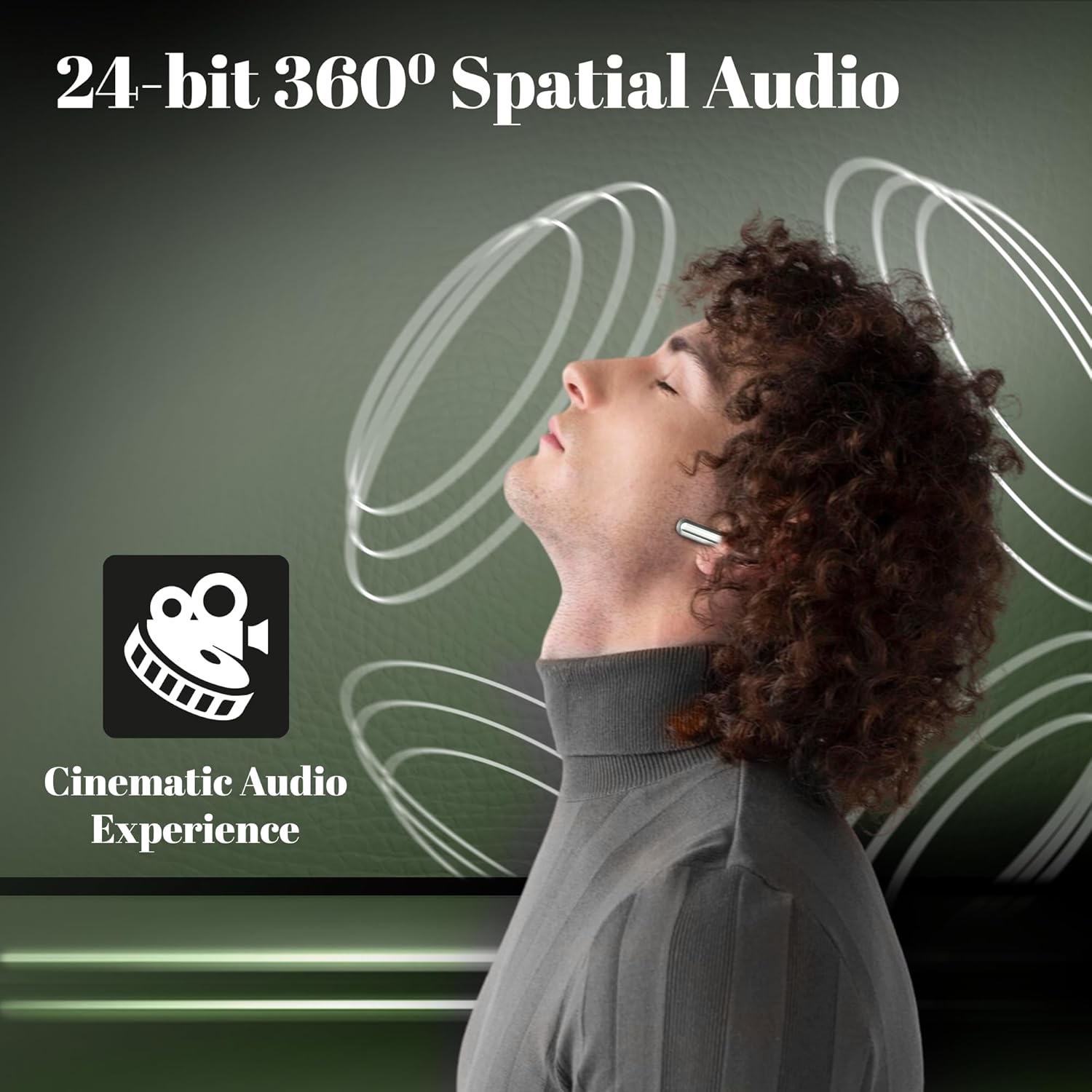
Image: Person experiencing spatial audio. This image depicts a user enjoying the immersive 24-bit spatial audio feature, suggesting a rich and enveloping sound experience.

Image: Close-up of earbud highlighting 13mm titanium speakers. This image focuses on the earbud's internal components, emphasizing the powerful 13mm titanium speaker drivers for high-fidelity sound.

Image: Earbud with sound wave illustration for Quad Mic ENC. This image highlights the Quad Mic ENC technology, indicating clear call quality by reducing environmental noise.
4.3 Ultra-Low Latency Gaming Mode
Activate the dedicated gaming mode for an ultra-low latency of 40ms, providing a competitive advantage by minimizing audio delay during gaming sessions.
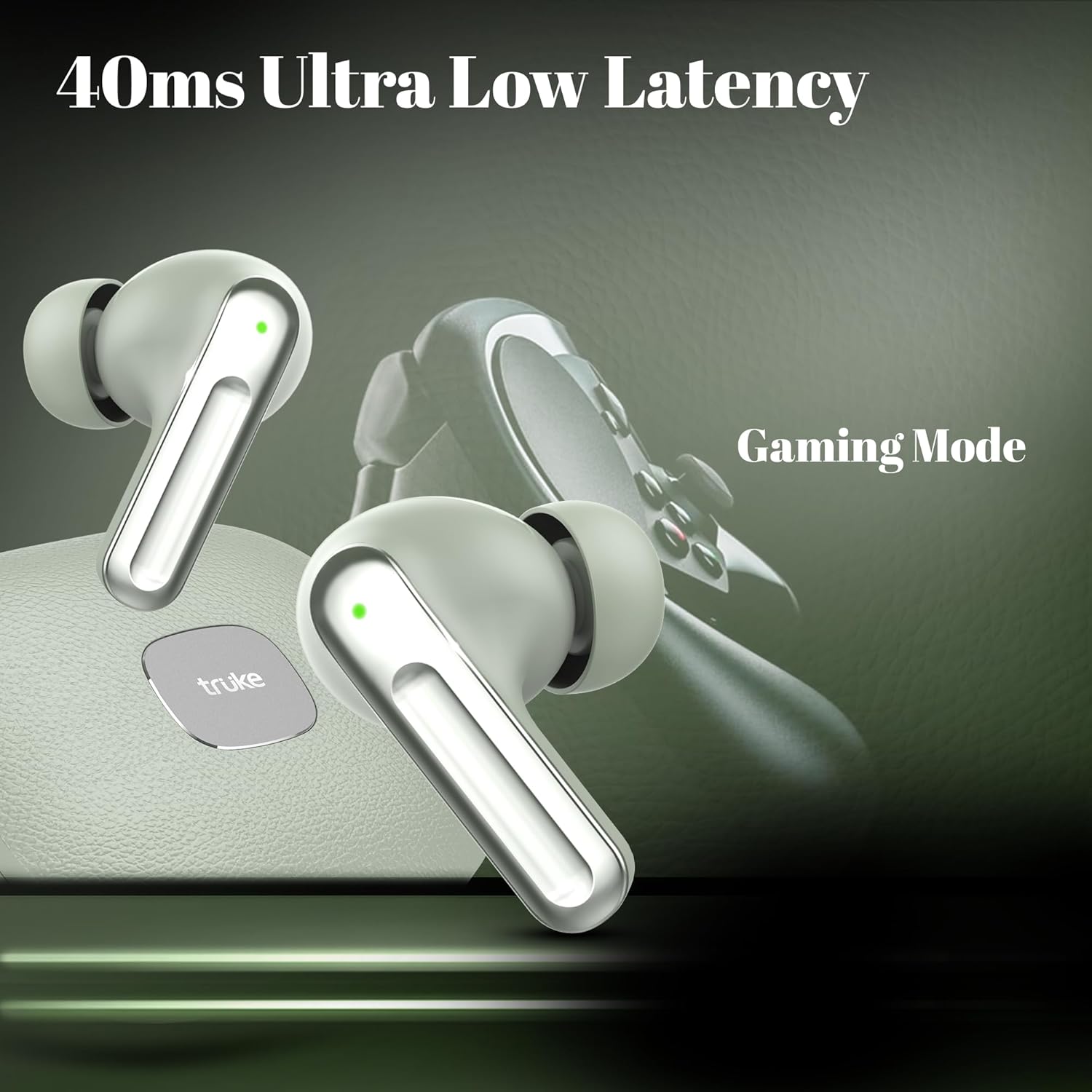
Image: Earbuds with gaming controller in background. This image illustrates the ultra-low latency gaming mode, showing the earbuds in a gaming context.
4.4 Water Resistance
The truke Mega 9 earbuds are rated IPX5 water resistant, offering protection against splashes and sweat. This makes them suitable for workouts and outdoor activities. Note: The charging case is not water resistant.
5. Maintenance
To ensure the longevity and optimal performance of your truke Mega 9 earbuds, follow these maintenance guidelines:
- Cleaning: Regularly clean the earbuds and charging case with a soft, dry, lint-free cloth. Do not use abrasive cleaners or solvents.
- Eartips: Remove and clean the eartips periodically with water and mild soap. Ensure they are completely dry before reattaching them to the earbuds.
- Charging Port: Keep the charging port free of dust and debris. Use a soft brush if necessary.
- Storage: When not in use, store the earbuds in their charging case to protect them and keep them charged. Store in a cool, dry place away from extreme temperatures.
- Avoid Water Exposure: While IPX5 rated, avoid submerging the earbuds in water. The charging case is not water resistant.
6. Troubleshooting
If you encounter any issues with your truke Mega 9 earbuds, refer to the following common problems and solutions:
| Problem | Possible Cause | Solution |
|---|---|---|
| Earbuds not pairing | Bluetooth is off on device; earbuds not in pairing mode; previously paired with another device. | Ensure Bluetooth is on. Place earbuds in case, close, then open to re-enter pairing mode. Forget "truke Mega 9" from your device's Bluetooth list and re-pair. |
| Only one earbud working | Low battery on one earbud; earbuds not properly synced. | Place both earbuds in the charging case and ensure they are charging. Take them out together to re-sync. |
| Low volume or poor sound quality | Eartips not sealed properly; earbud grilles blocked; device volume too low. | Try different sized eartips for a better seal. Clean earbud grilles. Increase volume on both earbuds and connected device. |
| Charging case not charging | Cable not connected properly; faulty cable/adapter; dirty charging port. | Ensure cable is securely connected. Try a different USB cable and power adapter. Clean the charging port. |
7. Specifications
Key technical specifications for the truke Mega 9 True Wireless Earbuds:
| Feature | Detail |
|---|---|
| Model Name | truke Mega 9 |
| Model Number | S21+ |
| Connectivity Technology | Wireless (Bluetooth) |
| Bluetooth Version | 5.4 |
| Audio Driver Type | Dynamic Driver (13mm Titanium Speakers) |
| Battery Life | Up to 70 Hours (with charging case) |
| Latency | 40ms (Ultra-Low Latency Gaming Mode) |
| Microphones | 4Mics ENC (Environmental Noise Cancellation) |
| Water Resistance Level | IPX5 (Earbuds only) |
| Control Method | Touch |
| Item Weight | 38.4 Grams |
| Product Dimensions | 6.1 x 5.2 x 2.5 cm |
| Included Components | Cable, User Manual, Wireless Charging Case, Eartip |
8. Warranty and Support
truke products are designed for durability and performance. For information regarding warranty coverage, technical support, or service inquiries, please refer to the warranty card included in your product packaging or visit the official truke website. Please retain your proof of purchase for warranty claims.
For further assistance, you may contact truke customer support through their official channels.
Ask a question about this manual
Ask about setup, troubleshooting, compatibility, parts, safety, or missing instructions. Manuals+ will review the question and use this page’s manual context to help answer it.