
Garmin E99GRFENIX7XPROSB
Contents
Garmin Fenix 7X Pro Solar Smartwatch User Manual
Comprehensive guide for your multisport GPS smartwatch.
Product Overview
The Garmin Fenix 7X Pro Solar is a multisport GPS smartwatch designed for athletes and outdoor enthusiasts. It features a large 1.4-inch display, a resilient 51mm fiber-reinforced polymer case with a steel bezel, and a Power Glass solar charging lens for extended battery life.
Key features include advanced training metrics, 24/7 health and wellness monitoring, a built-in LED flashlight, and comprehensive navigation capabilities.

Image: The Garmin Fenix 7X Pro Solar smartwatch, showcasing its robust design and digital display.
What's in the Box
- fēnix 7 Pro series smartwatch
- USB-C charging/data cable
- Documentation (User Manual, Safety and Important Information)
Setup
Initial Charging
Before first use, fully charge your Fenix 7X Pro Solar. Connect the USB-C charging/data cable to the watch's charging port and a power source. The Power Glass solar charging lens also contributes to battery life when exposed to sunlight.
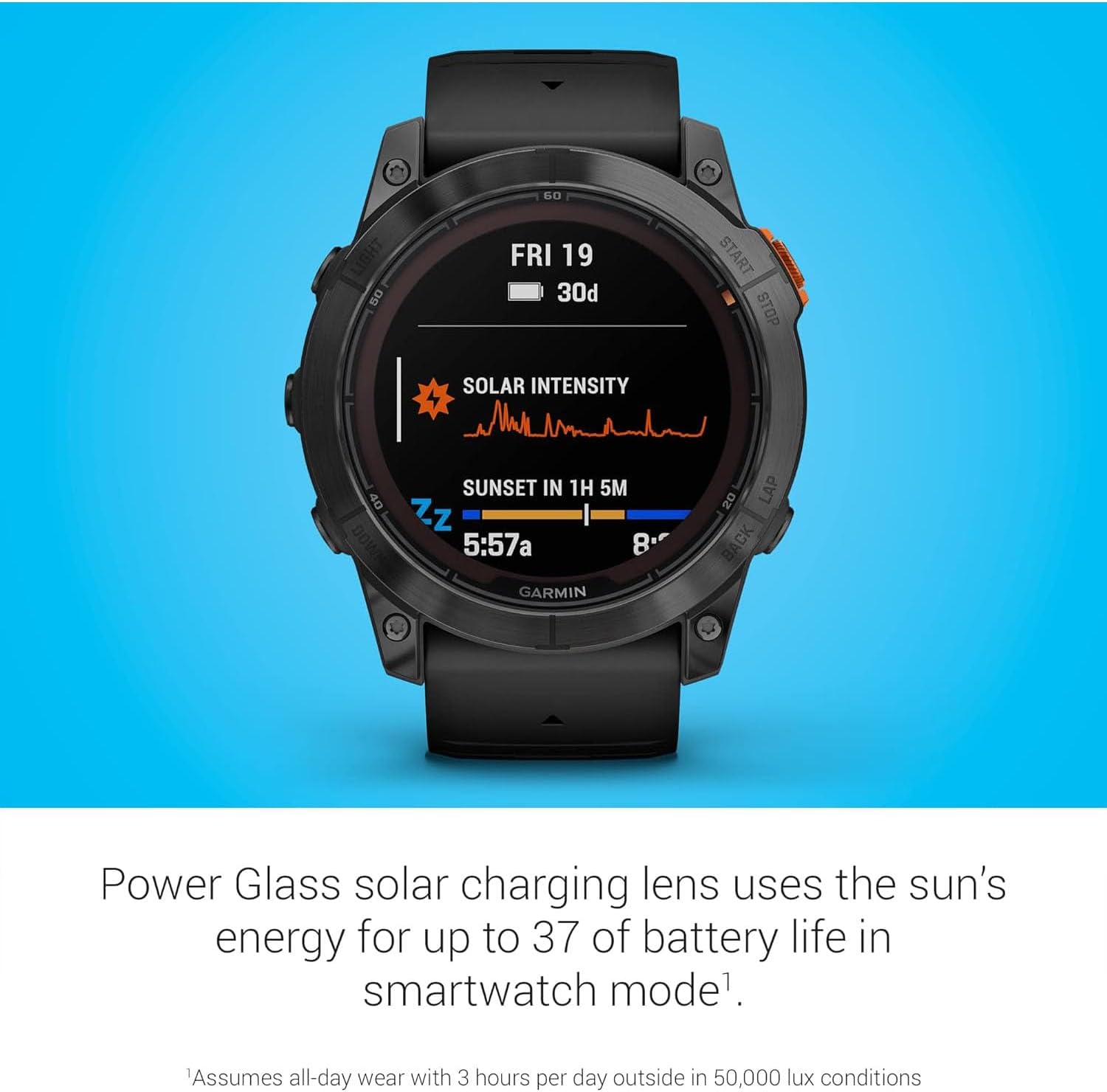
Image: The watch display showing a battery charging icon, indicating the device is receiving power.
Pairing with Smartphone
- Download the Garmin Connect app on your smartphone.
- Enable Bluetooth on your smartphone.
- On your watch, navigate to the settings menu and select "Pair Phone" or "Add Phone".
- Follow the on-screen instructions on both your watch and the Garmin Connect app to complete the pairing process.
This pairing allows for data synchronization, smart notifications, and access to additional features.
Operating Instructions
Basic Navigation
The Fenix 7X Pro Solar features both physical buttons and a responsive touchscreen for navigation.
- LIGHT: Press to turn the backlight on/off. Hold to access controls menu (flashlight, lock screen, power off, etc.).
- UP/MENU: Press to scroll through widgets and data screens. Hold to open the main menu.
- DOWN: Press to scroll through widgets and data screens.
- START/STOP: Press to start or stop an activity. Press to select an option in a menu.
- BACK/LAP: Press to return to the previous screen. Press during an activity to mark a new lap or segment.
The touchscreen allows for swiping through screens and tapping to select options.
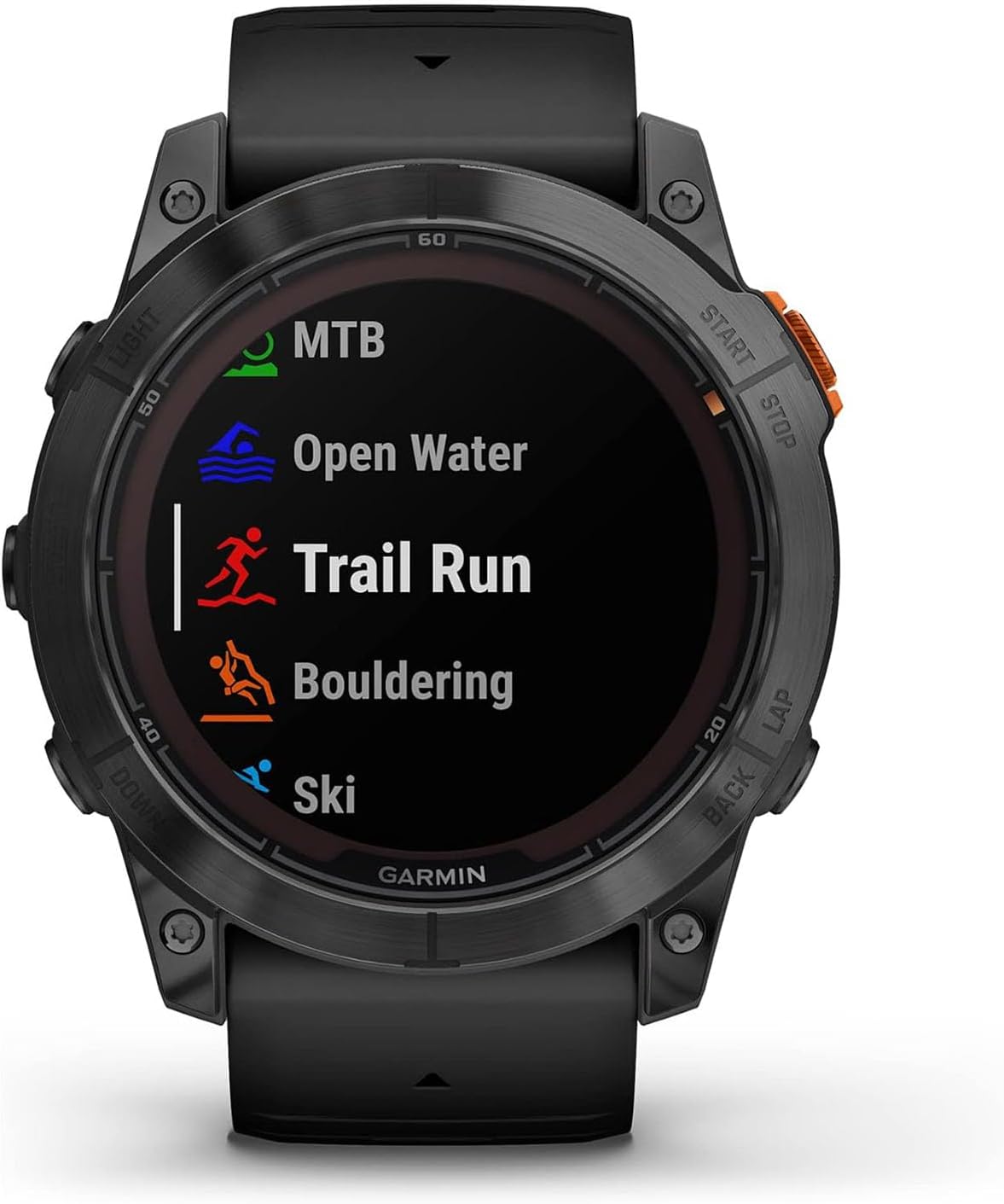
Image: The watch display showing a list of activity profiles such as MTB, Open Water, Trail Run, Bouldering, and Ski.
Activity Tracking
The watch offers various preloaded activity profiles. To start an activity:
- From the watch face, press the START/STOP button.
- Select an activity from the list (e.g., Run, Bike, Hike).
- Wait for GPS signal acquisition (if applicable).
- Press START/STOP again to begin recording.
During an activity, you can view various data screens by swiping or pressing UP/DOWN. To stop, press START/STOP and select "Save" or "Discard".
Health and Wellness Monitoring
The Fenix 7X Pro Solar provides 24/7 health and wellness monitoring, including:
- Heart Rate: Continuous wrist-based heart rate monitoring.
- Pulse Ox: Measures blood oxygen saturation (note: not a medical device).
- Sleep Monitoring: Advanced sleep tracking to analyze sleep stages and quality.
- Body Battery™: Monitors your energy levels throughout the day.
- Stress Tracking: Monitors heart rate variability to estimate stress levels.
- HRV Status: Tracks heart rate variability during sleep for recovery insights.
Access these metrics via widgets or the Garmin Connect app for detailed analysis.
Solar Charging
The Power Glass solar charging lens extends battery life. For optimal solar charging, ensure the watch face is exposed to direct sunlight. The solar intensity widget (accessible by pressing UP/DOWN from the watch face) shows current solar gain.

Image: The watch display showing solar intensity graph and estimated battery life, indicating the solar charging feature in action.
Built-in LED Flashlight
The Fenix 7X Pro Solar includes a multi-LED flashlight. To activate:
- Hold the LIGHT button to access the controls menu.
- Select the flashlight icon.
- Adjust intensity or activate strobe modes as needed.
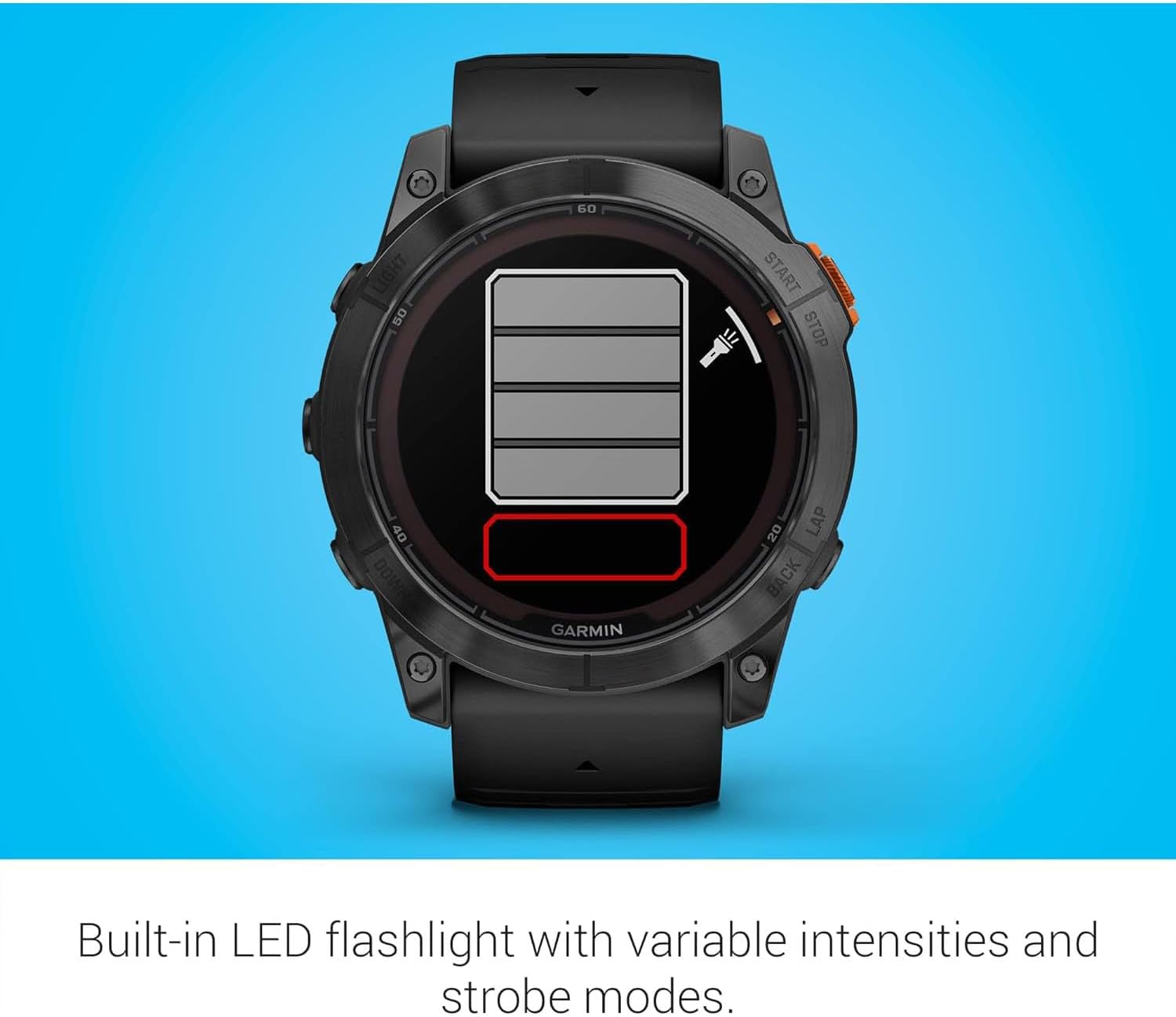
Image: The watch display showing a battery icon with a flashlight symbol, indicating the built-in LED flashlight feature.
Maintenance
Cleaning the Device
- Regularly clean the device and strap with a damp cloth and mild detergent.
- Rinse thoroughly with water after cleaning.
- Allow the device to dry completely before charging or wearing.
- Avoid harsh chemicals, abrasive cleaners, or solvents that can damage components.
Charging Port Care
Keep the charging contacts on the back of the watch clean and dry to prevent corrosion and ensure proper charging. If necessary, gently wipe the contacts with a cotton swab or soft cloth.
Storage
When storing the device for an extended period, ensure it is fully charged and store it in a cool, dry place away from direct sunlight and extreme temperatures.
Troubleshooting
Device Not Turning On
- Ensure the device is fully charged. Connect it to the charger for at least 30 minutes.
- Try performing a soft reset by holding the LIGHT button for 15 seconds.
GPS Signal Issues
- Ensure you are in an open outdoor area with a clear view of the sky.
- Sync your watch with the Garmin Connect app to update satellite data (EPO file).
- Wait for the GPS status indicator to turn green before starting an activity.
Inaccurate Heart Rate Readings
- Ensure the watch is worn snugly but comfortably above your wrist bone.
- Clean the optical heart rate sensor on the back of the device.
- Avoid wearing sunscreen or lotion under the sensor.
Connectivity Problems (Bluetooth/Wi-Fi)
- Ensure Bluetooth is enabled on your smartphone and the watch.
- Restart both your watch and smartphone.
- If issues persist, try unpairing and re-pairing the device in the Garmin Connect app.
Specifications
| Feature | Detail |
|---|---|
| Model Number | E99GRFENIX7XPROSB |
| Display Size | 1.4 inches (35.56 mm) diameter |
| Case Size | 51 mm |
| Dimensions | 2.01 x 2.01 x 0.59 inches |
| Weight | 96 Grams (3.39 ounces) |
| Battery Type | Lithium Polymer (1 CR5 battery required) |
| Battery Life (Smartwatch Mode) | Up to 37 days with solar charging |
| Memory Storage | 32 GB |
| Operating System | GarminOS |
| Connectivity | Bluetooth, Wi-Fi |
| GPS | Built-in GPS with multi-band and SatIQ technology |
Warranty and Support
For warranty information and technical support, please refer to the official Garmin website or contact Garmin customer service. Product registration may be required to activate your warranty.
Online Resources:
This product is covered by Garmin's standard limited warranty. Details are available on the Garmin website or in the documentation included with your device.
Additional Features and Insights
The Fenix 7X Pro Solar offers advanced features to enhance your training and outdoor experiences:
- Hill Score: Measures your running strength and endurance during ascents and gauges progress over time.
- Endurance Score: Combines training data to help understand how training impacts overall endurance.
- Morning Report: Provides a summary of your sleep, recovery, and training outlook.
- Training Readiness: Uses sleep, recovery time, HRV status, and other data to indicate if you're ready for a productive workout.
- Wrist-based Running Power: Provides real-time power metrics directly from your wrist.
- Advanced Pacing Modes: Includes PacePro™ technology for grade-adjusted pace guidance.
- Preloaded Maps: Thousands of golf courses and ski resorts worldwide. Download TopoActive maps.
- Up Ahead Navigation: Provides prompts for upcoming course points.
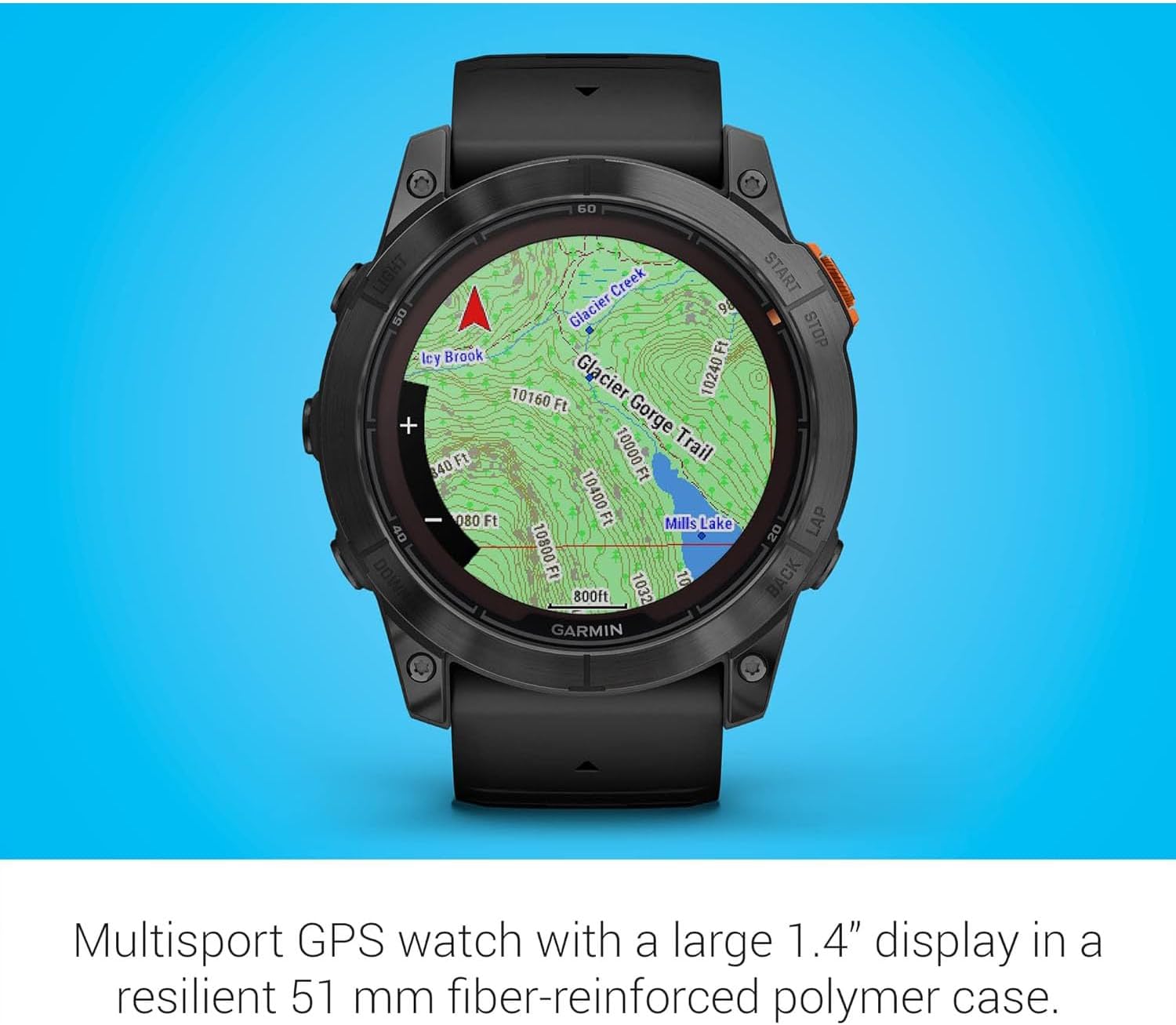
Image: The watch display showing a graph with "Expert" level and a score of 7332, illustrating advanced training features like hill score and endurance score.
Official Product Videos
Below are official product videos from Garmin, providing visual demonstrations and further information about the Fenix 7X Pro Solar.
No official seller videos are available for embedding at this time.
Documents and downloads
Ask a question about this manual
Ask about setup, troubleshooting, compatibility, parts, safety, or missing instructions. Manuals+ will review the question and use this page’s manual context to help answer it.