
Acer A16-11MT-X669
Acer Aspire 16 AI Copilot+ PC Instruction Manual
Model: A16-11MT-X669
Introduction
This manual provides essential information for setting up, operating, and maintaining your Acer Aspire 16 AI Copilot+ PC, model A16-11MT-X669. This device integrates advanced AI capabilities with powerful hardware to enhance productivity and creativity. Please read this manual thoroughly to ensure optimal performance and longevity of your device.
1. Setup
1.1 Unboxing and Initial Inspection
Carefully remove all components from the packaging. Ensure the following items are present:
- Acer Aspire 16 AI Laptop
- USB Type-C Power Adapter
- Power Cord
Inspect the laptop for any physical damage. If any components are missing or damaged, contact Acer support immediately.
1.2 Connecting the Power Adapter
Connect the USB Type-C power adapter to one of the USB4 ports on the left side of the laptop and then plug the power cord into a wall outlet. The laptop can be powered and charged via any of the two USB Type-C ports.
1.3 Initial Power On and Windows Setup
Press the power button located on the keyboard to turn on your laptop. Follow the on-screen instructions to complete the Windows 11 Home setup. This includes connecting to a Wi-Fi network, setting up your user account, and configuring initial preferences.
2. Operating Your Acer Aspire 16 AI
2.1 Using the Multi-Touch Display
Your Acer Aspire 16 AI features a 16-inch WUXGA 120Hz multi-touch display. You can interact with the screen using touch gestures similar to a smartphone or tablet. The 180° lie-flat hinge allows for versatile viewing and interaction modes.
2.2 Keyboard and Trackpad
The laptop includes a full-size backlit keyboard with a numeric keypad and a large trackpad for precise navigation. Familiarize yourself with common keyboard shortcuts and trackpad gestures for efficient use.
2.3 AcerSense Software
AcerSense is an integrated software solution designed to help you manage your device's settings, optimize performance, and access AI features. Press the dedicated AcerSense key on the keyboard to launch the application and customize your experience.
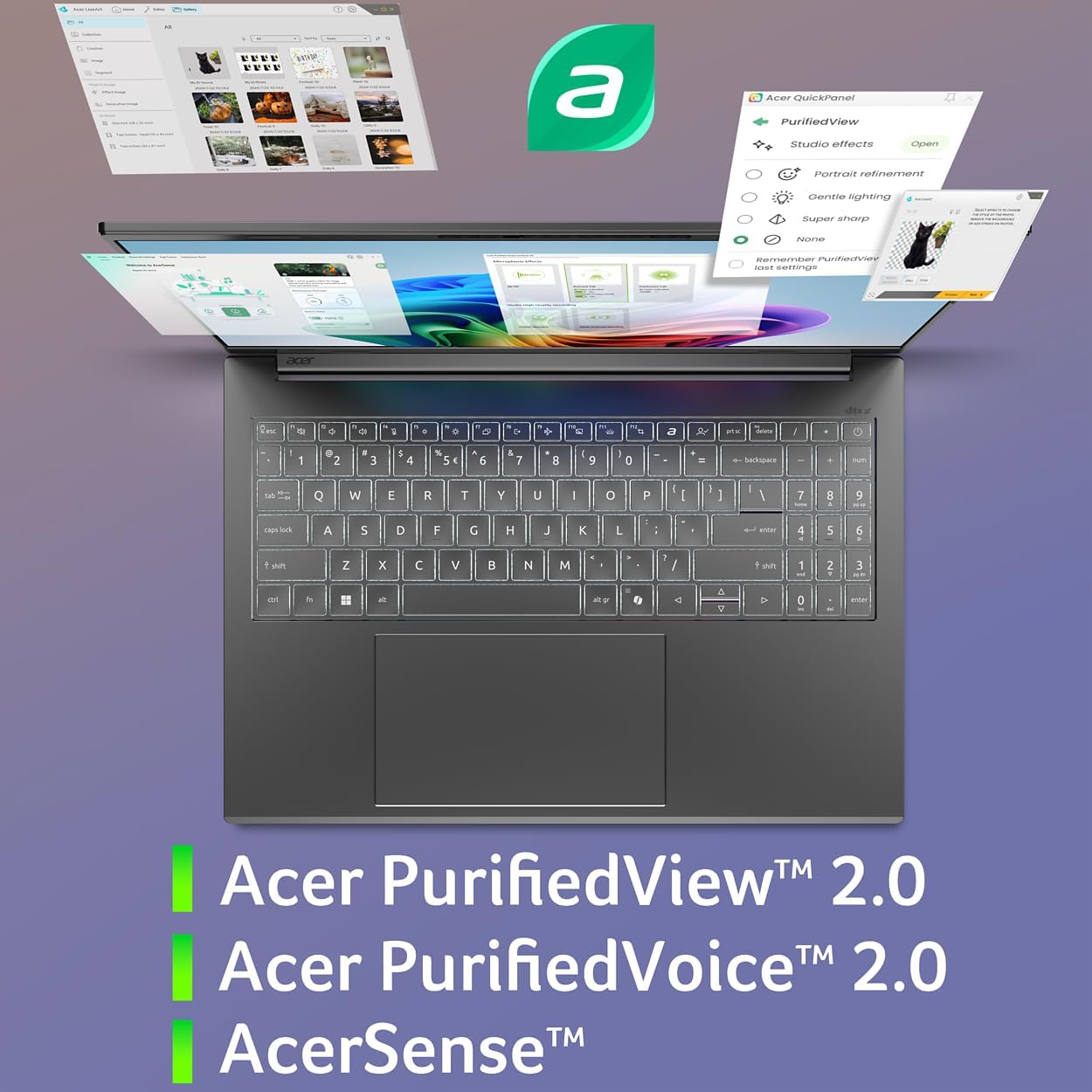
Image: AcerSense software interface showing various settings and optimization options.
2.4 Power Management
Your laptop is designed for extended battery life, offering up to 19 hours for video playback and 18 hours for web browsing. To optimize battery performance, adjust power settings in Windows and utilize AcerSense for efficient power management profiles.
3. Copilot+ PC AI Features
The Acer Aspire 16 AI leverages the Snapdragon X processor's Neural Processing Unit (NPU) to deliver a suite of enhanced AI experiences through Copilot+ PC features. These features are designed to boost productivity and creativity.
3.1 Recall (Preview)
Recall allows you to easily find past content you've viewed on your PC by scrolling through a timeline of snapshots or describing what you're looking for. Security is integrated, requiring Windows Hello for access to your snapshots. You have full control over what is saved and can filter out specific apps or websites.
3.2 Click to Do (Preview)
Click to Do provides context-aware actions for text and images on your screen. Simply highlight text or an image, and a menu of AI-powered actions will appear, allowing you to summarize, rewrite, or creatively interact with content more efficiently.
3.3 Improved Windows Search
Windows Search is enhanced to allow natural language queries for finding files and images. Instead of remembering exact filenames, you can describe what you're looking for, and the AI will help locate relevant content on your PC.
3.4 Super Resolution in Photos
The Photos app now includes a Super Resolution feature that uses AI to enhance older or lower-quality images. You can scale up images without losing clarity, transforming fuzzy photos into crisp, high-definition memories.
4. Hardware Overview
4.1 Processor and AI Engine
The Acer Aspire 16 AI is powered by the Snapdragon X processor, featuring a Qualcomm Oryon CPU (8-Cores, 3.0GHz), a Qualcomm Hexagon NPU (45 TOPS), and a Qualcomm Adreno GPU (up to 1.7 TFLOPs). This architecture is designed for optimized processing across CPU, GPU, and NPU workloads, delivering high performance and power efficiency for AI-accelerated applications.

Image: Diagram illustrating the Snapdragon X processor with its NPU and GPU capabilities.
4.2 Memory and Storage
The laptop comes with 16GB LPDDR5X onboard memory and a 512GB PCIe Gen 4 SSD, providing fast data access and ample storage for your applications and files.
4.3 Display
Experience vibrant visuals on the 16-inch WUXGA (1920 x 1200) multi-touch display with a 120Hz refresh rate and 100% sRGB color coverage. The display offers stunning clarity and sharp detail for various tasks.

Image: Acer Aspire 16 AI display highlighting 120Hz refresh rate, WUXGA resolution, 100% sRGB, and touchscreen functionality.
4.4 Webcam and Audio
The integrated 1440p QHD webcam with Acer PurifiedView 2.0 enhances video calls with features like automatic framing, background blur, and gaze correction. Acer PurifiedVoice 2.0, with a third microphone and AI noise cancellation, ensures clear audio communication.
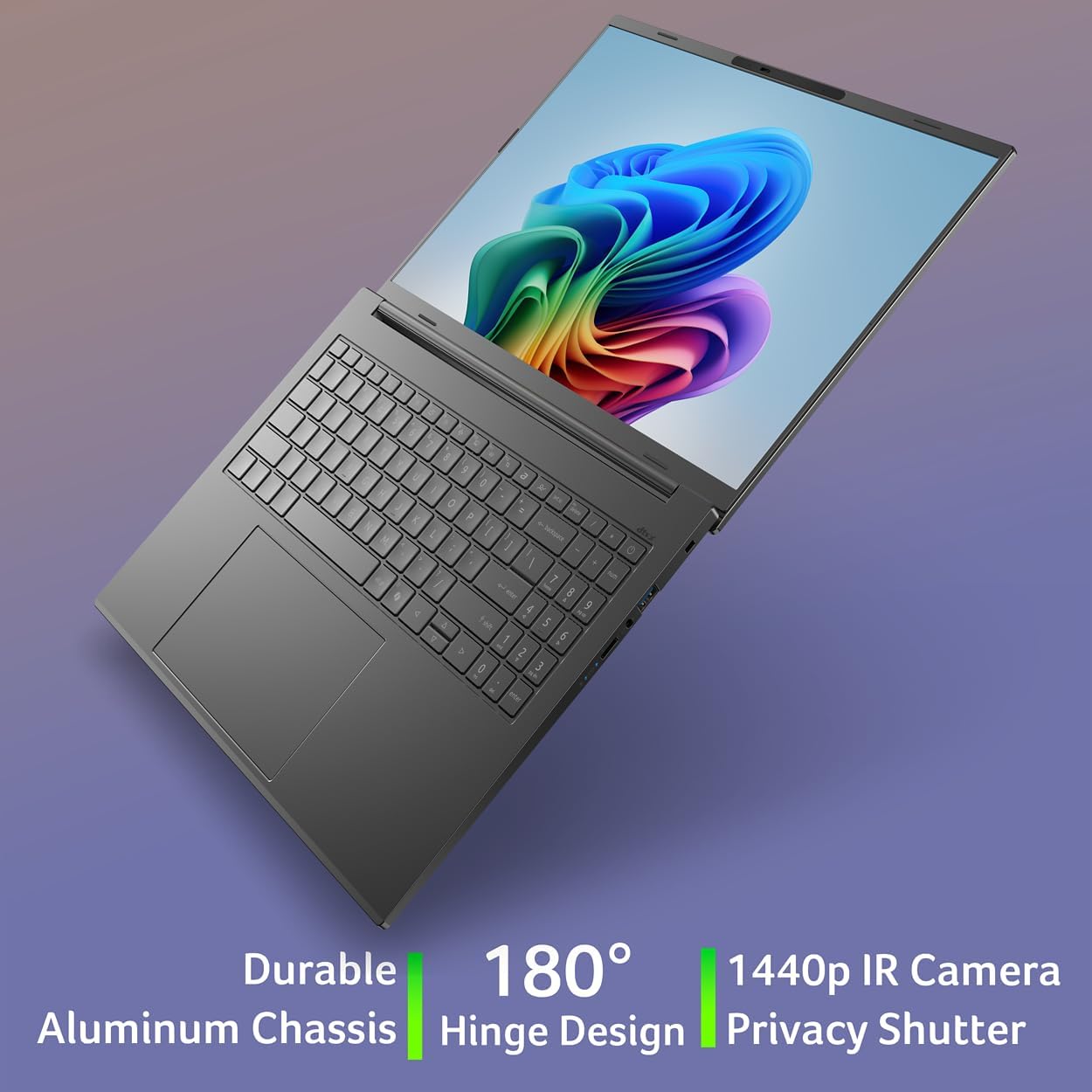
Image: Acer Aspire 16 AI showing the webcam and mentioning PurifiedView and PurifiedVoice technologies.
4.5 Chassis and Hinge Design
The laptop features a durable, thin, and lightweight aluminum chassis. The 180° lie-flat hinge provides flexibility for various usage scenarios, from collaborative work to personal viewing.
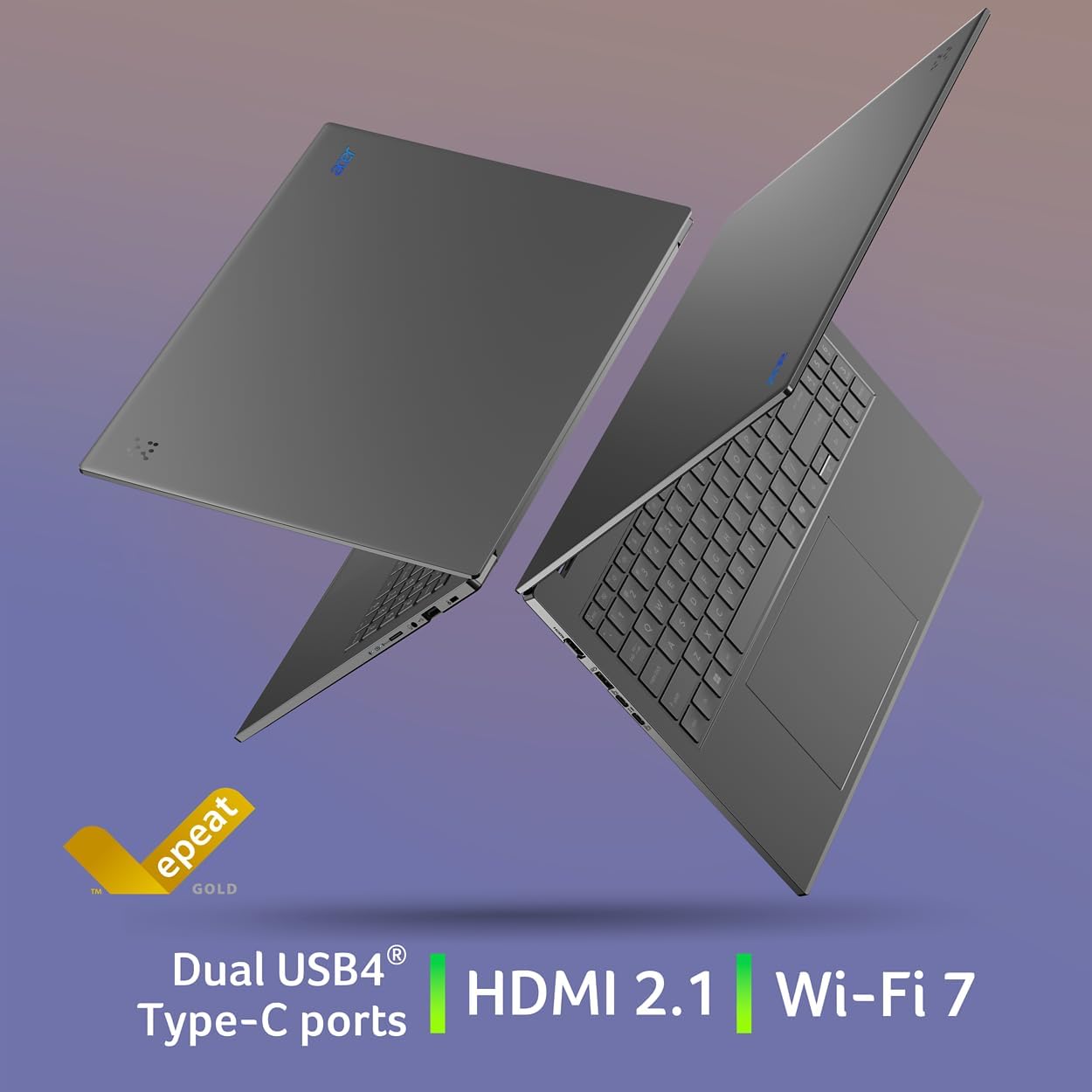
Image: Acer Aspire 16 AI showcasing its durable aluminum chassis and 180-degree hinge design.
5. Connectivity
5.1 Ports and Interfaces
Your Acer Aspire 16 AI is equipped with a range of ports for versatile connectivity:
- 2 x USB Type-C Ports (USB4, up to 40Gbps, USB Charging & Power Delivery up to 65W)
- 2 x USB 3.2 Gen 1 Ports (one with power-off charging)
- 1 x HDMI 2.1 Port with HDCP Support
- 1 x Headphone/Speaker/Line-out Jack
- MicroSD Card Slot
- Kensington Lock Slot
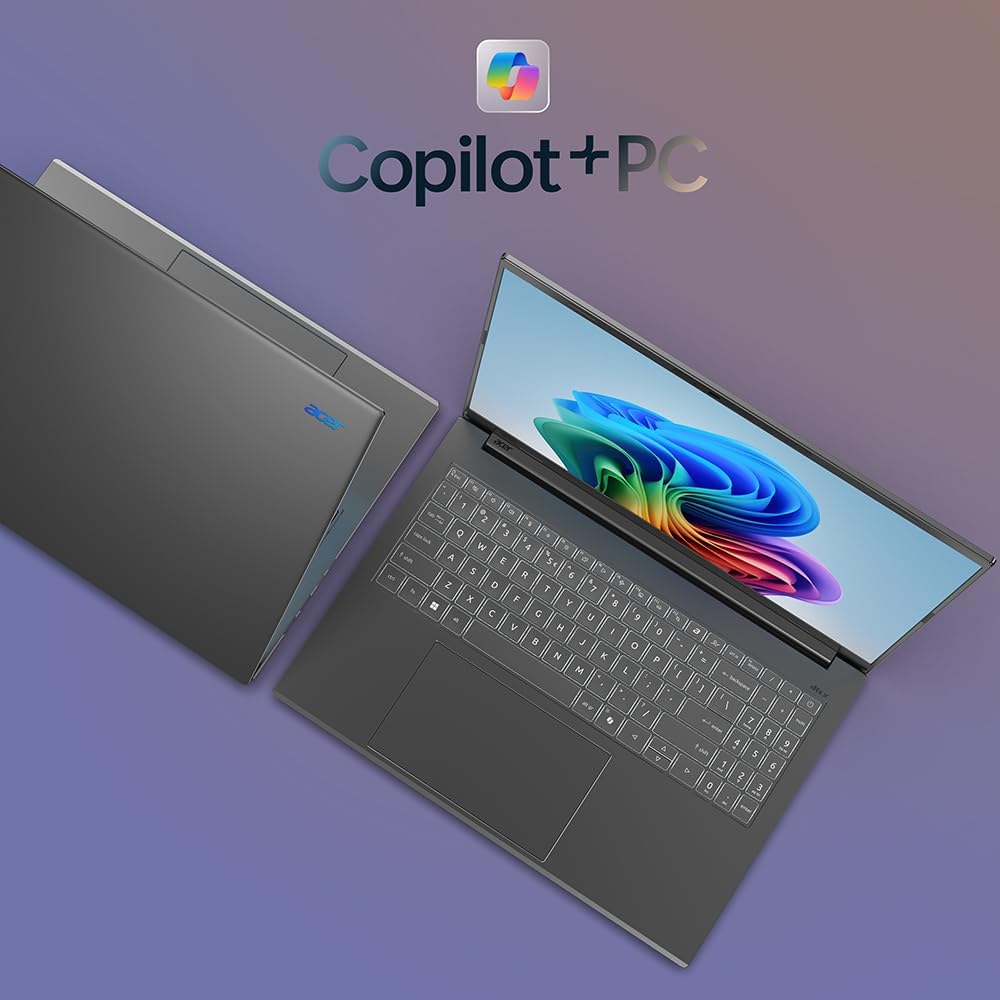
Image: Left side view of the Acer Aspire 16 AI showing HDMI, USB 3.2, and USB Type-C ports.

Image: Right side view of the Acer Aspire 16 AI showing MicroSD card slot, headset jack, USB 3.2, and Kensington lock slot.
5.2 Wireless Connectivity
The laptop supports Wi-Fi 7 (802.11.be) for high-speed wireless internet access, including dual-stream Wi-Fi in 2.4GHz, 5GHz, and 6GHz bands with 2x2 MU-MIMO Technology. Bluetooth 5.3 is also included for connecting wireless peripherals.
6. Maintenance
6.1 Cleaning Your Laptop
To maintain the appearance and functionality of your laptop, regularly clean the screen, keyboard, and chassis. Use a soft, lint-free cloth. For the screen, use a screen-specific cleaner. Avoid harsh chemicals or abrasive materials.
6.2 Software Updates
Keep your Windows 11 Home operating system and drivers updated to ensure optimal performance, security, and access to the latest features. You can check for updates through Windows Settings or Acer's official support website.
6.3 Battery Care
To prolong battery life, avoid extreme temperatures and fully discharging the battery frequently. It is recommended to keep the battery charged between 20% and 80% for long-term health.
7. Troubleshooting
7.1 Common Issues and Solutions
- No Power: Ensure the power adapter is securely connected to both the laptop and a working power outlet. Check the power indicator light.
- Display Issues: If the screen is blank, try adjusting the brightness settings. If using an external monitor, ensure the cable is connected correctly and the display output is configured.
- Wi-Fi Connectivity Problems: Verify that Wi-Fi is enabled in Windows settings. Restart your router and the laptop. Ensure you are within range of a Wi-Fi network.
- Slow Performance: Close unnecessary applications. Check for background processes consuming high resources. Ensure your system is updated.
7.2 Contacting Support
If you encounter issues that cannot be resolved using the troubleshooting steps, please visit the official Acer support website or contact their customer service for assistance. Have your model number (A16-11MT-X669) and serial number ready.
8. Specifications
| Feature | Detail |
|---|---|
| Model Name | Acer Aspire 16 AI (A16-11MT-X669) |
| Processor | Snapdragon X X1-26-100 (8-Core Qualcomm Oryon CPU, 45 TOPS Qualcomm Hexagon NPU, up to 1.7 TFLOPs Qualcomm Adreno GPU) |
| Display | 16-inch WUXGA (1920 x 1200) Multi-Touch, 120Hz, 100% sRGB |
| Memory | 16GB LPDDR5X |
| Storage | 512GB PCIe Gen 4 SSD |
| Operating System | Windows 11 Home |
| Wireless Connectivity | Wi-Fi 7 (802.11.be), Bluetooth 5.3 |
| Ports | 2x USB4 Type-C, 2x USB 3.2 Gen 1, 1x HDMI 2.1, 1x Headphone/Speaker/Line-out, MicroSD Card Slot |
| Webcam | 1440p QHD with Acer PurifiedView 2.0 and Privacy Shutter |
| Audio | Acer PurifiedVoice 2.0 with AI Noise Cancellation |
| Battery Life | Up to 19 hours (video playback), Up to 18 hours (web browsing) |
| Dimensions (LxWxH) | 14 x 0.63 x 9.85 inches |
| Weight | 3.42 pounds |
9. Warranty and Support
Your Acer Aspire 16 AI Copilot+ PC is covered by a standard manufacturer's warranty. For detailed warranty information, including terms and conditions, please refer to the warranty card included with your product or visit the official Acer support website. Technical support and service options are available through Acer's customer service channels.
Ask a question about this manual
Ask about setup, troubleshooting, compatibility, parts, safety, or missing instructions. Manuals+ will review the question and use this page’s manual context to help answer it.